Dreo HM512S Is Not Working or Keeps Turning Off
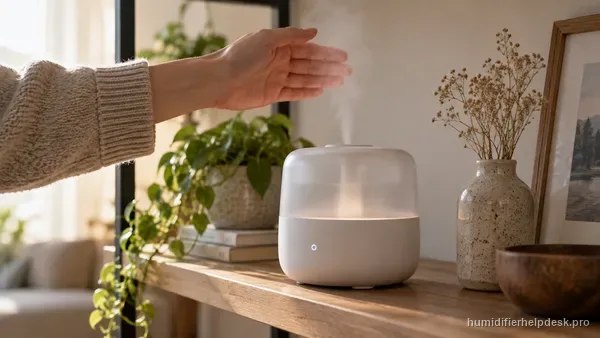
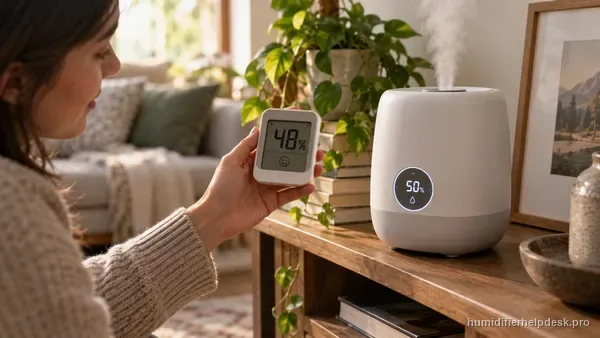
The HM512S can stop for low water, a mis-seated tank, or because Auto Mode has already reached its humidity target.
5 L smart ultrasonic humidifier with Auto Mode, app/touch/voice control, a red low-water indicator, and a filter-life indicator.
Choose the observed symptom, light, code, app state, or output problem.
The HM512S can stop for low water, a mis-seated tank, or because Auto Mode has already reached its humidity target.
For this ultrasonic model, no mist is a real symptom. Dreo points to mist level, excess base water, blocked inlet/nozzle, placement, cold water, and detergent residue.
On the HM512S, the red light points first to an empty tank, a tank that is not seated correctly, or a water filter that needs cleaning/replacement.
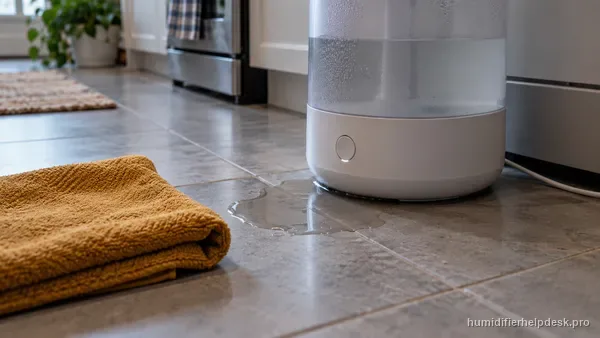
Check the outlet-valve seal, float position, tank integrity, level placement, and whether room humidity is already very high.
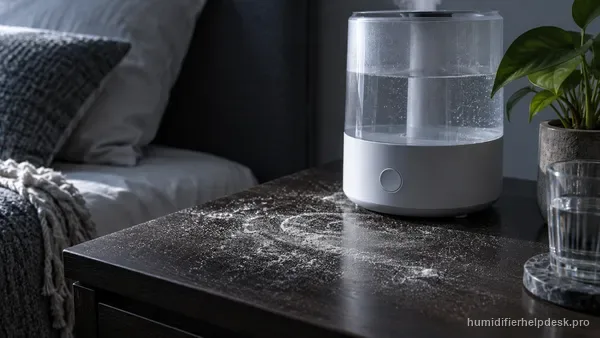
Mineral buildup is a water-quality/maintenance issue on the HM512S. Dreo recommends regular descaling and purified or distilled water.
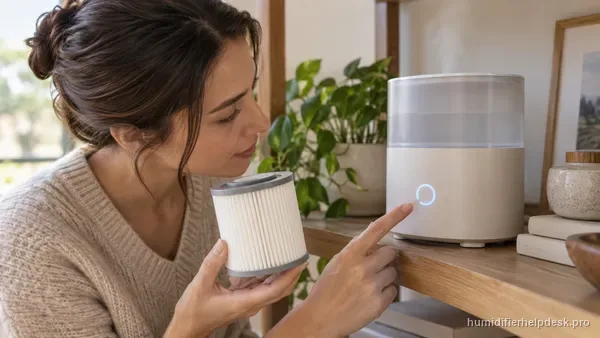
The HM512S filter-life estimate can vary with total dissolved solids in local water and can be thrown off if the filter is left out after cleaning.
Dreo recommends lowering mist output and making sure carpet is not blocking the HM512S air inlet; persistent abnormal noise is a support case.
A small room-to-room difference is normal. Dreo says about ±5% can be normal and warns against aiming the mist outlet toward the humidity sensor.
Auto Mode can intentionally stop the HM512S when measured room humidity is above the target level.
| Fact | Detail |
|---|---|
| Humidifier type | ultrasonic |
| What you should see | Visible mist is expected while mist output is active. |
| Model / SKU identifiers | Not listed |
| Exact guides published | 9 |
| Latest linked-guide review | October 13, 2026 |
| Official sources | Dreo HM512S product FAQ; Dreo official product-support center |
Each row is one exact-model guide; the short answer is the same one shown on the guide.
| Symptom | Short answer | Guide |
|---|---|---|
| Not working / turns off | The HM512S can stop for low water, a mis-seated tank, or because Auto Mode has already reached its humidity target. | Dreo HM512S Is Not Working or Keeps Turning Off |
| No mist | For this ultrasonic model, no mist is a real symptom. Dreo points to mist level, excess base water, blocked inlet/nozzle, placement, cold water, and detergent residue. | Dreo HM512S Has Power but No Mist |
| Red light | On the HM512S, the red light points first to an empty tank, a tank that is not seated correctly, or a water filter that needs cleaning/replacement. | Dreo HM512S Red Light Is On |
| Leaking | Check the outlet-valve seal, float position, tank integrity, level placement, and whether room humidity is already very high. | Dreo HM512S Is Leaking Water |
| White dust / scale | Mineral buildup is a water-quality/maintenance issue on the HM512S. Dreo recommends regular descaling and purified or distilled water. | Dreo HM512S Has White Dust or Mineral Scale |
| Filter-life indicator inaccurate | The HM512S filter-life estimate can vary with total dissolved solids in local water and can be thrown off if the filter is left out after cleaning. | Dreo HM512S Filter-Life Indicator Looks Wrong |
| Loud / unusual noise | Dreo recommends lowering mist output and making sure carpet is not blocking the HM512S air inlet; persistent abnormal noise is a support case. | Dreo HM512S Is Making a Loud or Unusual Noise |
| Humidity reading off | A small room-to-room difference is normal. Dreo says about ±5% can be normal and warns against aiming the mist outlet toward the humidity sensor. | Dreo HM512S Humidity Reading Is Off |
| Auto Mode stops misting | Auto Mode can intentionally stop the HM512S when measured room humidity is above the target level. | Dreo HM512S Stops Misting in Auto Mode |