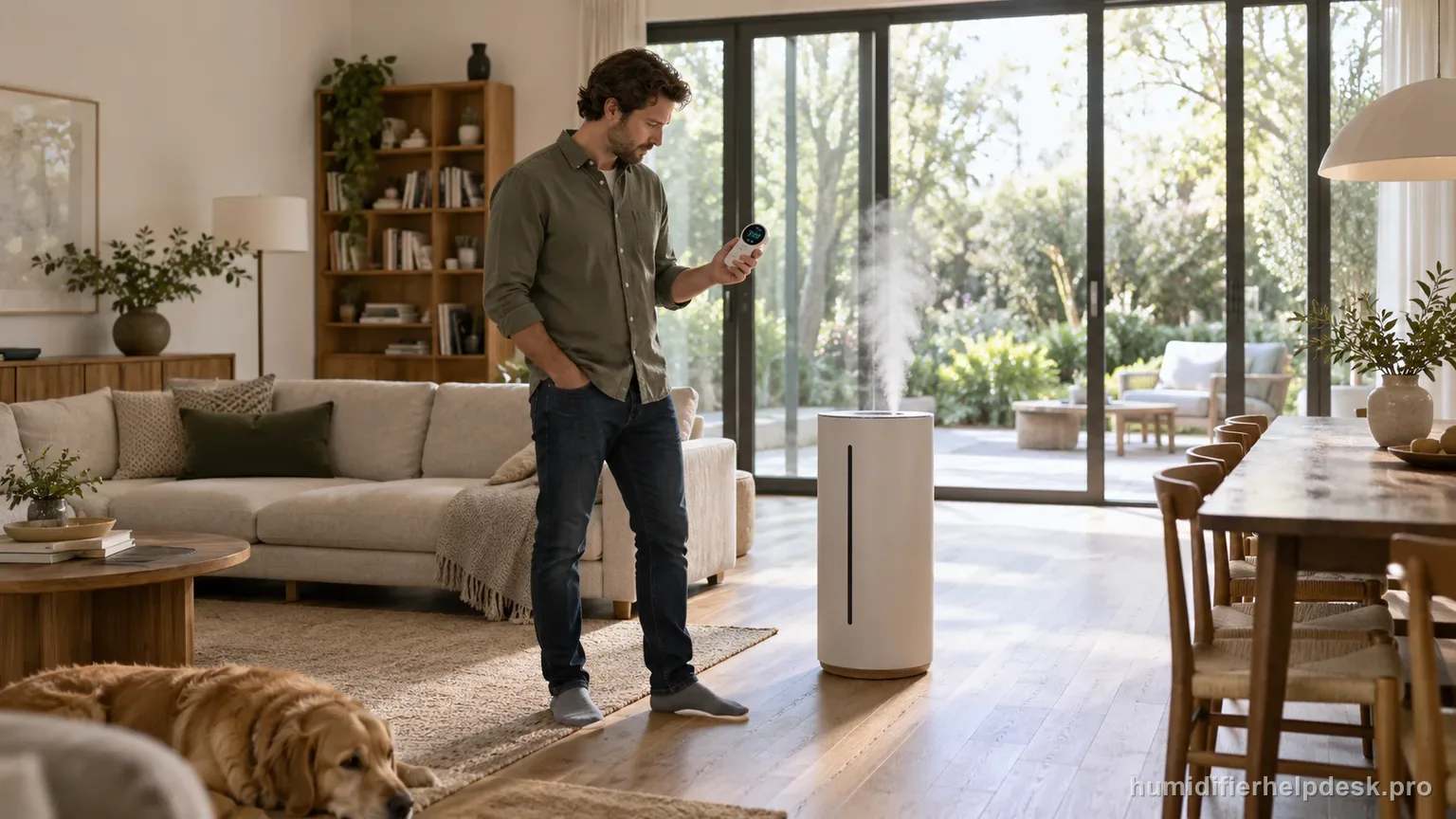
Use a higher mist setting and allow time for the room to respond; a room outside the model’s effective range can make the displayed humidity change slowly or not at all.
Does this match what you are seeing?
Owners describe this Levoit OasisMist 450S problem in a few different ways. If one of these sounds like yours, this guide covers it:
- Humidity level not changing
- Room humidity not going up
- Running but humidity stays the same
- Not increasing room humidity
Check these in order
- Increase the mist setting.
- Give the humidifier more time to affect the room before rechecking.
- Confirm the room is within the model’s intended coverage range.
Diagnostic decision path
A humidity percentage that barely moves on the OasisMist 450S is mainly an output-and-room-load question. Levoit's troubleshooting table says to increase mist, allow more time, and confirm the room is within the model's 215–430 ft² effective range before treating the issue as a sensor fault. A slow or flat room-RH number on OasisMist 450S is not automatically a bad sensor. Levoit’s troubleshooting table tells owners to raise mist output, allow more time, and check the effective room size—about 215–430 ft² / 20–40 m²—before moving to a sensor diagnosis.
- Use a manual mist setting for the diagnostic test rather than relying only on Auto Mode.
- Start with doors/windows and room conditions reasonably stable so the result is interpretable.
- Confirm the displayed humidity itself is plausible; if it is obviously wrong, fix the sensor-placement issue first.
If: Humidity begins rising after switching to a higher mist level
What it means: The humidifier is affecting the room; the previous output was simply too low for the current moisture load.
Do next: Choose the lowest setting that can maintain the desired level without creating condensation.
If: The room is within 215–430 ft² but the percentage changes slowly
What it means: Dry furnishings, ventilation, temperature, and starting humidity can make room response take time.
Do next: Let the higher setting run longer before making another change, while watching for condensation.
If: The room is larger than the effective range
What it means: The 450S may be producing mist normally but cannot change the whole space quickly enough.
Do next: Test it in a smaller room or reduce the volume/air exchange rather than escalating a working unit.
If: Manual high produces visible mist but the displayed RH still never changes under controlled in-range conditions
What it means: Output exists, so the remaining question is measurement rather than mist generation.
Do next: Move to the 450S humidity-reading guide and check aroma-box sensor moisture, wall clearance, and dust exposure.
If: The documented checks are complete, but the same symptom remains after a controlled retest
What it means: The owner-facing evidence on this page no longer explains the repeat symptom.
Do next: Keep the chosen mist mode, starting RH, elapsed test window, room size, and ventilation notes before asking Levoit about slow OasisMist 450S room response.
How to interpret the retest
Run the 450S at a known manual output for the test and keep doors/windows reasonably stable. Warm versus cool mist can change how quickly moisture disperses, so do not switch temperature modes repeatedly while measuring the trend. If RH begins to rise after increasing output, the previous setting simply was not overcoming the room’s dry-air load.
If the display itself is plausible but barely moves, compare water use and visible mist with the room conditions. Strong HVAC flow, an open doorway, or a connected area larger than the stated range can remove moisture as fast as the humidifier adds it. If the display is obviously implausible instead, stop this output test and use the separate humidity-reading guide.
Keep the other conditions steady and compare the result around this check. Check “Confirm the room is within the model’s intended coverage range” on the Levoit OasisMist 450S, then look specifically for “The room is larger than the effective range”. A match supports the manual's interpretation “The 450S may be producing mist normally but cannot change the whole space quickly enough” and sends you to “Test it in a smaller room or reduce the volume/air exchange rather than escalating a working unit”. If the observation is missing, that result narrows the Levoit OasisMist 450S humidity level not changing diagnosis without jumping to an unrelated reset.
Model-specific context that changes the diagnosis
“Not changing” and “wrong reading” are separate OasisMist 450S intents
A steady value that reasonably matches the room calls for output, time, and room-size checks. A value that is clearly unrealistic compared with nearby conditions calls for sensor-placement and local-moisture checks. Mixing the two paths creates contradictory advice—raising output can make a locally wet sensor even less representative—so decide which symptom you actually have before changing settings.
Use the 215–430 ft² range as a diagnostic boundary
The 450S is not expected to move the same amount of air in every open-plan space. A room larger than roughly 430 ft² / 40 m², or one connected to hallways and strong ventilation, can show little percentage change despite visible mist. Close the test area reasonably, increase mist once, and wait. A positive trend under controlled conditions points toward room load, not sensor failure.
Hold one mist temperature during the test
Because OasisMist 450S can deliver warm or cool mist, changing temperature while measuring room RH adds another variable. Pick one mode and a deliberate output setting, note the starting RH, and allow the room to respond. The goal is not to force a fast number but to see whether the humidity trend reacts to known output under stable conditions.
Common mistakes that make this harder to diagnose
- Assuming a large open-plan room should respond like the published 215–430 ft² range.
- Changing output every few minutes before the room has time to respond.
- Increasing mist while condensation is already forming.
The path is resolved when humidity responds to higher output in an in-range room, or when the problem is correctly reclassified as sensor-reading error. No change despite visible output and controlled conditions warrants support after sensor-placement checks.
Questions people ask about this exact symptom
Why is the humidity level not changing on my Levoit OasisMist 450S?
Levoit’s model troubleshooting starts with higher mist output, more time, and room size. The 450S is intended for roughly 215–430 ft² / 20–40 m². Use one manual output setting in a reasonably stable room and watch the trend. If the displayed number is obviously wrong rather than merely slow, switch to the humidity-sensor guide.
How long should I wait before deciding the OasisMist 450S is not raising humidity?
There is no single minute count that fits every room. Dry materials, ventilation, room volume, and starting RH change the response. Instead, keep the test conditions stable, use a higher known mist level, and look for a directional change over time. If water is being used and RH eventually rises, the earlier flat reading may have been room load.
Can an oversized room make my OasisMist 450S humidity percentage stay flat?
Yes. The manual’s effective range is roughly 215–430 ft² / 20–40 m², so an open floor plan or strongly ventilated room can remove moisture about as fast as the OasisMist 450S adds it. Test the humidifier in a representative space within that documented range, with doors and ventilation conditions kept reasonably stable.
Why this path is model-specific
The OasisMist 450S troubleshooting table recommends a higher mist level, more time, and checking room size when the humidity percentage is not changing.
For the Levoit OasisMist 450S, the machine type matters: it is hybrid. Visible mist is part of normal output when mist production is active, so a true no-mist complaint deserves model-specific troubleshooting.
Compare this symptom across verified models
If you are still deciding whether this behavior is normal or model-specific, use the symptom hub to compare only manufacturer-linked guides. Keep the Levoit OasisMist 450S instructions above as the controlling path for this machine.
If the problem is still there
If the checks above do not change the symptom, use the manufacturer support path for this exact model. We intentionally stop before undocumented resets, sensor bypasses, internal mains work, or parts replacement that the consumer manual does not authorize.
What we do not recommend
Do not defeat a float, water-level sensor, overheat protection, interlock, or other safety feature. Do not open mains-powered sections for live testing. If the unit smells burned, becomes abnormally hot, smokes, sparks, has water near electrical parts, or repeatedly trips a circuit, stop using it and keep clear. Unplug it only if the plug, outlet, and surrounding area are dry and safe to reach; otherwise do not touch wet equipment and contact manufacturer support for next steps.
Primary source for this diagnosis
Source checked during the September 4, 2026 editorial review. Manufacturer documents can change; a material re-review updates this guide’s reviewed date rather than stamping unrelated pages.