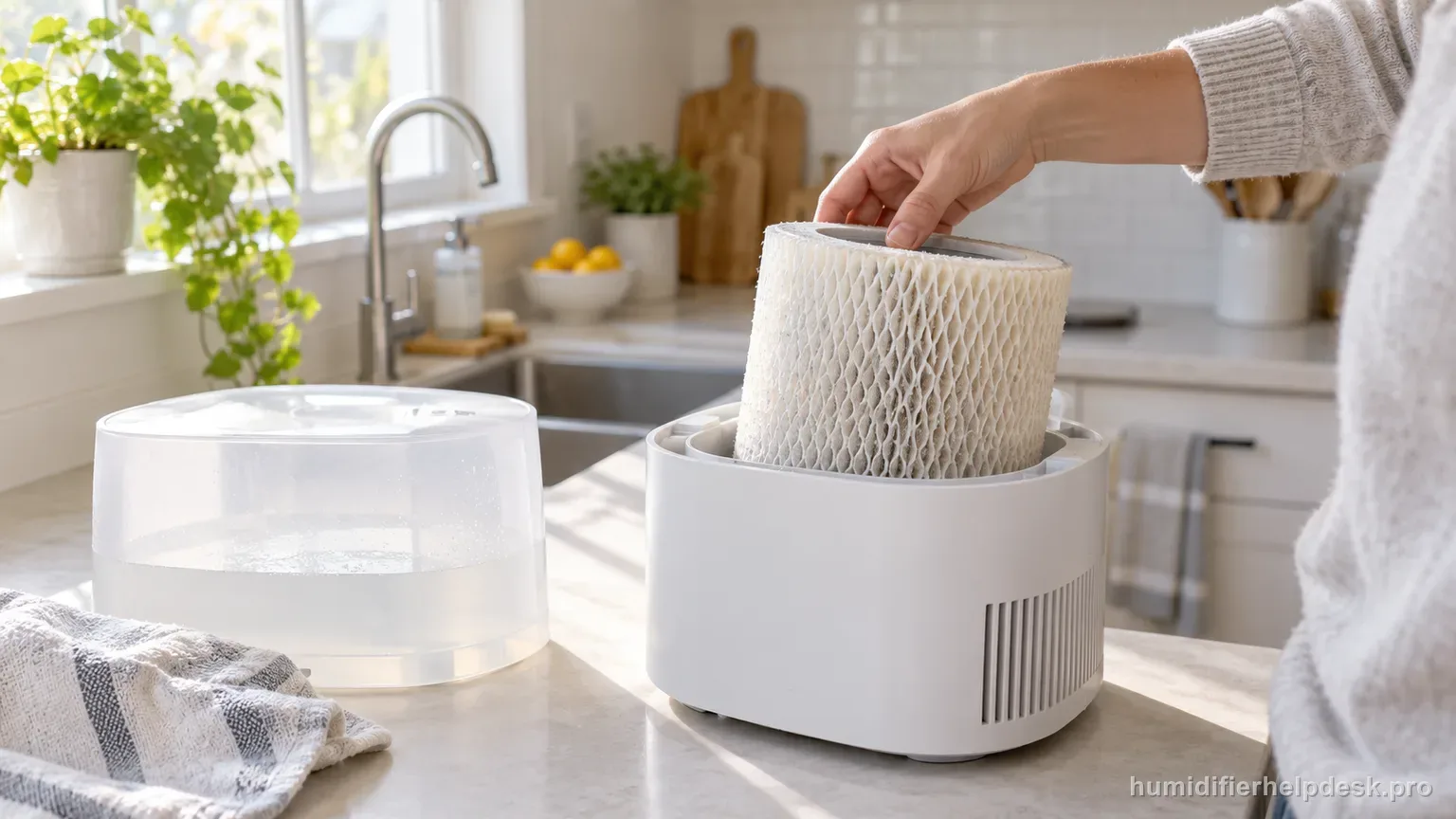
Check tank water, the humidity set point, blocked airflow, and control settings before treating low output as a failure.
Does this match what you are seeing?
Owners describe this Vornado EV100 problem in a few different ways. If one of these sounds like yours, this guide covers it:
- Humidity not increasing
- Room humidity not going up
- Not reaching target humidity
- Running but room still dry
Check these in order
- Make sure the water tank is not empty or too low.
- Check whether the EV100 has already reached its humidity set point; the fan turns off until room humidity drops below that target.
- Remove obstructions from the air inlet/outlet.
- Use High fan speed and Continuous humidity for a maximum-output test.
Diagnostic decision path
The EV100 is evaporative, so low output should be measured by water use and room-humidity response rather than visible fog. Its troubleshooting table gives four direct checks: tank water, whether the humidity set point has already been reached, blocked airflow, and control settings that are too low.
- Do not use visible mist as the test; EV100 moisture output is intentionally invisible.
- For a maximum-output comparison, use High fan speed and Continuous humidity so a low set point is not stopping the fan.
- Check the actual tank level and keep both the air inlet and outlet unobstructed.
If: The tank is empty or too low
What it means: The humidifier does not have enough water available for normal evaporative output.
Do next: Refill with clean, cool water using the normal EV100 tank procedure and retest.
If: The fan is off and room humidity is already at the selected set point
What it means: The EV100 is cycling normally; the guide says the fan turns off at the target and restarts after humidity falls below it.
Do next: Raise the set point for a controlled test or select Continuous if you intentionally want maximum output.
If: Airflow is blocked at the inlet or outlet
What it means: Restricted room-air movement limits the evaporative process even when the tank contains water.
Do next: Remove the obstruction and repeat the test without changing the humidity setting.
If: Output increases on High fan speed with Continuous humidity
What it means: The prior controls were limiting output rather than the appliance being unable to humidify.
Do next: Return to the lowest settings that maintain the desired room humidity once normal performance is confirmed.
If: Water is adequate, the set point is not stopping operation, airflow is clear, and High/Continuous still gives abnormally weak room response
What it means: The troubleshooting table’s direct low-output causes have been ruled out.
Do next: Use Vornado Consumer Service rather than opening the power head or performing internal repair.
How to interpret the retest
Use the next step as a controlled before-and-after comparison. Check “Make sure the water tank is not empty or too low” on the Vornado EV100, then look specifically for “The tank is empty or too low”. A match supports the manual's interpretation “The humidifier does not have enough water available for normal evaporative output” and sends you to “Refill with clean, cool water using the normal EV100 tank procedure and retest”. If the observation is missing, that result narrows the Vornado EV100 low output diagnosis without jumping to an unrelated reset.
Use “The fan is off and room humidity is already at the selected set point” to decide which documented branch to test next, not to declare the cause on its own. On the Vornado EV100, it corresponds to “The EV100 is cycling normally; the guide says the fan turns off at the target and restarts after humidity falls below it”. Use “Check whether the EV100 has already reached its humidity set point; the fan turns off until room humidity drops below that target” and retest. When the observation is present, continue with “Raise the set point for a controlled test or select Continuous if you intentionally want maximum output”. When it is absent, rule out that explanation for now and keep the result with the current Vornado EV100 low output notes.
Model-specific context that changes the diagnosis
Separate the first two Vornado EV100 causes
Start with what the unit actually does, not with an internal-part theory. On the Vornado EV100, “The tank is empty or too low” supports the interpretation “The humidifier does not have enough water available for normal evaporative output” and leads to “Refill with clean, cool water using the normal EV100 tank procedure and retest”. “The fan is off and room humidity is already at the selected set point” supports “The EV100 is cycling normally; the guide says the fan turns off at the target and restarts after humidity falls below it” and leads to “Raise the set point for a controlled test or select Continuous if you intentionally want maximum output”. For the current Vornado EV100 low output complaint, choose the state you can actually reproduce and work from that result.
Run the Vornado EV100 checks in order
For the cleanest comparison, use “Make sure the water tank is not empty or too low” as the first Vornado EV100 check. Retest before going to “Check whether the EV100 has already reached its humidity set point; the fan turns off until room humidity drops below that target”, and reach “Remove obstructions from the air inlet/outlet” only if the earlier result is unchanged. For the Vornado EV100, the goal is to learn which single documented condition affects the low output complaint while unrelated settings stay steady long enough to judge the result.
Common mistakes that make this harder to diagnose
- Looking for a visible mist plume from an evaporative EV100.
- Calling normal humidistat shutoff a low-output failure.
- Testing at a low set point and low fan speed, then comparing it with a maximum-output expectation.
- Ignoring a blocked inlet/outlet because the fan can still be heard.
The EV100 is behaving normally when adequate water, an active humidity demand, clear airflow, and High/Continuous settings produce the expected room-humidity response. Persistent weak performance after those exact troubleshooting checks should be escalated to Vornado.
Questions people ask about this exact symptom
Why is my Vornado EV100 not raising room humidity as expected?
For the Vornado EV100, check tank water, the humidity set point, blocked airflow, and control settings before treating low output as a failure. For this low output check on the Vornado EV100, start with “Make sure the water tank is not empty or too low” and check the result before making another change.
What should I check first if my Vornado EV100 does not raise room humidity as expected?
Change one documented condition, then judge the result before continuing. On the Vornado EV100, begin with “Make sure the water tank is not empty or too low” and observe the result. Continue to “Check whether the EV100 has already reached its humidity set point; the fan turns off until room humidity drops below that target”, then “Remove obstructions from the air inlet/outlet”, only if the earlier step does not change the result.
When should I contact Vornado about this Vornado EV100 problem?
If the Vornado EV100 still has the same problem after the manual-supported checks for low output, contact Vornado rather than disassembling the unit. Tell support what changed after the last low output check on the Vornado EV100, and do not bypass any protection or interlock. Do not open powered sections on the Vornado EV100 or assume an internal failed part unless Vornado documents that procedure for this low output case.
Why this path is model-specific
The EV100 troubleshooting table lists low tank water, a reached humidity set point, blocked airflow, and settings that are too low; it recommends High Fan Speed and Continuous Humidity for maximum output.
For the Vornado EV100, the machine type matters: it is evaporative. Its moisture output is not supposed to look like ultrasonic fog, so “I cannot see mist” by itself is not evidence of a failure.
Compare this symptom across verified models
If you are still deciding whether this behavior is normal or model-specific, use the symptom hub to compare only manufacturer-linked guides. Keep the Vornado EV100 instructions above as the controlling path for this machine.
If the problem is still there
If the checks above do not change the symptom, use the manufacturer support path for this exact model. We intentionally stop before undocumented resets, sensor bypasses, internal mains work, or parts replacement that the consumer manual does not authorize.
What we do not recommend
Do not defeat a float, water-level sensor, overheat protection, interlock, or other safety feature. Do not open mains-powered sections for live testing. If the unit smells burned, becomes abnormally hot, smokes, sparks, has water near electrical parts, or repeatedly trips a circuit, stop using it and keep clear. Unplug it only if the plug, outlet, and surrounding area are dry and safe to reach; otherwise do not touch wet equipment and contact manufacturer support for next steps.
Primary source for this diagnosis
Source checked during the September 3, 2026 editorial review. Manufacturer documents can change; a material re-review updates this guide’s reviewed date rather than stamping unrelated pages.