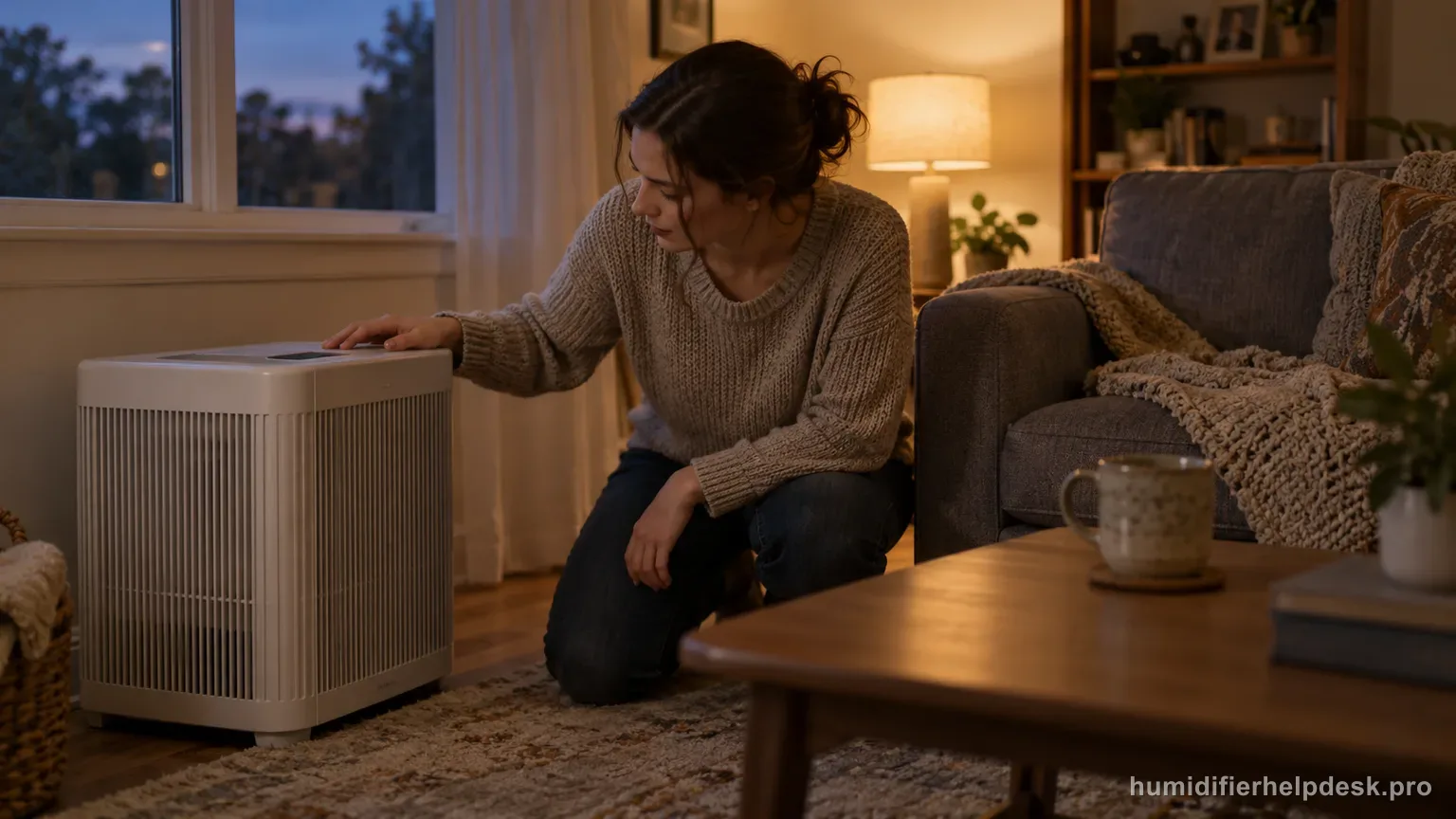
The fan can stop normally when the EV200 reaches the selected humidity set point, then resume when room humidity falls below that target.
Does this match what you are seeing?
Owners describe this Vornado EV200 problem in a few different ways. If one of these sounds like yours, this guide covers it:
- Fan stops
- Fan stops troubleshooting
- Problem Fan stops
- Help for Fan stops
Check these in order
- Check the selected humidity target before treating the stop as a fault.
- Try Continuous humidity if you need to confirm that the fan can run without a humidity shutoff.
- If the unit will not run even in Continuous mode with water present, move to the power/airflow checks.
Diagnostic decision path
EV200 fan stopping can be normal humidistat behavior rather than an intermittent power fault. The control lets you choose 40–60% humidity or Continuous, so a clean diagnostic is to compare target-controlled operation with Continuous mode while water is available.
- Note the selected humidity target before changing anything.
- Confirm there is water in the tanks and no obvious power problem.
- Do not diagnose by fan sound alone; check whether the room has already reached the selected humidity.
If: The fan stops after the room reaches the selected humidity
What it means: The humidistat is doing its job by stopping output at the set point.
Do next: Wait for room humidity to fall; the fan should resume as control calls for more moisture.
If: The fan runs continuously after selecting Continuous humidity
What it means: The fan/power system can run and the earlier stop was target-controlled.
Do next: Return to the preferred 40–60% setting rather than treating the normal cycle as a defect.
If: The fan will not run in Continuous mode even with water present
What it means: The stop is no longer explained by the humidity set point.
Do next: Move to the EV200 no-power/airflow checks and verify outlet/circuit condition before service.
If: Frequent cycling coincides with rapid room-humidity changes or nearby moisture
What it means: The humidistat may be responding to the local environment rather than a power interruption.
Do next: Keep airflow around the unit open and assess the room condition before assuming an electrical fault.
How to interpret the retest
Use the EV200 humidistat setting as the first explanation for a fan that stops. Vornado designed the unit to cycle off when the selected humidity is reached and resume as the room dries. A quiet fan at target can therefore be normal control behavior rather than loss of power.
Use Continuous operation as a comparison only long enough to answer the diagnostic question. If the fan runs there, the motor and power path can operate and the earlier stop was tied to humidity control. Return to a reasonable humidity setting afterward instead of using Continuous solely to keep the fan audible.
Watch for the restart as room humidity falls. A normal cycle should have a relationship to humidity demand, not random on/off behavior unrelated to conditions. If the unit consistently resumes after the room dries, that pattern is stronger evidence of normal humidistat control than a single brief observation.
Keep the humidistat exposed to representative room air. Moist air trapped around the unit or a nearby moisture source can make the local reading reach target sooner than the rest of the space. Give the EV200 normal clearance and avoid judging cycling while the immediate area is artificially humid.
Fan cycling does not change the EV200's evaporative output expectation: visible mist is not required. Judge the whole system by wick wetting, water use, fan operation when humidity is below target, and the room's humidity trend rather than waiting for a plume when the fan turns back on.
If the fan will not run even in Continuous mode with normal power and water conditions, the setpoint explanation has been ruled out. Move to the EV200 power/airflow diagnostic and support boundary instead of repeatedly raising the humidity target or opening the motor housing.
Model-specific context that changes the diagnosis
Fan cycling is part of humidity control
The EV200 uses a humidistat to stop and restart fan operation around the selected humidity target. A fan that stops after the room reaches that target can therefore be normal, especially if it starts again as the room dries. The first test is to compare the room reading with the selected set point, not to assume every stop is a motor problem.
Continuous mode is a useful control test
If you need to prove that the fan itself can continue running, use the model’s Continuous humidity setting as the diagnostic comparison. A fan that runs normally in Continuous but cycles at a target humidity is following control logic. If it cannot run even in Continuous with water present and correct assembly, move to the separate power/airflow troubleshooting path.
Remember that the EV200 is evaporative
The EV200 does not need to produce an ultrasonic plume for the fan to be doing useful work. Moisture is carried from the wet wick into airflow. Judge humidification by wick wetness, water consumption, and room humidity over time. Looking for visible fog can make normal set-point cycling look like a no-mist failure that the model cannot actually have.
When cycling becomes suspicious
A normal cycle should have a relationship to humidity demand. If the fan cuts out immediately regardless of target, will not run in Continuous, repeatedly loses all power, or is accompanied by electrical odor or abnormal heat, the set-point explanation is no longer sufficient. Stop at the owner-level checks and use Vornado support instead of opening the motor housing.
Common mistakes that make this harder to diagnose
- Power-cycling the humidifier every time the humidistat reaches target.
- Testing only in a target mode and never using Continuous as the control comparison.
- Assuming a quiet fan means the outlet lost power without checking the selected humidity.
The fan-stop complaint is normal when Continuous proves the fan can run and target modes stop/resume with room humidity. Failure to run in Continuous with proper power moves the issue to the power/service path.
Questions people ask about this exact symptom
Why does my Vornado EV200 fan stop and start by itself at the humidity setpoint?
It can stop normally when the room reaches the selected humidity set point and resume when humidity falls. That cycling is part of the humidistat control rather than automatic evidence of a bad fan. Next, check “Check the selected humidity target before treating the stop as a fault” on the Vornado EV200 and note whether the symptom changes.
How can I tell whether the fan itself still works?
Use the Continuous humidity setting as a controlled test. If the fan runs there but stops around a normal target setting, the earlier stop is consistent with humidity-control behavior. For the next Vornado EV200 check, use “Try Continuous humidity if you need to confirm that the fan can run without a humidity shutoff” and note whether the symptom changes.
Should I see mist when the EV200 fan is running?
No visible ultrasonic fog is required. The EV200 is evaporative, so judge performance by a wet wick, water use, airflow, and room-humidity change rather than by a visible plume. Before escalating the Vornado EV200, confirm “If the unit will not run even in Continuous mode with water present, move to the power/airflow checks” and note the result.
Why this path is model-specific
The EV200 troubleshooting guidance says the fan turns off when the set humidity is reached and resumes as room humidity drops.
For the Vornado EV200, the machine type matters: it is evaporative. Its moisture output is not supposed to look like ultrasonic fog, so “I cannot see mist” by itself is not evidence of a failure.
Compare this symptom across verified models
If you are still deciding whether this behavior is normal or model-specific, use the symptom hub to compare only manufacturer-linked guides. Keep the Vornado EV200 instructions above as the controlling path for this machine.
If the problem is still there
If the checks above do not change the symptom, use the manufacturer support path for this exact model. We intentionally stop before undocumented resets, sensor bypasses, internal mains work, or parts replacement that the consumer manual does not authorize.
What we do not recommend
Do not defeat a float, water-level sensor, overheat protection, interlock, or other safety feature. Do not open mains-powered sections for live testing. If the unit smells burned, becomes abnormally hot, smokes, sparks, has water near electrical parts, or repeatedly trips a circuit, stop using it and keep clear. Unplug it only if the plug, outlet, and surrounding area are dry and safe to reach; otherwise do not touch wet equipment and contact manufacturer support for next steps.
Primary source for this diagnosis
Source checked during the September 4, 2026 editorial review. Manufacturer documents can change; a material re-review updates this guide’s reviewed date rather than stamping unrelated pages.