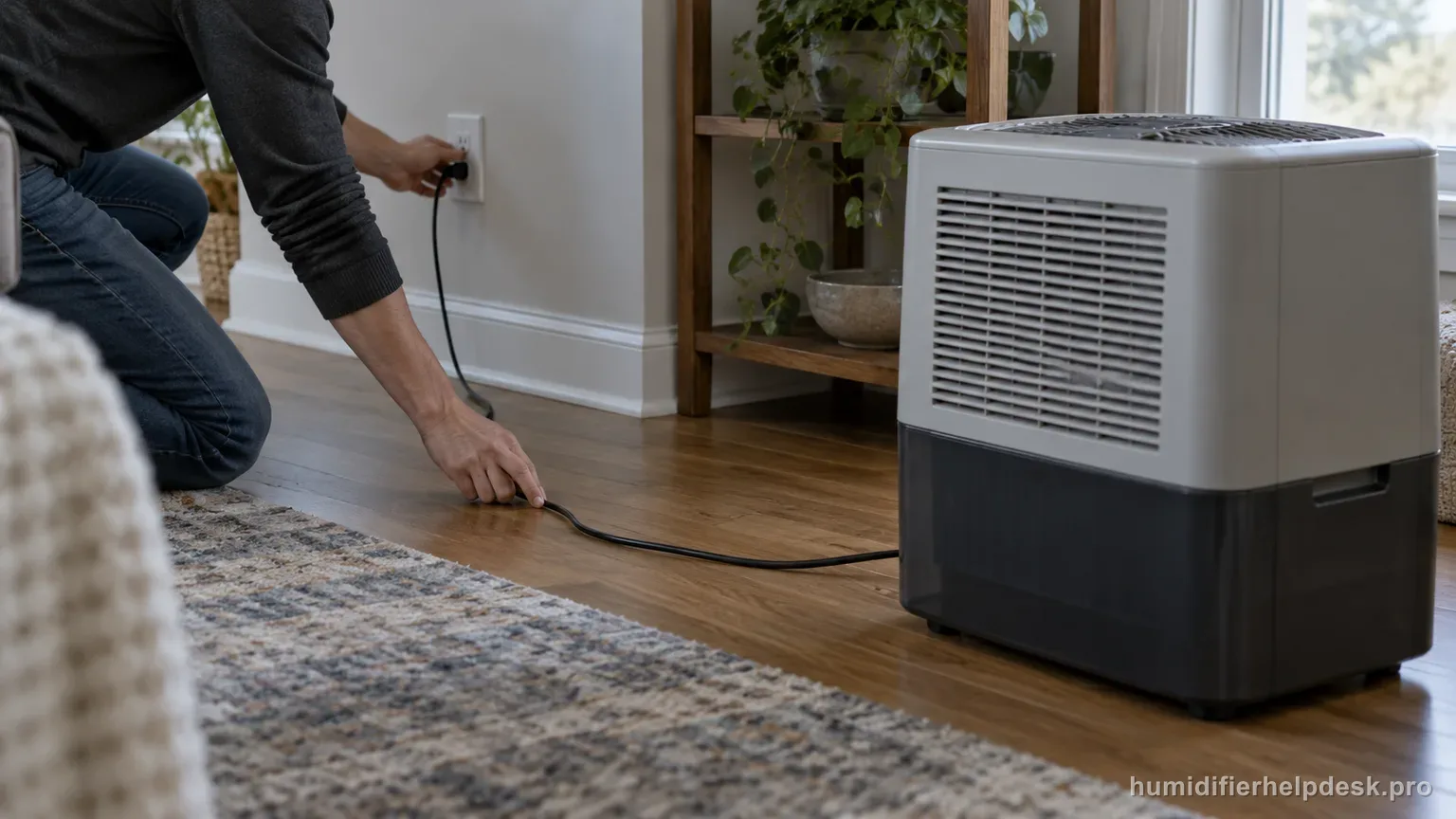
Start with the outlet and household breaker/GFCI. If the EV200 appears damaged or still will not power on, Vornado directs the owner to stop use and contact service.
Does this match what you are seeing?
Owners describe this Vornado EV200 problem in a few different ways. If one of these sounds like yours, this guide covers it:
- Will not turn on
- No power
- Display or power light stays off
- Stopped powering on
Check these in order
- Confirm the plug is fully inserted in a working outlet.
- Check the relevant breaker, GFCI, or fuse if the outlet is dead.
- Do not open the powered housing for live-voltage testing.
Diagnostic decision path
The EV200 no-power path is intentionally short because Vornado limits user troubleshooting to external power/circuit checks and visual damage assessment. This is not a device to open for live-voltage testing; the useful goal is to prove the outlet/circuit and then stop at service if the humidifier remains dead.
- Inspect the cord, plug, tanks, and housing for visible damage before operation.
- Keep hands dry and keep water away from plug/outlet checks.
- Use a known-working outlet rather than assuming the current receptacle has power.
If: The plug is loose or the outlet is not powered
What it means: The humidifier may be healthy and simply not receiving mains power.
Do next: Seat the plug fully or use a verified working outlet.
If: The outlet is dead because a breaker, GFCI, or fuse has tripped/opened
What it means: The fault is upstream of the humidifier until proven otherwise.
Do next: Restore the household circuit appropriately; if it trips again when the humidifier is connected, stop using the unit and seek qualified help.
If: The EV200 shows visible damage, water in an electrical area, or a damaged cord/plug
What it means: Operating it would move beyond normal troubleshooting into a safety risk.
Do next: Do not power it again; contact Vornado service.
If: A known-good outlet supplies power but the EV200 still will not turn on
What it means: The documented external checks are exhausted.
Do next: Leave the powered housing closed and use Vornado warranty/repair service.
How to interpret the retest
Anchor this branch to one observation. After “Confirm the plug is fully inserted in a working outlet”, does the Vornado EV200 show “The plug is loose or the outlet is not powered”? If it does, the manual-supported interpretation is “The humidifier may be healthy and simply not receiving mains power”, so the next move is “Seat the plug fully or use a verified working outlet”. If the state is absent, do not use the action from that Vornado EV200 possibility; record that it did not match the no power complaint and test the next documented condition.
The next useful observation is “The outlet is dead because a breaker, GFCI, or fuse has tripped/opened” rather than changing several settings at once. If the Vornado EV200 matches that observation, use the interpretation “The fault is upstream of the humidifier until proven otherwise” and follow with “Restore the household circuit appropriately; if it trips again when the humidifier is connected, stop using the unit and seek qualified help”. First, check “Check the relevant breaker, GFCI, or fuse if the outlet is dead”. If the state does not appear again, keep that result and continue with the next documented possibility for no power on the Vornado EV200.
This interpretation applies to the Vornado EV200 only when the unit actually shows “The EV200 shows visible damage, water in an electrical area, or a damaged cord/plug”. The Vornado EV200 source path describes that state as “Operating it would move beyond normal troubleshooting into a safety risk”. Check “Do not open the powered housing for live-voltage testing”, then reproduce the same complaint under otherwise similar conditions. When the observation matches, continue with “Do not power it again; contact Vornado service”. If it does not match, this explanation does not fit the current Vornado EV200 no power test.
Model-specific context that changes the diagnosis
Separate the first two Vornado EV200 causes
The first decision comes from the observed state, not from guessing at hardware. On the Vornado EV200, “The plug is loose or the outlet is not powered” supports the interpretation “The humidifier may be healthy and simply not receiving mains power” and leads to “Seat the plug fully or use a verified working outlet”. “The outlet is dead because a breaker, GFCI, or fuse has tripped/opened” supports “The fault is upstream of the humidifier until proven otherwise” and leads to “Restore the household circuit appropriately; if it trips again when the humidifier is connected, stop using the unit and seek qualified help”. For the current Vornado EV200 no power complaint, choose the state you can actually reproduce and work from that result.
Run the Vornado EV200 checks in order
Keep the setup steady while you work through the next few checks. Start with “Confirm the plug is fully inserted in a working outlet” and retest the Vornado EV200. If the no power complaint is unchanged, move to “Check the relevant breaker, GFCI, or fuse if the outlet is dead”. Use “Do not open the powered housing for live-voltage testing” only after judging the earlier result. Change only one thing at a time during this Vornado EV200 no power retest so the result stays clear.
Common mistakes that make this harder to diagnose
- Opening the power head to test live components after an outlet check.
- Repeatedly resetting a GFCI that trips again with the humidifier connected.
- Continuing to test a unit with visible shipping or water damage.
The path is resolved when an external power issue is corrected and the EV200 starts. A unit that remains dead on a verified circuit—or shows damage—belongs with Vornado service, not internal DIY repair.
Questions people ask about this exact symptom
Why will my Vornado EV200 not power on or operate normally?
For the Vornado EV200, start with the outlet and household breaker/GFCI; if the EV200 appears damaged or still will not power on, Vornado directs the owner to stop use and contact service. For this no power check on the Vornado EV200, start with “Confirm the plug is fully inserted in a working outlet” and check the result before making another change.
What should I check first if my Vornado EV200 will not turn on or show normal power?
Start with “Confirm the plug is fully inserted in a working outlet”. If the Vornado EV200 behaves the same, move to “Check the relevant breaker, GFCI, or fuse if the outlet is dead”; use “Do not open the powered housing for live-voltage testing” only after judging that result. For this no power complaint, one change at a time gives you a cleaner before-and-after comparison than a batch of simultaneous fixes.
When should I contact Vornado about this Vornado EV200 problem?
Contact Vornado if the EV200 still has no power after the outlet, plug, controls, and other documented external checks are complete. Stop sooner if the unit is damaged or an electrical area became wet. Give service the last test you performed and whether anything changed; do not open the powered housing to chase an internal fault.
Why this path is model-specific
The EV200 owner guide limits no-power troubleshooting to plug/circuit checks and directs damaged units to service.
For the Vornado EV200, the machine type matters: it is evaporative. Its moisture output is not supposed to look like ultrasonic fog, so “I cannot see mist” by itself is not evidence of a failure.
This symptom appears on other humidifiers too, but the meaning and reset path can change by technology, sensor logic, and control layout. Use the exact model source above before borrowing a fix from a neighboring model.
Compare this symptom across verified models
If you are still deciding whether this behavior is normal or model-specific, use the symptom hub to compare only manufacturer-linked guides. Keep the Vornado EV200 instructions above as the controlling path for this machine.
If the problem is still there
If the checks above do not change the symptom, use the manufacturer support path for this exact model. We intentionally stop before undocumented resets, sensor bypasses, internal mains work, or parts replacement that the consumer manual does not authorize.
What we do not recommend
Do not defeat a float, water-level sensor, overheat protection, interlock, or other safety feature. Do not open mains-powered sections for live testing. If the unit smells burned, becomes abnormally hot, smokes, sparks, has water near electrical parts, or repeatedly trips a circuit, stop using it and keep clear. Unplug it only if the plug, outlet, and surrounding area are dry and safe to reach; otherwise do not touch wet equipment and contact manufacturer support for next steps.
Primary source for this diagnosis
Source checked during the September 4, 2026 editorial review. Manufacturer documents can change; a material re-review updates this guide’s reviewed date rather than stamping unrelated pages.