Brands / Dreo / Dreo HM735S
VERIFIED MODEL HUB · 3 EXACT GUIDES

Dreo HM735S troubleshooting

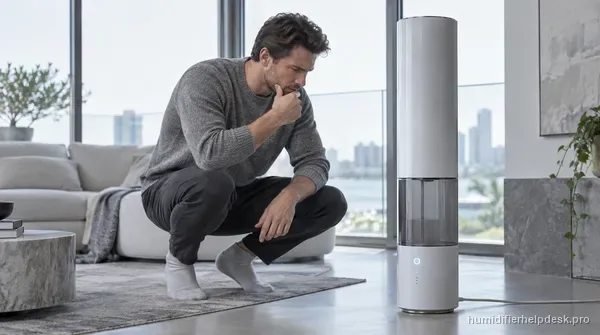
11 L smart tower ultrasonic humidifier with a water-pump feed system, app/touch/voice control, Auto Mode, and exact troubleshooting for pump noise, leaks, and no-mist complaints.

Humidifier type
ultrasonic
Model / SKU identifiers
HM735S · DR-HHM005S · Dreo 735S 11L
What should you see?
Visible mist is expected while mist output is active.

Exact issue guides

Choose the observed symptom, light, code, app state, or output problem.

3 verified
No mist / low mist

Dreo HM735S Has Power but No Mist

The HM735S no-mist path is unusually specific because the tower uses a pump-fed water path. Dreo says to check the air inlet, reservoir water level, room ventilation, Auto Mode target, atomizer scale, and then allow about 15 seconds for the pump to move water after the inlet tank has run dry.
Water leak / puddle

Dreo HM735S Is Leaking Water

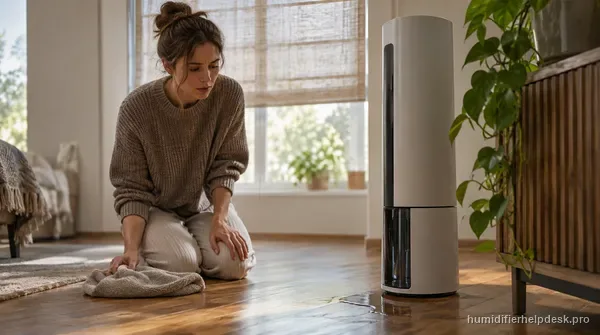
For an HM735S leak, first dry the unit and identify where fresh water appears. Dreo’s current model FAQ points to a cracked tank, the outlet-valve silicone sealing ring, room humidity above about 60%, excess water around the unit, movement of a filled humidifier, and level placement.

Water pump noise / brief pumping sound

Dreo HM735S Water Pump Is Making Noise

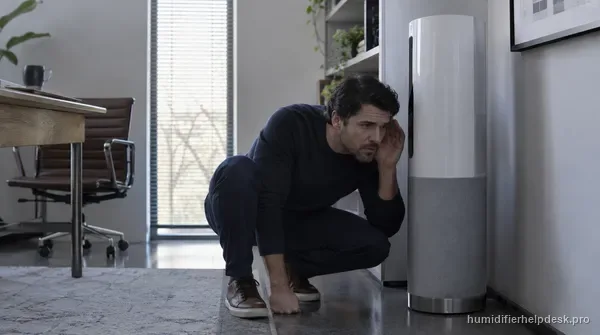
A short, slight pump sound can be normal on the HM735S because this model actively transfers water. Dreo specifically says a brief noise when the pump starts is normal; the useful diagnosis is whether the sound is short and mild or becomes loud, prolonged, grinding, or accompanied by poor water transfer.