Levoit Dual 200S Has Little or No Mist
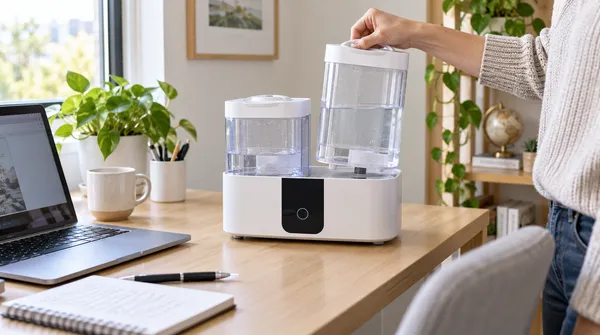
Move out of Auto Mode first. If mist is still weak on a manual high setting, check tank water, excess water in the base, blocked air paths/nozzle, level placement, and the water-filter assembly.
3 L smart top-fill ultrasonic humidifier with VeSync, Auto Mode, a red no-water indicator, and model-specific E1/app troubleshooting.
Choose the observed symptom, light, code, app state, or output problem.
Move out of Auto Mode first. If mist is still weak on a manual high setting, check tank water, excess water in the base, blocked air paths/nozzle, level placement, and the water-filter assembly.
This can be normal. Auto Mode is designed to maintain a humidity target and can stop mist output when the upper target is reached.
Start with water level and tank seating, then clean or replace the water-filter assembly if the red indicator remains.
E1 is treated as a humidifier malfunction, not a consumer reset code. Levoit directs the owner to Customer Support.
Room size and moisture collecting around the humidity sensor can skew the built-in reading. Dry the sensor area and redirect mist away from it before judging the sensor.
Pair on a secure 2.4 GHz Wi-Fi network with Bluetooth and phone location services enabled, verify the password and distance, then use the documented 15-second reset if setup still fails.
Check humidifier power, router internet, and the VeSync device list first. If it stays offline, remove/re-add the device or reset and reconfigure it.
Check the silicone sealing ring around the water-outlet valve, tank/base seating, level placement, and the tank itself; also rule out condensation from excessive room humidity.
Condensation usually means the local humidity/output is too high for the room or ventilation. Lower mist output and give moisture a path to disperse.
Reseat the tank, reduce mist output, and correct excess water in the base before assuming an internal motor or ultrasonic fault.
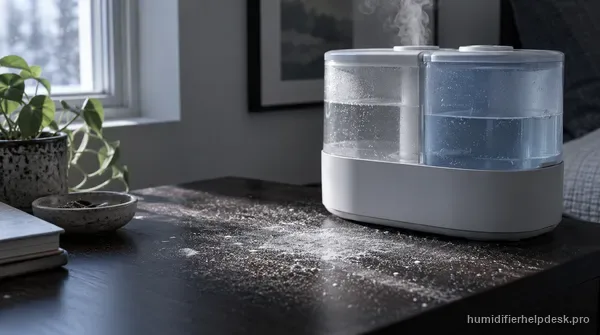
White dust points to minerals in the water being dispersed by this ultrasonic model. Use purified or distilled water and keep the humidifier descaled.
| Fact | Detail |
|---|---|
| Humidifier type | ultrasonic |
| What you should see | Visible mist is expected while mist output is active. |
| Model / SKU identifiers | Dual 200S |
| Exact guides published | 11 |
| Latest linked-guide review | September 4, 2026 |
| Official sources | Levoit Dual 200S product page; Levoit Dual 200S US user manual |
Each row is one exact-model guide; the short answer is the same one shown on the guide.
| Symptom | Short answer | Guide |
|---|---|---|
| Little or no mist | Move out of Auto Mode first. If mist is still weak on a manual high setting, check tank water, excess water in the base, blocked air paths/nozzle, level placement, and the water-filter assembly. | Levoit Dual 200S Has Little or No Mist |
| Stops misting in Auto Mode | This can be normal. Auto Mode is designed to maintain a humidity target and can stop mist output when the upper target is reached. | Levoit Dual 200S Stops Misting in Auto Mode |
| Red no-water indicator | Start with water level and tank seating, then clean or replace the water-filter assembly if the red indicator remains. | Levoit Dual 200S Red Water Light Is On |
| E1 error code | E1 is treated as a humidifier malfunction, not a consumer reset code. Levoit directs the owner to Customer Support. | Levoit Dual 200S E1 Error Code |
| Humidity reading wrong | Room size and moisture collecting around the humidity sensor can skew the built-in reading. Dry the sensor area and redirect mist away from it before judging the sensor. | Levoit Dual 200S Humidity Reading Seems Wrong |
| VeSync will not connect | Pair on a secure 2.4 GHz Wi-Fi network with Bluetooth and phone location services enabled, verify the password and distance, then use the documented 15-second reset if setup still fails. | Levoit Dual 200S Will Not Connect to VeSync |
| Offline in VeSync | Check humidifier power, router internet, and the VeSync device list first. If it stays offline, remove/re-add the device or reset and reconfigure it. | Levoit Dual 200S Shows Offline in VeSync |
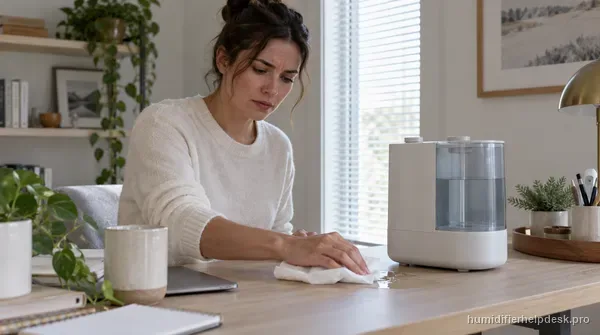
| Water leaking | Check the silicone sealing ring around the water-outlet valve, tank/base seating, level placement, and the tank itself; also rule out condensation from excessive room humidity. | Levoit Dual 200S Is Leaking Water |
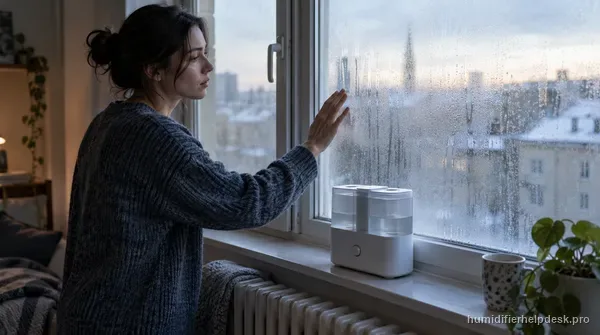
| Condensation around humidifier | Condensation usually means the local humidity/output is too high for the room or ventilation. Lower mist output and give moisture a path to disperse. | Levoit Dual 200S Is Causing Condensation |
| Loud or unusual noise | Reseat the tank, reduce mist output, and correct excess water in the base before assuming an internal motor or ultrasonic fault. | Levoit Dual 200S Is Loud or Making an Unusual Noise |
| White dust / mineral residue | White dust points to minerals in the water being dispersed by this ultrasonic model. Use purified or distilled water and keep the humidifier descaled. | Levoit Dual 200S Is Leaving White Dust |