
E1 is treated as a humidifier malfunction, not a consumer reset code. Levoit directs the owner to Customer Support.
Does this match what you are seeing?
Owners describe this Levoit Dual 200S problem in a few different ways. If one of these sounds like yours, this guide covers it:
- E1 error
- E1 code
- Display shows E1
- Troubleshooting E1
Check these in order
- Turn the humidifier off and unplug it.
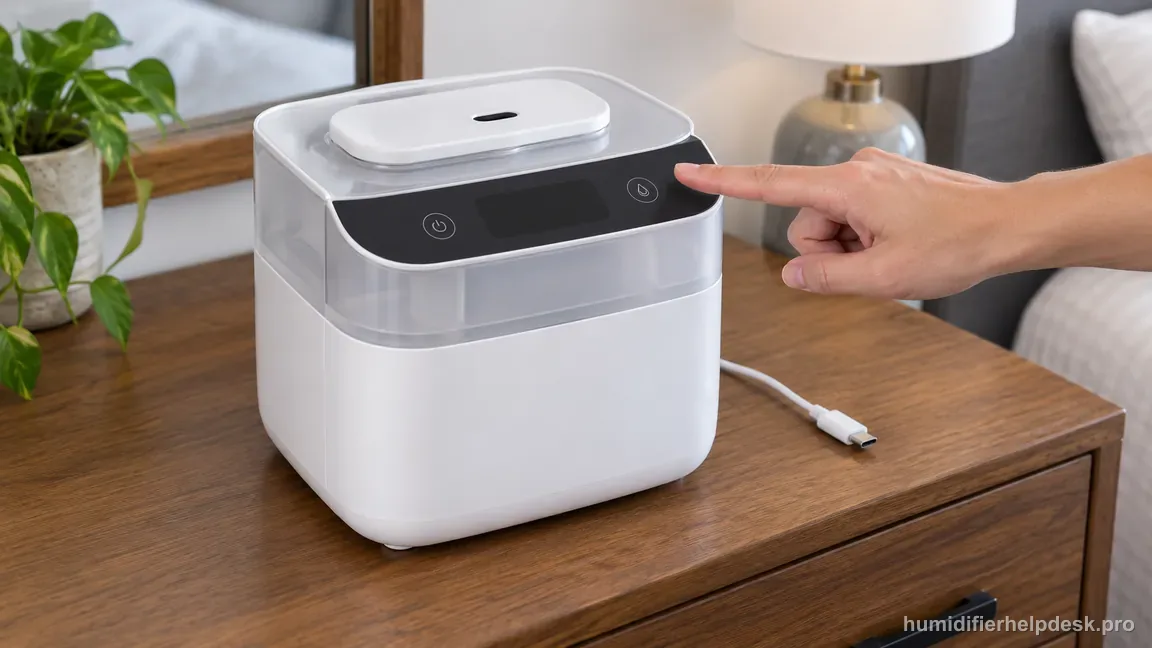
Illustrative: Turn the humidifier off and unplug it before any further checks. - Do not open the base or bypass sensors looking for an undocumented reset.
- Contact Levoit Customer Support with the exact Dual 200S model and E1 code.
Diagnostic decision path
E1 on the Dual 200S is not a user-reset or maintenance reminder. The US manual classifies E1 as a humidifier malfunction and sends the owner to Levoit Customer Support, so the useful diagnosis is to confirm that the display really says E1, preserve the exact model/code information, and stop before internal sensor work.
- Confirm the display reads E1 rather than the red no-water indicator or a VeSync status message.
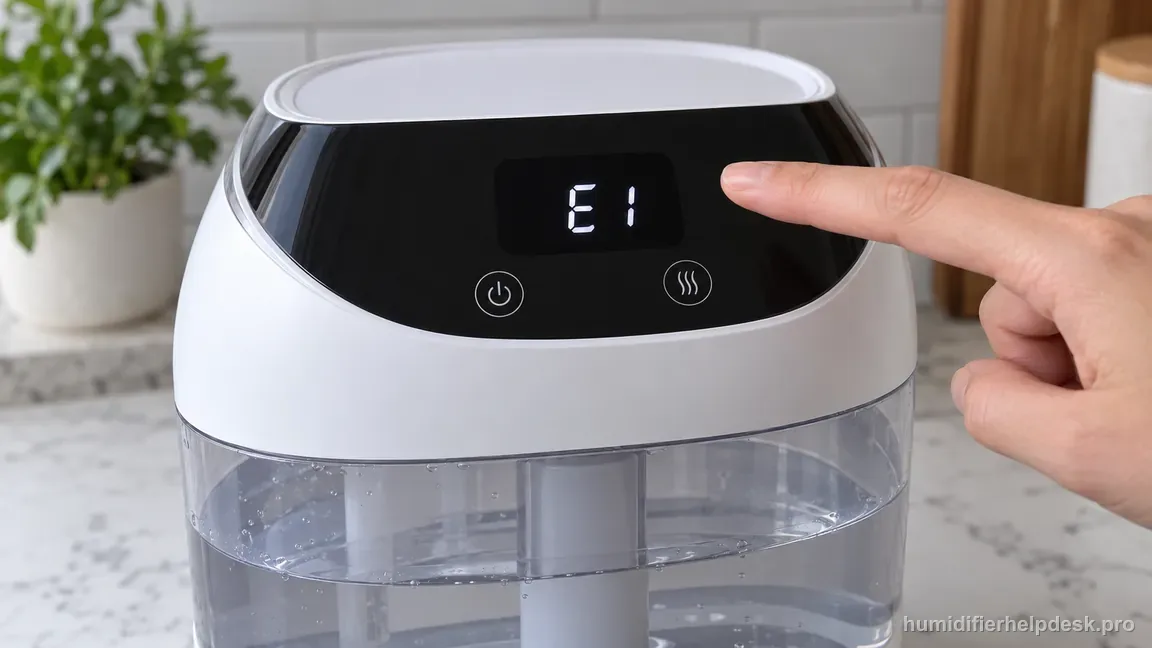
Illustrative: Confirm the display reads E1, not the separate red no-water indicator or an app status message. - Note the exact model as Dual 200S and record when the code appears.
- Keep the base closed; the manual specifically warns against opening the base or removing the water-level sensor for self-service.
If: The display clearly shows E1
What it means: Levoit treats this as a humidifier malfunction, not as a cleaning reminder or Wi-Fi problem.
Do next: Stop troubleshooting at the user-service level and contact Levoit Customer Support with the model and E1 code.
If: The symptom is actually a red no-water light rather than E1
What it means: That is a separate water-path condition with documented refill, seating, and filter checks.
Do next: Use the Dual 200S red-water-light guide instead of applying the E1 escalation path.
If: E1 appears together with overheating, electrical odor, smoke, or water entering electrical areas
What it means: There is an added safety reason to stop operation immediately.
Do next: Unplug the humidifier when safe to do so and leave it out of service while arranging manufacturer support.
How to interpret the retest
Confirm the display actually says E1 before following this explanation. On the Dual 200S, Levoit treats E1 as a malfunction and directs the owner to Customer Support. That is different from a red no-water indication, which has a separate refill/seating path and should not be escalated as E1.
Do not use the VeSync or Wi-Fi reset as an E1 repair. Connectivity resets address app/network behavior; the manual does not present them as a remedy for the E1 malfunction code. Repeating resets can erase settings without changing the condition that triggered the error.
Keep owner checks intentionally short because the manufacturer's response is already explicit. Record whether E1 appears immediately at startup or after some operation, note the water state, and capture the code for support. Those observations help identify the event without requiring access to internal sensors or wiring.
If E1 is accompanied by abnormal heat, electrical odor, smoke, or water reaching electrical areas, stop operation rather than waiting to see whether the code clears. The error already calls for support; added electrical or thermal symptoms strengthen the reason to keep the unit unplugged and out of service.
Avoid turning a generic-sounding 'E1' into a guessed sensor replacement. Error labels are not universal across brands or even neighboring product families. The Dual 200S manual's safe instruction is escalation, so another humidifier's E1 interpretation should not be imported into this guide.
The issue is not considered owner-resolved merely because E1 disappears after repeated power cycling. If the code has occurred, especially if it returns, provide Levoit the exact model and symptom history. Do not open the powered base or manipulate internal components in an attempt to prevent the error from reappearing.
Model-specific context that changes the diagnosis
E1 has a deliberately short owner path
The Dual 200S manual labels E1 as a humidifier malfunction and directs the owner to Customer Support. That is important because not every code should be expanded into a long sequence of speculative resets. A high-quality diagnosis here explains what can be ruled out safely, what E1 is not, and why the correct next step is escalation rather than pretending the manual contains a consumer repair.
Do not confuse E1 with low-water behavior
The Dual 200S has separate normal indications for water and operating state. If the display specifically shows E1, treat that exact code as the malfunction path rather than repeatedly refilling the tank or moving the float in hopes the code will clear. Record whether the code appears immediately at startup or after operation, but do not bypass sensors to change the result.
A VeSync or Wi-Fi reset is not an E1 repair
Smart connectivity problems and a hardware malfunction code are different layers. Resetting Wi-Fi, reinstalling the app, or changing the router may help a connection issue, but Levoit does not present those actions as a remedy for E1. Mixing the two paths wastes time and can create the false impression that an undocumented reset is required.
Prepare a useful support handoff
Before contacting Levoit, note the exact Dual 200S model, the E1 display, whether the unit was recently cleaned or moved, whether there is any leak, unusual heat, odor, or power interruption, and whether E1 returns after an ordinary off/unplug/restart. Do not repeatedly cycle a unit showing a safety-related symptom. The goal is to give support a clear fault history without opening the base.
Common mistakes that make this harder to diagnose
- Using the documented 15-second Wi-Fi reset as if it were an E1 repair; that reset is for connectivity/default settings, not the malfunction code.
- Opening the base or manipulating sensors because E1 sounds like a sensor code.
- Confusing the no-water indicator with E1 and skipping the simpler water-path guide.
This path is complete once the display state is correctly identified. A true E1 belongs at Levoit support; the site should not invent a reset sequence or internal repair for it.
Questions people ask about this exact symptom
What does E1 mean on a Levoit Dual 200S, and can I reset it?
Levoit treats E1 on the Dual 200S as a humidifier malfunction and directs the owner to Customer Support. The manual does not publish a consumer E1 reset. Confirm that the display really shows E1, record when it appeared, and power the unit down. Keep it unplugged if there is leaking water, abnormal heat, smoke, or electrical odor, and contact Levoit.
Will resetting Wi-Fi or VeSync clear E1?
No documented Levoit procedure uses a Wi-Fi or VeSync reset to clear E1 on the Dual 200S. Network reconfiguration addresses connectivity and can erase useful pairing state without fixing a humidifier malfunction. If E1 is confirmed, record the code and circumstances, power the unit down, and contact Levoit. Keep app troubleshooting separate from the malfunction-code path.
Can I open the base to find the E1 fault?
Do not open the Dual 200S base to search for the cause of E1. The manual does not provide a consumer internal-repair path for this malfunction code. Record the code and any accompanying symptoms, then contact Levoit. Keep the humidifier unplugged if there is leaking water, abnormal heat, smoke, burning odor, or other electrical behavior while you arrange support.
Why this path is model-specific
The Dual 200S manual lists E1 as a malfunction and directs the user to Customer Support.
For the Levoit Dual 200S, the machine type matters: it is ultrasonic. Visible mist is part of normal output when mist production is active, so a true no-mist complaint deserves model-specific troubleshooting.
This symptom appears on other humidifiers too, but the meaning and reset path can change by technology, sensor logic, and control layout. Use the exact model source above before borrowing a fix from a neighboring model.
Compare this symptom across verified models
If you are still deciding whether this behavior is normal or model-specific, use the symptom hub to compare only manufacturer-linked guides. Keep the Levoit Dual 200S instructions above as the controlling path for this machine.
If the problem is still there
If the checks above do not change the symptom, use the manufacturer support path for this exact model. We intentionally stop before undocumented resets, sensor bypasses, internal mains work, or parts replacement that the consumer manual does not authorize.
What we do not recommend
Do not defeat a float, water-level sensor, overheat protection, interlock, or other safety feature. Do not open mains-powered sections for live testing. If the unit smells burned, becomes abnormally hot, smokes, sparks, has water near electrical parts, or repeatedly trips a circuit, stop using it and keep clear. Unplug it only if the plug, outlet, and surrounding area are dry and safe to reach; otherwise do not touch wet equipment and contact manufacturer support for next steps.
Primary source for this diagnosis
Source checked during the September 4, 2026 editorial review. Manufacturer documents can change; a material re-review updates this guide’s reviewed date rather than stamping unrelated pages.