Humidifier Error Codes and Warning Lights by Model
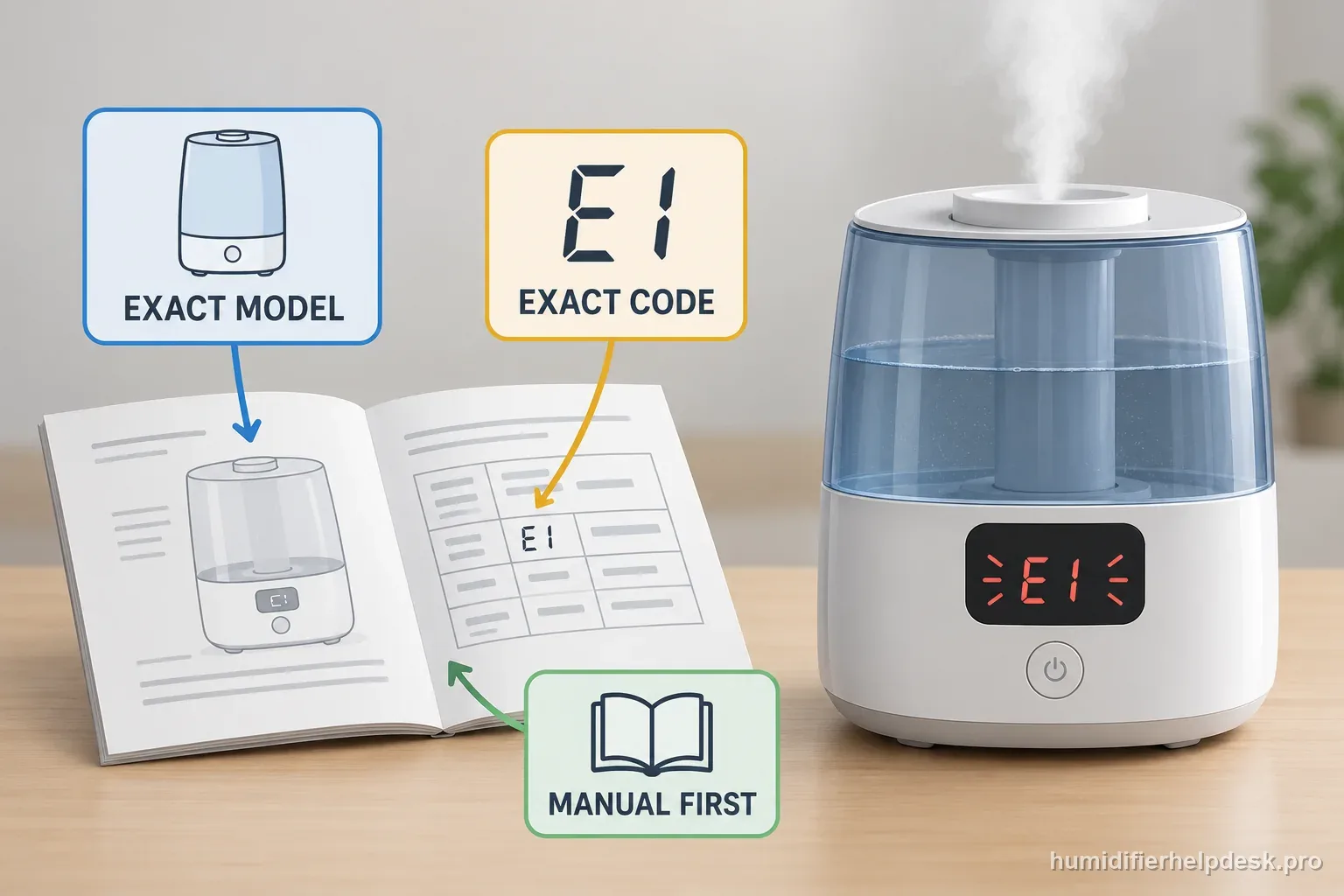
A red light, CF reminder, or E-series code does not mean the same thing across brands. Use the exact model and code before resetting anything.
This hub spans 4 humidifier technologies. The correct next step can change because evaporative, ultrasonic, hybrid, and true warm-mist machines do not behave the same way.
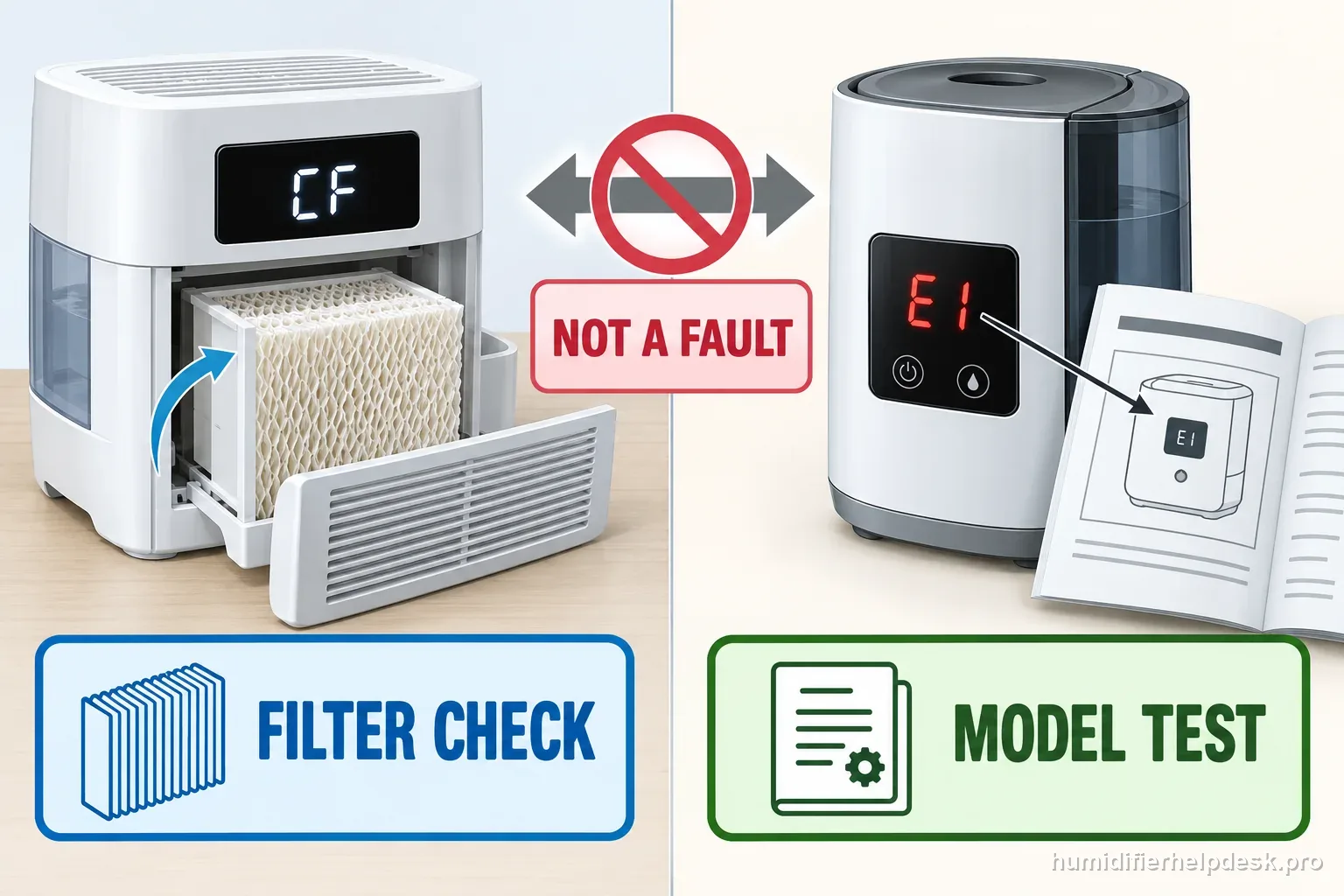
A maintenance reminder is different from a fault code. For the named model, follow the Canopy Large Room filter light reset instructions after inspecting the wick.
CODE LOOKUP · SOURCE CHECKED
Read the model before you reset a light
A blinking light or short code is not a universal diagnosis. Match the full model number and exact display to its manual first. AIRCARE, for example, describes CF as a filter-check reminder on many evaporative models, while F and CL have different meanings. Do not transfer that mapping to another brand or series.
What the label can mean on the documented AIRCARE models
| Display | Source describes | Safe next check | Exact guides |
|---|---|---|---|
| CF | A check-filter reminder after about 720 operating hours on many evaporative models; not itself a fault. | Inspect wick condition and use only the model’s reset directions. | MA0800 CF · EP9500 / EP9800 CF |
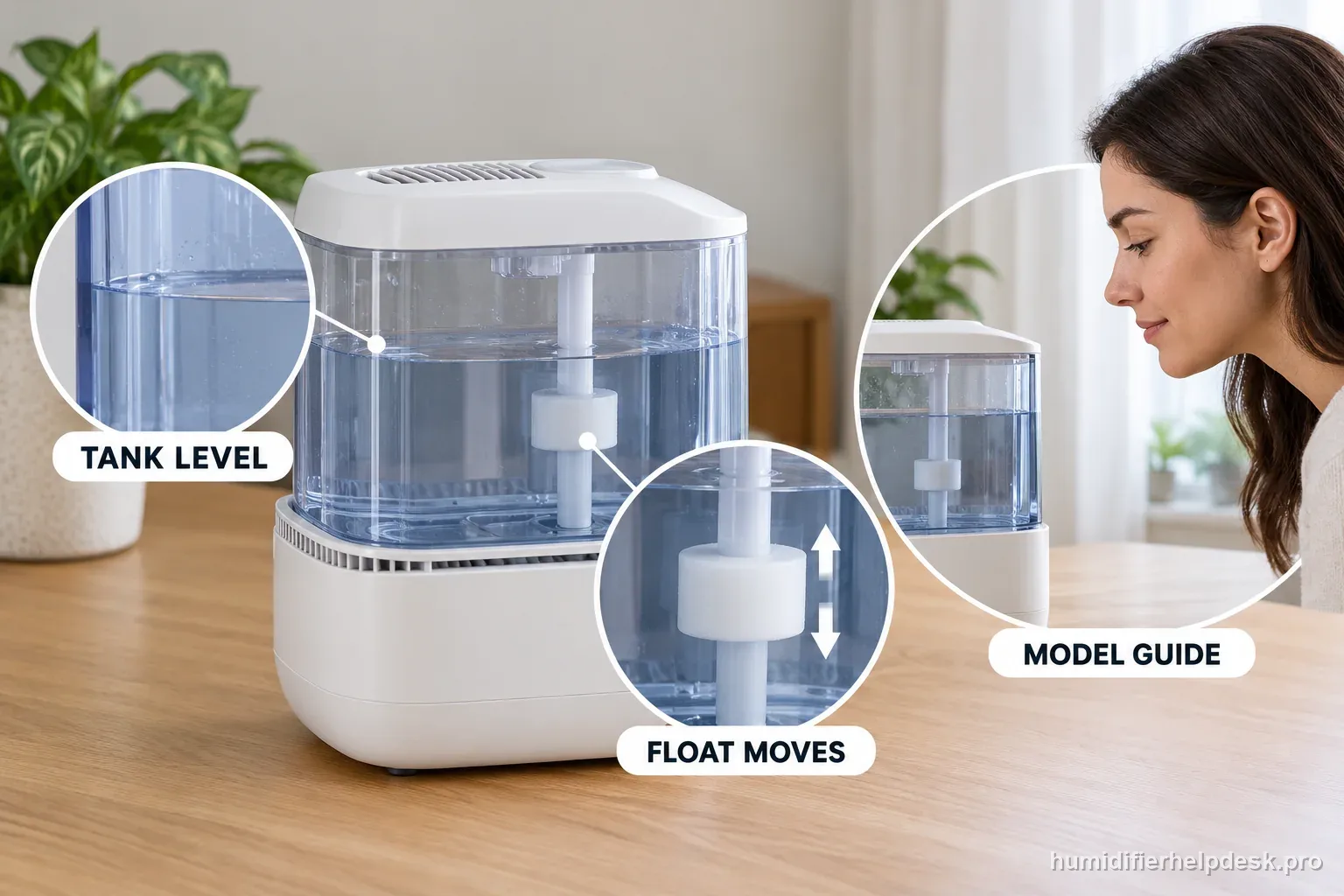
| F | “Fill” on the AIRCARE display-code article; a full tank with F calls for model-specific float and level checks. | Check water level, visible float placement, and level surface without holding or bypassing a sensor. | MA0800 F · EP9500 / EP9800 F |
| CL | Control lock on the AIRCARE models covered by that source. | Use the manual’s lock control; do not apply a lock shortcut to a different model. | MA0800 CL |
| E-series | Meaning varies by brand and model; the AIRCARE article does not define Levoit E codes. | Stop before reset attempts and use the exact model’s code chart. | OasisMist 1000S E1 / E2 / E7 |
Separate a reminder, a water state, and a fault
| Observation | Record | Do next |
|---|---|---|
| Maintenance light | Exact letters, model, wick/filter condition, and whether the unit still runs. | Follow the model’s filter inspection and documented reminder reset. |
| Refill / water light | Tank level, tank seating, and visible float position if the manual identifies one. | Correct the external water state; do not hold a float to force operation. |
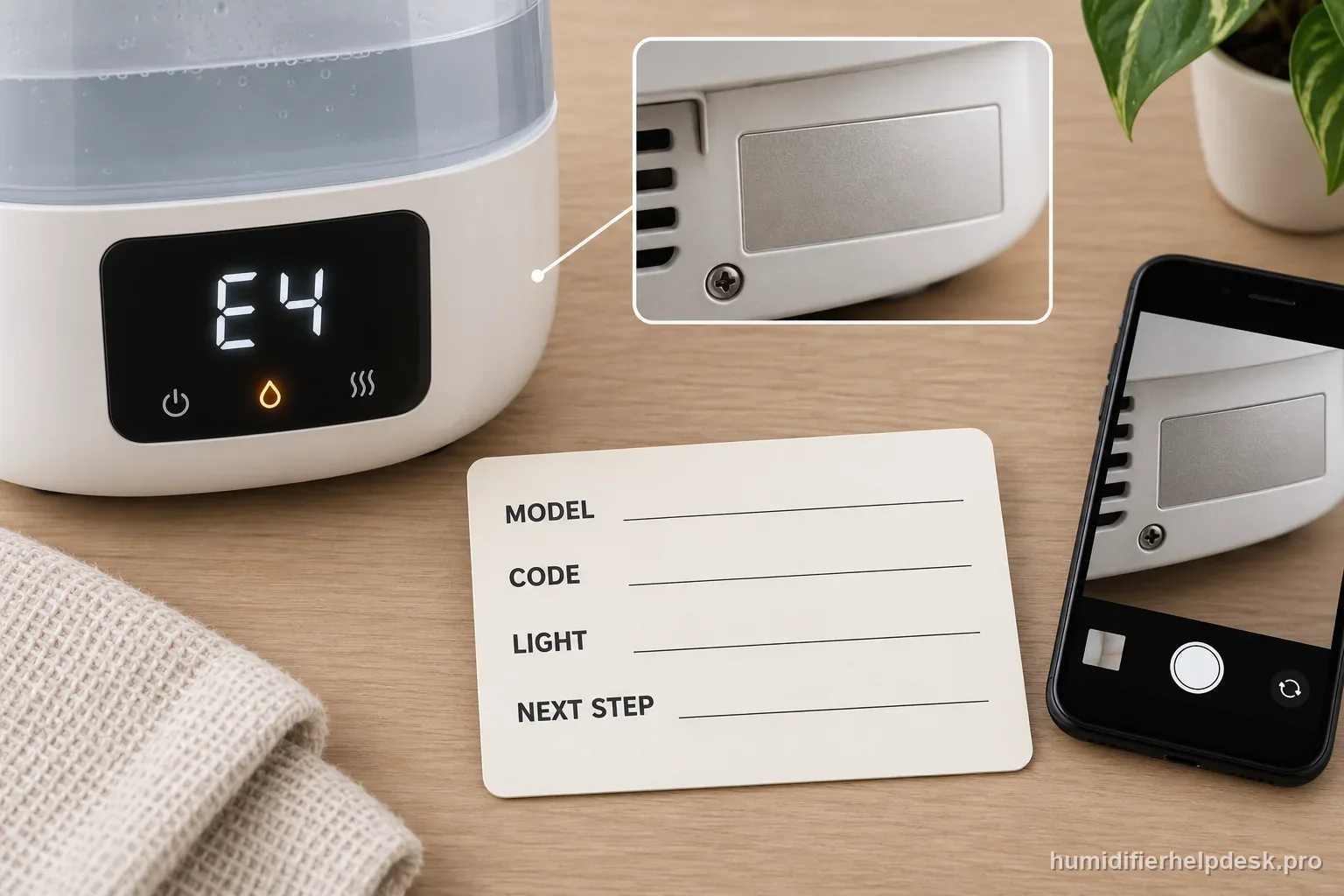
| Error code or repeated shutdown | Full model, exact code, light color or blink pattern, and what stopped. | Use the exact code guide or contact the manufacturer if it persists. |
A four-step lookup that avoids borrowed resets
- Read the model number from its rating label; do not rely on the product family name alone.
- Copy the complete code or describe the light color and blink pattern exactly.
- Open that model’s manual or manufacturer support page and verify the meaning before unplugging or resetting.
- Record the water level, filter state, and symptom. Stop if there is heat, smoke, damaged wiring, or water near electrical parts.
Primary sources: AIRCARE display-code guide and AIRCARE cleaning and CF reminder guidance. AIRCARE’s 720-hour CF interval is model-scoped guidance, not a universal timer.
Decode the indicator before you reset anything
A red water light, CF reminder, CL lock, low-humidity display, and E-series malfunction can all appear as “a code,” but they represent different systems. The first task is to identify whether the display is a normal operating state, a timed maintenance reminder, a control lock, or a true malfunction.
The exact manual ties the light or F state to low/empty water.
Do next: Check actual water level, tank seating, float/valve/probe path, and whether the warning clears after normal refill.
Avoid: Do not force a float, bypass a water sensor, or pour extra water directly into the powered base.
CF/clean/filter light is tied to elapsed hours or a cleaning interval.
Do next: Perform the specified inspection/cleaning, replace the exact part only if condition warrants, then use the documented reset.
Avoid: Do not treat a timed reminder as proof of a failed sensor or electronics board.
CL, humidity dashes, or another display is defined as lock/status rather than fault.
Do next: Use the exact control sequence or interpret the room-humidity state before troubleshooting hardware.
Avoid: Do not search for a universal error-code reset.
The manual explicitly calls E1/E2/etc. a malfunction and directs the owner to support.
Do next: Record the code, power down safely, and follow manufacturer support unless the exact model publishes a consumer recovery step.
Avoid: Do not borrow code meanings or internal fixes from another model family.
A good code diagnosis ends with the display correctly classified. Normal status and reminders get their documented user action; a repeatable malfunction code stops at the manufacturer-support boundary.
Technologies on this hub
Check which technology your humidifier uses before you follow a path.
| Technology | What you should see | Exact model paths |
|---|---|---|
| ultrasonic | Visible mist expected | 20 |
| hybrid | Visible mist expected | 7 |
| evaporative | Visible fog not expected | 19 |
| warm-mist | Visible steam expected | 2 |
Brands and models on this hub
A quick map of the exact-model paths listed below.
| Brand | Exact model paths | Models covered |
|---|---|---|
| Levoit | 14 | Levoit Classic 300S; Levoit Dual 150; Levoit Classic 160; Levoit LV600S; Levoit Superior 6000S; Levoit Dual 200S; Levoit OasisMist 450S; Levoit OasisMist 1000S |
| Crane | 2 | Crane EE-5301 Drop; Crane EE-5302 Droplet |
| HoMedics | 6 | HoMedics UHE-CMTF45; HoMedics UHE-CM18; HoMedics UHE-CMTF91; HoMedics UHE-WMTF185 |
| AIRCARE | 11 | AIRCARE MA0800; AIRCARE MA1201; AIRCARE EP9500 / EP9800 Pedestal |
| Dreo | 6 | Dreo HM311S; Dreo HM713S; Dreo HM512S; Dreo HM524S; Dreo HM717S Smart Humidifier |
| Blueair | 2 | Blueair DreamWell 1 Gal / 2 Gal |
| Canopy | 2 | Canopy Bedside / Nursery Humidifier 2.0; Canopy Large Room Humidifier |
| Pure Enrichment | 2 | Pure Enrichment MistAire PEHUMIDIF; Pure Enrichment MistAire XL PEHUMLRG |
| Vicks | 1 | Vicks V750 Warm Mist |
| Honeywell | 1 | Honeywell HWM845 Soothing Comfort |
| Vornado | 1 | Vornado EVDC300 |
Levoit Classic 300S
ultrasonic · visible mist expected
Red water indicator
The red no-water indicator points first to an empty tank, tank seating, or a dirty/worn water filter.
Open exact guide →Levoit Dual 150
ultrasonic · visible mist expected
Refill indicator stays on with water present
If the Dual 150 refill light stays on after the tank is filled, reseat the tank and then check the user-serviceable water filter assembly. The manual does not call for bypassing or manually holding the water-level sensor down.
Open exact guide →Levoit Classic 160
ultrasonic · visible mist expected
Refill indicator stays on with water present
When the Classic 160 refill indicator remains on even though the tank contains water, first reseat the tank, then inspect the water filter assembly. The manual keeps this as an external water-path diagnosis and does not instruct the owner to open the base or manipulate the sensor.
Open exact guide →Levoit Classic 300S
ultrasonic · visible mist expected
E1 error code
On the Classic 300S, Levoit treats E1 as a malfunction rather than a user reset code. The manual directs owners to Customer Support.
Open exact guide →Levoit LV600S
hybrid · visible mist expected
Red water indicator
The LV600S red no-water indicator points first to tank water level, tank seating, and the water filter.
Open exact guide →Levoit LV600S
hybrid · visible mist expected
E1/E2/E3/E4/E6 error
Levoit does not provide a consumer reset sequence for E1, E2, E3, E4, or E6. The LV600S manual treats these codes as a malfunction and directs owners to Customer Support.
Open exact guide →Crane EE-5301 Drop
ultrasonic · visible mist expected
Red light stays on
The EE-5301 manual points to tank-cap flow, an overfilled base, or the removable water-level sensor float before anything else.
Open exact guide →HoMedics UHE-CMTF45
ultrasonic · visible mist expected
Clean light stays red
Clean the ultrasonic membrane first, then reset the reminder with the button combination specified by HoMedics.
Open exact guide →HoMedics UHE-CM18
ultrasonic · visible mist expected
Clean light stays red
On the UHE-CM18, clean the ultrasonic membrane first, then press and hold the Clean button for three seconds to reset the reminder.
Open exact guide →HoMedics UHE-CM18
ultrasonic · visible mist expected
Red out-of-water light
The red power/out-of-water light means the tank is almost empty and the humidifying function has shut off.
Open exact guide →AIRCARE MA0800
evaporative · visible fog not expected
CF code
CF means “check filter.” The MA0800 triggers it after 720 hours of use.
Open exact guide →AIRCARE MA0800
evaporative · visible fog not expected
F code
F means the humidifier is empty and needs water.
Open exact guide →AIRCARE MA0800
evaporative · visible fog not expected
CL code
CL means the controls are locked on the current setting.
Open exact guide →AIRCARE MA1201
evaporative · visible fog not expected
CF code
CF is a 720-hour check-filter reminder on the MA1201. It is not a fault code that proves the wick is bad.
Open exact guide →AIRCARE MA1201
evaporative · visible fog not expected
F code
On the MA1201, F means the unit is empty and needs water.
Open exact guide →AIRCARE MA1201
evaporative · visible fog not expected
CL code
CL means the MA1201 controls are locked on the current settings. Hold the power button for five seconds to release the lock.
Open exact guide →Dreo HM311S
ultrasonic · visible mist expected
Red light
On the HM311S, the red light can point to low water, the tank not sitting correctly, or a water-filter issue.
Open exact guide →Dreo HM713S
hybrid · visible mist expected
Red light
Start with water level, tank seating, and the water filter.
Open exact guide →Dreo HM512S
ultrasonic · visible mist expected
Red light
On the HM512S, the red light points first to an empty tank, a tank that is not seated correctly, or a water filter that needs cleaning/replacement.
Open exact guide →Dreo HM524S
ultrasonic · visible mist expected
Red low-water light with water
Let water feed the base, then check excess base water, the float, and the water valve.
Open exact guide →Dreo HM524S
ultrasonic · visible mist expected
E1 code
Dreo defines E1 as a temperature/humidity-sensor abnormality. Water in the base is one documented cause that can sometimes clear after a full dry-out.
Open exact guide →AIRCARE EP9500 / EP9800 Pedestal
evaporative · visible fog not expected
CF code
CF means “check filter/wick.” AIRCARE says this reminder is programmed at about 720 hours on many evaporative models.
Open exact guide →AIRCARE EP9500 / EP9800 Pedestal
evaporative · visible fog not expected
F code
A flashing F means “fill”: the Pedestal needs water.
Open exact guide →AIRCARE EP9500 / EP9800 Pedestal
evaporative · visible fog not expected
F code with water present
When F remains with water present, check the float/float rod and make sure the unit is level so the water-level mechanism can read correctly.
Open exact guide →AIRCARE EP9500 / EP9800 Pedestal
evaporative · visible fog not expected
Display flashes 20
The EP-series “20” display means the sensed humidity is below 20%, not an error code.
Open exact guide →AIRCARE EP9500 / EP9800 Pedestal
evaporative · visible fog not expected
Display shows --
The EP-series dash display indicates humidity above about 90%, not a sensor fault by itself.
Open exact guide →Levoit Superior 6000S
evaporative · visible fog not expected
Red / no-water indicator
On this model, the no-water indicator first points to tank water level or an incorrectly installed top/assembly—not an undocumented pump reset.
Open exact guide →Levoit Superior 6000S
evaporative · visible fog not expected
E1 / E2 error code
Levoit classifies both E1 and E2 as malfunctions. Record the exact code and model, switch the unit off, unplug it, and contact Customer Support; the manual gives no consumer reset or repair for these codes.
Open exact guide →Levoit Superior 6000S
evaporative · visible fog not expected
Check Filter indicator
The Check Filter indicator is a maintenance reminder. Inspect/clean or replace the wick filters first, then hold the Sleep Mode / Reset Filter button for 3 seconds to reset the indicator.
Open exact guide →Crane EE-5302 Droplet
ultrasonic · visible mist expected
Red light stays on
Check the tank cap/water feed and clean the water-level sensor float before assuming an electrical failure.
Open exact guide →HoMedics UHE-CMTF91
ultrasonic · visible mist expected
Clean reminder / red light
Clean the transducer first, then press and hold the dedicated clean indicator/reset button for 3 seconds.
Open exact guide →HoMedics UHE-WMTF185
hybrid · visible mist expected
Clean transducer icon
Clean the ultrasonic membrane first, then press and hold the clean transducer reset button until the red indicator turns off.
Open exact guide →HoMedics UHE-WMTF185
hybrid · visible mist expected
Red out-of-water indicator
The red out-of-water indicator means the tank is empty enough for the humidifier to shut itself off. Refill the tank; a small amount of water in the reservoir afterward is normal.
Open exact guide →Blueair DreamWell 1 Gal / 2 Gal
evaporative · visible fog not expected
Flashing orange water light
The flashing orange indicator is the low-water warning. Refill the tank; it should clear after the water level is restored.
Open exact guide →Blueair DreamWell 1 Gal / 2 Gal
evaporative · visible fog not expected
Wick / filter indicator reset
After servicing or replacing the wick, turn the unit on and hold the fan-speed button for about 15 seconds until the LEDs blink three times.
Open exact guide →Canopy Bedside / Nursery Humidifier 2.0
evaporative · visible fog not expected
Filter light / reset
Canopy’s current help center says to replace the filter and hold On/Off for 30 seconds, while a current Nursery 2.0 replacement-filter commerce page shows 10 seconds. Use the help-center sequence first; if the light does not clear, confirm the exact-model instruction with Canopy rather than cycling random hold times.
Open exact guide →Canopy Large Room Humidifier
evaporative · visible fog not expected
Filter light / reset
To reset the Canopy Large Room Filter light, replace the spent wick, reassemble the unit, and hold On/Off for 30 seconds. That is the current model-named operating instruction. If the light stays on, record the result and ask Canopy to confirm the procedure for your exact unit.
Open exact guide →Pure Enrichment MistAire PEHUMIDIF
ultrasonic · visible mist expected
Blinking red light
On PEHUMIDIF support, a blinking red light points to the tank-cap seal: check that the blue seal ring is installed correctly and is not missing.
Open exact guide →Pure Enrichment MistAire XL PEHUMLRG
ultrasonic · visible mist expected
Red light on power dial
On the MistAire XL PEHUMLRG manual, a red power-dial light means low water. Unplug and refill the tank.
Open exact guide →Levoit Dual 200S
ultrasonic · visible mist expected
Red no-water indicator
Start with water level and tank seating, then clean or replace the water-filter assembly if the red indicator remains.
Open exact guide →Levoit Dual 200S
ultrasonic · visible mist expected
E1 error code
E1 is treated as a humidifier malfunction, not a consumer reset code. Levoit directs the owner to Customer Support.
Open exact guide →Levoit OasisMist 450S
hybrid · visible mist expected
Red no-water indicator
The red water indicator first calls for refilling and reseating the tank, then cleaning or replacing the water filter if it remains on.
Open exact guide →Levoit OasisMist 450S
hybrid · visible mist expected
E1 or E2 error code
On the OasisMist 450S, E1 and E2 are treated as malfunctions rather than user-reset codes. The manual directs owners to Customer Support.
Open exact guide →Levoit OasisMist 1000S
ultrasonic · visible mist expected
E1, E2, or E7 error code
On the OasisMist 1000S, E1, E2, and E7 are documented as humidifier malfunctions, not user-reset codes. Levoit directs owners to Customer Support.
Open exact guide →Vicks V750 Warm Mist
warm-mist · visible steam expected
Reset / refill light stays on
The V750 refill light is tied to an empty tank and a specific reset sequence. Turn the humidifier off, wait 15 minutes, refill the tank, then turn it back on; refilling without the off/wait step may leave the reset state uncleared.
Open exact guide →Honeywell HWM845 Soothing Comfort
warm-mist · visible steam expected
Reset light stays on
The HWM845 has a specific refill reset that is different from other warm-mist models: turn power Off, refill and replace the tank, wait 5 minutes, then turn power On. If the light remains on after that exact sequence, Honeywell says to clean scale from the Heating Element.
Open exact guide →Dreo HM717S Smart Humidifier
ultrasonic · visible mist expected
Red light / low-water warning
On the HM717S, Dreo’s red-light FAQ points first to an empty tank, incorrect tank placement, or a water filter that needs cleaning or replacement. Dreo’s troubleshooting guide also tells owners to check that the float is seated and clicks into place.
Open exact guide →Vornado EVDC300
evaporative · visible fog not expected
Side tank light pulses or flashes for low water, including after a refill
On the EVDC300, a pulsing side light normally means the tank level is low. Vornado says the alert remains until the tank is refilled and can be toggled by holding the minus and plus buttons together for five seconds; the feature does not apply in Continuous mode. In Energy Smart operation, the unit can continue for a period after low water is detected before shutting off, so a pulsing light does not automatically mean a failed sensor.
Open exact guide →