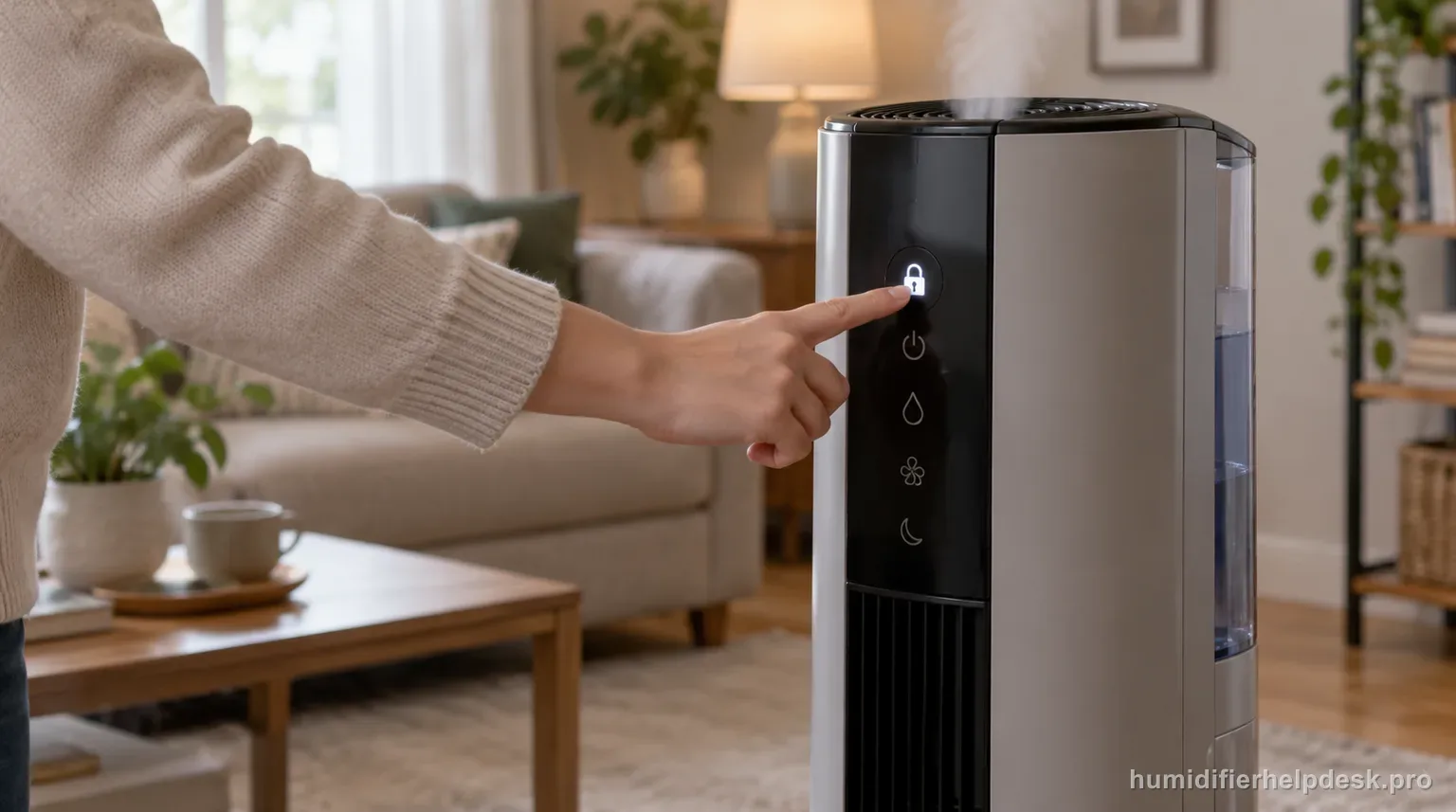
CL means the MA1201 controls are locked on the current settings. Hold the power button for five seconds to release the lock.
Does this match what you are seeing?
Owners describe this AIRCARE MA1201 problem in a few different ways. If one of these sounds like yours, this guide covers it:
- CL error
- CL code
- Display shows CL
- Troubleshooting CL
Check these in order
- Do not treat CL as a motor or humidity-sensor fault.
- Press and hold the power button for about five seconds.
- Release after the display flashes CL twice, which the manual uses to confirm the lock is off.
Diagnostic decision path
CL on the AIRCARE MA1201 is a control-lock status, not a failure code. The display is telling you that the current fan and humidity settings have been locked against accidental changes. AIRCARE’s documented release procedure is a five-second hold on the power button until the display flashes CL twice.
- Do not treat CL as a sensor, wick, or motor fault.
- Note the current fan/humidity settings so you know what was locked.
- Use the MA1201 power button itself; do not borrow a key combination from another console.
If: CL appears and the controls do not respond to ordinary presses
What it means: The control lock is active as designed.
Do next: Press and hold the power button for about five seconds.
If: The display flashes CL twice after the hold
What it means: AIRCARE uses that flash pattern to confirm the lock has been released.
Do next: Release the button and verify that fan/humidity controls now respond normally.
If: CL appears because you intentionally locked the panel
What it means: No troubleshooting is required.
Do next: Leave it locked if you want to prevent accidental setting changes, or use the same five-second power-button action to release it.
If: The controls remain unresponsive after the documented unlock confirmation does not occur
What it means: The symptom has moved beyond a normal lock state.
Do next: Stop repeatedly pressing controls and use AIRCARE support rather than opening the control panel.
How to interpret the retest
Read CL literally as AIRCARE defines it: the controls are locked on the current settings. It is not a generic failure code. If ordinary button presses do nothing while CL appears, that behavior is consistent with the lock feature and should be tested with the documented five-second power-button hold first.
Time the unlock action rather than tapping the power button repeatedly. AIRCARE says to hold the power control for about five seconds and uses a double CL flash to confirm release. That visible confirmation is the useful checkpoint; once it occurs, test a fan or humidity control to verify normal input has returned.
Keep CL, CF, and F separate because the same MA1201 display can show all three for different reasons. CL is control lock, CF is the wick-check reminder, and F is the fill state. Replacing the wick or adding water will not unlock a panel that is intentionally in CL mode.
A lock state preserves the selected fan and humidity settings, so the humidifier may continue operating normally even though adjustment buttons are ignored. That combination is not evidence of a frozen control board. Unlock first, then judge whether the controls respond once the protective feature is actually off.
If the display never gives the documented unlock confirmation and the controls remain unresponsive, stop cycling random button combinations. Record what the display shows during a full five-second hold and whether the unit otherwise runs. That information distinguishes a normal lock from a control problem more clearly for AIRCARE support.
Do not open the control panel or attempt board-level repair for a persistent CL complaint. The owner procedure is limited to activating or releasing the lock. A panel that cannot leave CL after the exact hold sequence belongs with manufacturer support, especially if other abnormal electrical behavior is present.
Model-specific context that changes the diagnosis
CL is a control state, not an appliance failure code
On the MA1201, AIRCARE uses CL to indicate that Control Lock is active. The humidifier continues operating with the settings that were already selected, while button presses are ignored. That distinction prevents a common misdiagnosis: a display that briefly shows CL when you press controls can be behaving exactly as designed even though it feels unresponsive.
Use the documented five-second unlock procedure
Hold the power button for about five seconds as the manual instructs. The purpose is to deactivate the lock, not to reset the humidifier’s humidity calibration, filter timer, or fan motor. After unlocking, change one setting and confirm the display responds. If it does, there is no reason to continue into electrical or sensor troubleshooting.
Do not confuse CL with CF, F, or a humidity reading
AIRCARE uses several short display messages on this product family. CL is Control Lock; CF relates to the check-filter reminder; F relates to refill/empty conditions on applicable models; a numeric display represents humidity. Reading those as interchangeable “error codes” leads owners into the wrong maintenance path. Always identify the exact characters before acting.
When an unlock attempt really is abnormal
If a continuous five-second hold on the correct power button never releases the lock, verify that the button itself is physically responding and that you are not seeing a different display message. Power-cycle only if the manual supports the ordinary use sequence. Persistent inability to control the unit after the documented unlock belongs with AIRCARE support, not internal keypad repair.
Common mistakes that make this harder to diagnose
- Calling CL a “check filter” code; CF is the filter reminder.
- Calling CL a low-water code; F is the fill code.
- Tapping the power button instead of holding it for about five seconds.
- Trying to repair the control board before attempting the documented unlock.
The issue is resolved when holding the power button for about five seconds produces the documented CL flash confirmation and the controls respond again. If that confirmation never occurs and the panel stays locked, use AIRCARE support.
Questions people ask about this exact symptom
What does CL mean on an AIRCARE MA1201 and how do I unlock it?
CL means Control Lock is active. The humidifier can continue running on its existing settings while the controls are locked, so CL is not a motor, wick, or humidity-sensor failure code. Next, check “Do not treat CL as a motor or humidity-sensor fault” on the AIRCARE MA1201 and note whether the symptom changes.
How do I unlock the MA1201 controls?
AIRCARE instructs the owner to hold the power button for about five seconds. After the lock releases, verify that a normal setting change is accepted before doing any other troubleshooting. For the next AIRCARE MA1201 check, use “Press and hold the power button for about five seconds” and note whether the symptom changes.
Is CL the same as the check-filter message?
No. CL is Control Lock, while CF is associated with checking the filter. Treating them as the same message can send you into unnecessary filter work when the only issue is locked controls. Before escalating the AIRCARE MA1201, confirm “Release after the display flashes CL twice, which the manual uses to confirm the lock is off” and note the result.
Why this path is model-specific
AIRCARE says CL means CONTROLS ARE LOCKED and gives the five-second power-button procedure to release the lock.
For the AIRCARE MA1201, the machine type matters: it is evaporative. Its moisture output is not supposed to look like ultrasonic fog, so “I cannot see mist” by itself is not evidence of a failure.
This symptom appears on other humidifiers too, but the meaning and reset path can change by technology, sensor logic, and control layout. Use the exact model source above before borrowing a fix from a neighboring model.
Compare this symptom across verified models
If you are still deciding whether this behavior is normal or model-specific, use the symptom hub to compare only manufacturer-linked guides. Keep the AIRCARE MA1201 instructions above as the controlling path for this machine.
If the problem is still there
If the checks above do not change the symptom, use the manufacturer support path for this exact model. We intentionally stop before undocumented resets, sensor bypasses, internal mains work, or parts replacement that the consumer manual does not authorize.
What we do not recommend
Do not defeat a float, water-level sensor, overheat protection, interlock, or other safety feature. Do not open mains-powered sections for live testing. If the unit smells burned, becomes abnormally hot, smokes, sparks, has water near electrical parts, or repeatedly trips a circuit, stop using it and keep clear. Unplug it only if the plug, outlet, and surrounding area are dry and safe to reach; otherwise do not touch wet equipment and contact manufacturer support for next steps.
Primary source for this diagnosis
Source checked during the September 4, 2026 editorial review. Manufacturer documents can change; a material re-review updates this guide’s reviewed date rather than stamping unrelated pages.