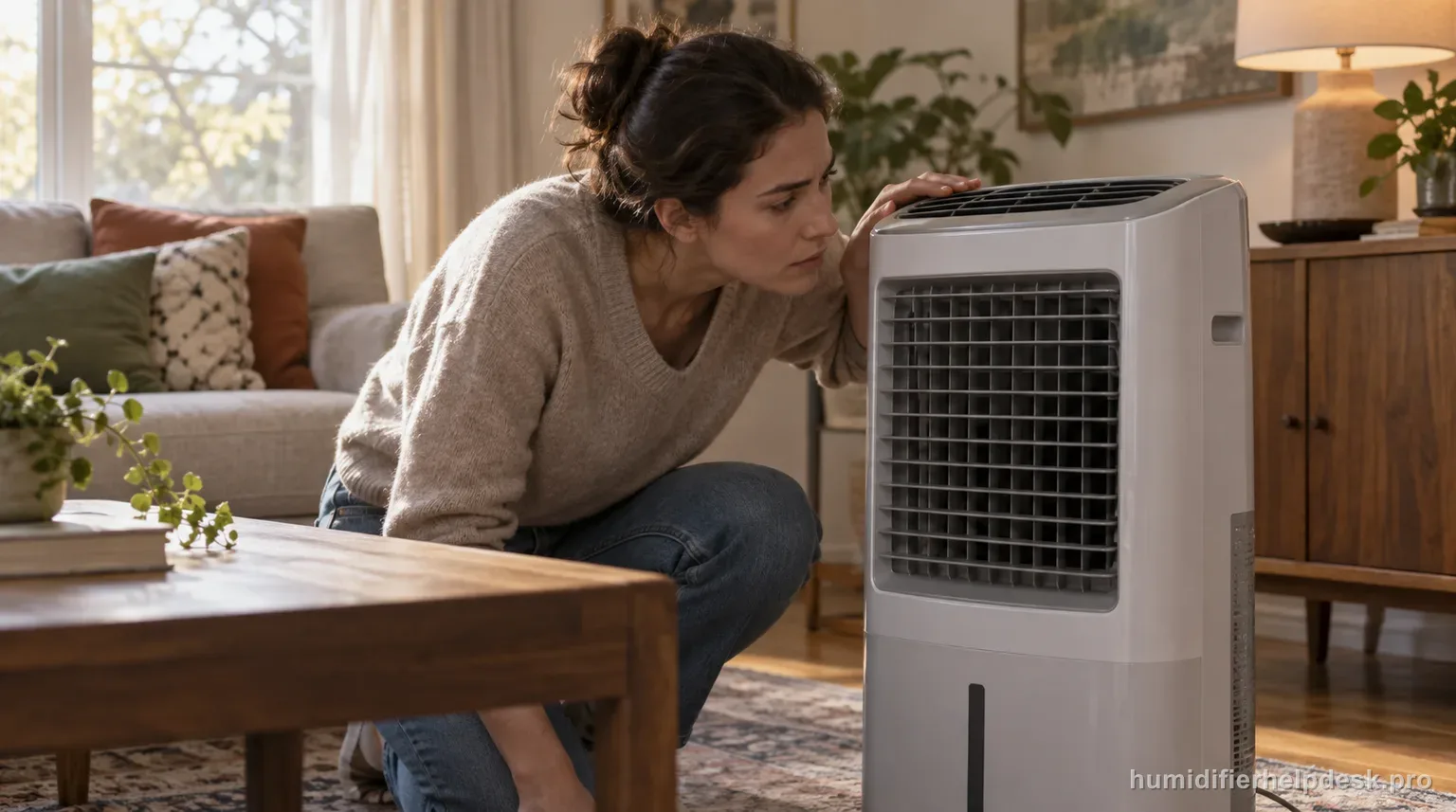
A strong box-fan-like sound on the MA1201 high settings can be normal because higher fan speed is how this evaporative console moves more moisture.
Does this match what you are seeing?
Owners describe this AIRCARE MA1201 problem in a few different ways. If one of these sounds like yours, this guide covers it:
- Making unusual noise
- Loud humidifier noise
- Strange water sound
- Making noise while running
Check these in order
- Confirm the sound is steady airflow rather than grinding, scraping, arcing, or electrical buzzing.
- Lower the fan speed and see whether the noise decreases normally.
- Keep the unit level and unobstructed.
- Stop use for burning odor, sparks, abnormal heat, or mechanical grinding.
Diagnostic decision path
The MA1201 is an evaporative console, so higher moisture output requires higher fan airflow. AIRCARE explicitly describes the upper fan speeds as louder, similar to a box fan. The diagnostic job is to distinguish steady airflow noise that changes with fan speed from grinding, scraping, electrical buzzing, or heat-related symptoms.
- Place the console on a level surface with the intake and outlet unobstructed.
- Listen at more than one fan speed before deciding the sound is abnormal.
- Stop immediately for sparks, burning odor, abnormal heat, or a mechanical grind rather than continuing a noise test.
If: The sound is steady airflow and becomes quieter on a lower speed
What it means: The noise pattern matches normal high-output fan operation.
Do next: Choose the lowest fan speed that still meets the room’s humidity need.
If: The unit rattles only when it is not level or touches furniture
What it means: The cabinet or nearby surface is amplifying vibration.
Do next: Reposition the MA1201 on a stable level floor with clearance around it and retest.
If: The sound is scraping, grinding, or an irregular mechanical knock
What it means: That is different from the documented box-fan-like airflow sound.
Do next: Turn the unit off and use AIRCARE support rather than accessing the fan assembly.
If: The sound includes electrical buzzing, odor, sparks, or unusual heat
What it means: The symptom crosses the safe user-service boundary.
Do next: Unplug the unit and stop troubleshooting.
How to interpret the retest
Compare the MA1201 at more than one fan setting before labeling the sound a fault. AIRCARE explicitly explains that the higher console speeds move a large amount of humidity and are louder, with a sound many owners compare to a box fan. A predictable drop in noise at lower speed supports normal airflow behavior.
Use the sound character as well as volume. A smooth rushing-air sound that scales with F1 through the higher fan settings is very different from scraping, grinding, clicking against the cabinet, or electrical buzzing. The manual's reassurance applies to strong fan airflow, not to every possible loud sound.
Make sure the console is level and not pressed against furniture before repeating the comparison. A large cabinet can transmit vibration into a wall, shelf, or loose floor surface. Moving it slightly away from contact points helps separate normal fan noise from resonance created by the room setup.
Remember the tradeoff AIRCARE is describing: higher fan speed is the mechanism used to move more moisture off the wick. If the room is already near the selected humidity, using a lower speed can reduce sound without implying the humidifier is underperforming. Choose output for the room rather than running high by habit.
If the noise begins only after a wick or top assembly was handled, verify that user-removable parts are seated normally before escalating. Do not reach into the fan area while the unit is powered. A simple reassembly check is appropriate; motor or fan disassembly is not part of the owner procedure.
Treat the issue as normal only when the sound is steady airflow that predictably changes with fan speed and is not accompanied by heat, odor, sparks, or mechanical contact. Irregular grinding or electrical symptoms cross the safe boundary even if the humidifier still moves air, and should go to AIRCARE support.
Model-specific context that changes the diagnosis
High speed is designed to trade quietness for output
The MA1201 is a large evaporative console, and AIRCARE explicitly describes its higher fan settings as louder while the unit is working harder to raise humidity. A smooth, steady rush of air that becomes quieter as you step down the fan speed is consistent with that design. The important distinction is whether the sound scales normally with airflow or contains a separate mechanical or electrical component.
Use AUTO or a lower speed when the room no longer needs maximum output
Running the highest speed all day is not required simply because the humidifier can do it. The built-in humidistat and AUTO behavior are meant to match airflow to the room’s moisture demand. If humidity is approaching the target, a lower fan setting can reduce sound while still maintaining comfort. This is a usage choice, not evidence that high speed is defective.
Separate cabinet resonance from fan trouble
Because the MA1201 has a larger cabinet than a tabletop humidifier, contact with a wall, loose floor, furniture edge, or uneven caster position can amplify vibration. Move the cabinet clear of nearby objects and confirm it is sitting normally before judging the fan. Do not reach through the grille or attempt to restrain the fan while powered to identify a noise.
Know the sound that should not be normalized
AIRCARE’s “box fan” comparison is not permission to ignore grinding, scraping, repeated impact, electrical arcing sounds, sparks, burning odor, or abnormal heat. Those clues do not describe ordinary high-speed airflow. If they appear, stop use and contact AIRCARE. The owner manual covers normal setup, filter, water, and control checks rather than internal fan-motor repair.
Common mistakes that make this harder to diagnose
- Calling normal high-speed airflow a bearing failure without comparing lower speeds.
- Running the cabinet hard against a wall or furniture and mistaking vibration resonance for an internal fault.
- Opening the motor area to chase a sound that should be escalated.
Treat the noise as normal when it is smooth fan airflow, scales with the selected speed, and disappears or drops substantially at lower settings. Grinding, electrical symptoms, or persistent irregular mechanical noise should be escalated.
Questions people ask about this exact symptom
Why is my AIRCARE MA1201 so loud on high fan speed?
Higher fan speeds can be noticeably louder because the MA1201 is moving more air to increase evaporation. AIRCARE compares the stronger sound to a box fan. A smooth airflow sound that decreases on a lower speed can be normal. If you hear grinding, scraping, arcing, or electrical buzzing instead, stop the test and treat that as an abnormal-noise condition.
Can I run the MA1201 on a lower speed without hurting it?
Yes. Choose a speed that fits the room’s humidity demand, or use the automatic control behavior. Lower speed reduces airflow and sound; it may simply take longer to raise humidity in a very dry or large space. For the next AIRCARE MA1201 check, use “Lower the fan speed and see whether the noise decreases normally” and note whether the symptom changes.
What noise means I should unplug it?
Grinding, scraping, sharp electrical buzzing, sparks, burning odor, or abnormal heat are not the normal high-speed sound described by AIRCARE. Stop using the unit and use the manufacturer support path rather than opening the fan assembly. Before escalating the AIRCARE MA1201, confirm “Keep the unit level and unobstructed” and note the result.
Why this path is model-specific
AIRCARE explicitly notes that higher MA1201 fan speeds are louder and compares the sound to a box fan while the unit is working hard to increase humidity.
For the AIRCARE MA1201, the machine type matters: it is evaporative. Its moisture output is not supposed to look like ultrasonic fog, so “I cannot see mist” by itself is not evidence of a failure.
Compare this symptom across verified models
If you are still deciding whether this behavior is normal or model-specific, use the symptom hub to compare only manufacturer-linked guides. Keep the AIRCARE MA1201 instructions above as the controlling path for this machine.
If the problem is still there
If the checks above do not change the symptom, use the manufacturer support path for this exact model. We intentionally stop before undocumented resets, sensor bypasses, internal mains work, or parts replacement that the consumer manual does not authorize.
What we do not recommend
Do not defeat a float, water-level sensor, overheat protection, interlock, or other safety feature. Do not open mains-powered sections for live testing. If the unit smells burned, becomes abnormally hot, smokes, sparks, has water near electrical parts, or repeatedly trips a circuit, stop using it and keep clear. Unplug it only if the plug, outlet, and surrounding area are dry and safe to reach; otherwise do not touch wet equipment and contact manufacturer support for next steps.
Primary source for this diagnosis
Source checked during the September 4, 2026 editorial review. Manufacturer documents can change; a material re-review updates this guide’s reviewed date rather than stamping unrelated pages.