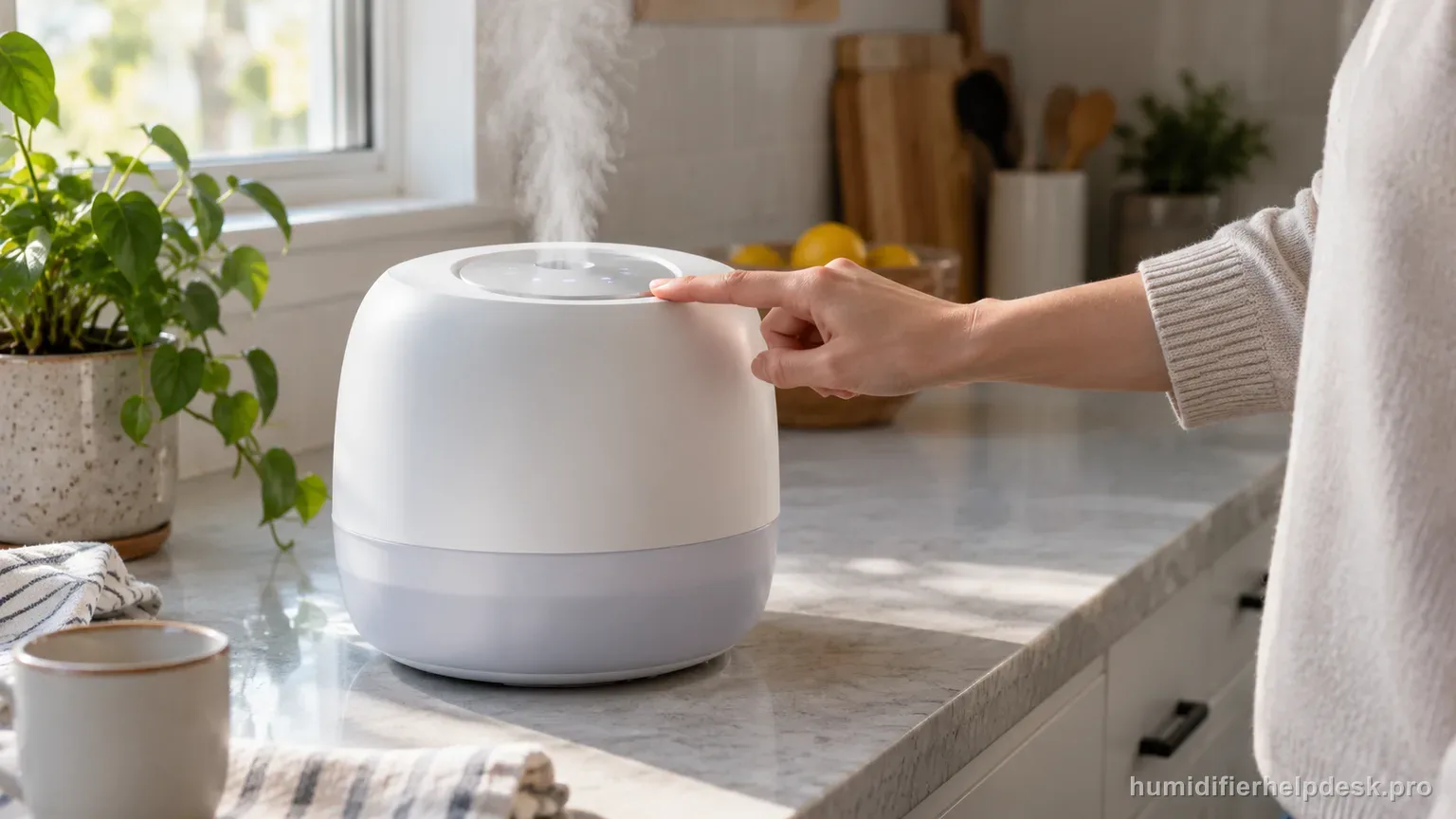
On the Classic 300S, Levoit treats E1 as a malfunction rather than a user reset code. The manual directs owners to Customer Support.
Does this match what you are seeing?
Owners describe this Levoit Classic 300S problem in a few different ways. If one of these sounds like yours, this guide covers it:
- E1 error
- E1 code
- Display shows E1
- Troubleshooting E1
Check these in order
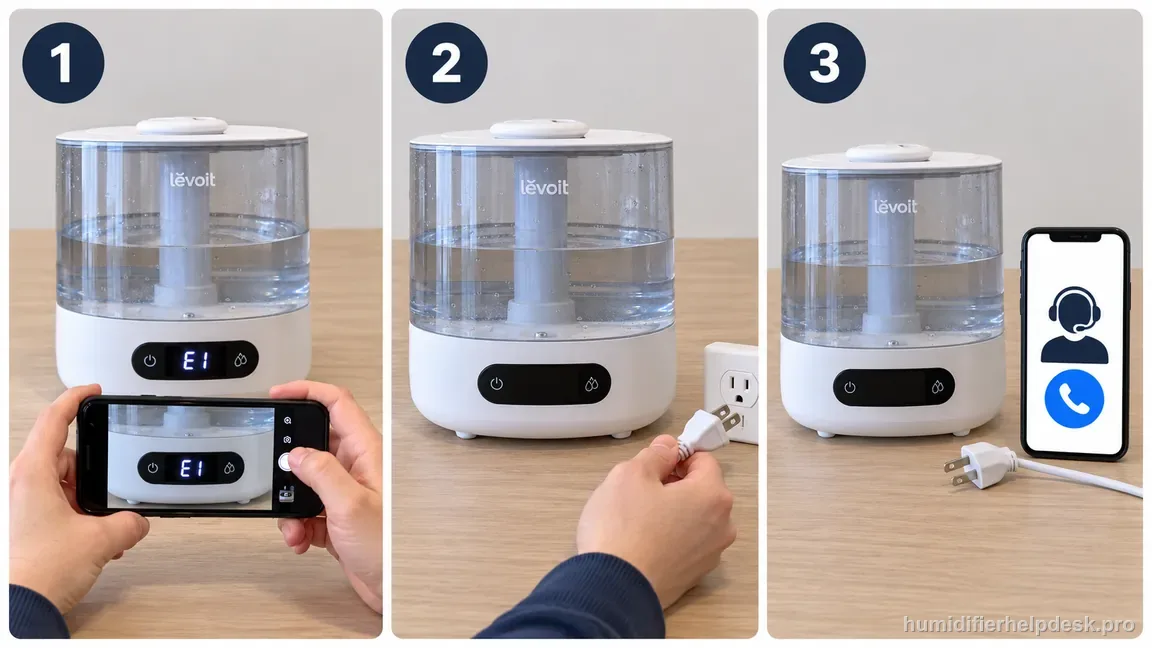
- Turn the humidifier off and unplug it.
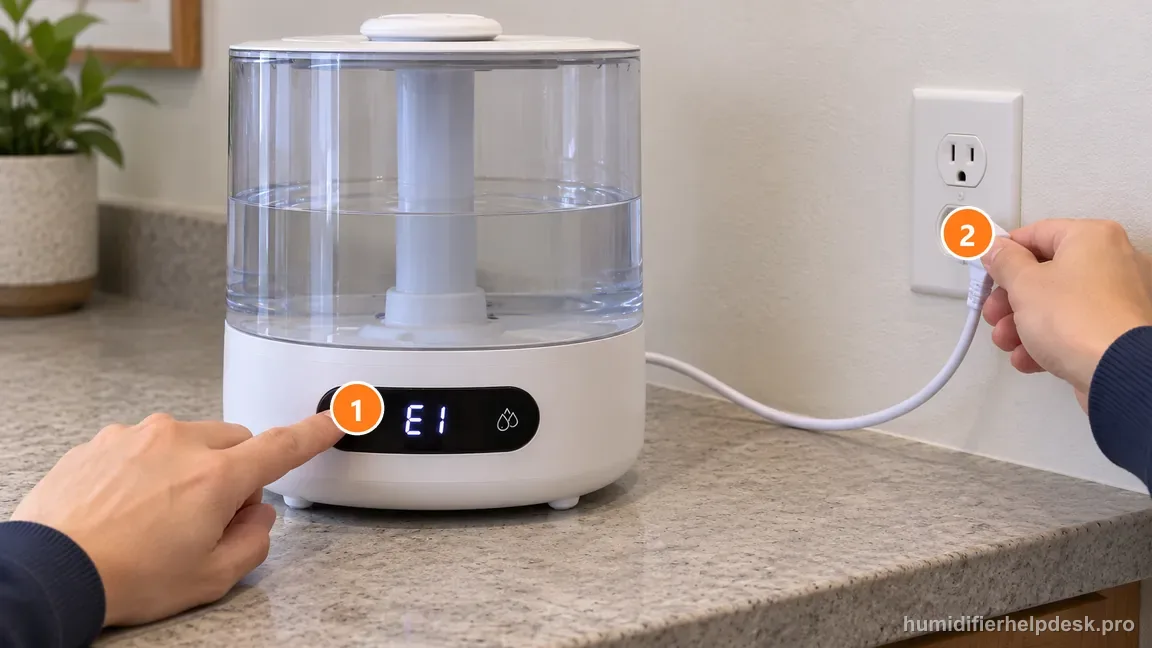
Switch the Classic 300S off, then unplug it before any further troubleshooting. - Do not bypass sensors or open the base looking for a hidden reset.
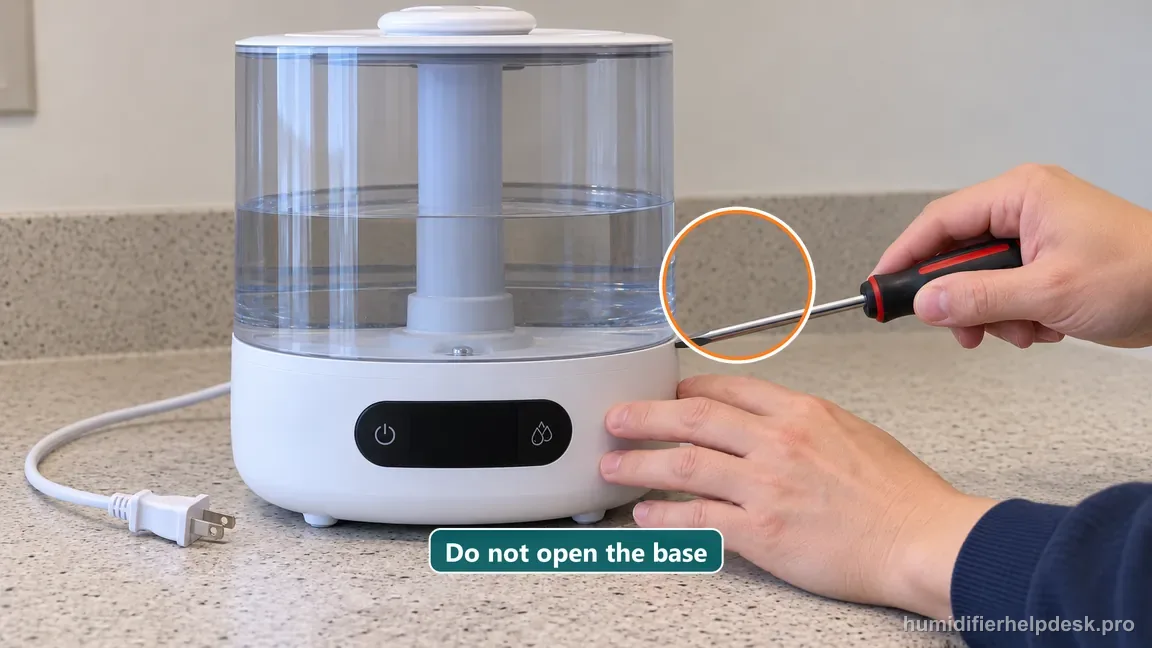
Do not open the Classic 300S base or bypass its water-level sensor. - Use Levoit Customer Support guidance for the E1 malfunction.
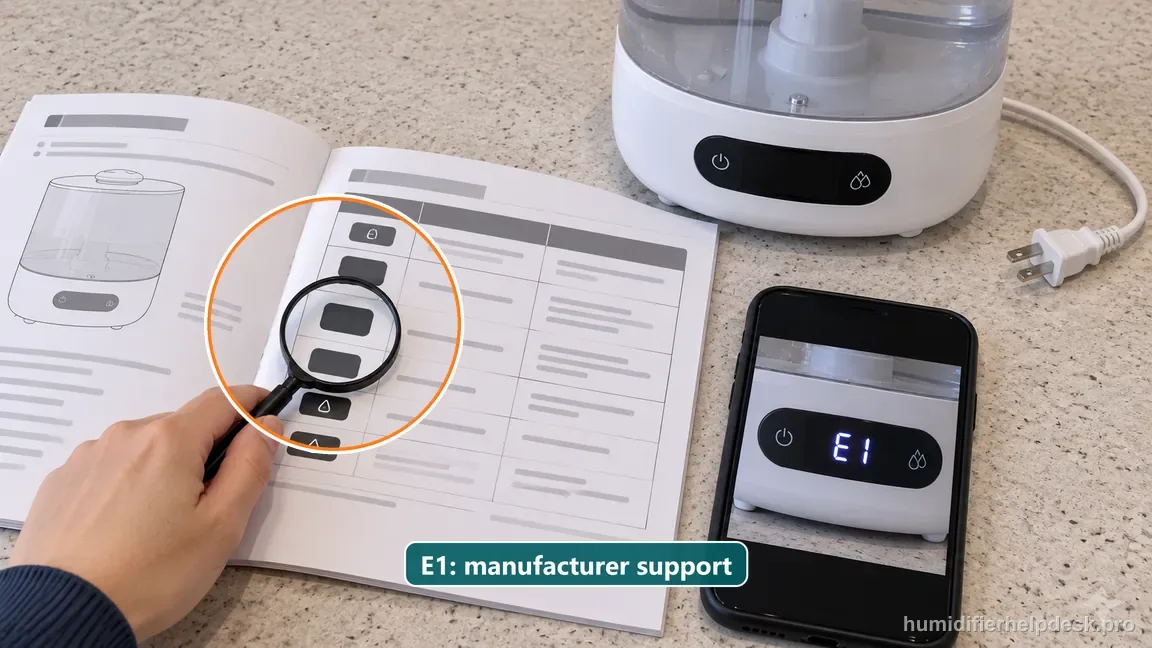
Use the US Classic 300S manual endpoint and contact Levoit Customer Support for E1.
Diagnostic decision path
E1 on the US Classic 300S is not documented as a consumer-reset code. Levoit’s troubleshooting table classifies it as a humidifier malfunction and directs the owner to Customer Support, so the useful diagnosis is deliberately short: record the exact code, power down safely, and stop before inventing a reset or opening the powered base.
- Photograph or write down the exact E1 display before unplugging the unit.
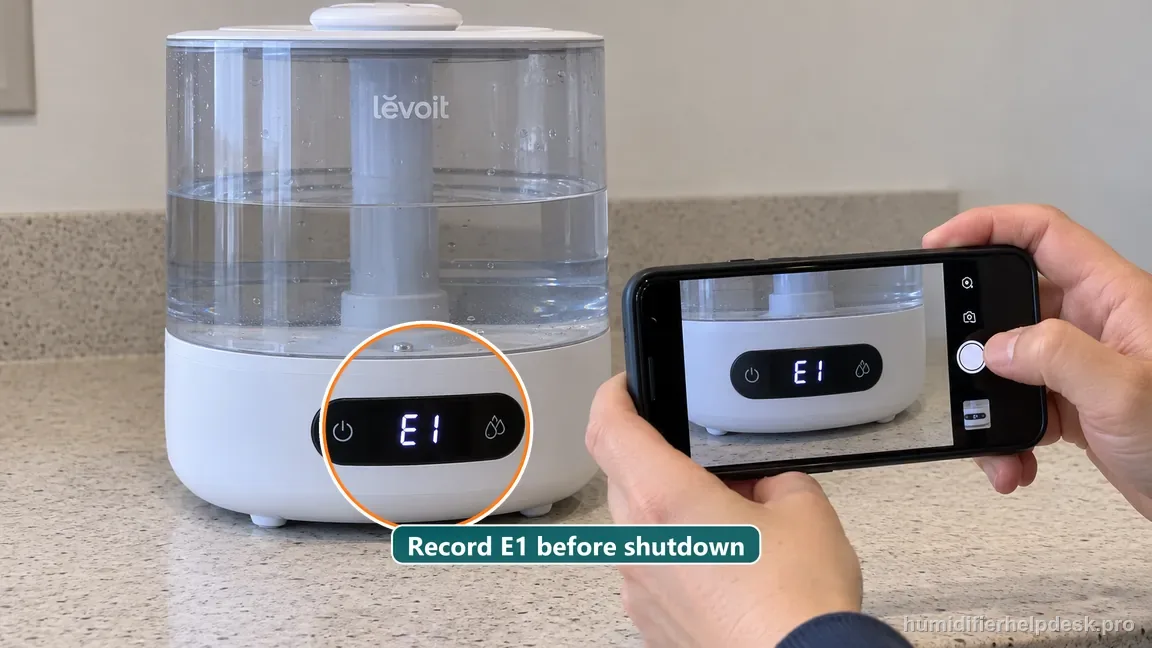
Record the exact E1 display before unplugging the Classic 300S for support. - Confirm the label/model is the US Classic 300S so you do not borrow an error-code sequence from another Levoit family.
- If water has recently spilled around the base, keep the unit unplugged and include that event when you contact support.
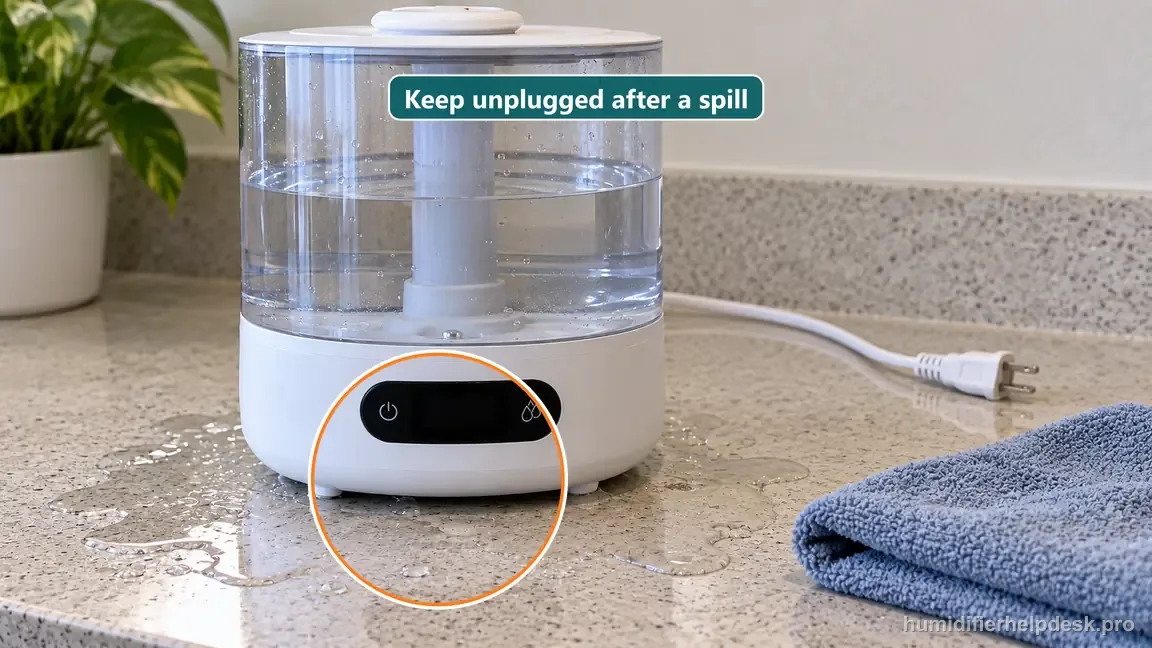
After water reaches the base, keep the Classic 300S unplugged and report the spill.
If: E1 is displayed on the US Classic 300S
What it means: Levoit’s troubleshooting table classifies this state as a humidifier malfunction rather than a maintenance reminder or user-reset code.
Do next: Turn the humidifier off, unplug it, record the E1 code, and contact Levoit Customer Support.
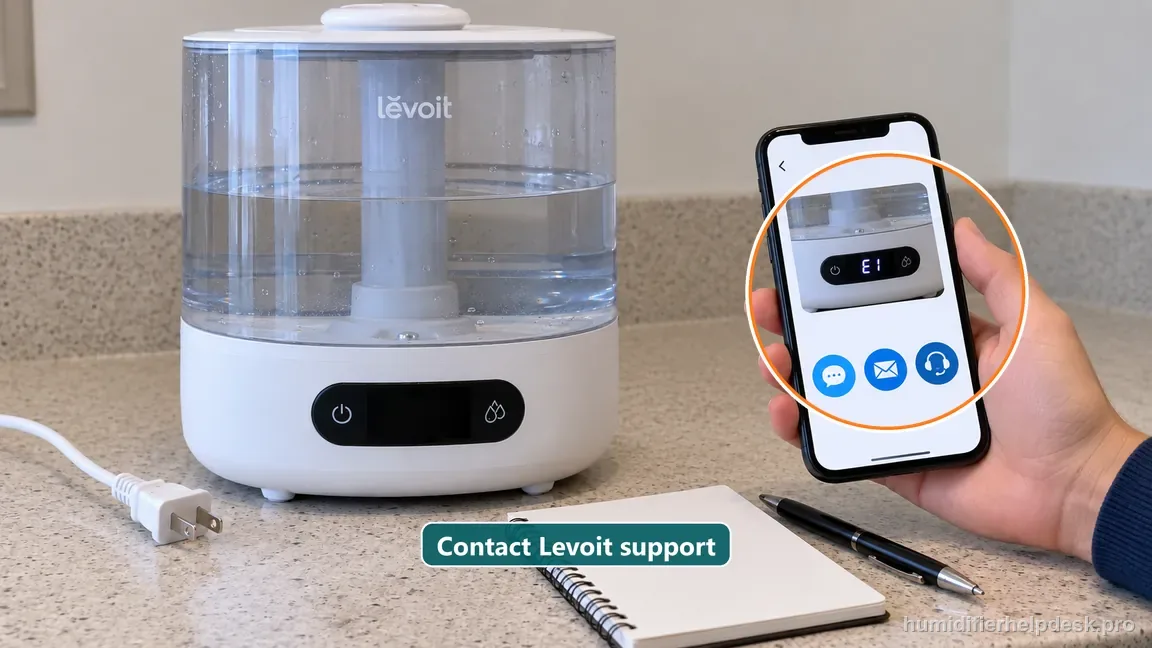
If: E1 appeared after a spill, wash, or water reached the powered base
What it means: The official E1 endpoint is still Customer Support, and the water event adds a reason not to perform further powered troubleshooting.
Do next: Keep the unit unplugged and report both the code and the water event to Levoit.
If: The unit also overheats, smells electrical, leaks into the powered base, or behaves erratically
What it means: The symptom is no longer just a display-code question and has a stronger safety implication.
Do next: Unplug immediately and keep the unit out of service until manufacturer guidance is obtained.
If: A forum or video recommends opening the base, bypassing a sensor, or using another model’s reset
What it means: That procedure is not part of the Classic 300S consumer troubleshooting path documented by Levoit.
Do next: Ignore the undocumented procedure and keep the diagnosis at the manufacturer-support boundary.
Classic 300S E1: what the guide says to do in each situation
Levoit’s troubleshooting table classifies E1 as a humidifier malfunction and points owners to Customer Support, so every row below ends at that boundary.
| What you see | What it means | Next step |
|---|---|---|
| E1 is displayed on the US Classic 300S | Levoit classifies it as a humidifier malfunction, not a maintenance reminder or user-reset code | Turn the humidifier off, unplug it, record the E1 code, and contact Levoit Customer Support |
| E1 appeared after a spill, wash, or water reaching the powered base | The official endpoint is still Customer Support, and the water event is a reason to stop powered troubleshooting | Keep the unit unplugged and report both the code and the water event to Levoit |
| The unit also overheats, smells electrical, leaks into the powered base, or behaves erratically | It is no longer only a display-code question and has a stronger safety implication | Unplug immediately and keep the unit out of service until you have manufacturer guidance |
| A forum or video says to open the base, bypass a sensor, or use another model’s reset | That procedure is not part of the Classic 300S consumer troubleshooting path Levoit documents | Ignore it and keep the diagnosis at the manufacturer-support boundary |
Classic 300S E1 mistakes and the safer move
| Mistake | Do this instead |
|---|---|
| Treating E1 like a filter reminder that should clear after cleaning | Treat it as a malfunction code with Customer Support as the endpoint |
| Repeating power cycles even though the code is documented as a malfunction | Power down, photograph or write down the exact E1 display, and stop |
| Applying an LV600S, Dual 200S, or OasisMist reset sequence | Confirm the label identifies the US Classic 300S and use only its documented path |
| Opening the mains-powered base to inspect a sensor or connector | Keep the base closed and give support the code, the model, and whether E1 returns immediately or after operation begins |
How to interpret the retest
Confirm the display says E1 and verify the rating label identifies the Classic 300S before using a code guide. Similar-looking Levoit models can assign different meanings or repair limits to a display code. Follow only the Classic 300S manual's troubleshooting path, with the unit switched off and unplugged before any cleaning or repositioning the manual permits. Do not assume E1 means a particular sensor has failed unless Levoit says so for this exact model.
After the documented external checks, reconnect the unit only if it is dry and safe to do so, then note whether E1 returns immediately or after operation begins. That timing is useful evidence for support; it is not permission to open the base or bypass a water-level part. If the error persists, share the exact model, code, and retest result with Levoit. Stop use for burning odor, abnormal heat, smoke, sparks, or water near electrical connections.
Model-specific context that changes the diagnosis
Separate the first two Levoit Classic 300S causes
Choose the branch from the state you can actually have. If the Levoit Classic 300S shows “E1 is displayed on the US Classic 300S”, the source-backed interpretation is “Levoit’s troubleshooting table classifies this state as a humidifier malfunction rather than a maintenance reminder or user-reset code” and the next step is “Turn the humidifier off, unplug it, record the E1 code, and contact Levoit Customer Support”. If it instead shows “E1 appeared after a spill, wash, or water reached the powered base”, use the separate interpretation “The official E1 endpoint is still Customer Support, and the water event adds a reason not to perform further powered troubleshooting” and follow with “Keep the unit unplugged and report both the code and the water event to Levoit”. On the Levoit Classic 300S, do not combine both responses; retest the explanation that matches the current e1 error code complaint first.
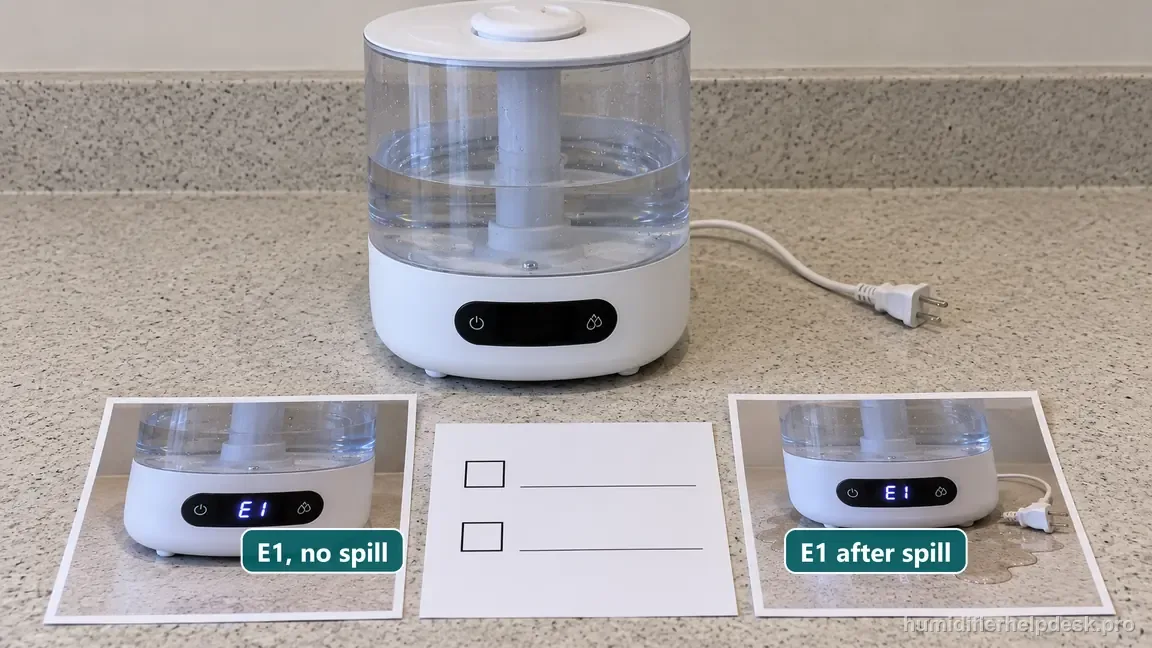
Run the Levoit Classic 300S checks in order
Use the next step as a controlled test, not as part of a reset spree. Try “Turn the humidifier off and unplug it” on the Levoit Classic 300S and observe the same complaint. Only then move to “Do not bypass sensors or open the base looking for a hidden reset” and, if necessary, “Use Levoit Customer Support guidance for the E1 malfunction”. With e1 error code on the Levoit Classic 300S, keeping the other obvious variables steady makes it easier to tell whether a documented condition was actually responsible.
Common mistakes that make this harder to diagnose
- Treating E1 like a filter reminder that should clear after cleaning.
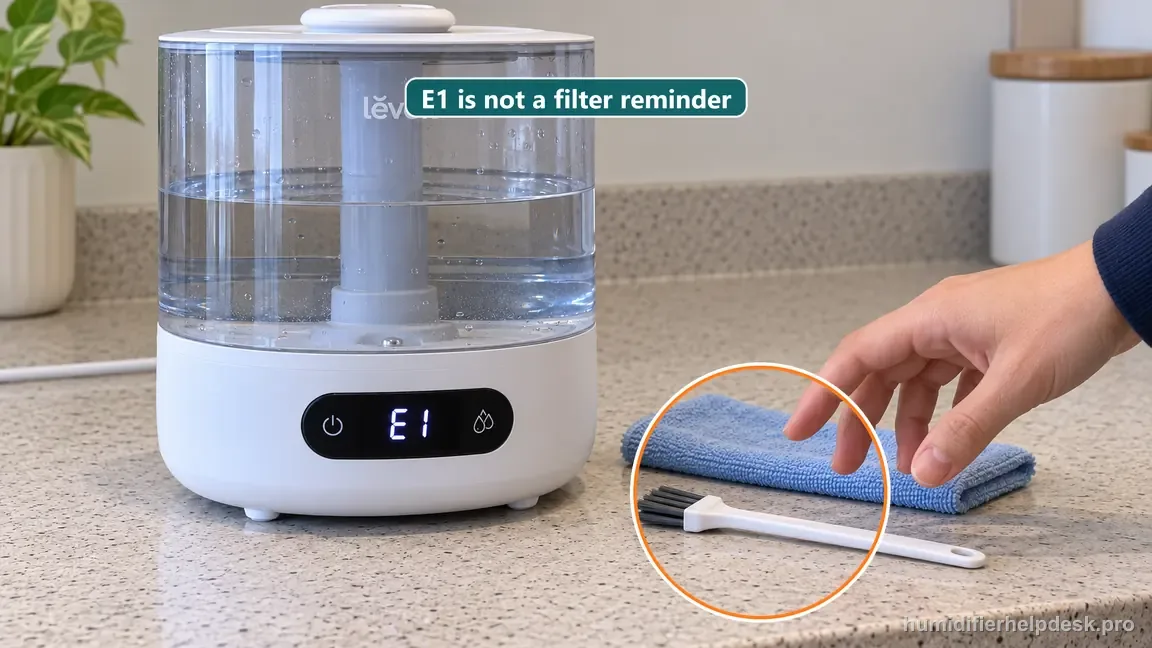
E1 is a documented malfunction, not a filter reminder cleared by cleaning. - Repeating power cycles even though the code is documented as a malfunction.
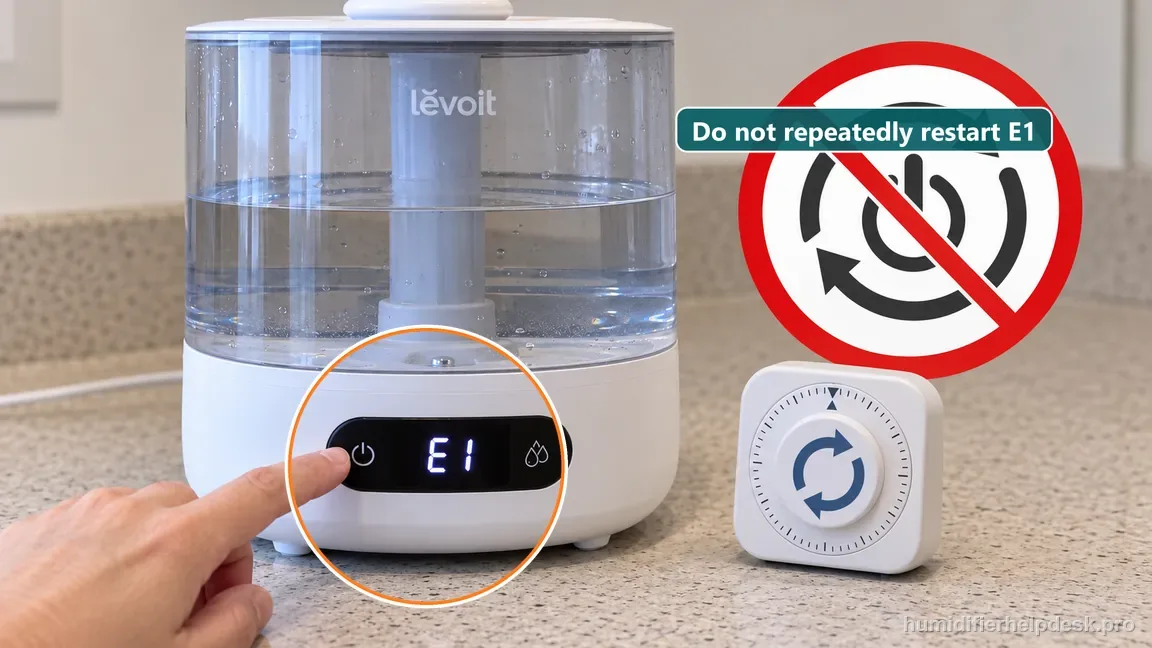
Do not repeat power cycles when the manual classifies E1 as a malfunction. - Applying an LV600S, Dual 200S, or OasisMist reset sequence to the Classic 300S.
- Opening the mains-powered base to inspect a sensor or connector.
A displayed E1 is not considered consumer-resolved because Levoit does not publish a user reset or repair for it. The correct endpoint is safe shutdown, the exact code/model recorded, and Customer Support rather than an undocumented restart sequence.
Questions people ask about this exact symptom
What does E1 error code mean on my Levoit Classic 300S?
E1 on the Classic 300S is documented as a humidifier malfunction, not a normal water or Wi-Fi message. Confirm that the display really shows E1, record when it appears, and contact Levoit Customer Support. Keep the unit unplugged if the code is accompanied by leaking water, abnormal heat, smoke, or an electrical odor. Do not use the VeSync reset as an E1 repair.
What should I check first if my Levoit Classic 300S shows an E1 error?
First confirm that the display actually shows E1 and record whether it is constant or intermittent. Note any accompanying water, heat, odor, or electrical symptom, and keep the humidifier unplugged if a safety concern is present. The Classic 300S manual does not publish an owner E1 repair sequence, so the next documented step after identification is Levoit support.
When should I contact Levoit about this Levoit Classic 300S problem?
Contact Levoit once you have confirmed a true E1 on the Classic 300S, because the manual treats it as a malfunction rather than a consumer-reset condition. Give support the exact model, the displayed code, when it appears, and any water, heat, odor, or electrical symptoms. Keep the unit unplugged if operation appears unsafe, and do not open the base or bypass sensors.
Why this path is model-specific
The Classic 300S troubleshooting table states that Error Code E1 means the humidifier is malfunctioning and directs the owner to Customer Support.
For the Levoit Classic 300S, the machine type matters: it is ultrasonic. Visible mist is part of normal output when mist production is active, so a true no-mist complaint deserves model-specific troubleshooting.
This symptom appears on other humidifiers too, but the meaning and reset path can change by technology, sensor logic, and control layout. Use the exact model source above before borrowing a fix from a neighboring model.
Compare this symptom across verified models
If you are still deciding whether this behavior is normal or model-specific, use the symptom hub to compare only manufacturer-linked guides. Keep the Levoit Classic 300S instructions above as the controlling path for this machine.
If the problem is still there
If the checks above do not change the symptom, use the manufacturer support path for this exact model. We intentionally stop before undocumented resets, sensor bypasses, internal mains work, or parts replacement that the consumer manual does not authorize.
What we do not recommend
Do not defeat a float, water-level sensor, overheat protection, interlock, or other safety feature. Do not open mains-powered sections for live testing. If the unit smells burned, becomes abnormally hot, smokes, sparks, has water near electrical parts, or repeatedly trips a circuit, stop using it and keep clear. Unplug it only if the plug, outlet, and surrounding area are dry and safe to reach; otherwise do not touch wet equipment and contact manufacturer support for next steps.
Primary source for this diagnosis
Source checked during the September 3, 2026 editorial review. Manufacturer documents can change; a material re-review updates this guide’s reviewed date rather than stamping unrelated pages.