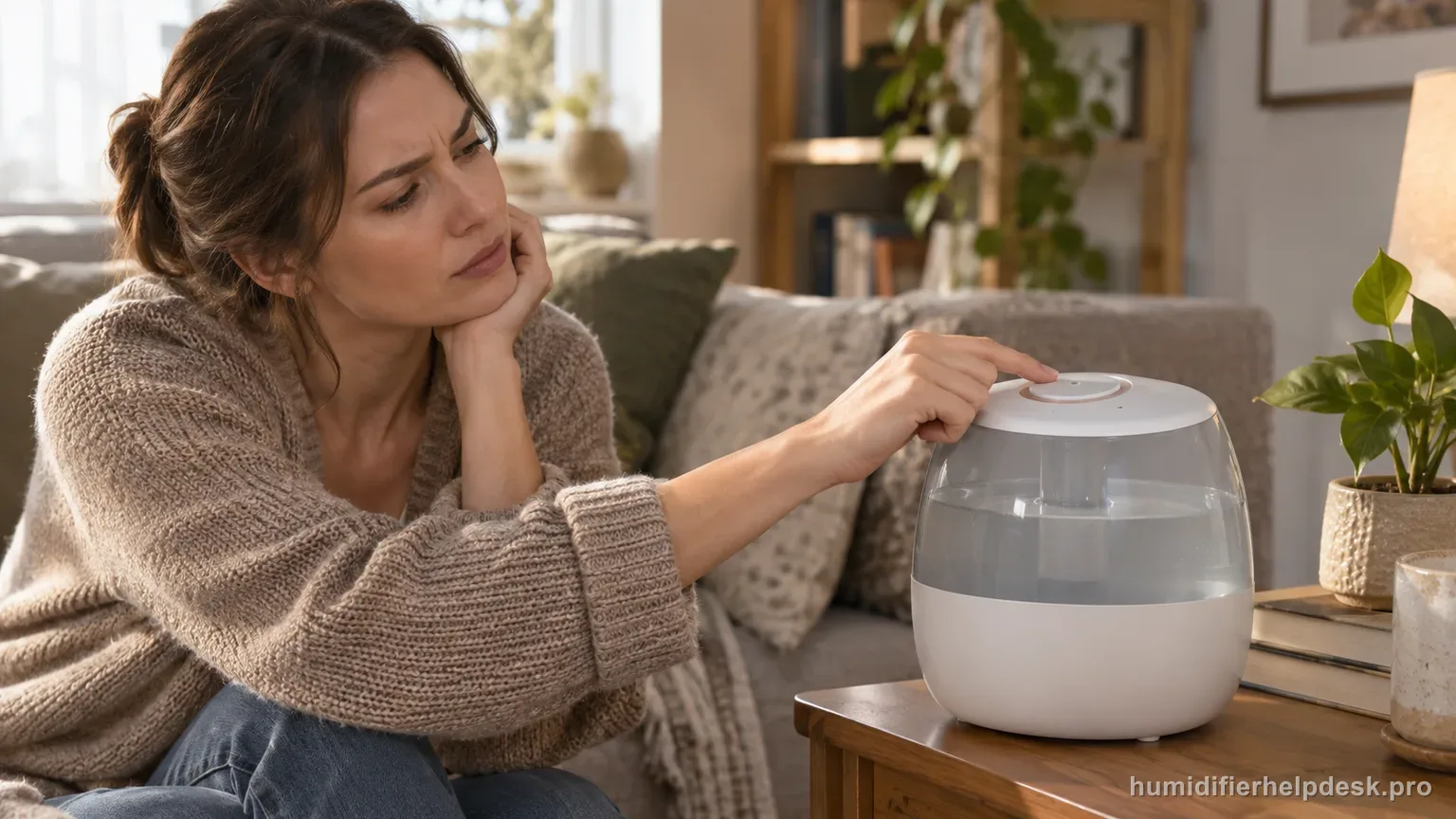
This can be normal. By default, Auto Mode stops mist when the highest target humidity is reached and resumes after humidity drops.
Does this match what you are seeing?
Owners describe this Levoit Classic 300S problem in a few different ways. If one of these sounds like yours, this guide covers it:
- Auto Mode not misting
- Stops misting in Auto Mode
- Stops when humidity target is reached
- Auto Mode keeps turning mist off
Check these in order
- Check the displayed room humidity and your target humidity in VeSync.
- Switch to a manual mist level. If mist resumes, the ultrasonic hardware is producing mist and Auto Mode was likely the reason it stopped.
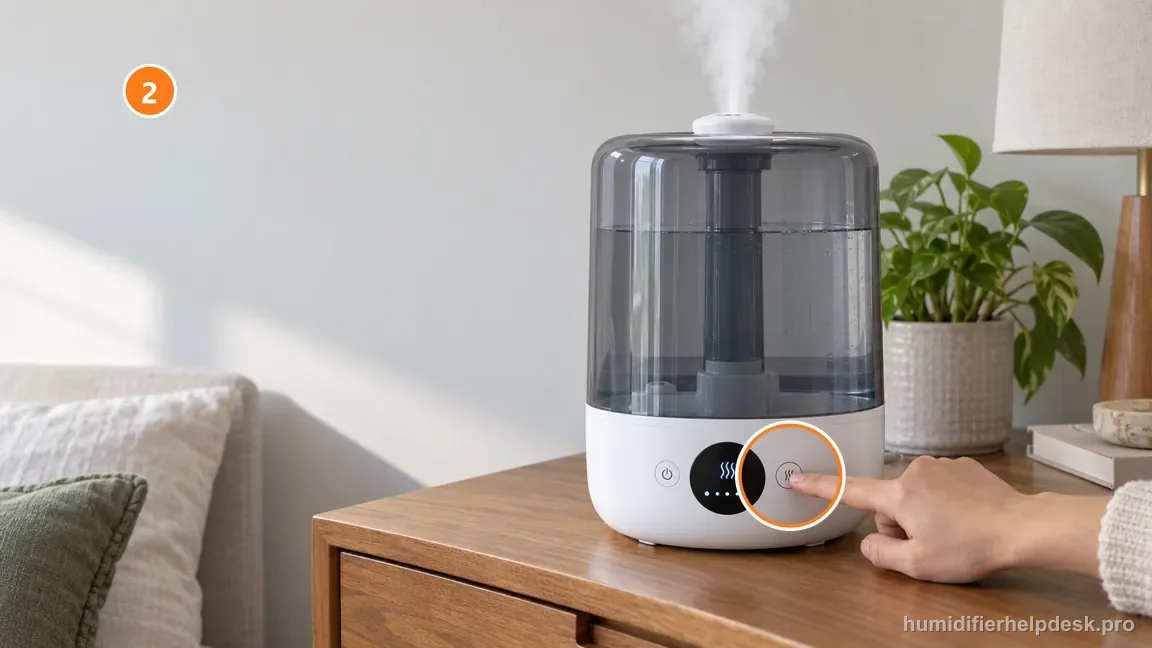
Switch out of Auto and test one manual mist level; visible mist confirms the output system is working. - If you want Auto Mode to keep running at low mist after the target is reached, review the Automatic Stop setting in VeSync.
Diagnostic decision path
This symptom is primarily a control-state diagnosis. The key question is not “can I see mist right now?” but “does the humidifier produce mist when Auto Mode is removed from the equation?” That single comparison prevents normal humidity-control behavior from being misdiagnosed as a failed humidifier. Levoit lists 40–50% relative humidity as the Classic 300S Auto Mode range by default, while allowing a customized target; it can intentionally stop visible mist when the room reaches that target. The quickest way to distinguish that from a no-mist fault is to switch to a manual high setting and watch whether the ultrasonic plume returns.
- Note the displayed room humidity and the current target in VeSync.
- Do not change several settings at once; first compare Auto Mode with one manual mist level.
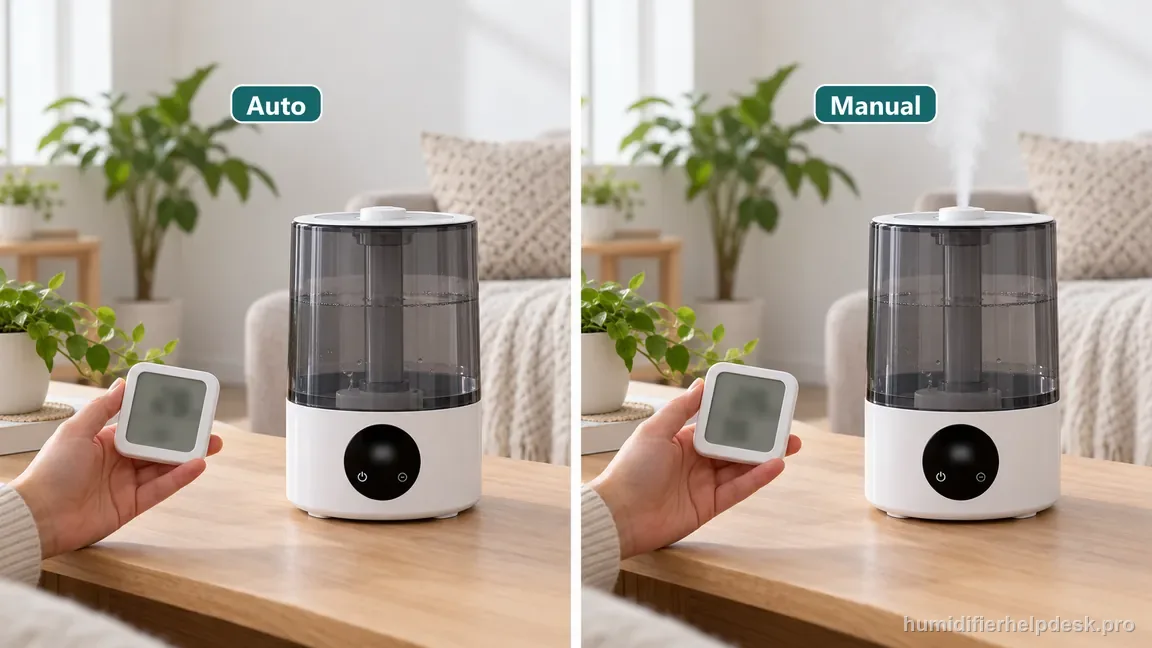
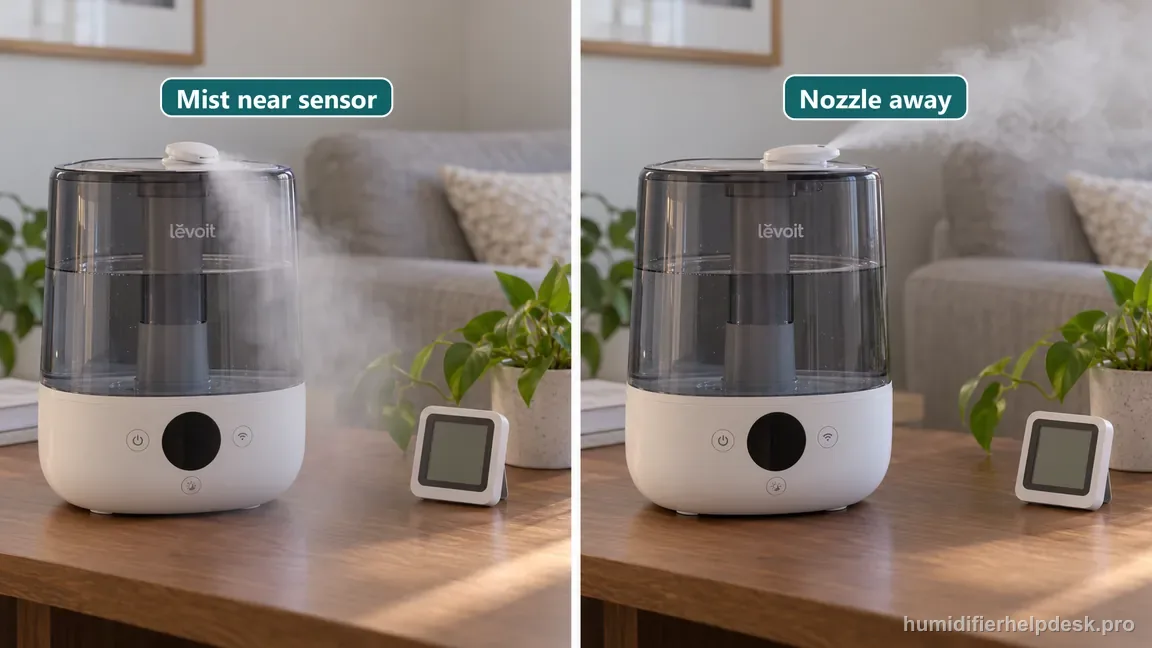
Change one variable: compare Auto with a single manual mist level before adjusting other settings. - Keep the nozzle aimed away from the humidity-sensor side so local mist does not distort the reading.
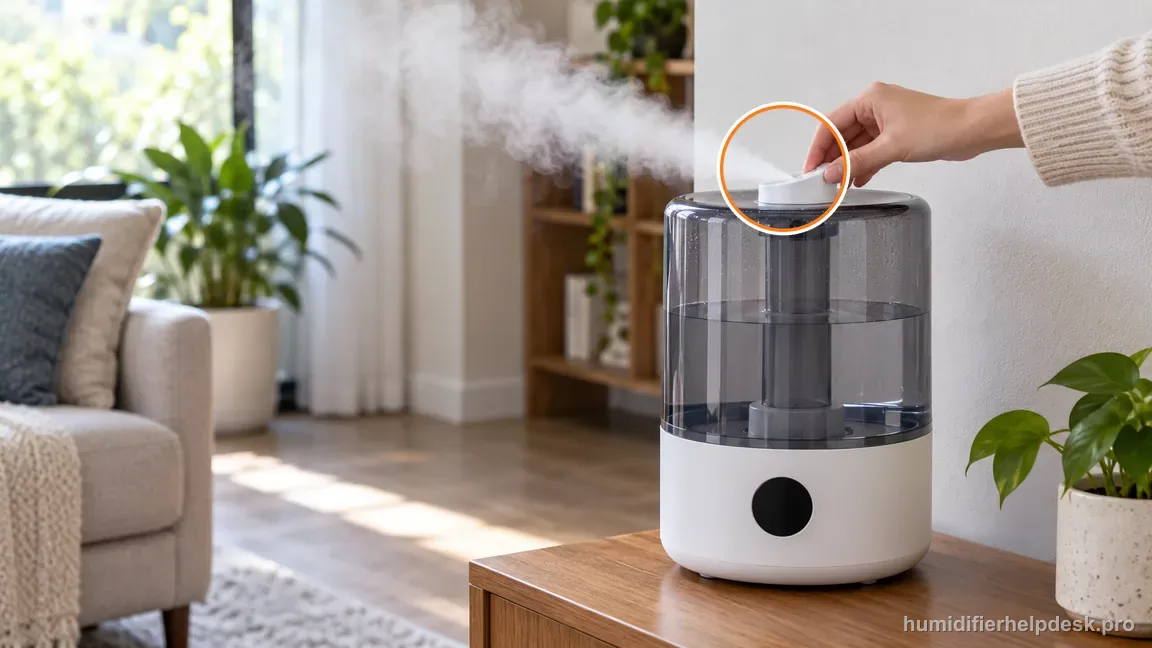
Aim the nozzle away from the sensor side to avoid a locally damp reading.
If: Auto Mode is quiet but manual mist works immediately
What it means: The mist hardware is working and the stop is most likely intentional humidity control.
Do next: Check the target humidity and Automatic Stop setting in VeSync.
If: Displayed humidity is at or above the target
What it means: Stopping mist is expected under the documented Auto Mode logic.
Do next: Either wait for room humidity to fall, raise the target if appropriate, or use a manual level when you intentionally want continuous output.
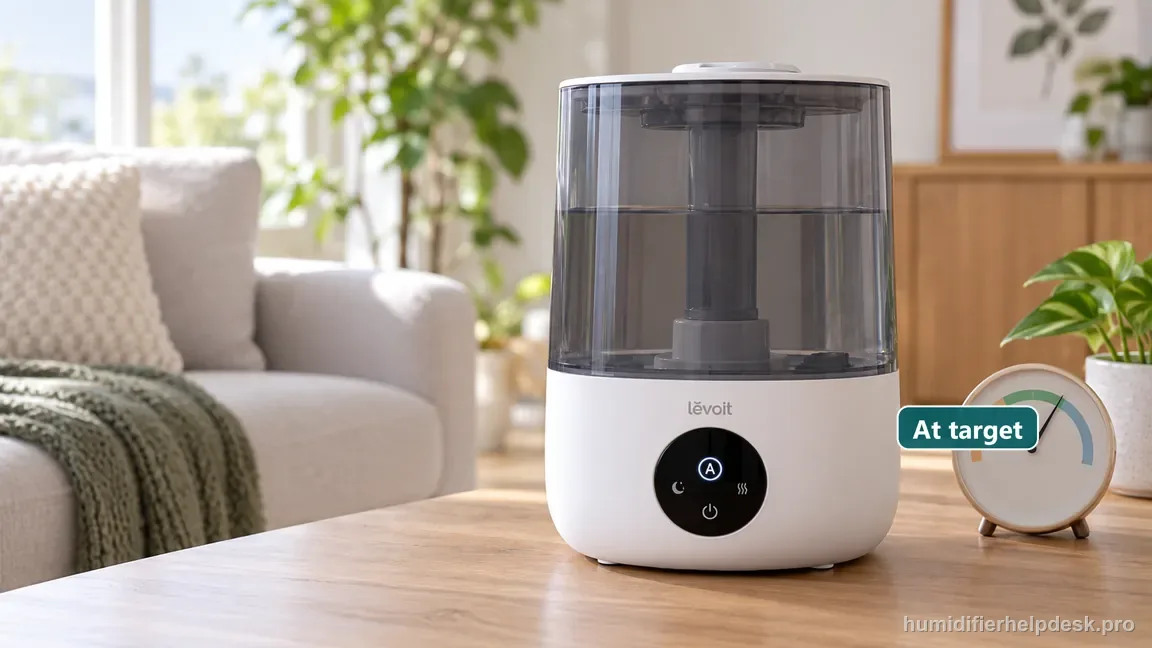
If: Displayed humidity looks implausibly high or changes strangely
What it means: The control decision may be responding to a poor local humidity reading rather than the room as a whole.
Do next: Turn the unit off, let the sensor area dry if it may have collected mist, aim the nozzle away from the sensor, and recheck after room air mixes.
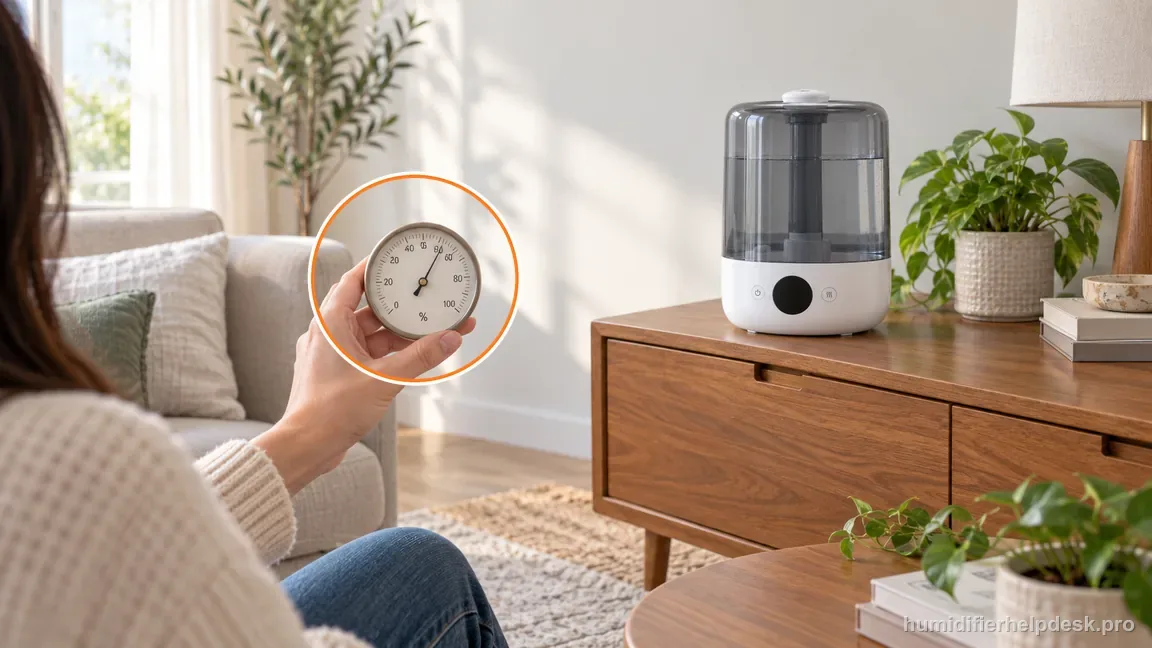
If: Manual High also produces little or no mist
What it means: Auto Mode is not the root cause because the symptom survives outside Auto.
Do next: Move to the Classic 300S no-mist path and check water level, base water, airflow, nozzle, placement, rinse status, and the US water-filter path.
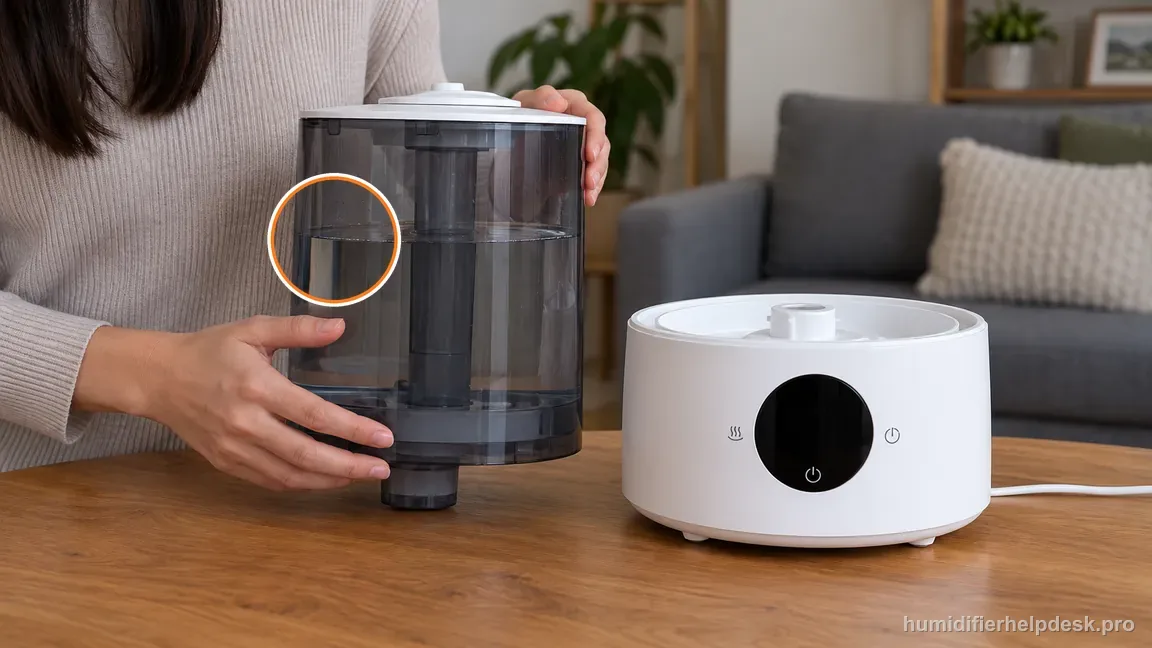
If: The documented checks are complete, but the same symptom remains after a controlled retest
What it means: The owner-facing evidence on this page no longer explains the repeat symptom.
Do next: Record the target, displayed RH, and result of the manual High test, then ask Levoit about the Classic 300S Auto behavior instead of opening the ultrasonic base.
How to interpret the retest
Record the displayed RH and the Auto target before touching the settings. The manual notes that Auto can withhold mist when humidity is already above its default range, and VeSync can change the target/Automatic Stop behavior. If manual High produces normal mist, the water and transducer path can work; return to the Auto target and sensor reading instead of disassembling the base.
If the displayed RH seems too high for the room, pause the Auto diagnosis and correct the sensor environment. Moisture near the Classic 300S sensor or mist aimed toward it can make Auto stop early. A control algorithm cannot compensate for a locally biased input. Dry/reposition first, then retest the same target without changing several settings together.
Model-specific context that changes the diagnosis
Manual High is the control test for Classic 300S Auto
Use one manual high-mist run to answer a narrow question: can the ultrasonic system produce visible output right now? If yes, an Auto-only stop is more likely to be target or sensor related. If no, leave this article and use the Classic 300S no-mist path, which checks water level, base water, airflow/nozzle blockage, placement, and the water filter.
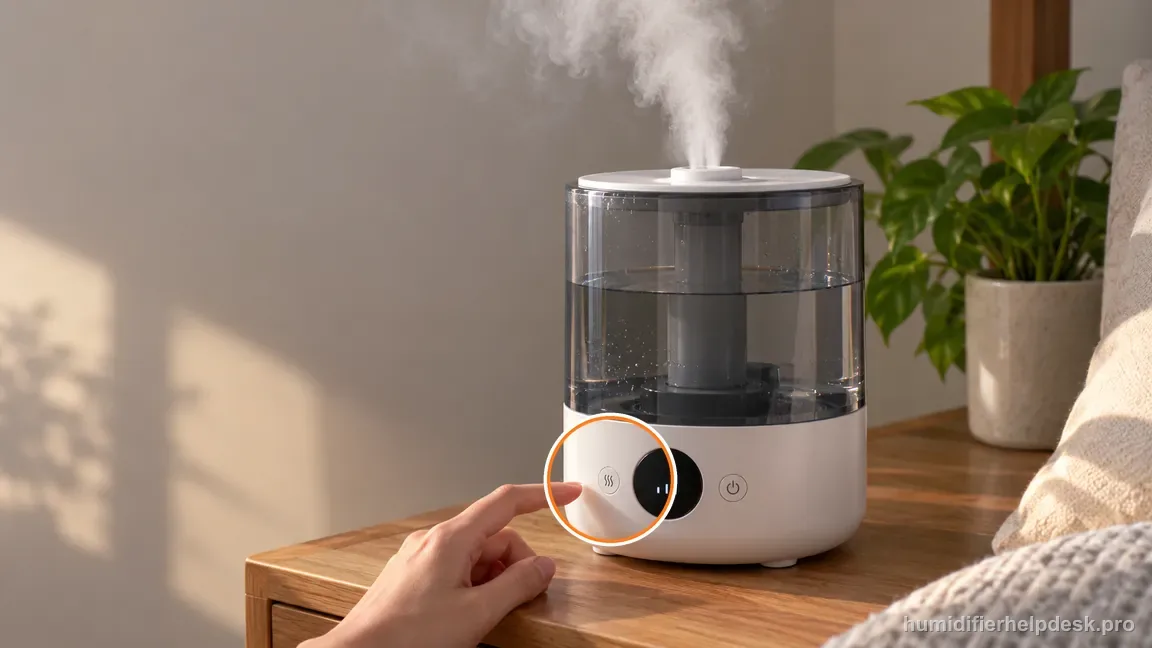
Automatic Stop can change the behavior you see
Classic 300S Auto Mode is not simply a fixed mist level. It reacts to humidity and, through VeSync, Automatic Stop settings can determine what happens at the upper target. Before calling the behavior intermittent, check the actual target and whether the app configuration was changed. A stop near the intended target is normal control behavior, not evidence of a failing transducer.
Sensor bias can masquerade as a smart-mode fault
If the Classic 300S reads wetter than the room because mist has settled near the sensor, Auto may stop while a hygrometer across the room still reads low. Redirect the nozzle and let the sensor area dry, then repeat the Auto test. Correcting the input before changing the target prevents the owner from compensating for a bad local reading with an unnecessarily high humidity setting.
Common mistakes that make this harder to diagnose
- Power-cycling repeatedly without checking the humidity target.
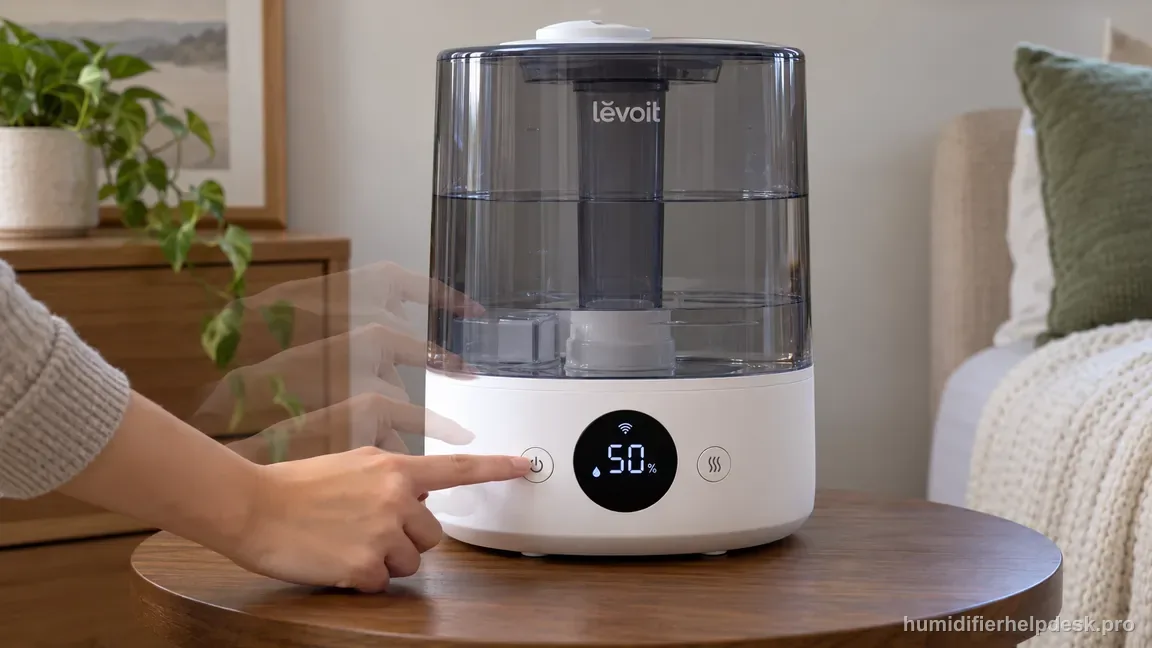
Avoid repeated power cycling before checking the displayed humidity and your actual target; the shown 50% is only illustrative. - Assuming “no visible mist” always means the ultrasonic hardware failed.
- Changing the target, mist level, placement, and app settings simultaneously, which makes the result hard to interpret.
- Using another Levoit model’s Auto Mode thresholds or reset sequence.
The diagnosis is complete when manual output works and the start/stop behavior in Auto Mode follows the selected humidity target. If Auto Mode behaves unexpectedly even after the sensor area and target settings are checked, use the exact-model support path rather than inventing a hidden reset.
Questions people ask about this exact symptom
Why does my Levoit Classic 300S stop misting in Auto Mode?
It can be normal. Auto Mode uses the humidity sensor and can stop visible mist once the selected upper target is reached. Check current RH and the VeSync target, then switch briefly to manual High. If mist returns, the ultrasonic system is working and the Auto stop should be evaluated as target/sensor behavior rather than a no-mist hardware fault.
Why does Classic 300S Auto Mode not mist when my room still feels dry?
First verify the displayed RH is believable. Mist or moisture near the built-in sensor can make the humidifier think the local air is wetter than the room average. Aim the nozzle away, let a damp sensor area dry, and compare again. If manual mist works, correct the sensor/target conditions before troubleshooting the transducer.
Should I disable Automatic Stop on the Classic 300S?
Only if that matches the behavior you want. The VeSync setting changes what Auto does at the humidity target; it is not a repair for a no-mist fault. Before changing it, confirm manual output works and the sensor reading is credible. If manual High also produces no mist, use the dedicated no-mist troubleshooting guide instead of changing Auto settings.
Why this path is model-specific
The Classic 300S manual says Auto Mode uses the humidity sensor to adjust or stop mist output. With Automatic Stop enabled, misting stops at the highest target and resumes after room humidity falls.
For the Levoit Classic 300S, the machine type matters: it is ultrasonic. Visible mist is part of normal output when mist production is active, so a true no-mist complaint deserves model-specific troubleshooting.
This symptom appears on other humidifiers too, but the meaning and reset path can change by technology, sensor logic, and control layout. Use the exact model source above before borrowing a fix from a neighboring model.
Compare this symptom across verified models
If you are still deciding whether this behavior is normal or model-specific, use the symptom hub to compare only manufacturer-linked guides. Keep the Levoit Classic 300S instructions above as the controlling path for this machine.
If the problem is still there
If the checks above do not change the symptom, use the manufacturer support path for this exact model. We intentionally stop before undocumented resets, sensor bypasses, internal mains work, or parts replacement that the consumer manual does not authorize.
What we do not recommend
Do not defeat a float, water-level sensor, overheat protection, interlock, or other safety feature. Do not open mains-powered sections for live testing. If the unit smells burned, becomes abnormally hot, smokes, sparks, has water near electrical parts, or repeatedly trips a circuit, stop using it and keep clear. Unplug it only if the plug, outlet, and surrounding area are dry and safe to reach; otherwise do not touch wet equipment and contact manufacturer support for next steps.
Primary source for this diagnosis
Source checked during the September 4, 2026 editorial review. Manufacturer documents can change; a material re-review updates this guide’s reviewed date rather than stamping unrelated pages.