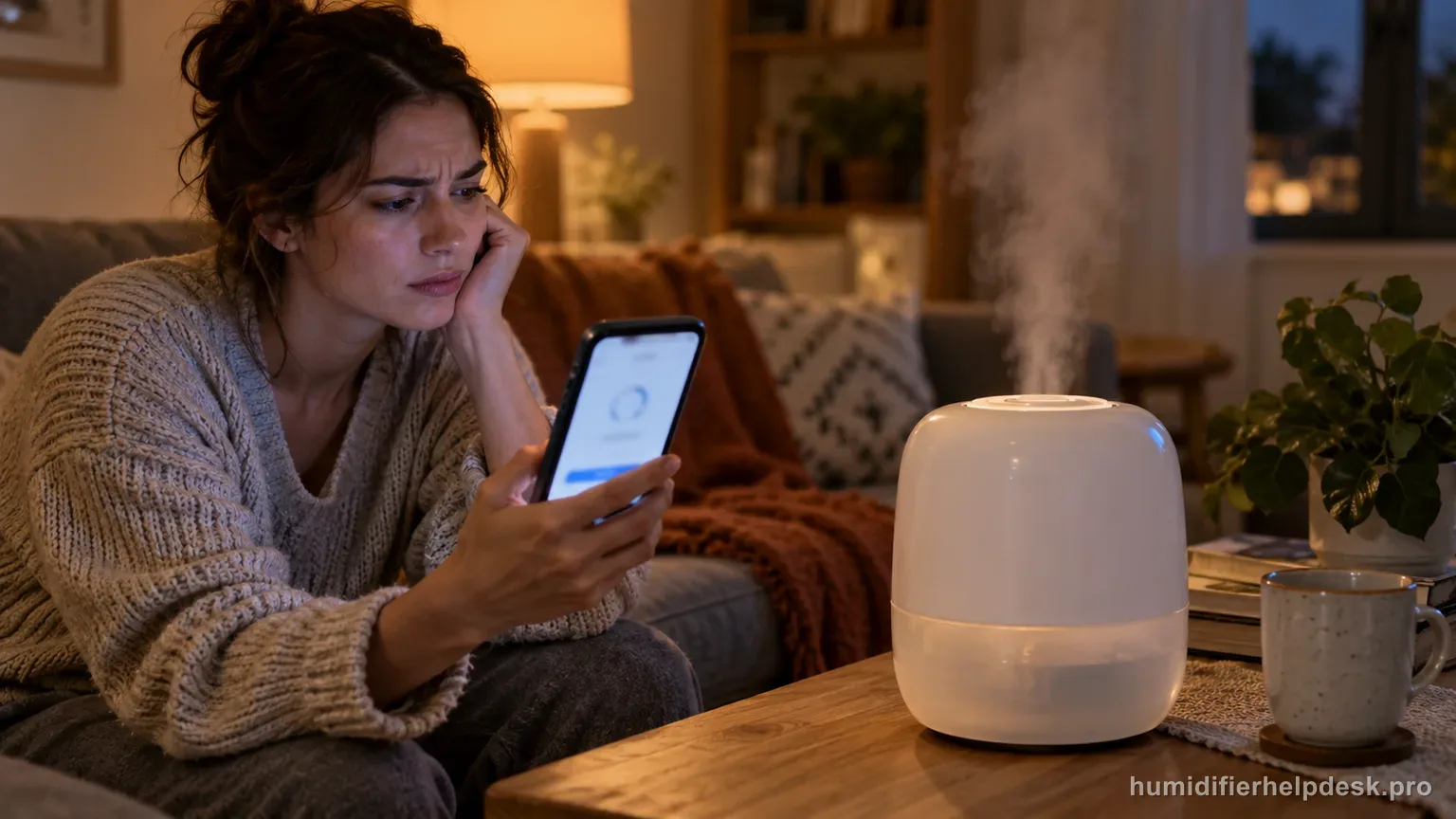
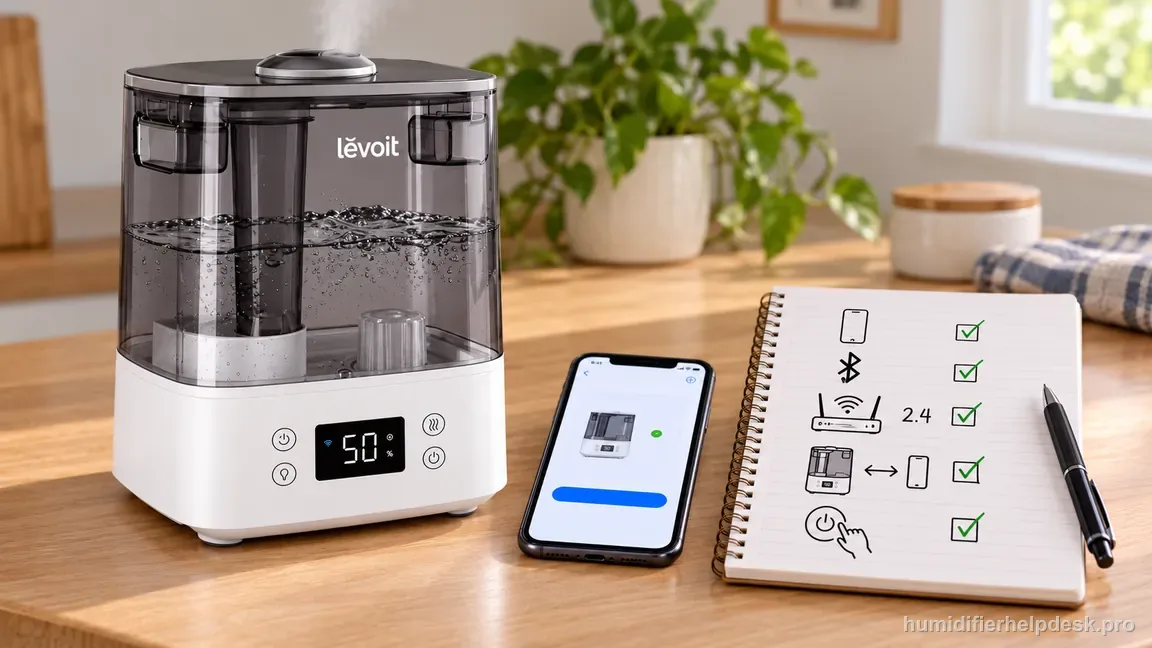
Use a secure 2.4 GHz Wi-Fi network, verify Bluetooth and the Wi-Fi password, keep the phone and humidifier close together, then use the documented 15-second reset if needed.
Does this match what you are seeing?
Owners describe this Levoit Classic 300S problem in a few different ways. If one of these sounds like yours, this guide covers it:
- VeSync will not connect
- First Wi-Fi setup failed
- Cannot pair with VeSync
- App cannot find humidifier during setup
Check these in order
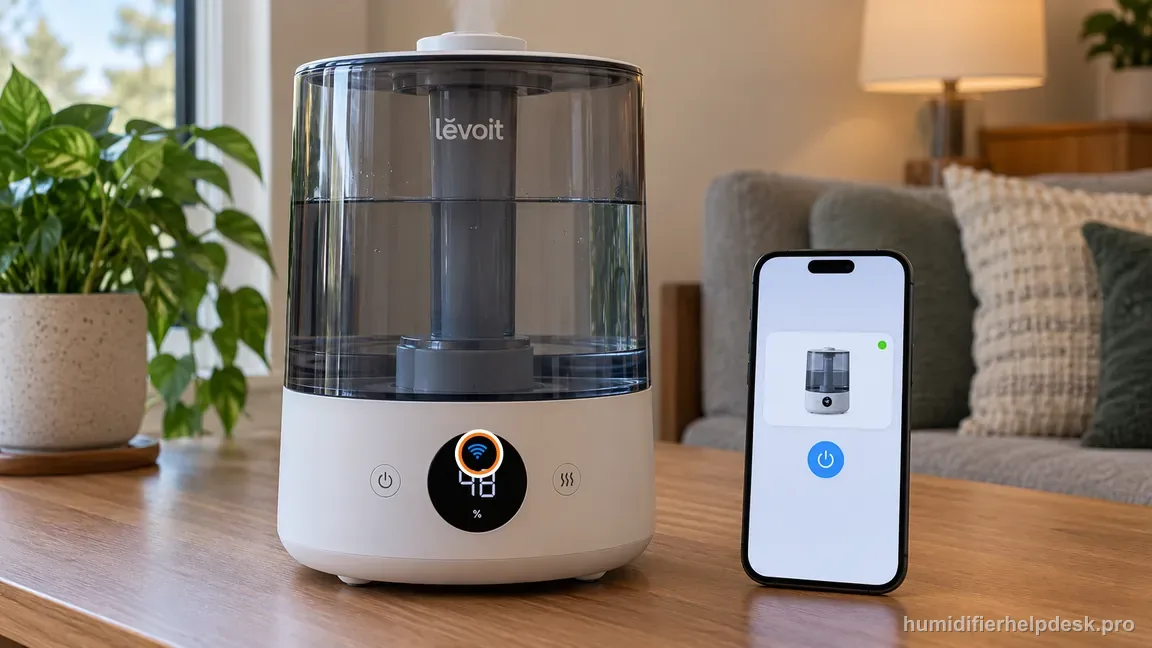
- Turn on Bluetooth on the phone and disconnect it from other Bluetooth devices during setup.
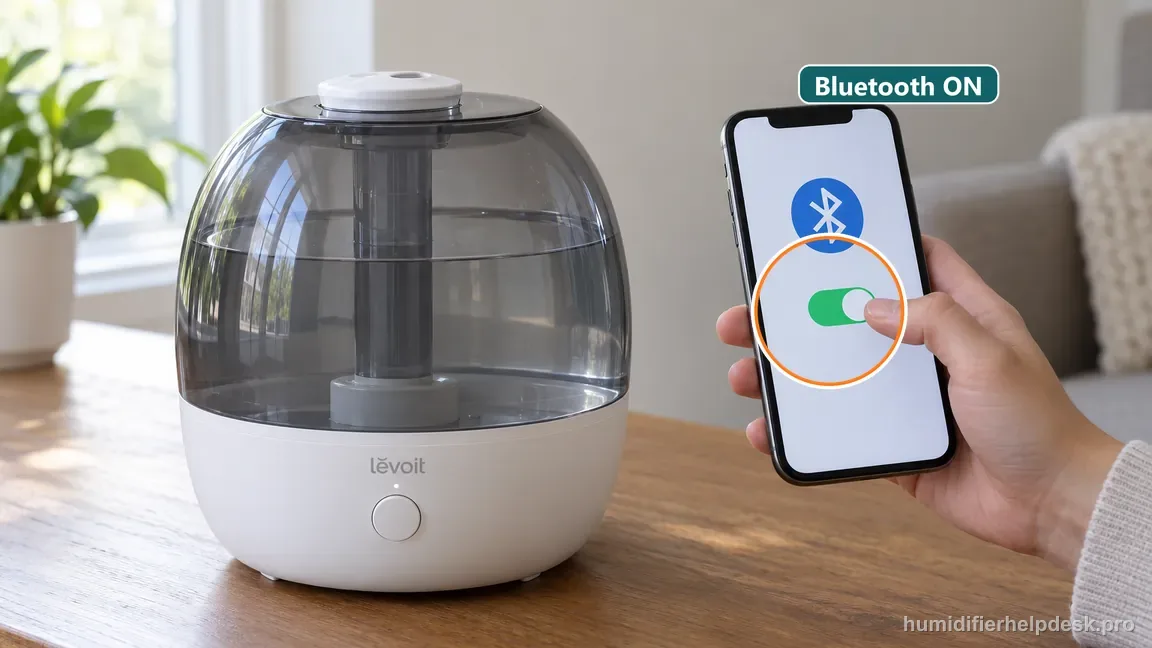
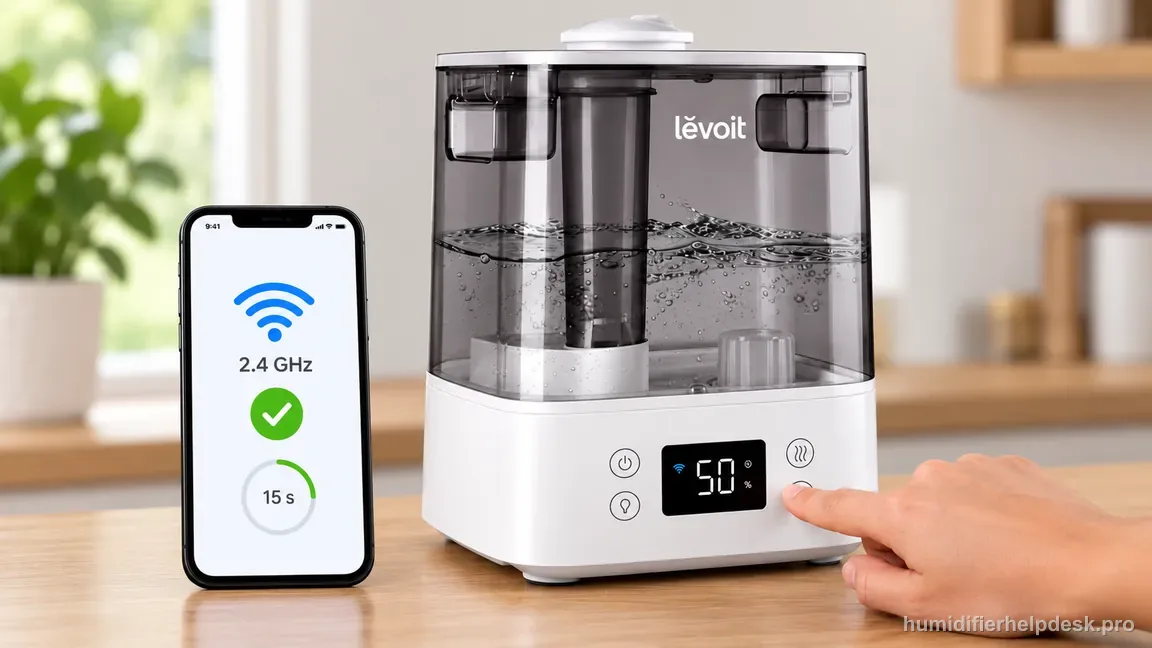
Enable Bluetooth on the phone beside the Classic 300S before pairing. - Connect the phone to a secure 2.4 GHz Wi-Fi network and verify the password.
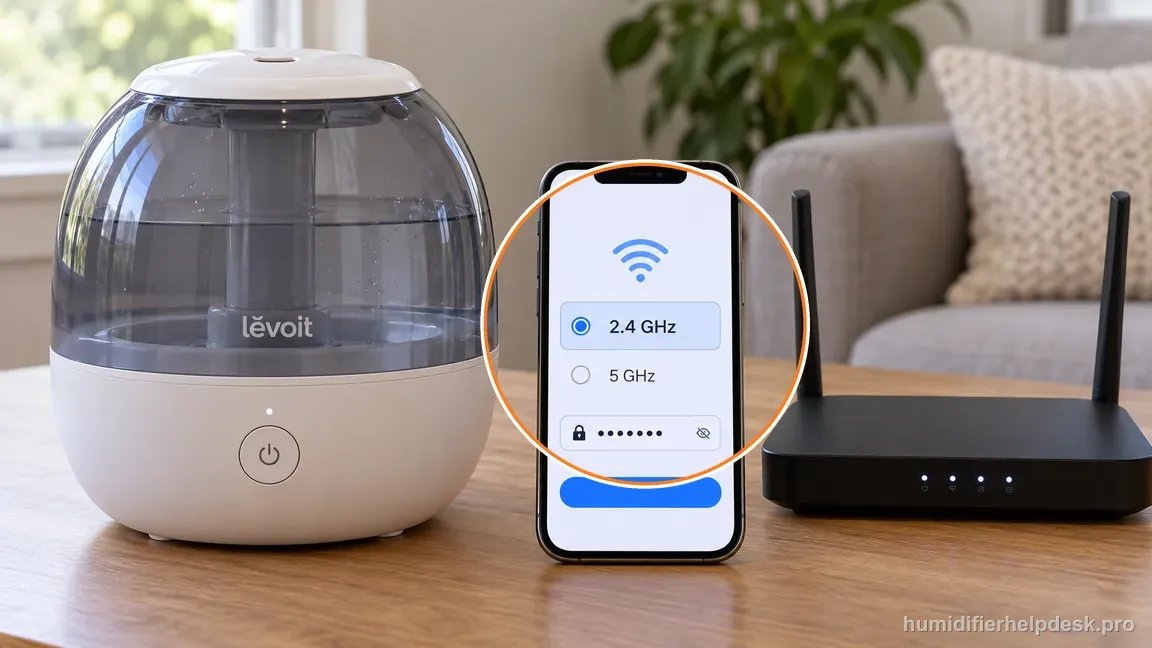
Confirm the phone is on secure 2.4 GHz Wi-Fi and the password is correct. - Keep the phone and humidifier within about 30 ft / 10 m during setup.
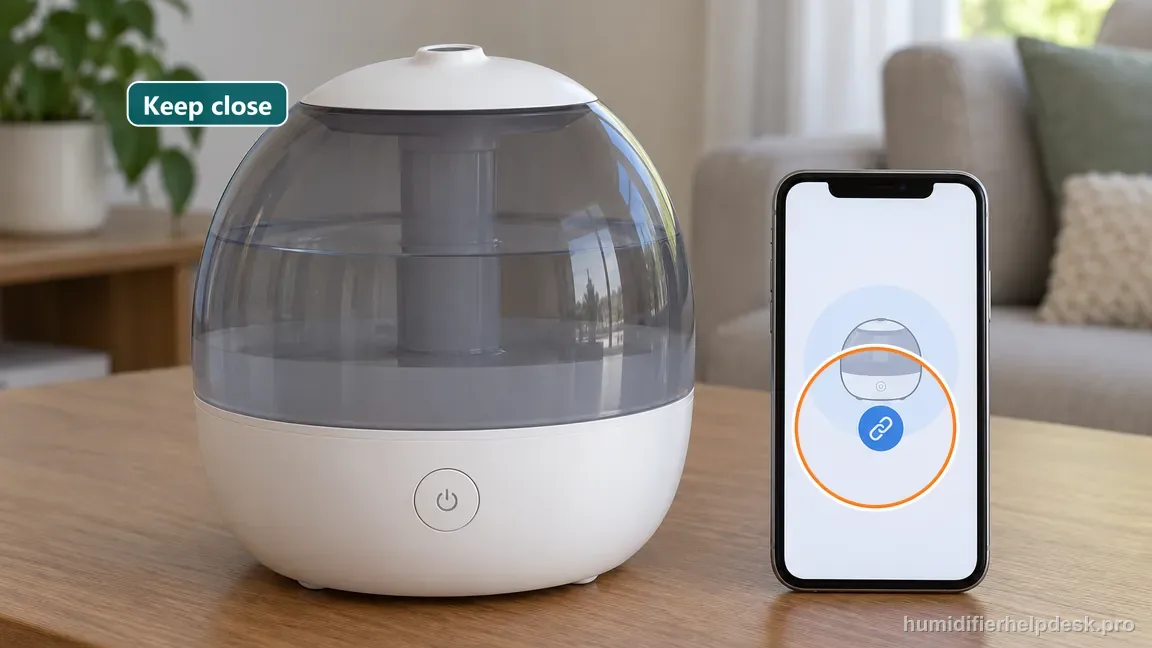
Keep your phone within about 30 ft / 10 m of the Classic 300S during setup. - If setup still fails, press and hold the humidifier power button for 15 seconds, then add it again in VeSync.
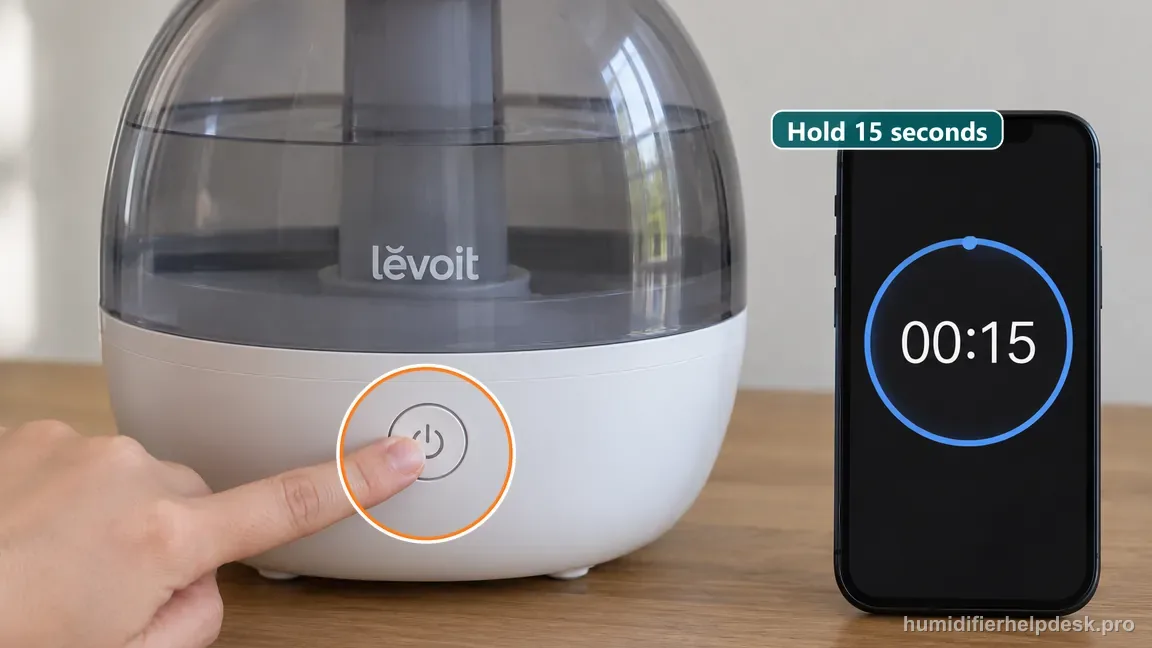
Hold the Classic 300S power control for the documented 15-second Wi-Fi reset.
Diagnostic decision path
Classic 300S VeSync setup problems are usually easiest to diagnose by separating phone permissions, Wi‑Fi band/security, distance, and the humidifier’s own pairing state. Changing all four at once makes it difficult to know what actually fixed the connection. This guide is only for a Classic 300S that has not completed VeSync setup. A unit that was already added and later became Offline belongs in the separate Offline article. Keeping those states separate avoids deleting a working device record when the real problem is only an interrupted connection.
- Turn Bluetooth on and temporarily disconnect the phone from unrelated Bluetooth accessories during setup.
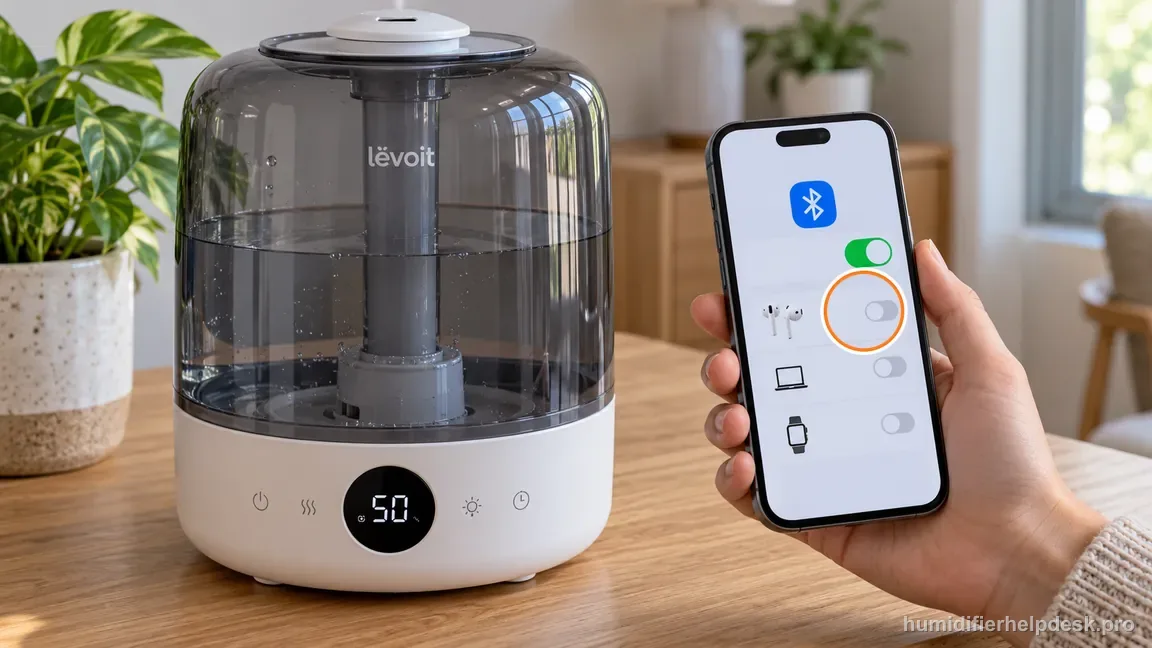
Turn on Bluetooth and temporarily disconnect other Bluetooth accessories during Classic 300S pairing. - Connect the phone to the secure 2.4 GHz Wi‑Fi network you intend the humidifier to use.
- Keep the phone and humidifier close together—within the manual’s roughly 30 ft / 10 m setup range.
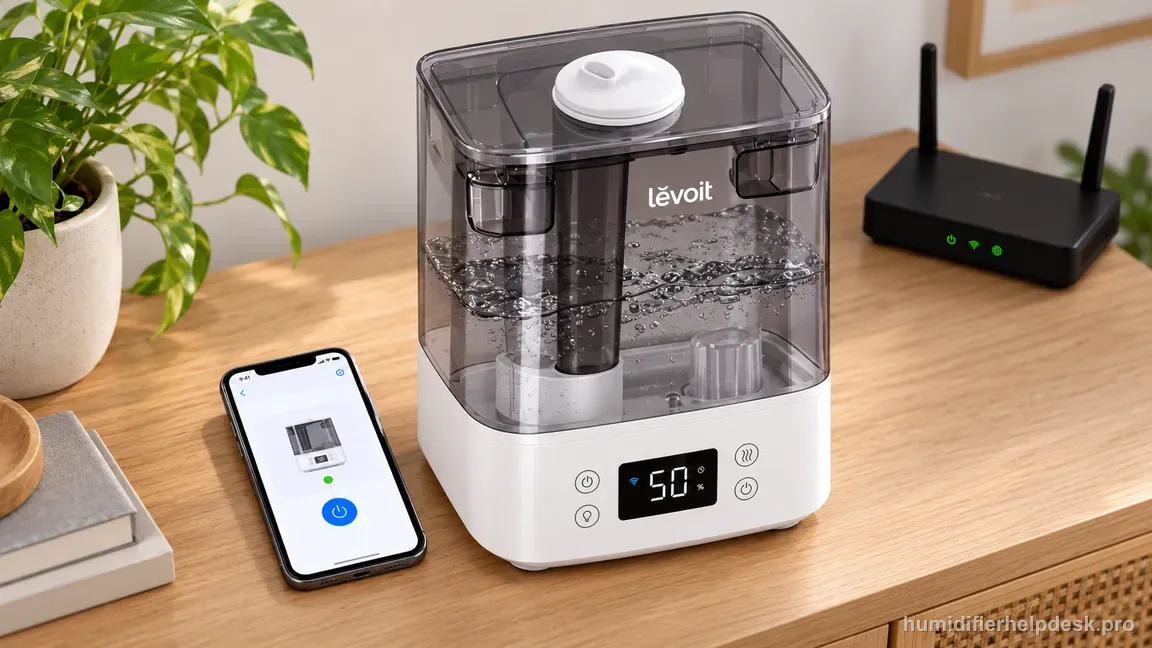
Keep the humidifier and phone within the manual's setup range before pairing.
If: VeSync cannot discover the humidifier at all
What it means: Bluetooth/pairing state or distance is more likely than a cloud/offline problem because the device has not completed initial discovery.
Do next: Verify Bluetooth permission, move closer, and retry setup before resetting the humidifier.
If: The humidifier is discovered but setup fails after the Wi‑Fi step
What it means: The network band, password, or network security is the more likely failure point.
Do next: Confirm the phone is actually on 2.4 GHz, re-enter the password carefully, and avoid captive-portal/guest networks that block device onboarding.
If: Phone/network checks are correct but pairing still fails
What it means: The humidifier may need its documented VeSync reset to return to setup mode.
Do next: Press and hold the humidifier power button for 15 seconds as Levoit documents, then add the device again in VeSync.
If: The humidifier pairs after the reset
What it means: The prior pairing state was the blocker rather than a hardware misting problem.
Do next: Finish setup, verify the device stays online, and avoid repeated resets unless the connection problem returns.
If: The device still cannot be added after the documented network and reset checks
What it means: The supported onboarding path has been exhausted.
Do next: Use VeSync/Levoit support with the phone OS, router type, and Classic 300S model details instead of trying undocumented firmware procedures.
How to interpret the retest
For first-time setup, prove the phone is on the Wi-Fi network you actually want the Classic 300S to use. The manual calls for a secure 2.4 GHz network, Bluetooth enabled, the correct password, and a setup distance within about 30 ft / 10 m. Cellular data on the phone is not evidence that the humidifier has usable home-network credentials.
If discovery works but the join fails, re-check the network name and password before touching the reset. The documented 15-second power-button hold is a recovery step after the prerequisites are correct, not a substitute for them. One clean reset under known-good conditions is more informative than several resets while the network state is unknown.
Make this the first check: “Keep the phone and humidifier within about 30 ft / 10 m during setup”. With that step complete, compare the Levoit Classic 300S with “Phone/network checks are correct but pairing still fails”. If the two states match, the source-backed interpretation is “The humidifier may need its documented VeSync reset to return to setup mode” and then “Press and hold the humidifier power button for 15 seconds as Levoit documents, then add the device again in VeSync”. A non-match means this is not the right Levoit Classic 300S path and continue; that non-match helps rule out this explanation for the vesync will not connect complaint.
Model-specific context that changes the diagnosis
Classic 300S pairing versus an Offline device
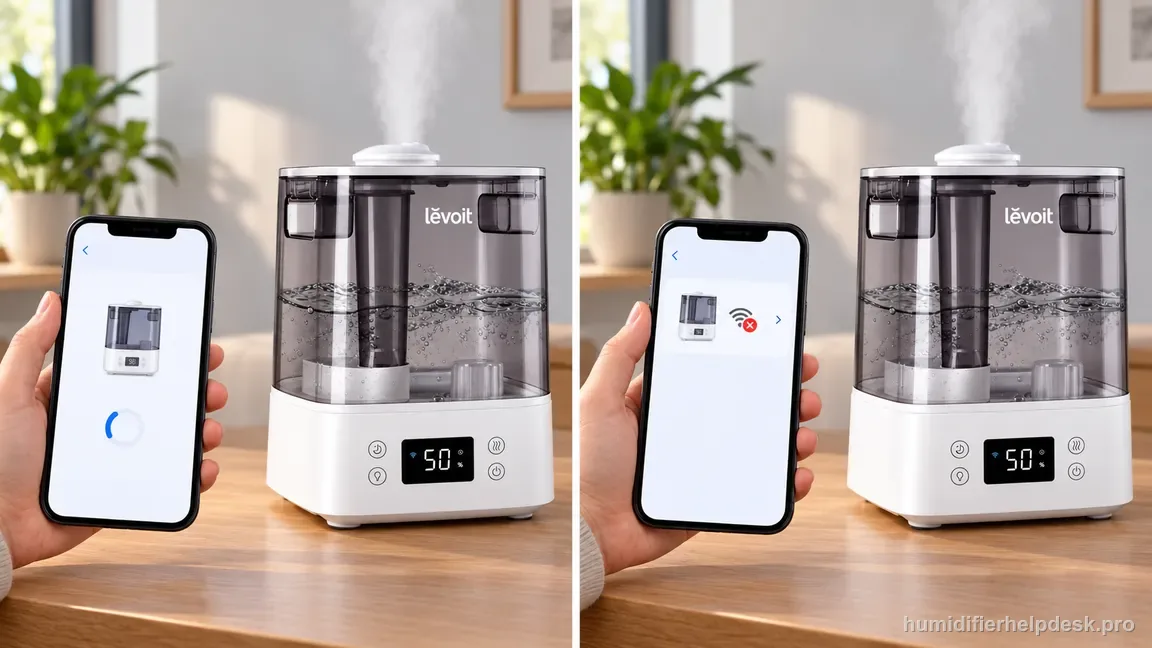
Never reaching the “added” state points to discovery, Wi-Fi credentials, distance, or the setup reset. An existing Classic 300S that suddenly shows Offline is different: start there with outlet power, router/internet status, a VeSync refresh, and any recent router change. The distinction matters because deleting and recreating the device should not be the first action for a temporary outage.
Use the 15-second reset once the network is ready
A reset restarts the Classic 300S smart configuration. It cannot fix a mist-only 5 GHz network, an incorrect password, or a router that has no internet. Verify those conditions first, then hold the documented power control for 15 seconds and add the humidifier again. After pairing, send one simple command and make sure the physical unit responds before calling the setup complete.
What to record before escalating VeSync setup
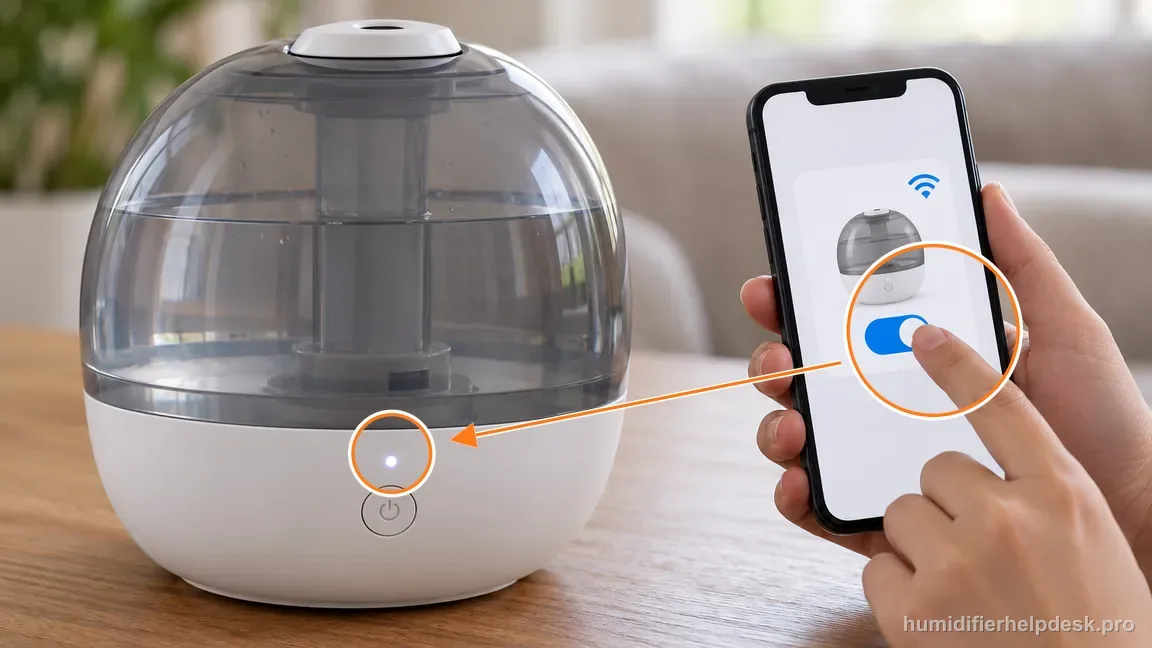
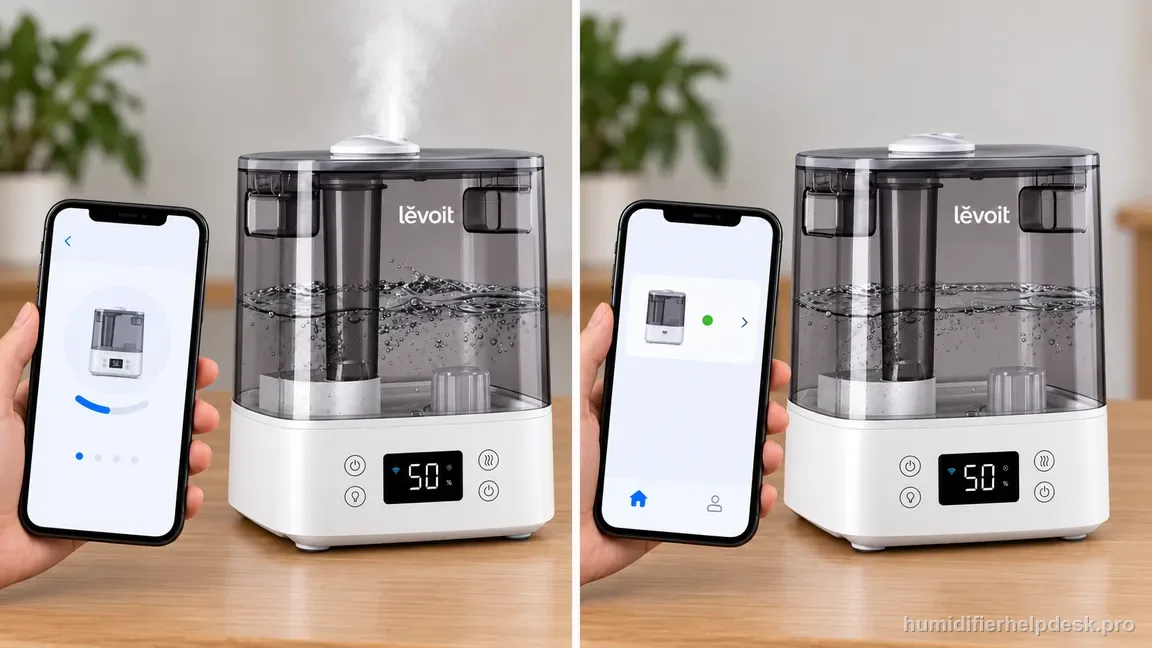
If a clean attempt still fails, note the phone type, whether Bluetooth is enabled, the 2.4 GHz network name, approximate phone-to-humidifier distance, and where the process stops. Also record whether the Classic 300S operates normally from its local controls. That information lets Levoit distinguish a smart-setup problem from a broader appliance fault without opening the base or guessing at internal wireless hardware.
Common mistakes that make this harder to diagnose
- Trying setup while the phone is on 5 GHz only.
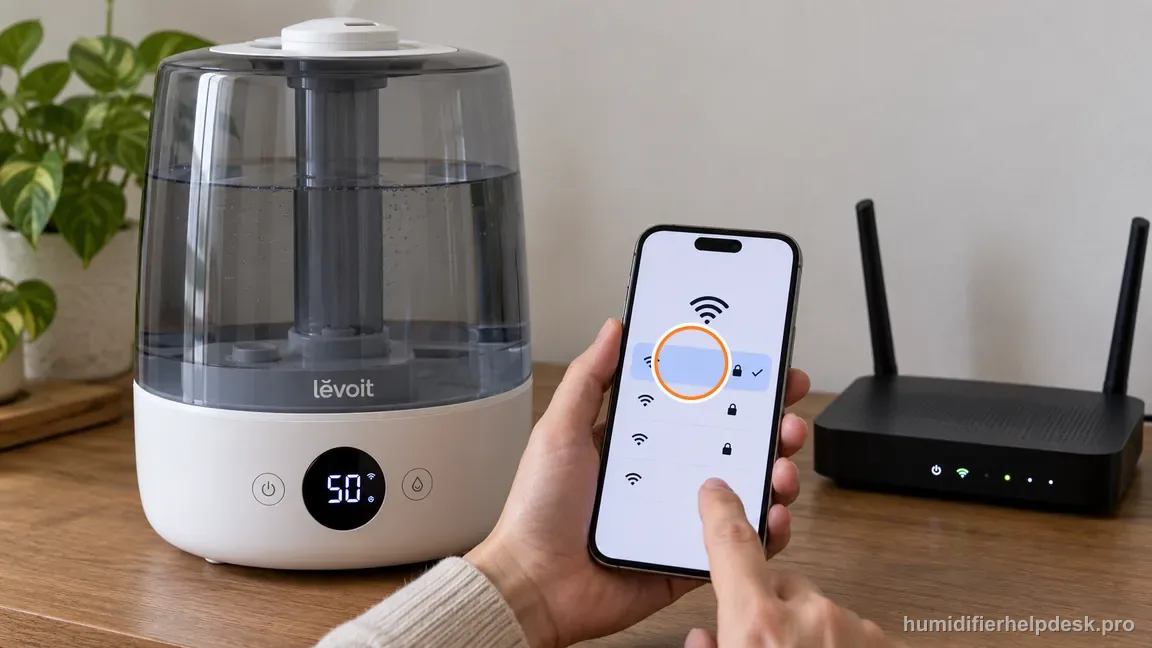
Do not pair on 5 GHz only; select secure 2.4 GHz Wi-Fi for the Classic 300S. - Resetting repeatedly before checking the Wi‑Fi password and Bluetooth permission.
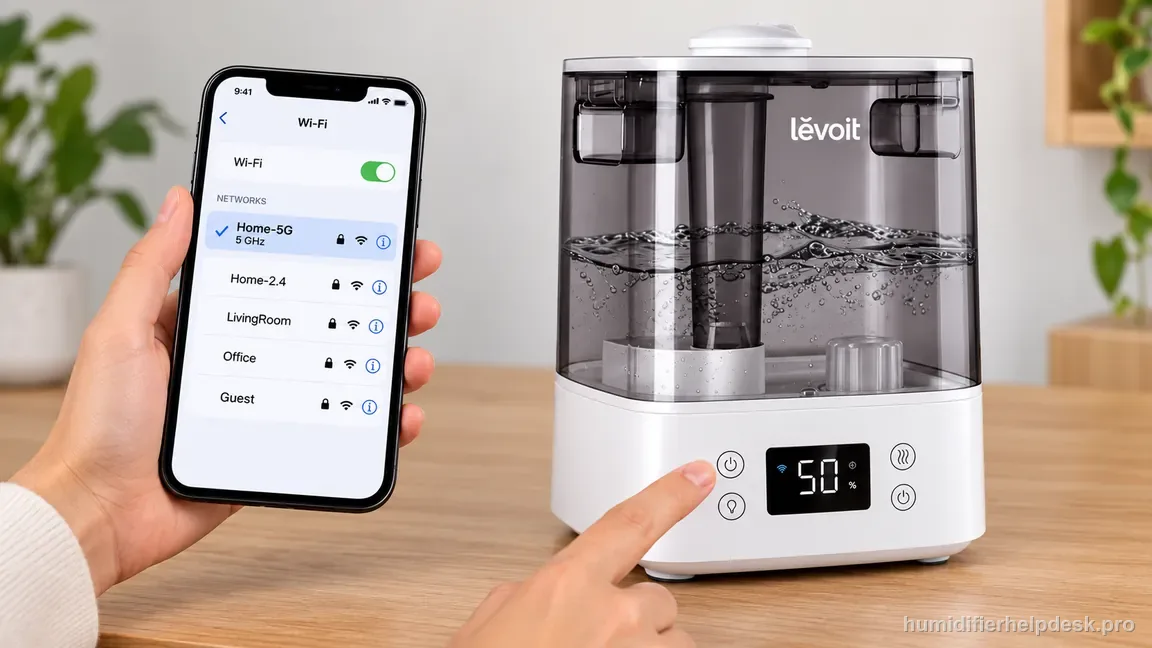
Correct the band and password before repeating a humidifier reset. - Using a hotel/guest/captive-portal network and assuming the humidifier is defective.
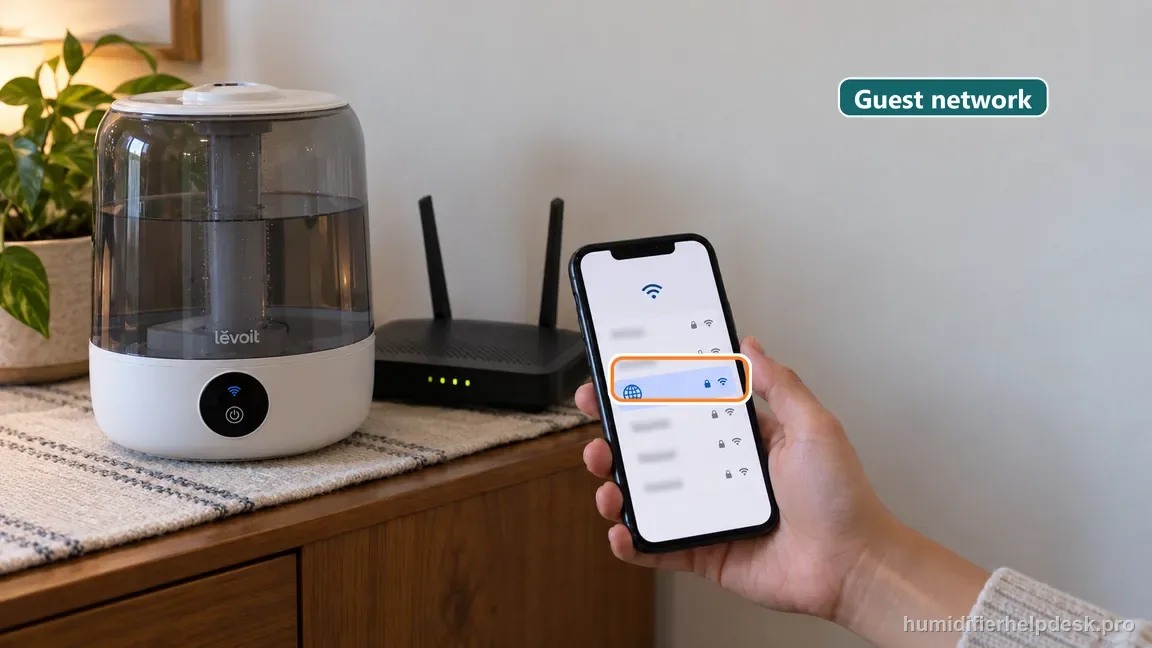
Avoid hotel, guest, and captive-portal networks when pairing the Classic 300S. - Confusing a VeSync connection failure with a no-mist hardware failure.
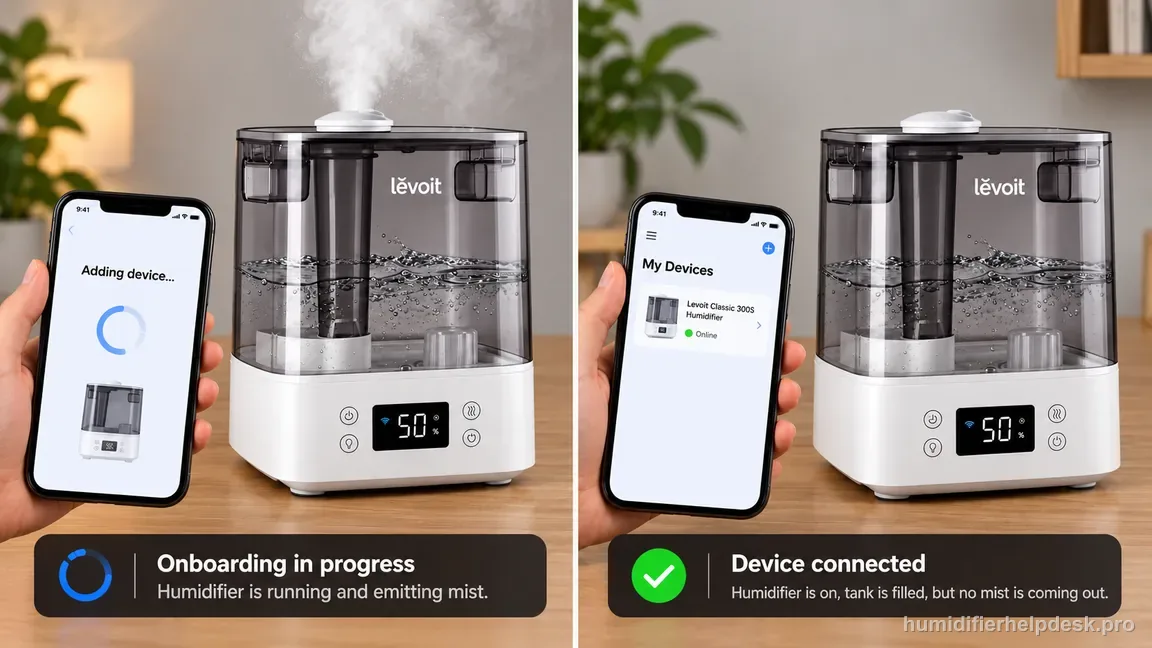
Separate a VeSync onboarding failure from a no-mist symptom before troubleshooting hardware.
The connection is resolved when the Classic 300S can be added to VeSync on the intended 2.4 GHz network and remains reachable after setup. If discovery or onboarding still fails after the documented 15-second reset and correct phone/network conditions, the next step is app/manufacturer support.
Questions people ask about this exact symptom
Why won’t my Levoit Classic 300S connect to VeSync on Wi-Fi?
The Classic 300S setup requires more than a phone with internet. Use a secure 2.4 GHz Wi-Fi network, turn on Bluetooth, verify the password, and keep the phone and humidifier within about 30 ft / 10 m. If those checks are correct but pairing still fails, use the manual’s 15-second reset once and re-add the device.
Does the Classic 300S need a 2.4 GHz network for VeSync setup?
Yes. The model’s VeSync troubleshooting instructions specify secure 2.4 GHz Wi-Fi during setup. If your router uses one combined network name, make sure the setup path actually allows the humidifier to join the compatible band. Do not repeatedly reset the humidifier while the network requirement is still unresolved.
Should I reset my Classic 300S if it already paired before and now says Offline?
Not as the first step. An already-added Classic 300S that becomes Offline should be checked for appliance power, router internet, app refresh, and recent network changes. If it does not recover, then re-adding or using the documented reset can make sense. Treating every Offline event as first-time pairing can erase useful connection history.
Why this path is model-specific
These are the Classic 300S VeSync App Troubleshooting steps in Levoit’s US user manual.
For the Levoit Classic 300S, the machine type matters: it is ultrasonic. Visible mist is part of normal output when mist production is active, so a true no-mist complaint deserves model-specific troubleshooting.
This symptom appears on other humidifiers too, but the meaning and reset path can change by technology, sensor logic, and control layout. Use the exact model source above before borrowing a fix from a neighboring model.
Compare this symptom across verified models
If you are still deciding whether this behavior is normal or model-specific, use the symptom hub to compare only manufacturer-linked guides. Keep the Levoit Classic 300S instructions above as the controlling path for this machine.
If the problem is still there
If the checks above do not change the symptom, use the manufacturer support path for this exact model. We intentionally stop before undocumented resets, sensor bypasses, internal mains work, or parts replacement that the consumer manual does not authorize.
What we do not recommend
Do not defeat a float, water-level sensor, overheat protection, interlock, or other safety feature. Do not open mains-powered sections for live testing. If the unit smells burned, becomes abnormally hot, smokes, sparks, has water near electrical parts, or repeatedly trips a circuit, stop using it and keep clear. Unplug it only if the plug, outlet, and surrounding area are dry and safe to reach; otherwise do not touch wet equipment and contact manufacturer support for next steps.
Primary source for this diagnosis
Source checked during the September 4, 2026 editorial review. Manufacturer documents can change; a material re-review updates this guide’s reviewed date rather than stamping unrelated pages.