Use Bluetooth and a secure 2.4 GHz Wi-Fi connection, verify the password and distance, then use the documented 15-second reset if pairing still fails.
Does this match what you are seeing?
Owners describe this Levoit OasisMist 450S problem in a few different ways. If one of these sounds like yours, this guide covers it:
- VeSync will not connect
- First Wi-Fi setup failed
- Cannot pair with VeSync
- App cannot find humidifier during setup
Check these in order
- Turn on Bluetooth on the phone during setup.
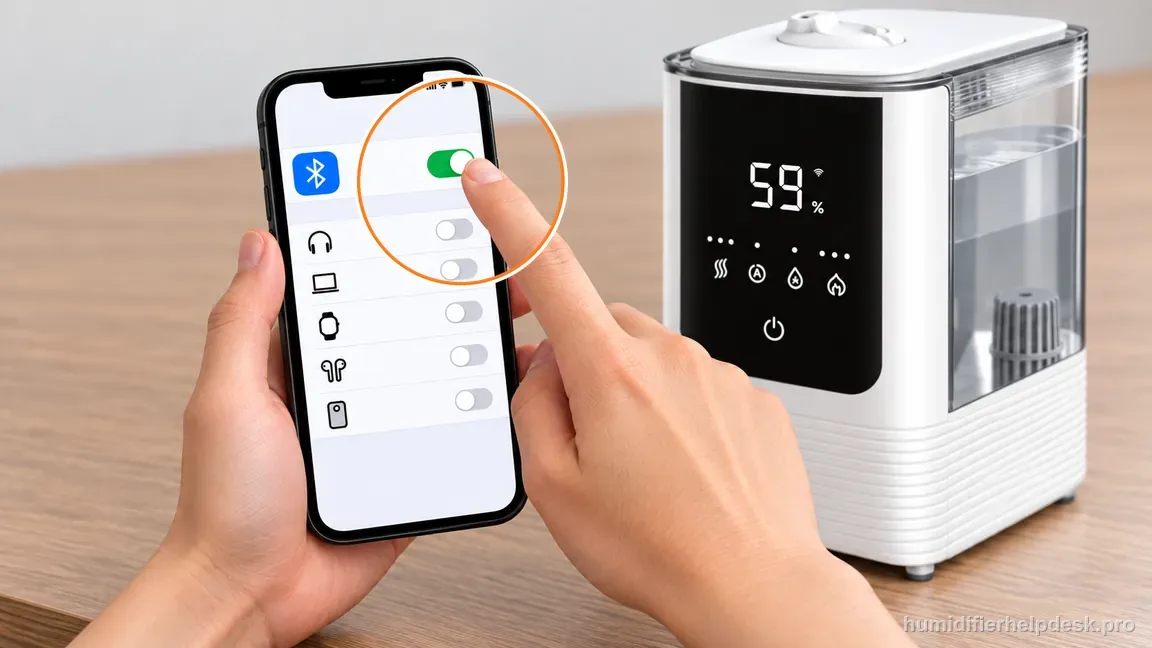
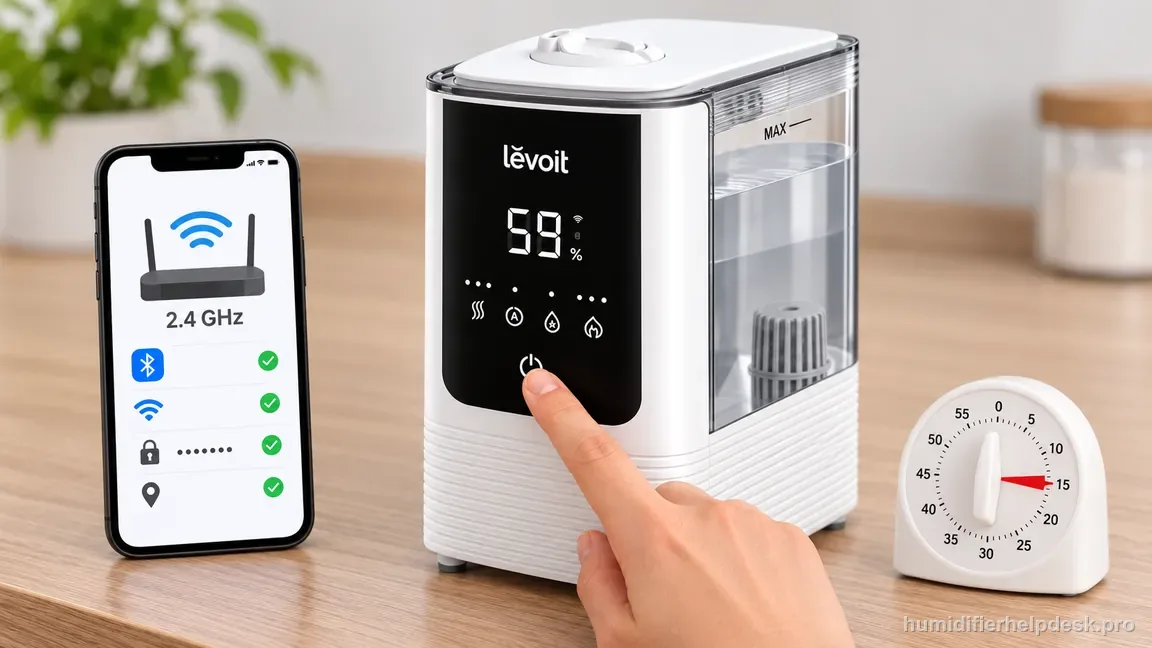
Turn on Bluetooth on the phone so VeSync can discover the OasisMist 450S. - Connect the phone to a secure 2.4 GHz Wi-Fi network and verify the password.
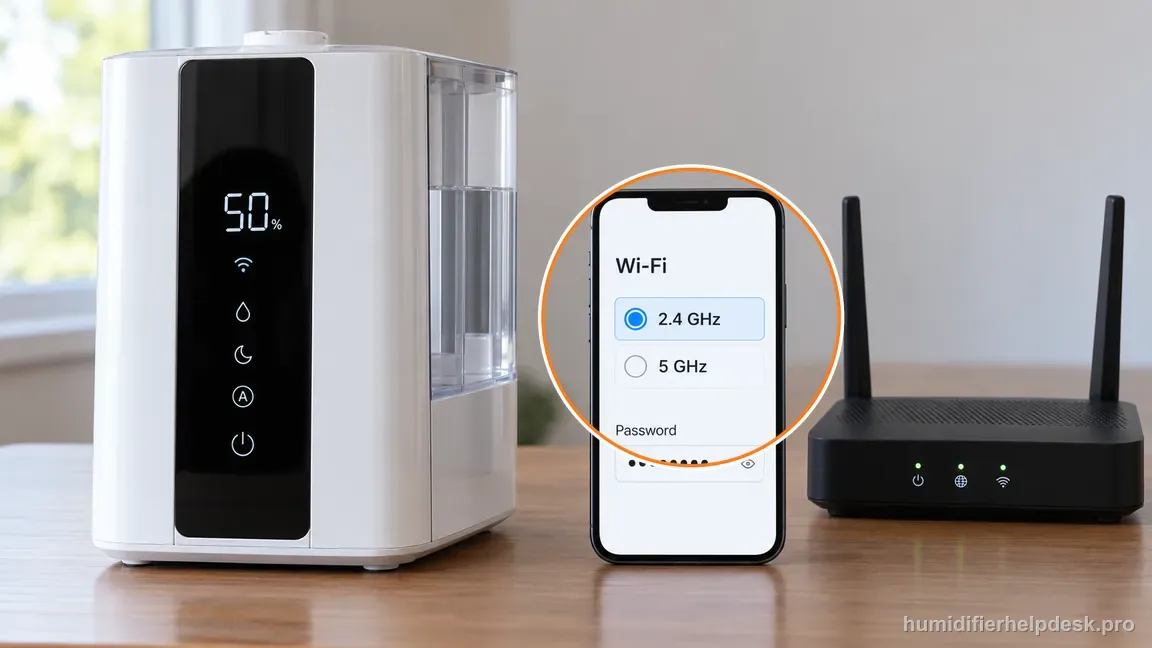
Choose secure 2.4 GHz Wi-Fi and verify the password before adding the humidifier. - Keep the phone and humidifier within about 30 ft / 10 m during pairing.
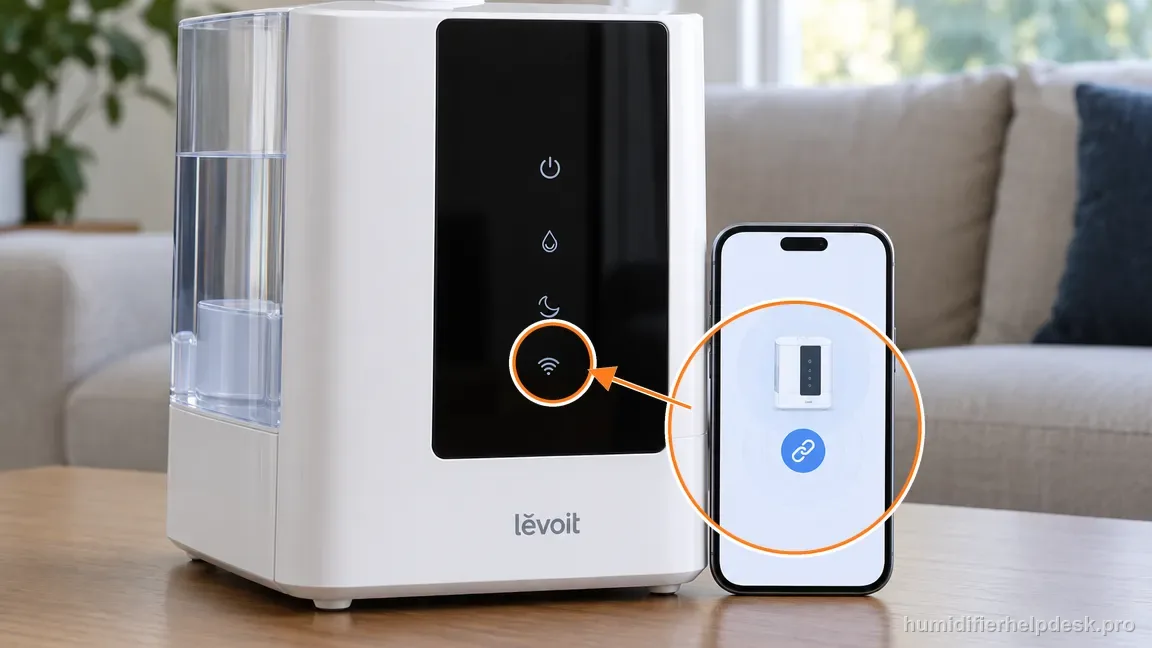
Keep the phone close beside the OasisMist 450S throughout pairing. - If setup still fails, hold the humidifier power button for 15 seconds and add it again in VeSync.
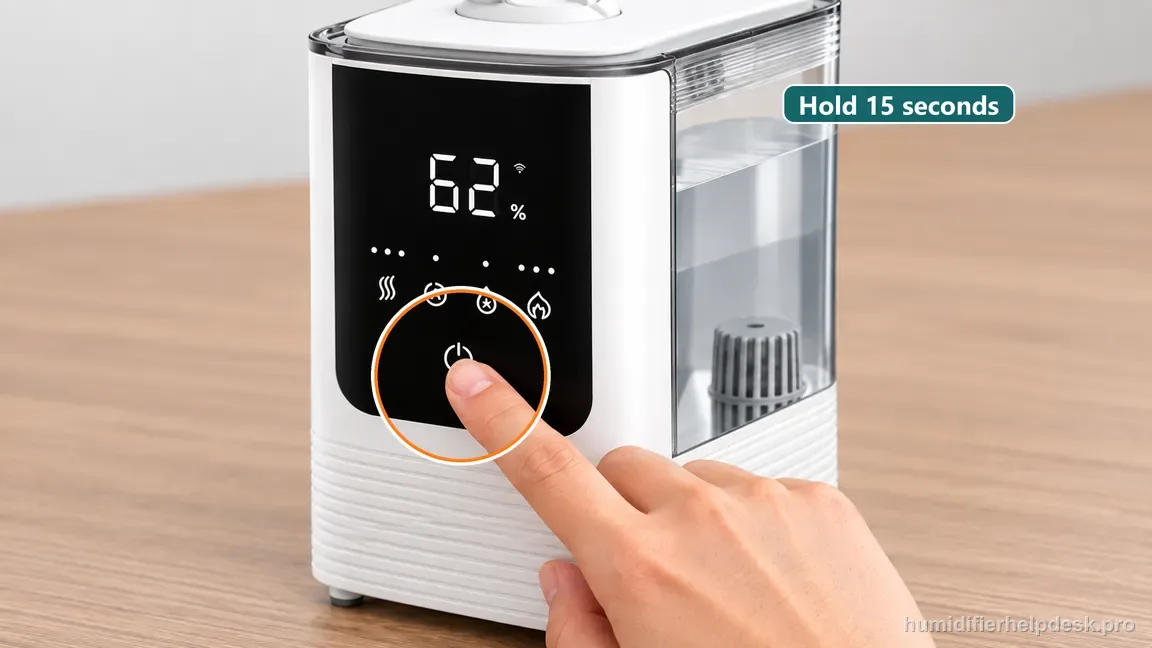
Hold the OasisMist 450S front power control for 15 seconds to reset its Wi-Fi setup state.
Diagnostic decision path
OasisMist 450S pairing should be worked as a connectivity checklist, not a humidifier-hardware diagnosis. The manual calls for Bluetooth, a working secure 2.4 GHz Wi-Fi network, the correct password, setup distance within about 30 ft / 10 m, and then a documented 15-second power-button reset if pairing still fails. The OasisMist 450S has warm/cool mist controls, but none of those water-side features are evidence about whether VeSync can add the device. For this query, keep the diagnosis entirely on the smart-setup chain until the app has successfully registered the humidifier.
- Keep the humidifier plugged in and within about 30 ft / 10 m of the phone.
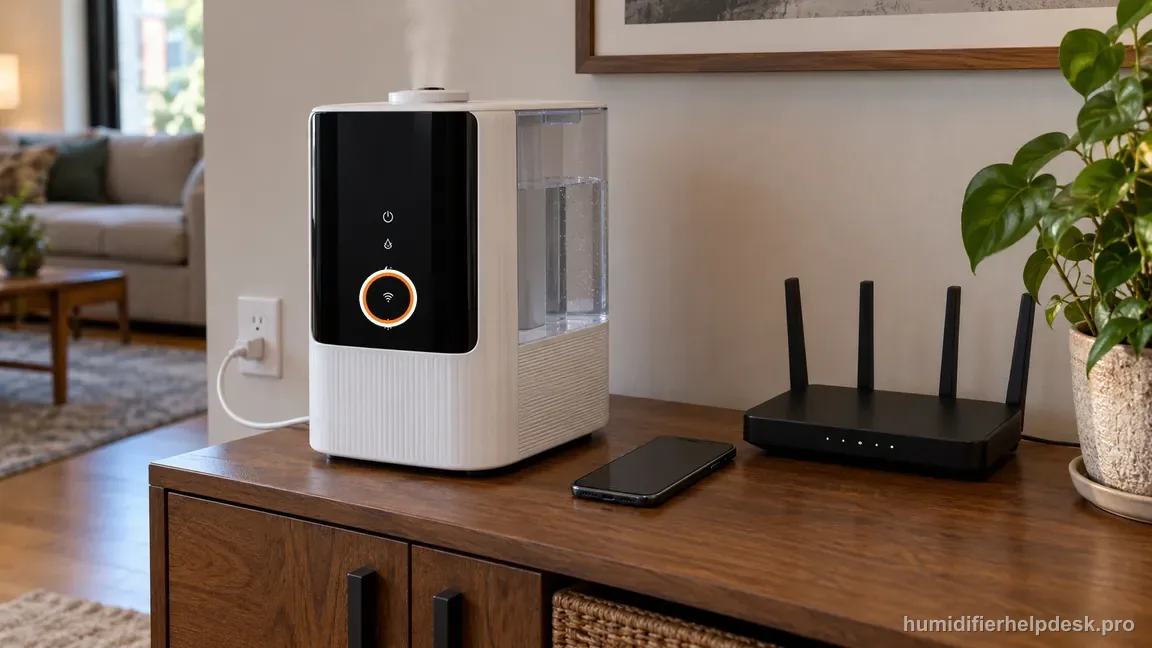
Start with the plugged-in OasisMist 450S, phone, and router close together for setup. - Turn on Bluetooth; phone Location is also required during the model's Bluetooth setup flow.
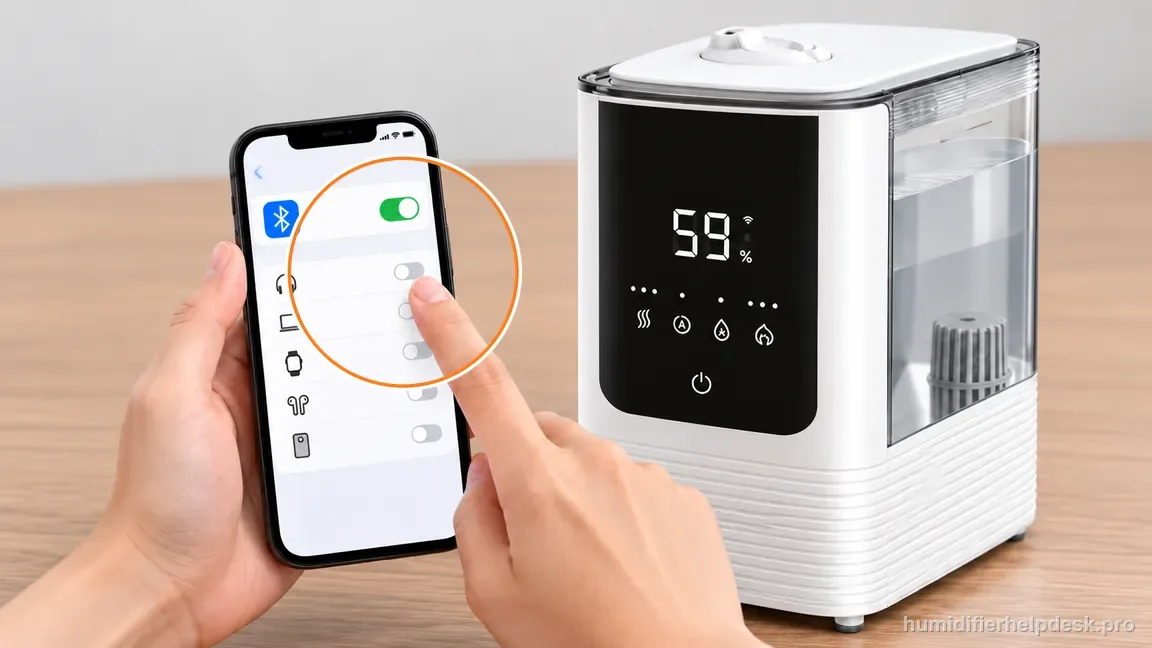
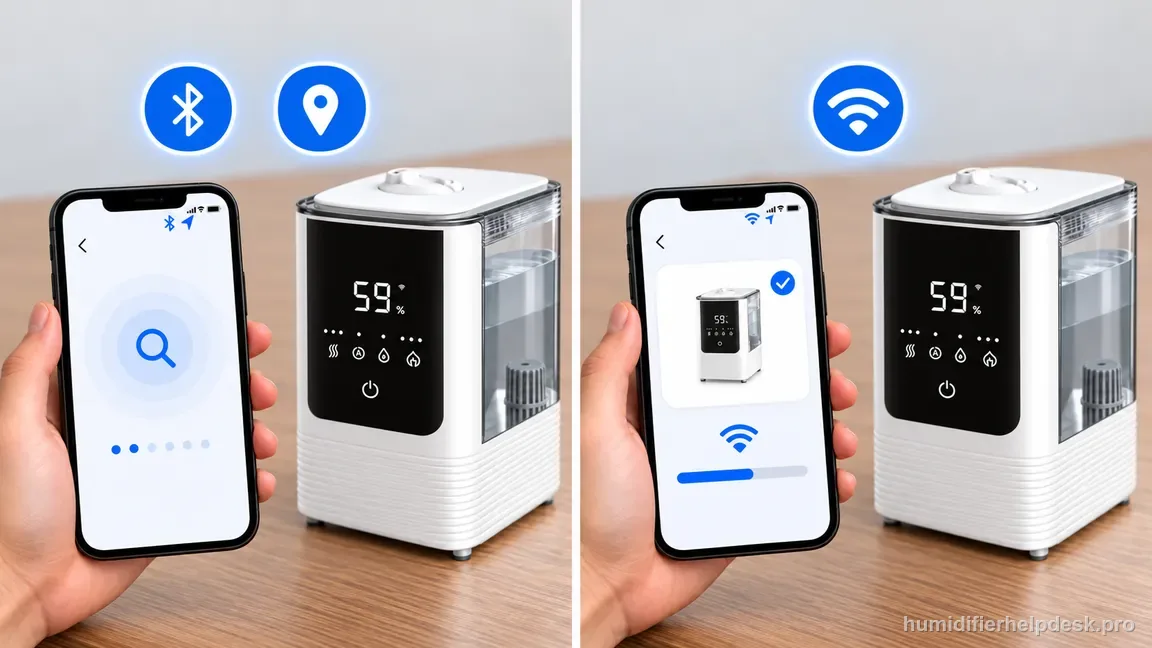
Enable Bluetooth on the phone so VeSync can find the nearby OasisMist 450S. 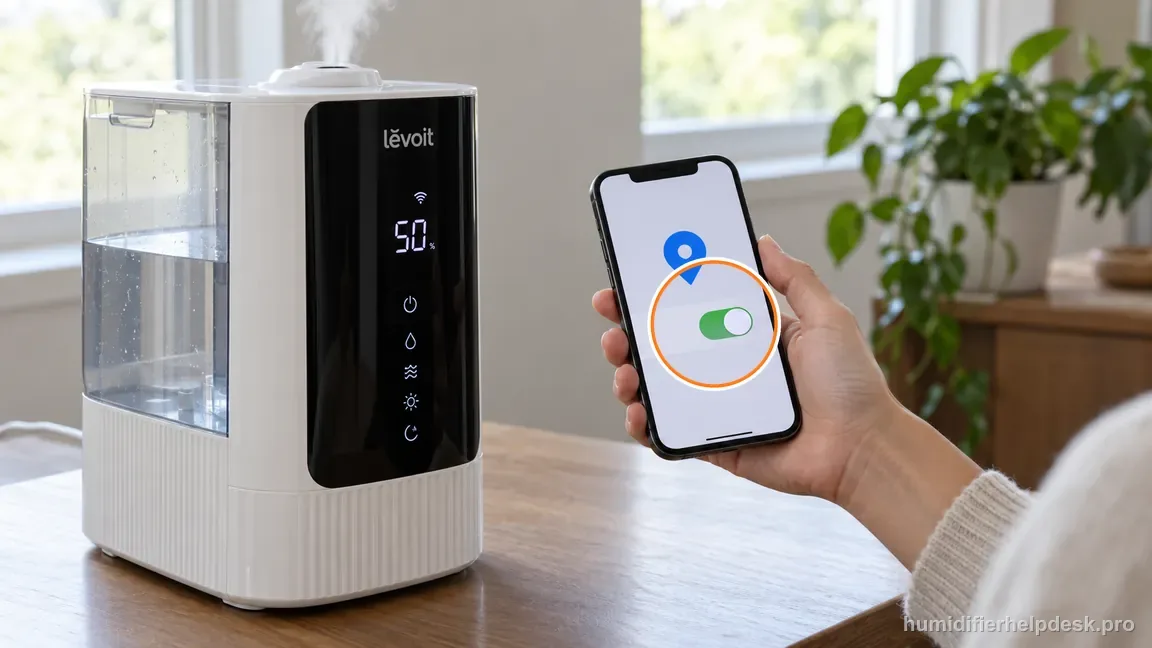
Allow Location services during the phone Bluetooth discovery step for this model. - Put the phone on the secure 2.4 GHz Wi-Fi network you want the humidifier to join.
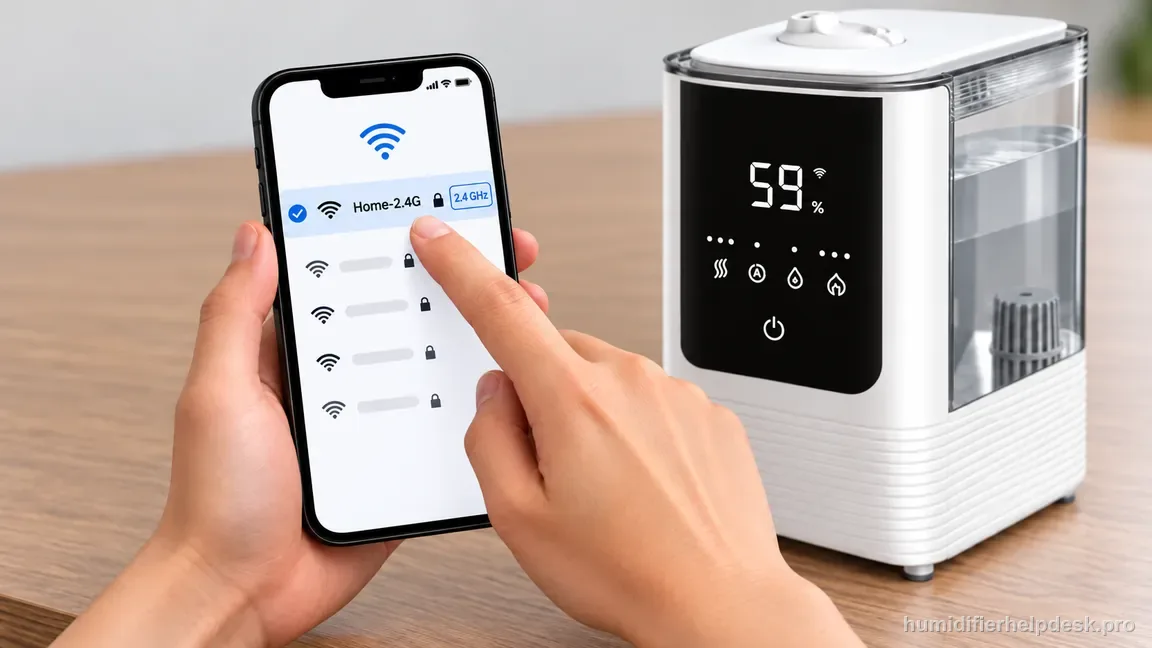
Select the secure 2.4 GHz network the humidifier should join before opening device setup.
If: Bluetooth/Location is unavailable during setup
What it means: The phone cannot complete the local discovery step expected by VeSync.
Do next: Enable the required phone services, then reopen the add-device flow.
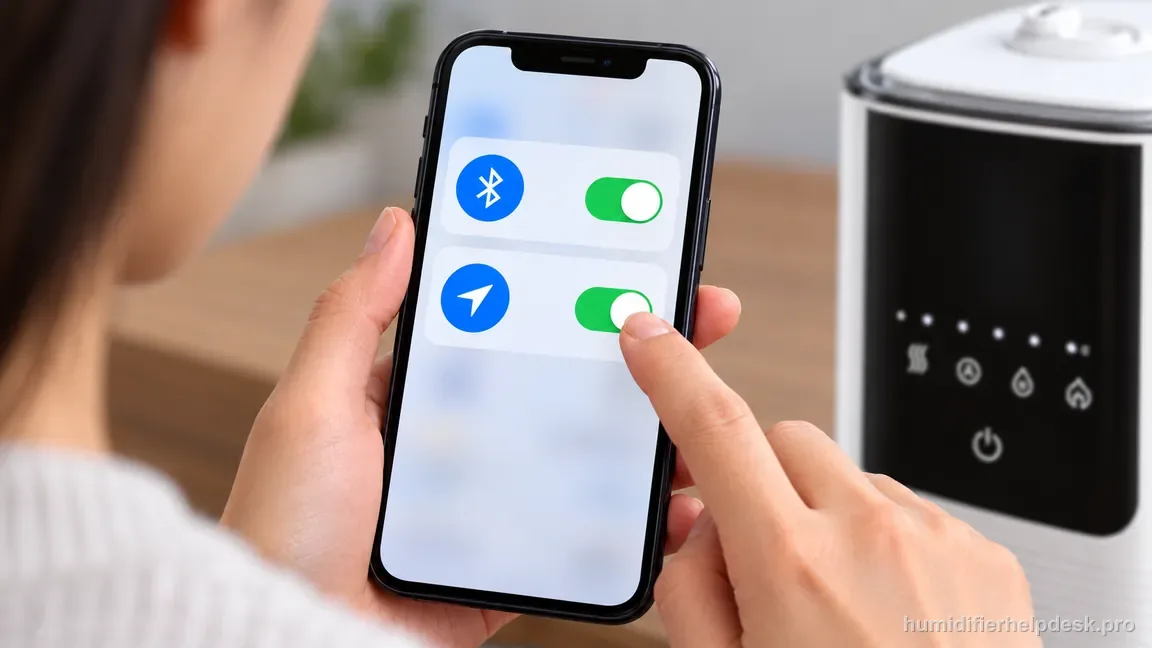
If: The Wi-Fi is not a working secure 2.4 GHz network or the password is wrong
What it means: The humidifier cannot complete the documented network join.
Do next: Correct the network/password before resetting the humidifier.
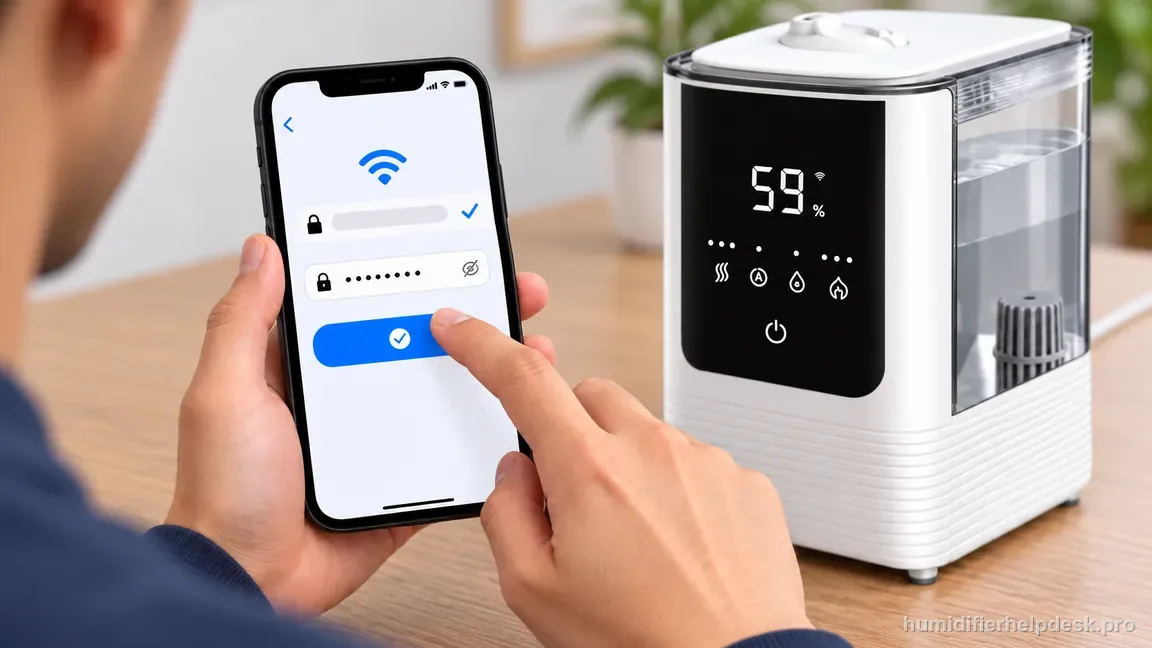
If: The phone and humidifier are farther than about 30 ft / 10 m apart
What it means: The setup is outside Levoit's distance check.
Do next: Bring them closer and retry pairing.
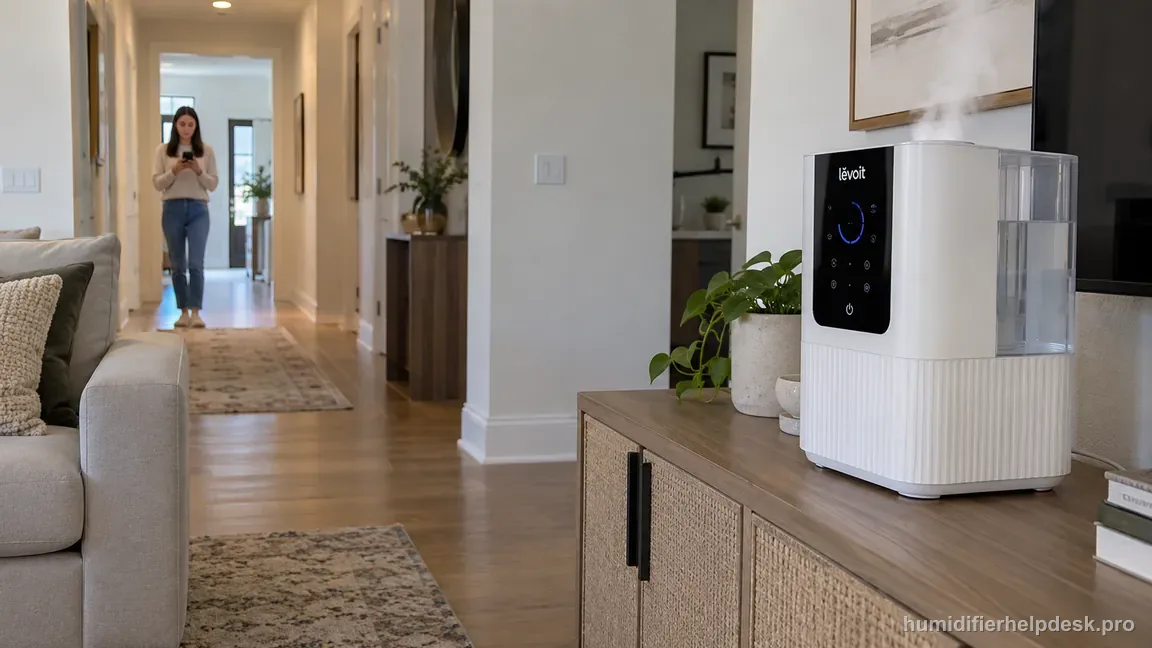
If: Bluetooth, Wi-Fi, password, and distance all check out but pairing still fails
What it means: The documented reset step is appropriate.
Do next: Press and hold the humidifier power button for 15 seconds, then add the 450S again in VeSync.
If: The documented checks are complete, but the same symptom remains after a controlled retest
What it means: The owner-facing evidence on this page no longer explains the repeat symptom.
Do next: Record whether discovery or Wi-Fi joining fails, along with Location/Bluetooth state and the 2.4 GHz network details, for OasisMist 450S support.
How to interpret the retest
Treat this as first-time or rebuilt pairing, not a mist-generation problem. Start with the phone services the OasisMist 450S setup flow expects: Bluetooth enabled and Location available during Bluetooth discovery. If the phone cannot discover the humidifier locally, changing water, mist settings, or humidity targets will not fix the network join.
Confirm the phone is connected to a working secure 2.4 GHz Wi-Fi network and re-enter the password carefully. A phone that has internet on cellular data or another band does not prove the humidifier can join the required network. Correct the network condition before resetting the appliance and repeating the same failed setup.
Keep the phone and humidifier within about 30 ft / 10 m during the initial setup test. Pairing close to the router/device reduces range as a variable. If the 450S pairs nearby, test ordinary placement later; do not start the diagnostic at the edge of wireless coverage and then assume the humidifier is defective.
Use the documented 15-second power-button reset only after Bluetooth, Location, 2.4 GHz Wi-Fi, password, and distance have been checked. A reset restarts configuration; it does not correct an incompatible network or wrong password. Repeatedly resetting under unchanged conditions simply repeats the same failure with less diagnostic clarity.
Once VeSync adds the humidifier, verify that a simple control command updates while the 450S remains powered. Successful addition followed by immediate loss of connection is a different state from never pairing at all and should move toward the Offline/network-continuity path rather than another first-time pairing loop.
Consider setup resolved when the 450S is added and remains controllable in VeSync on the intended network. If the exact prerequisites and one clean documented reset/re-add still fail, capture the phone/network conditions and use Levoit/VeSync support. Do not open the humidifier to investigate wireless electronics.
During pairing, place the OasisMist 450S close enough to remove wireless range as a variable and make sure the phone is using the intended secure 2.4 GHz network. Bluetooth and the setup Location permission handle local discovery; the Wi-Fi password handles the next stage. Identify which stage fails instead of treating the setup screen as one undifferentiated error.
If the same network and password work for other devices, still re-enter the password rather than assuming it is cached correctly. Only after discovery, credentials, and distance are verified should you perform the 15-second power-button reset. A reset under unchanged bad conditions simply creates another identical attempt and gives no new evidence.
Model-specific context that changes the diagnosis
Warm mist settings do not affect OasisMist 450S pairing
The 450S can be producing normal warm or cool mist while its smart setup fails. Conversely, VeSync can pair even if there is a separate water-side problem. Keep those diagnostic layers apart. If the app cannot add the humidifier, work on Bluetooth/Location discovery and the 2.4 GHz network. Handle warm-mist temperature, no-mist, or humidity-output complaints only after the network question is settled.
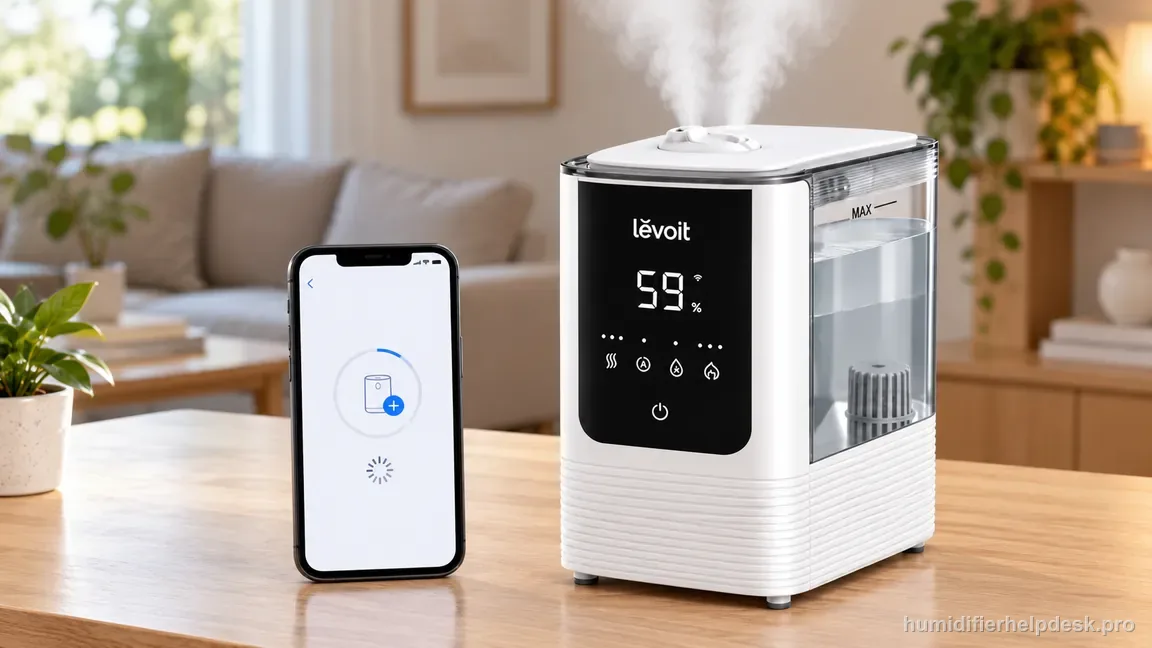
Identify the exact point where the add-device flow stops
Failure before the phone sees the OasisMist 450S suggests discovery services or distance. Failure after discovery but before network completion points more strongly to Wi-Fi credentials or router conditions. This simple split is useful when contacting support because “VeSync does not connect” otherwise covers several different stages. It also keeps you from resetting a device when the phone permission was the real blocker.
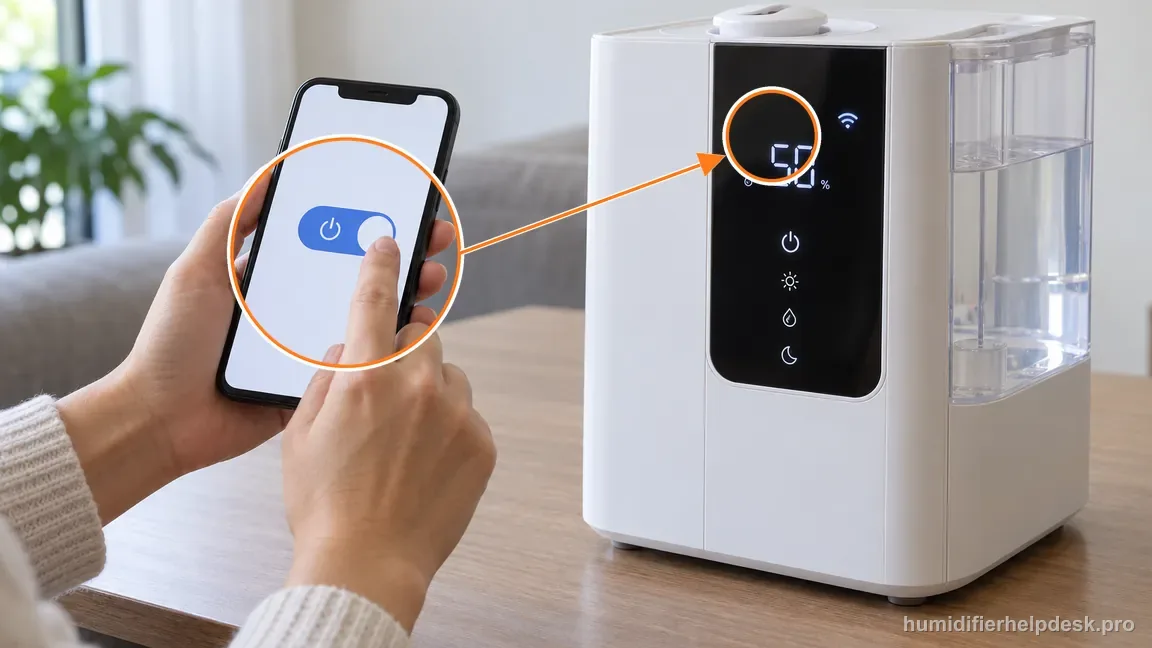
Verify control after setup instead of trusting the success screen
Once VeSync says the OasisMist 450S is added, use one remote control and watch the humidifier respond. Refresh the app afterward. If the device then switches to Offline, the pairing stage is complete and the next article should be the Offline guide. If the command works and the device stays reachable, the smart setup can be considered resolved even if a separate humidity issue remains.
Common mistakes that make this harder to diagnose
- Trying first-time setup on a 5 GHz-only network.
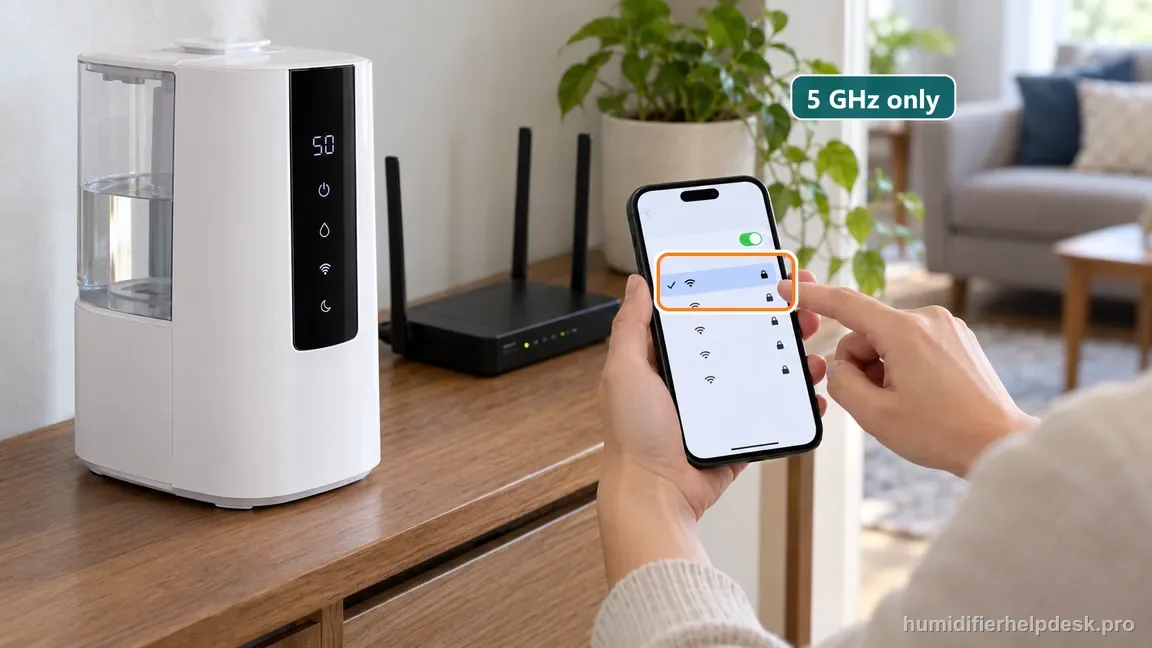
Do not start OasisMist pairing on a 5 GHz-only network; select secure 2.4 GHz Wi-Fi. - Resetting repeatedly while the phone is still on the wrong Wi-Fi network.
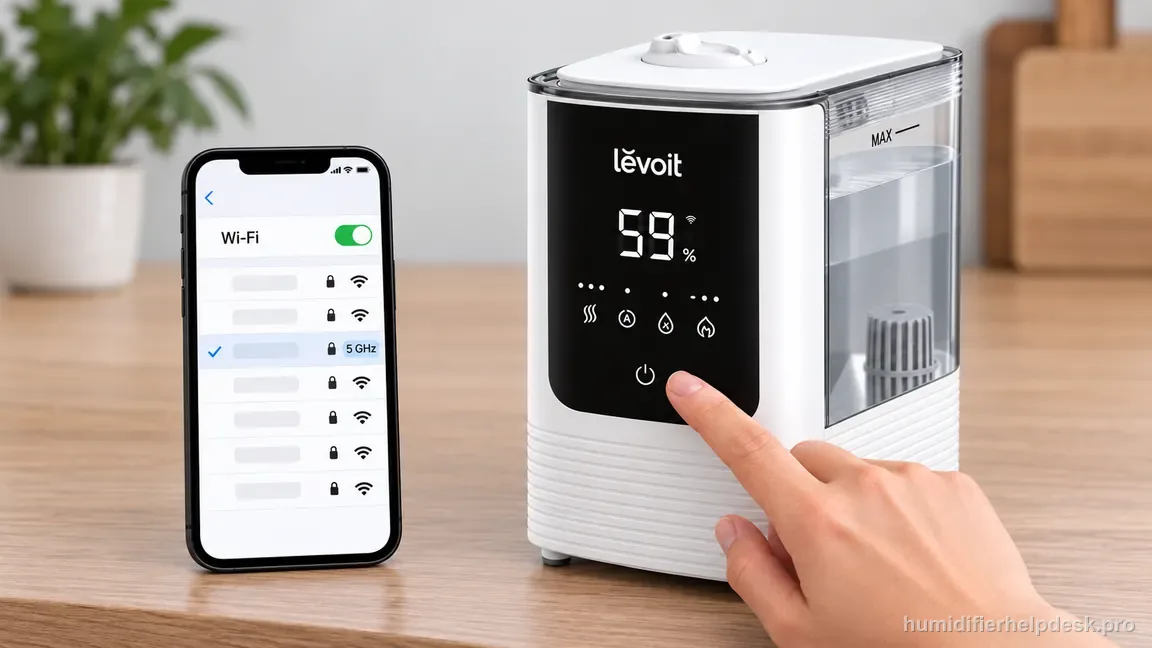
Correct the Wi-Fi network first; repeated resets cannot fix the phone being on the wrong band. - Using a random hold time instead of the documented 15-second reset.
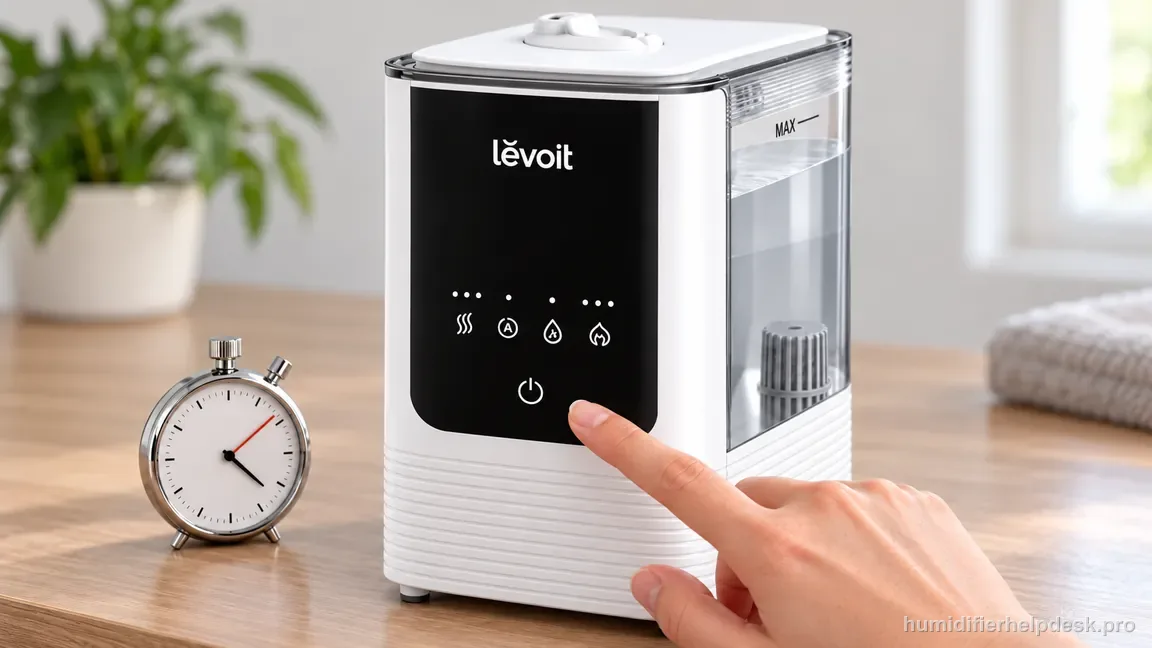
Use the documented 15-second hold rather than guessing at a reset time.
The connection issue is resolved when VeSync completes device setup and can control the 450S while it remains powered. Failure after the exact setup prerequisites and reset belongs with VeSync/Levoit support.
Questions people ask about this exact symptom
Why won’t my Levoit OasisMist 450S connect to VeSync?
Start with the smart-setup requirements, not mist settings: enable Bluetooth and the setup Location permission, use a secure 2.4 GHz Wi-Fi network with the correct password, and keep the phone and humidifier close. If those checks pass but pairing still fails, use the 450S manual’s 15-second power-button reset once before another clean add-device attempt.
Can the OasisMist 450S connect to VeSync while warm mist is turned off?
Yes. Warm/cool mist selection is not the network-joining requirement. VeSync setup depends on phone discovery and compatible Wi-Fi conditions. If the humidifier has power, leave temperature and humidity settings alone while diagnosing pairing. Mixing those controls into the same test can create false cause-and-effect conclusions.
What should I do if my OasisMist 450S connects once but will not stay online?
Move to the Offline diagnostic. Check outlet power, refresh VeSync, confirm the router’s internet service, and note whether the problem began after an outage or network change. A device that was successfully added and later loses reachability is different from one that never completed setup, so repeating Bluetooth discovery is not the best first step.
Why this path is model-specific
The OasisMist 450S app troubleshooting section lists Bluetooth, 2.4 GHz Wi-Fi, password/distance checks, and a 15-second reset for connection problems.
For the Levoit OasisMist 450S, the machine type matters: it is hybrid. Visible mist is part of normal output when mist production is active, so a true no-mist complaint deserves model-specific troubleshooting.
This symptom appears on other humidifiers too, but the meaning and reset path can change by technology, sensor logic, and control layout. Use the exact model source above before borrowing a fix from a neighboring model.
Compare this symptom across verified models
If you are still deciding whether this behavior is normal or model-specific, use the symptom hub to compare only manufacturer-linked guides. Keep the Levoit OasisMist 450S instructions above as the controlling path for this machine.
If the problem is still there
If the checks above do not change the symptom, use the manufacturer support path for this exact model. We intentionally stop before undocumented resets, sensor bypasses, internal mains work, or parts replacement that the consumer manual does not authorize.
What we do not recommend
Do not defeat a float, water-level sensor, overheat protection, interlock, or other safety feature. Do not open mains-powered sections for live testing. If the unit smells burned, becomes abnormally hot, smokes, sparks, has water near electrical parts, or repeatedly trips a circuit, stop using it and keep clear. Unplug it only if the plug, outlet, and surrounding area are dry and safe to reach; otherwise do not touch wet equipment and contact manufacturer support for next steps.
Primary source for this diagnosis
Source checked during the September 4, 2026 editorial review. Manufacturer documents can change; a material re-review updates this guide’s reviewed date rather than stamping unrelated pages.