Levoit classifies both E1 and E2 as malfunctions. Record the exact code and model, switch the unit off, unplug it, and contact Customer Support; the manual gives no consumer reset or repair for these codes.
Does this match what you are seeing?
Owners describe this Levoit Superior 6000S problem in a few different ways. If one of these sounds like yours, this guide covers it:
- E1 / E2 error
- E1 / E2 code
- Display shows E1 / E2
- Troubleshooting E1 / E2
Check these in order
- If safe and the display is on, record whether it shows E1 or E2 and photograph the code.
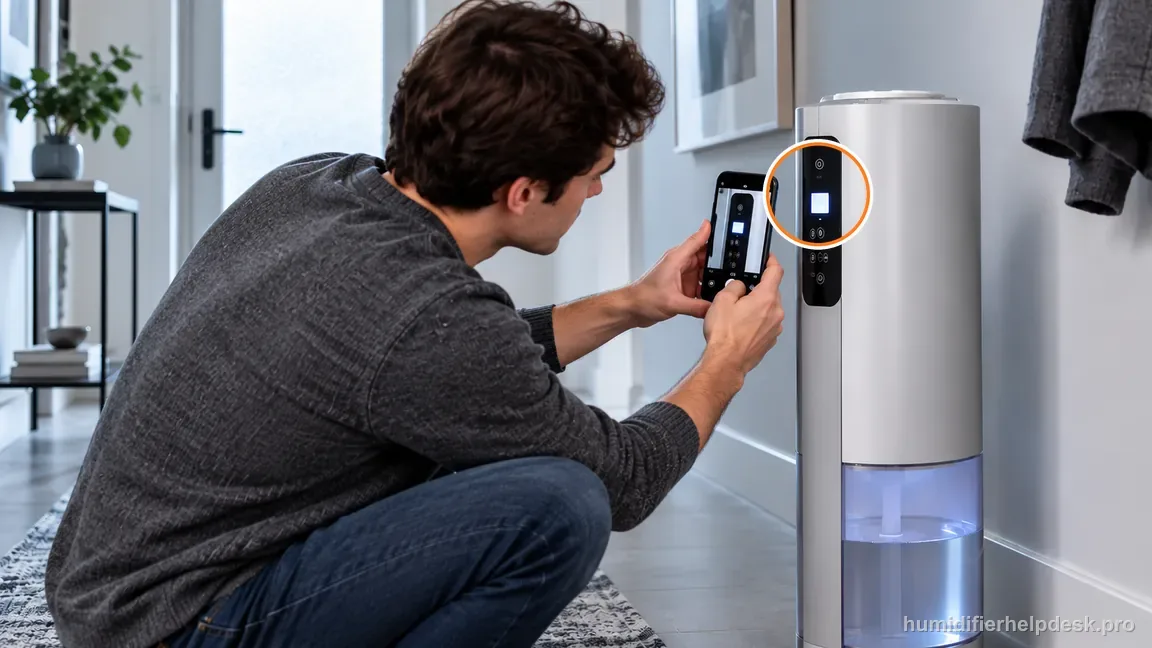
If safe, record the exact code while it is displayed before turning the unit off. - Turn the humidifier off and unplug its power adapter.
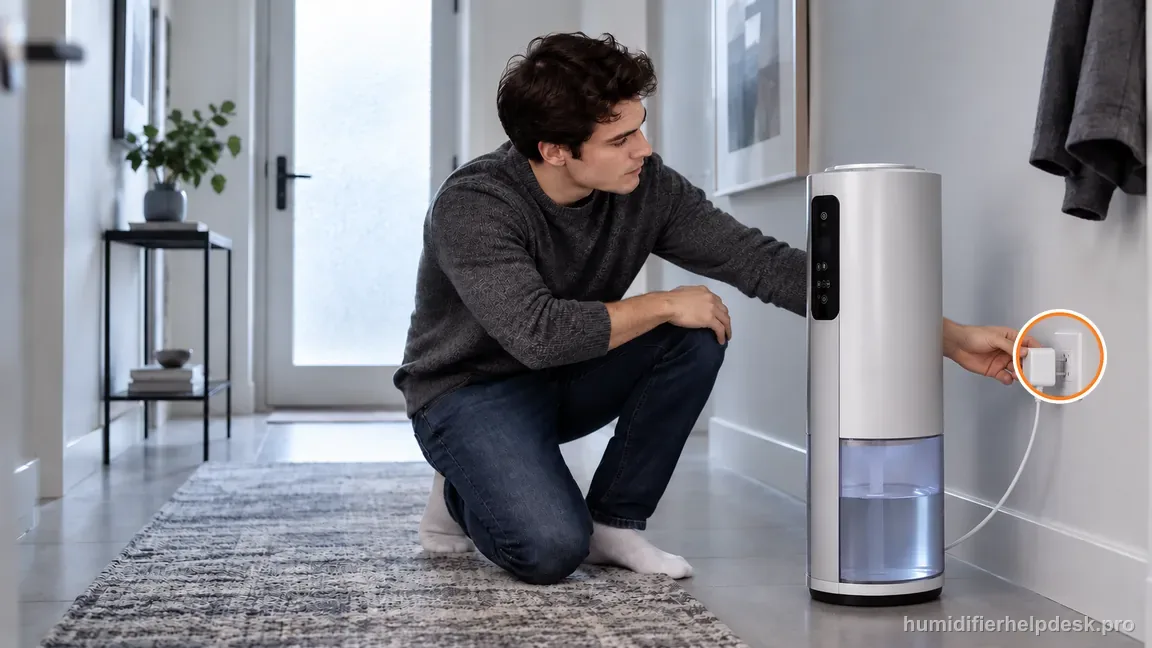
After recording E1 or E2, switch off the humidifier and unplug its dry power adapter. - Contact Levoit Customer Support with model LEH-S601S-WUS, the exact code, and what happened before it appeared.
Diagnostic decision path
The Superior 6000S manual classifies both E1 and E2 as malfunction codes and tells owners to contact Customer Support. Record the displayed code and model, switch the humidifier off, unplug it, and stop at manufacturer support; the manual gives no owner repair or reset for these codes.
- Note what happened immediately before the code appeared, including any cleaning, reassembly, or power interruption.
- Confirm the model is LEH-S601S-WUS. Have the invoice and order ID ready for Customer Support if available.
- If there is heat, smoke, electrical odor, or water near electrical parts, keep the unit off. Do not touch a wet plug or adapter.
If: The display shows E1 or E2
What it means: The Superior 6000S troubleshooting table classifies either code as a malfunction and directs the owner to support.
Do next: Keep the unit off and contact Levoit Customer Support with the exact code and model LEH-S601S-WUS.
If: The code appeared after cleaning or reassembly
What it means: The timing is useful to support, but it does not create a documented consumer reset or retest path.
Do next: Report what was cleaned or reassembled and when the code appeared. Do not open the base or restart it to test a theory.
If: The code appears with abnormal heat, smoke, electrical odor, or water around electrical parts
What it means: There is an additional immediate safety concern beyond the malfunction code.
Do next: Do not restart or touch a wet plug/adapter. Disconnect power only if the plug and area are dry and safe to handle; otherwise keep clear and contact support.
If: A third-party guide suggests bypassing a sensor or using another model’s reset
What it means: That advice is outside the Superior 6000S manual and could defeat a safety feature.
Do next: Do not perform the undocumented step. Give Levoit the exact code and model instead.
Why E1/E2 stops at manufacturer support
Levoit does not assign separate component causes or publish an owner fix for E1 versus E2 in the Superior 6000S manual. Both codes mean malfunction; the listed action is contacting Customer Support. Do not infer a pump, sensor, or filter failure from the code alone.
Capture the exact code and model while the display is available, then switch the unit off and unplug it. This is safe shutdown, not a reset or a retest. If the code appeared after cleaning, report that timing; do not repeat the cleaning, power-cycle the unit, or open the base to see whether the code returns.
The manual's troubleshooting table groups E1 and E2 under the same malfunction instruction. It does not say that one code identifies a particular component, or that the owner should try a different sequence for each code. A guessed diagnosis such as a pump, humidity sensor, or filter fault would go beyond the model-specific evidence. Keep the code itself as the useful observation and let Levoit determine what it means for this unit.
Do not confuse a network setup reset with a fault-code repair. The manual separately describes a long power-button hold for VeSync connection setup; that procedure is for pairing and does not appear as a remedy for E1 or E2. Likewise, a successful display or app response would not establish that the malfunction is cleared. For these codes, the published owner path ends with safe shutdown and Customer Support.
Model-specific context that changes the diagnosis
Give support the code and model, not a guessed component
The manual groups E1 and E2 under the same malfunction instruction and does not define a different owner procedure for each. Tell Levoit which code appeared, confirm model LEH-S601S-WUS, and note what happened immediately beforehand. The code, exact model, and event sequence are more reliable than a guessed sensor or pump diagnosis.
Do not retest a malfunction code
The documented path has no corrective owner step to test. Record the display first, then leave the unit off and unplugged while arranging support. Repeated restarts can erase a useful timeline and are not a manual-authorized repair. Do not reopen the case by applying a pairing reset or a procedure copied from another Levoit model.
Keep the support handoff factual
Write down whether the code appeared during startup or normal operation, what the humidifier was doing immediately beforehand, and whether there was heat, smoke, unusual odor, or water near electrical parts. Share only what you observed. Do not run the humidifier again to reproduce the event or diagnose an internal part.
A dark display is not a reason to power the unit back on
If the display went dark after shutdown, keep the photo or note you made when E1 or E2 was visible. A blank screen after unplugging does not change the manual's malfunction instruction, and restoring power just to recover the code would amount to an undocumented retest. Give Customer Support the recorded code and model instead.
Common mistakes that make this harder to diagnose
- Treating E1/E2 like a filter reminder that should clear after a button hold.
- Using an error-code meaning from an ultrasonic Levoit model.
- Repeatedly power-cycling the unit instead of recording the code and stopping.
- Opening the powered base to look for a loose sensor or pump connector.
Levoit does not publish a user fix for E1 or E2. The owner path is complete after safe shutdown and escalation to Customer Support with the exact code, model LEH-S601S-WUS, and circumstances recorded.
Questions people ask about this exact symptom
What does E1 or E2 mean on my Levoit Superior 6000S?
Levoit classifies both E1 and E2 as malfunction codes and directs Superior 6000S owners to Customer Support. Record the exact code and LEH-S601S-WUS model, switch the unit off, unplug it, and contact support. The manual does not identify a specific failed component or give different owner actions for the two codes. Do not try an undocumented reset.
What should I do first if my Superior 6000S shows E1 or E2?
If safe, photograph the displayed code before turning the unit off. Confirm the model, unplug the power adapter, and contact Levoit Customer Support. The manual does not give a consumer troubleshooting or repair sequence for these codes. If the display goes dark after shutdown, use your photo or written note; do not power the humidifier again just to reproduce the code.
Can I reset the Superior 6000S to clear E1 or E2?
The manual does not list a consumer reset to clear E1 or E2. It identifies them as malfunctions and directs the owner to Customer Support. The long button hold documented for VeSync is a connection setup procedure, not an error-code fix. Do not hold buttons to clear the fault, open the base, or borrow a reset sequence from another model.
Why this path is model-specific
The official Superior 6000S troubleshooting table states that E1 and E2 indicate a malfunction and instructs owners to contact Customer Support; the manual documents no consumer repair/reset for either code.
For the Levoit Superior 6000S, the machine type matters: it is evaporative. Its moisture output is not supposed to look like ultrasonic fog, so “I cannot see mist” by itself is not evidence of a failure.
Compare this symptom across verified models
If you are still deciding whether this behavior is normal or model-specific, use the symptom hub to compare only manufacturer-linked guides. Keep the Levoit Superior 6000S instructions above as the controlling path for this machine.
If the problem is still there
If the checks above do not change the symptom, use the manufacturer support path for this exact model. We intentionally stop before undocumented resets, sensor bypasses, internal mains work, or parts replacement that the consumer manual does not authorize.
What we do not recommend
Do not defeat a float, water-level sensor, overheat protection, interlock, or other safety feature. Do not open mains-powered sections for live testing. If the unit smells burned, becomes abnormally hot, smokes, sparks, has water near electrical parts, or repeatedly trips a circuit, stop using it and keep clear. Unplug it only if the plug, outlet, and surrounding area are dry and safe to reach; otherwise do not touch wet equipment and contact manufacturer support for next steps.
Primary source for this diagnosis
Source checked during the October 5, 2026 editorial review. Manufacturer documents can change; a material re-review updates this guide’s reviewed date rather than stamping unrelated pages.