Levoit Superior 6000S Has No Visible Mist
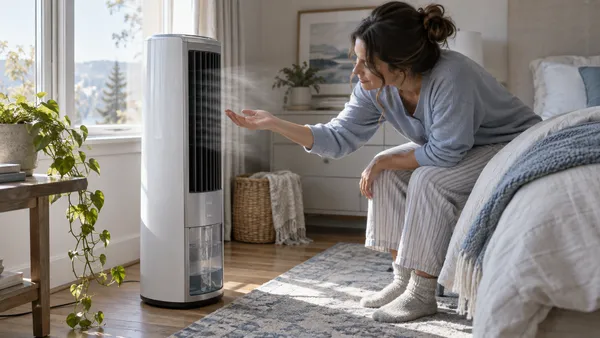
This is normal. The Superior 6000S is an evaporative humidifier, and Levoit describes its water vapor as invisible and its operation as mist-free.
6-gallon smart evaporative humidifier with mist-free output, wick filters, Auto Mode, VeSync, and model code E1/E2 support paths.
Choose the observed symptom, light, code, app state, or output problem.
This is normal. The Superior 6000S is an evaporative humidifier, and Levoit describes its water vapor as invisible and its operation as mist-free.
Use a higher fan speed, confirm the tank is filled correctly, correct any excess water, clean the humidifier, keep it level, and inspect the wick/water-filter path.
First separate normal shutoff from a fault: the 6000S can stop when the tank is empty, when the top is removed/misaligned, or when Auto Mode reaches its target.
On this model, the no-water indicator first points to tank water level or an incorrectly installed top/assembly—not an undocumented pump reset.
Dry the sensor, move the unit away from walls/corners, and keep dust away from the sensor area before assuming the sensor is faulty.
Raise the fan speed and give the room more time. The manual specifically notes that environmental conditions can make humidification take longer.
Levoit classifies both E1 and E2 as malfunctions. Record the exact code and model, switch the unit off, unplug it, and contact Customer Support; the manual gives no consumer reset or repair for these codes.
Use Bluetooth, a working secure 2.4 GHz Wi-Fi network, the correct password, close-range setup, and Levoit’s documented 15-second reset before re-adding the device.
Check power and internet first, refresh the VeSync device list, then delete/re-add the humidifier or use the documented 15-second reset.
This can be normal. Auto Mode adjusts fan speed to the target humidity and can stop when the selected target is reached.
Check the water-pump tube, lower the fan speed, and refill the tank using the documented procedure. Stop if the noise remains abnormal.
Rule out condensation and handling water first, then check level placement and the tank itself. Levoit does not document internal pump disassembly as a consumer leak fix.
The Check Filter indicator is a maintenance reminder. Inspect/clean or replace the wick filters first, then hold the Sleep Mode / Reset Filter button for 3 seconds to reset the indicator.
| Fact | Detail |
|---|---|
| Humidifier type | evaporative |
| What you should see | Visible fog is not expected; use airflow, wick, water-use, and humidity checks instead. |
| Model / SKU identifiers | LEH-S601S-WUS · Superior 6000S |
| Exact guides published | 13 |
| Latest linked-guide review | October 13, 2026 |
| Official sources | Levoit Superior 6000S product page; Levoit Superior 6000S user manual |
Each row is one exact-model guide; the short answer is the same one shown on the guide.
| Symptom | Short answer | Guide |
|---|---|---|
| No visible mist | This is normal. The Superior 6000S is an evaporative humidifier, and Levoit describes its water vapor as invisible and its operation as mist-free. | Levoit Superior 6000S Has No Visible Mist |
| Air does not seem humid | Use a higher fan speed, confirm the tank is filled correctly, correct any excess water, clean the humidifier, keep it level, and inspect the wick/water-filter path. | Levoit Superior 6000S Air Does Not Seem More Humid |
| Turns off unexpectedly | First separate normal shutoff from a fault: the 6000S can stop when the tank is empty, when the top is removed/misaligned, or when Auto Mode reaches its target. | Levoit Superior 6000S Turns Off Unexpectedly |
| Red / no-water indicator | On this model, the no-water indicator first points to tank water level or an incorrectly installed top/assembly—not an undocumented pump reset. | Levoit Superior 6000S Red No-Water Light Is On |
| Humidity reading wrong | Dry the sensor, move the unit away from walls/corners, and keep dust away from the sensor area before assuming the sensor is faulty. | Levoit Superior 6000S Humidity Reading Seems Wrong |
| Humidity level not rising | Raise the fan speed and give the room more time. The manual specifically notes that environmental conditions can make humidification take longer. | Levoit Superior 6000S Humidity Level Is Not Rising |
| E1 / E2 error code | Levoit classifies both E1 and E2 as malfunctions. Record the exact code and model, switch the unit off, unplug it, and contact Customer Support; the manual gives no consumer reset or repair for these codes. | Levoit Superior 6000S E1 or E2 Error Code |
| VeSync will not connect | Use Bluetooth, a working secure 2.4 GHz Wi-Fi network, the correct password, close-range setup, and Levoit’s documented 15-second reset before re-adding the device. | Levoit Superior 6000S Will Not Connect to VeSync |
| Offline in VeSync | Check power and internet first, refresh the VeSync device list, then delete/re-add the humidifier or use the documented 15-second reset. | Levoit Superior 6000S Shows Offline in VeSync |
| Stops in Auto Mode | This can be normal. Auto Mode adjusts fan speed to the target humidity and can stop when the selected target is reached. | Levoit Superior 6000S Stops in Auto Mode |
| Loud or unusual noise | Check the water-pump tube, lower the fan speed, and refill the tank using the documented procedure. Stop if the noise remains abnormal. | Levoit Superior 6000S Is Making a Loud or Unusual Noise |
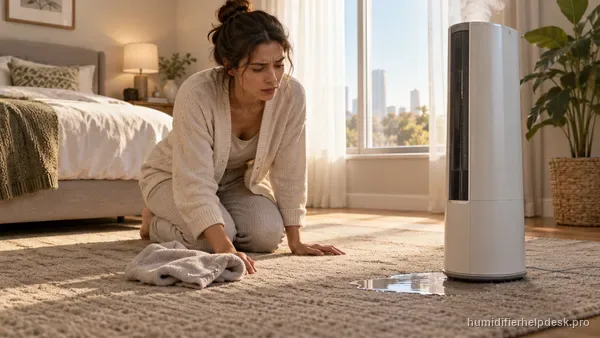
| Water leaking | Rule out condensation and handling water first, then check level placement and the tank itself. Levoit does not document internal pump disassembly as a consumer leak fix. | Levoit Superior 6000S Is Leaking Water |
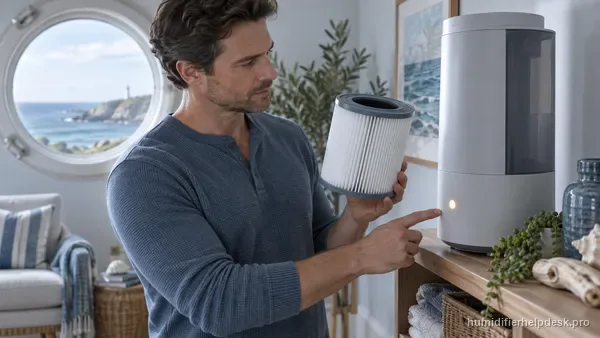
| Check Filter indicator | The Check Filter indicator is a maintenance reminder. Inspect/clean or replace the wick filters first, then hold the Sleep Mode / Reset Filter button for 3 seconds to reset the indicator. | Levoit Superior 6000S Check Filter Light: How to Reset It |