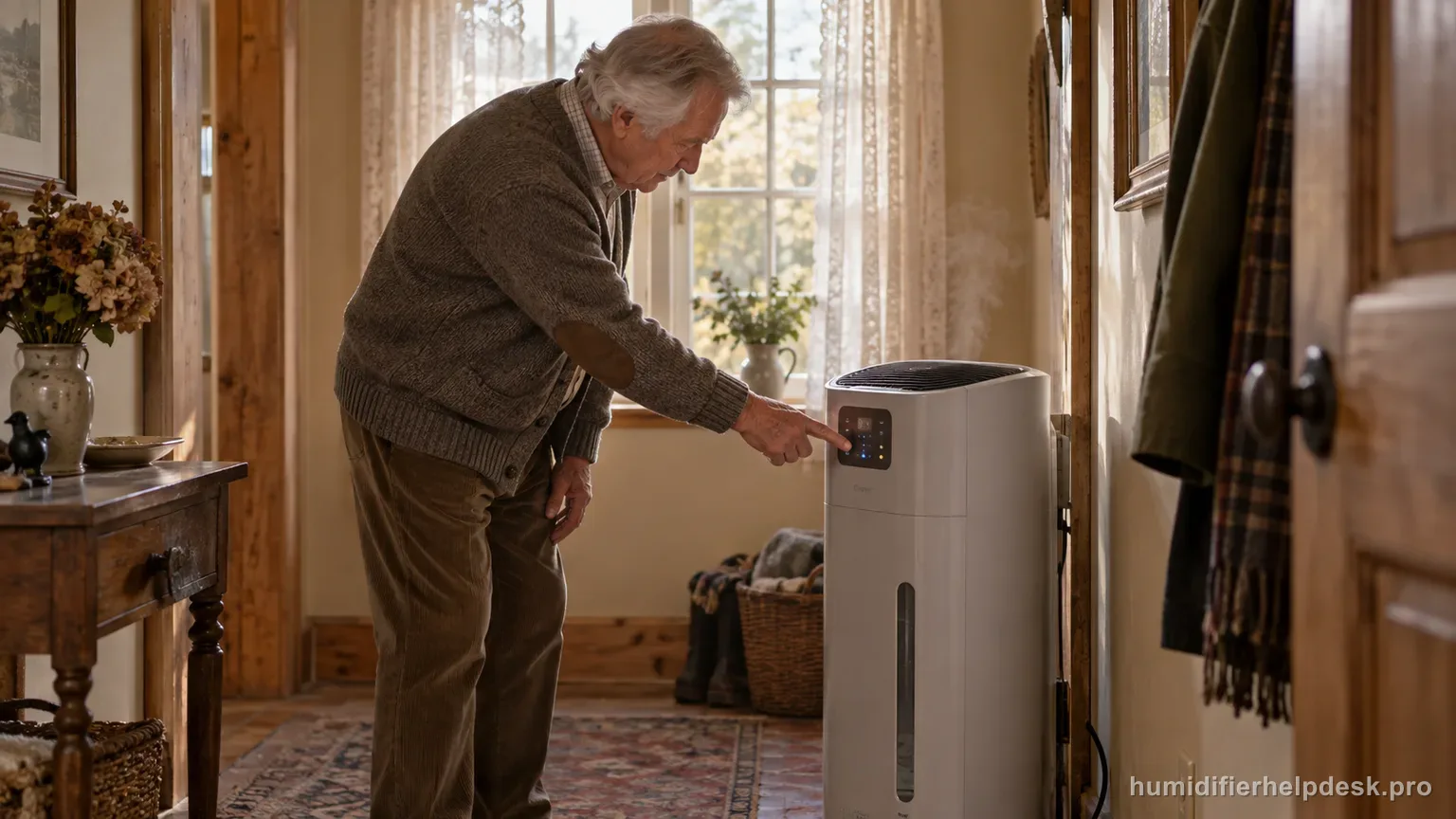
The EP-series “20” display means the sensed humidity is below 20%, not an error code.
Does this match what you are seeing?
Owners describe this AIRCARE EP9500 / EP9800 Pedestal problem in a few different ways. If one of these sounds like yours, this guide covers it:
- 20 error
- 20 code
- Display shows 20
- Troubleshooting 20
Check these in order
- Increase fan speed/output if more humidification is needed.
- Allow time for a very dry home and furnishings to absorb moisture.
- Check the wick if output remains weak despite water and high settings.
Diagnostic decision path
A flashing 20 on the EP9500/EP9800 is a humidity reading, not an error code. It means the sensed relative humidity is below 20%, so the useful response is to increase output and give a very dry home time to absorb moisture rather than searching for a code reset.
- Do not reset or unplug the unit simply because 20 is flashing.
- Confirm the reservoir has water and the 1043 wick is installed normally.
- Note the current fan/output setting and how dry the home has been.
If: 20 flashes in a very dry home and the wick is wet
What it means: The humidifier is reporting relative humidity below 20% as designed.
Do next: Increase fan/output and allow the room, furnishings, and building materials time to absorb moisture.
If: The 20 reading slowly rises after higher output is used
What it means: The Pedestal is adding moisture and the original reading reflected genuinely very dry air.
Do next: Continue until the desired humidity range is approached, then reduce output as needed.
If: 20 keeps flashing and water use/output is weak
What it means: The room may be dry, but the humidifier may also be underperforming.
Do next: Inspect the 1043 wick for hardening/clogging and confirm normal fan/water-level operation.
If: Condensation begins before the display responds as expected
What it means: The local display should not override visible signs of excessive moisture on surfaces.
Do next: Reduce output and reassess placement/room conditions rather than continuing to chase a higher display number.
How to interpret the retest
Read a flashing 20 as a humidity measurement state, not an error number. AIRCARE's EP-series guidance uses 20 to indicate the room is below 20% relative humidity. In a very dry space, the first response is to increase fan/output and confirm the evaporative system is actually moving water.
Check the 1043 wick before assuming the display is wrong. A dry, hardened, or poorly wetting wick can leave the room genuinely dry even while the fan runs. If the wick is wet and serviceable and water use is visible, a low reading is more plausibly describing the room condition.
Use the trend rather than expecting an immediate jump above 20. Furniture, walls, and very dry indoor air can absorb added moisture. A gradual rise while the Pedestal uses water and the fan operates is useful evidence that the system is working, even if the first readings remain at the low end.
Increase output only while surfaces remain dry. A numeric display should not overrule visible condensation on windows or nearby materials. If condensation appears, reduce output and reassess placement/room conditions rather than continuing to chase a higher reading from the humidifier.
If 20 persists together with weak water use, move to wick, fill/float, and fan checks rather than treating the code itself as the defect. The display can correctly report very dry air while a separate maintenance problem is limiting how much moisture the unit can add.
Consider the display concern resolved when the reading rises as the room humidifies and the system shows normal wick wetting, water use, and fan behavior. If the number remains implausible despite clear room-humidity change, record the operating conditions for AIRCARE support rather than opening the control electronics.
Model-specific context that changes the diagnosis
Flashing 20 is a humidity reading, not a fault code
AIRCARE explains that a flashing 20 means the sensed room humidity is below 20 percent. The display is warning about very dry air, not reporting an internal component failure. That distinction matters because the correct response is to increase humidification and verify wick/water/fan performance, not to search for a reset code or replacement control board.
Very dry rooms can take time to respond
When a home starts below 20 percent RH, moisture is absorbed not only by the air but also by wood, fabrics, furnishings, and other dry materials. The display may remain low for a while even when the humidifier is working. Use a higher appropriate fan/output setting, confirm water use, and watch the trend over hours rather than expecting an immediate jump.
Check the 1043 wick if the number never rises
The Pedestal EP-series depends on its evaporative wick. If the 1043 is hard, mineral-loaded, poorly wetted, or overdue for replacement, the fan may run while moisture delivery stays weak. AIRCARE’s support material ties filter condition directly to output. A serviceable wet wick plus falling water level is stronger evidence of operation than the display alone.
Use a second hygrometer as a sanity check, not a calibration hack
If the display seems implausibly stuck, compare it with a separate room hygrometer placed away from the humidifier’s direct airflow. Small differences are normal because sensors sample different microclimates. A large persistent disagreement can be useful evidence for support, but do not open or adjust the internal humidity sensor unless AIRCARE specifically authorizes it.
Common mistakes that make this harder to diagnose
- Treating 20 as an error number.
- Expecting a severely dry home to reach target humidity immediately.
- Running a hardened wick indefinitely because the display still says the room is dry.
- Ignoring condensation while focusing only on the humidifier's numeric display.
The flashing 20 concern is resolved when it is understood as a below-20% humidity reading and the room humidity begins to rise with normal water use, a serviceable wick, and adequate fan/output.
Questions people ask about this exact symptom
What does flashing 20 mean on an AIRCARE EP9500 or EP9800?
It means the sensed room humidity is below 20 percent. AIRCARE treats it as a very-dry-room indication, not as an internal error code. Next, check “Increase fan speed/output if more humidification is needed” on the AIRCARE EP9500 / EP9800 Pedestal and note whether the symptom changes.
Why does the display stay at 20 for a long time?
A very dry room and its furnishings can absorb substantial moisture before RH rises. Confirm the wick is wet and serviceable, the fan is running, and water is being consumed, then judge the humidity trend over time. For the next AIRCARE EP9500 / EP9800 Pedestal check, use “Allow time for a very dry home and furnishings to absorb moisture” and note whether the symptom changes.
Should I reset the humidifier because 20 is flashing?
No special error reset is indicated for this message. Increase appropriate output and verify normal evaporative performance. If the reading remains implausible compared with a separate hygrometer, document the difference for AIRCARE support. Before escalating the AIRCARE EP9500 / EP9800 Pedestal, confirm “Check the wick if output remains weak despite water and high settings” and note the result.
Why this path is model-specific
The EP-series support/manual explains that a flashing 20 indicates humidity below 20% and recommends increasing fan/output.
For the AIRCARE EP9500 / EP9800 Pedestal, the machine type matters: it is evaporative. Its moisture output is not supposed to look like ultrasonic fog, so “I cannot see mist” by itself is not evidence of a failure.
Compare this symptom across verified models
If you are still deciding whether this behavior is normal or model-specific, use the symptom hub to compare only manufacturer-linked guides. Keep the AIRCARE EP9500 / EP9800 Pedestal instructions above as the controlling path for this machine.
If the problem is still there
If the checks above do not change the symptom, use the manufacturer support path for this exact model. We intentionally stop before undocumented resets, sensor bypasses, internal mains work, or parts replacement that the consumer manual does not authorize.
What we do not recommend
Do not defeat a float, water-level sensor, overheat protection, interlock, or other safety feature. Do not open mains-powered sections for live testing. If the unit smells burned, becomes abnormally hot, smokes, sparks, has water near electrical parts, or repeatedly trips a circuit, stop using it and keep clear. Unplug it only if the plug, outlet, and surrounding area are dry and safe to reach; otherwise do not touch wet equipment and contact manufacturer support for next steps.
Primary source for this diagnosis
Source checked during the September 4, 2026 editorial review. Manufacturer documents can change; a material re-review updates this guide’s reviewed date rather than stamping unrelated pages.