To reset the Canopy Large Room Filter light, replace the spent wick, reassemble the unit, and hold On/Off for 30 seconds. That is the current model-named operating instruction. If the light stays on, record the result and ask Canopy to confirm the procedure for your exact unit.
Does this match what you are seeing?
Owners describe this Canopy Large Room Humidifier problem in a few different ways. If one of these sounds like yours, this guide covers it:
- Filter light stays on
- Check filter light reset
- Filter indicator will not reset
- Wick light still on after replacement
Check these in order
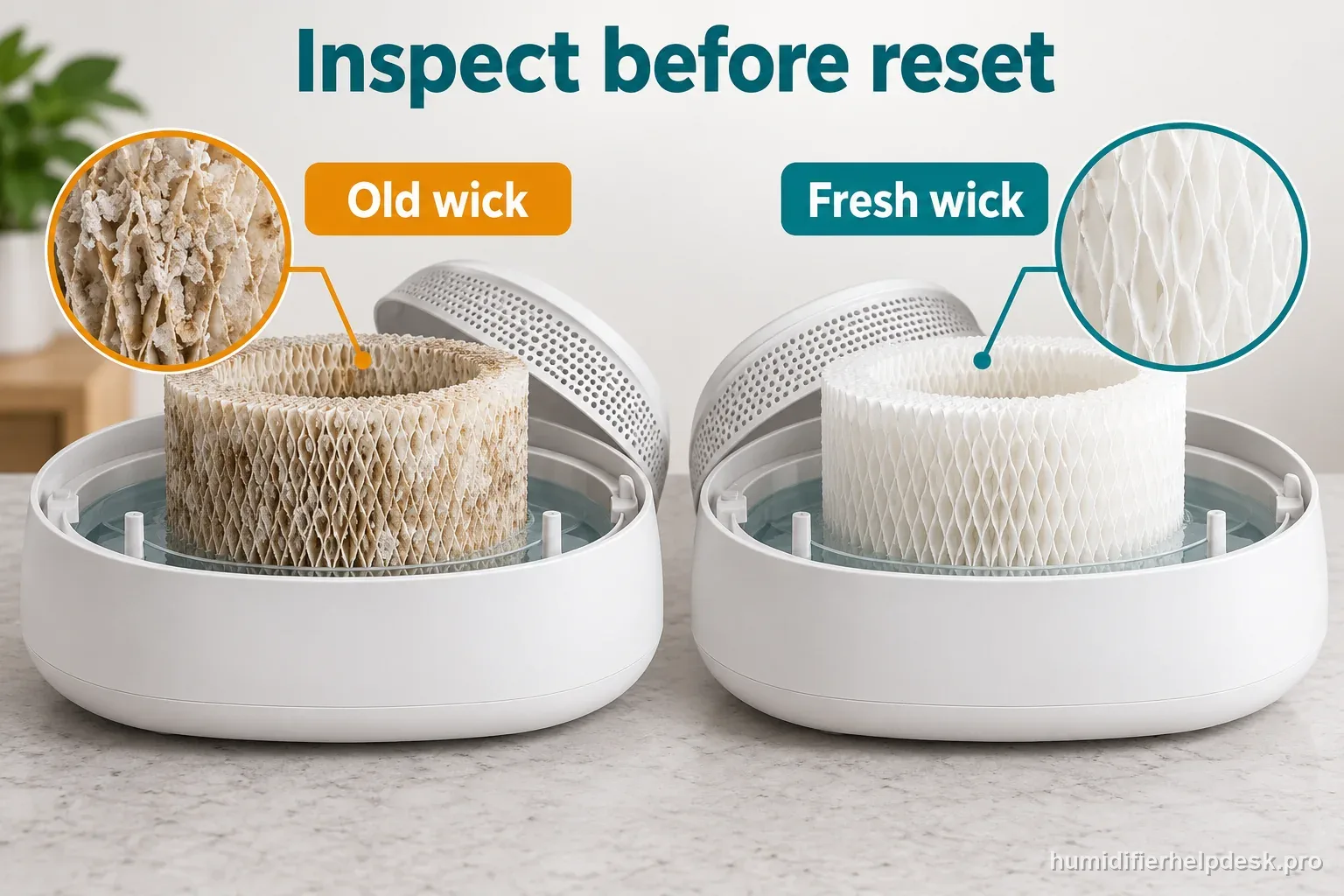
- Replace the filter when it is hardened, crusty, or heavily discolored.
- Install the replacement filter correctly and reseat the magnetic grate.
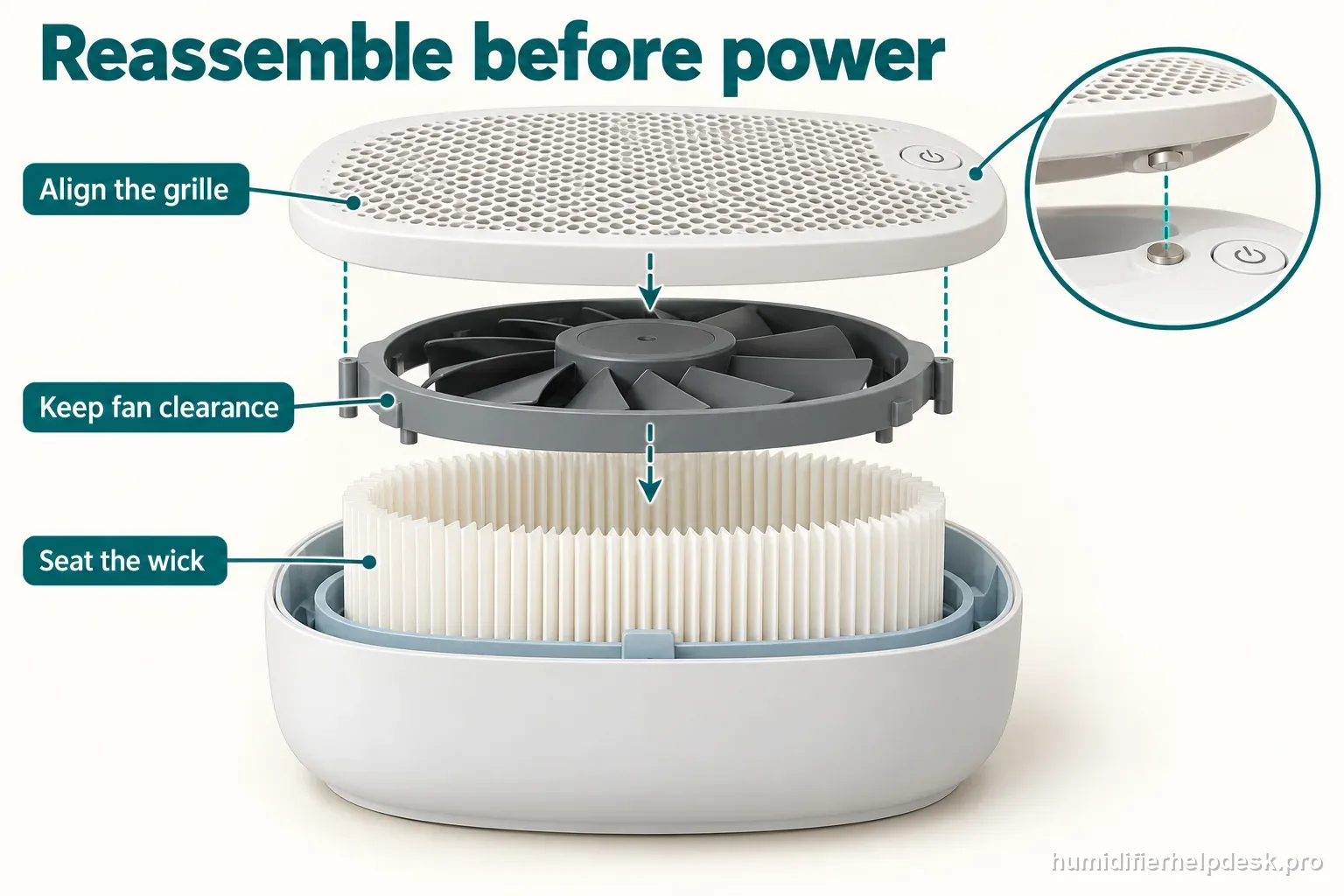
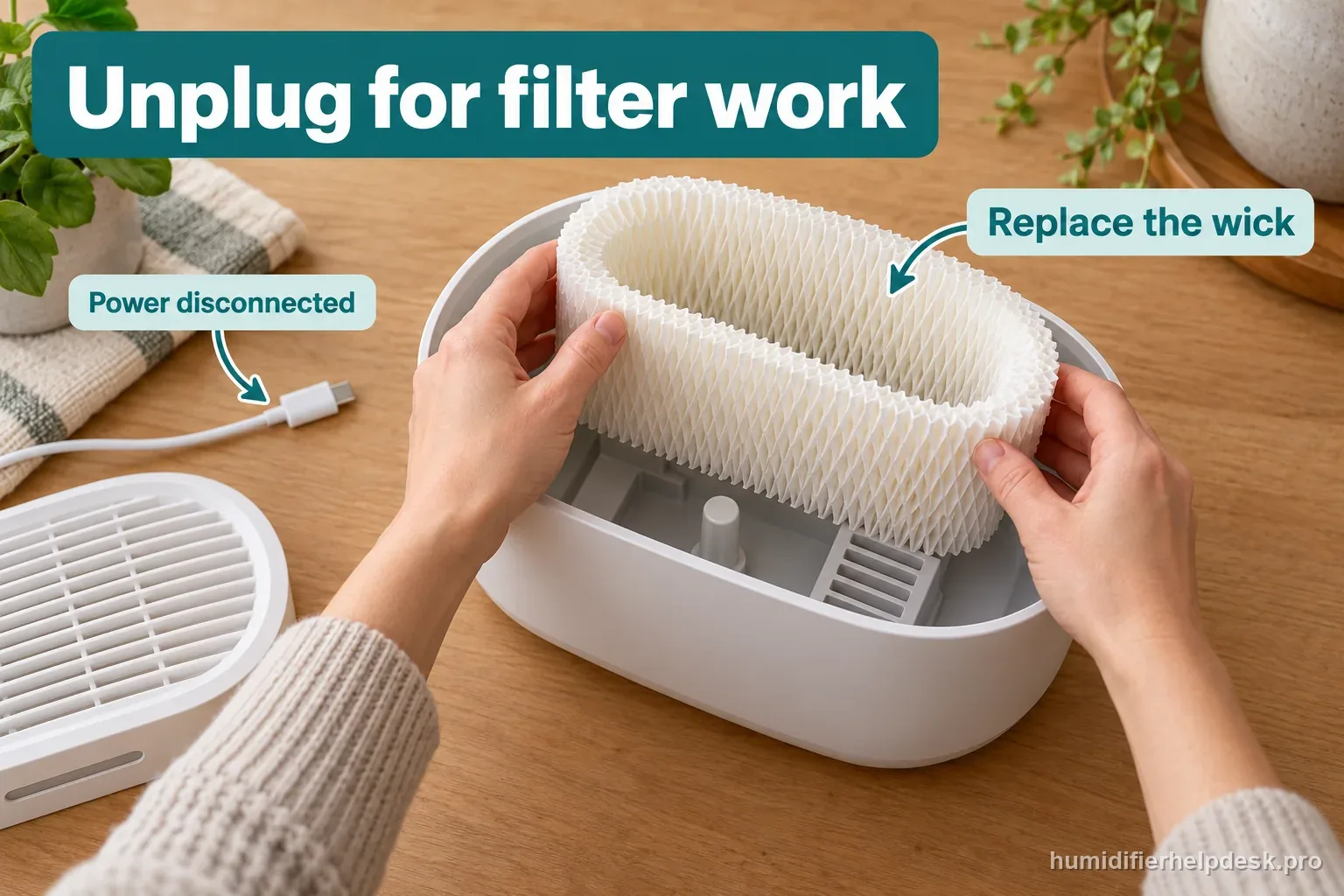
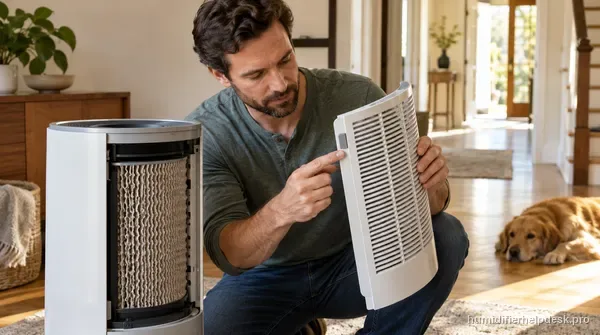
Illustrative assembly layout: seat the wick and grille with power disconnected; exact parts may look different. - Use the current help-center 30-second On/Off hold first.
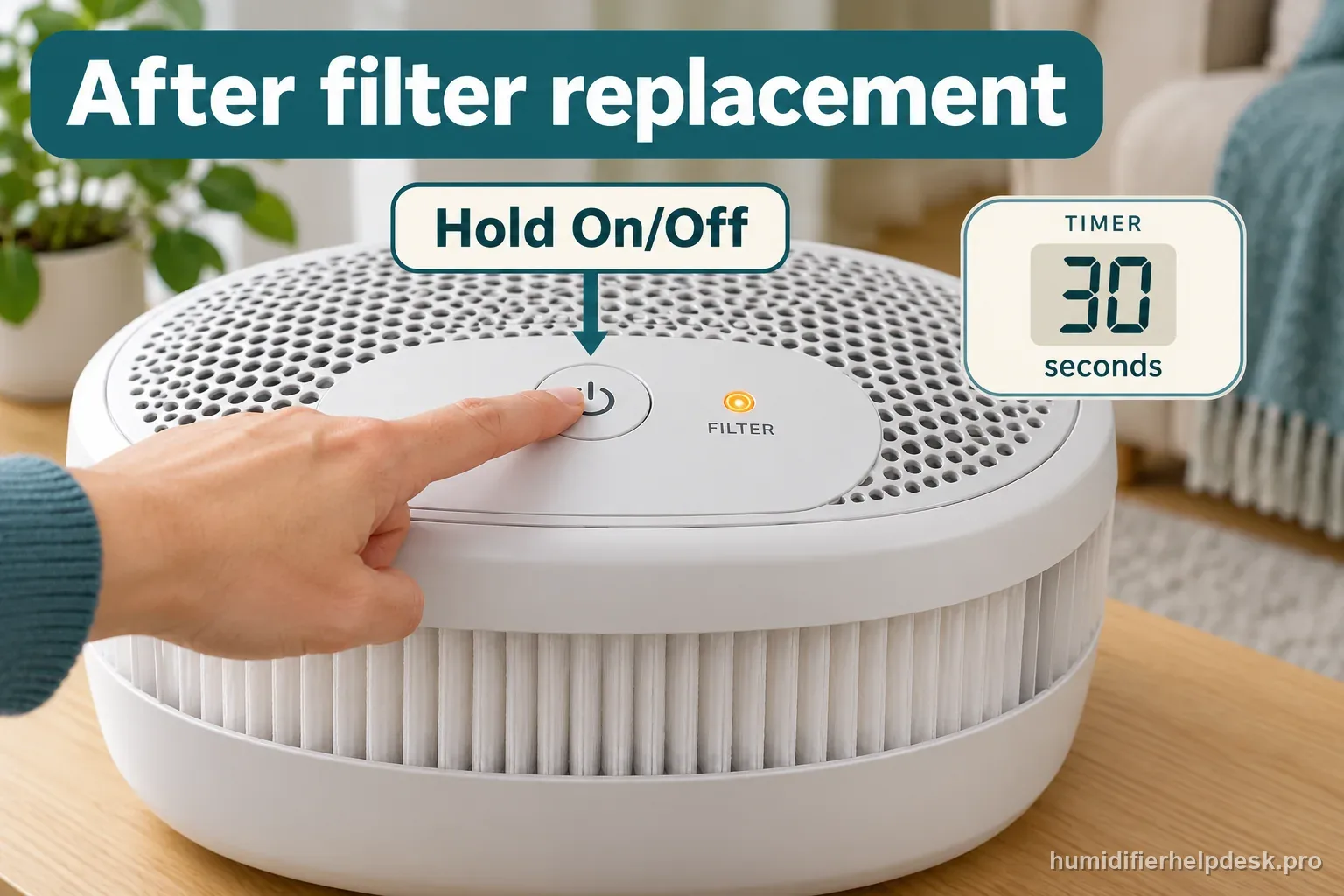
Illustrative control layout: the operating article specifies a 30-second On/Off hold after filter replacement. - If the indicator persists, do not keep alternating hold durations; confirm the current Large Room reset with Canopy support.
Diagnostic decision path
The Filter indicator and the condition of the paper wick answer different questions. The light tells you to attend to maintenance. Looking and feeling tells you whether the wick is crusty, hardened, or heavily discolored. Keep those observations separate from a fan that stopped after the grille was removed.
- Disconnect power before handling the filter or removing the grille. Keep the electrical body dry.
- Check that the replacement is intended for the Large Room humidifier, formerly called Plus. Similar-looking Bedside filters are not a substitute.
- Set the wick firmly in its tray, with clearance below the fan. Refit the magnetic grille before reconnecting power.
If: The wick is crusty, hardened, or heavily discolored
What it means: The physical condition supports replacing the filter.
Do next: Remove the spent wick with power disconnected and fit the correct replacement.
If: The filter has been replaced and the grille is seated
What it means: The maintenance work is complete, but the reminder may still need a manual reset.
Do next: Follow the timed On/Off hold in the ordered checklist above, then inspect the Filter light.
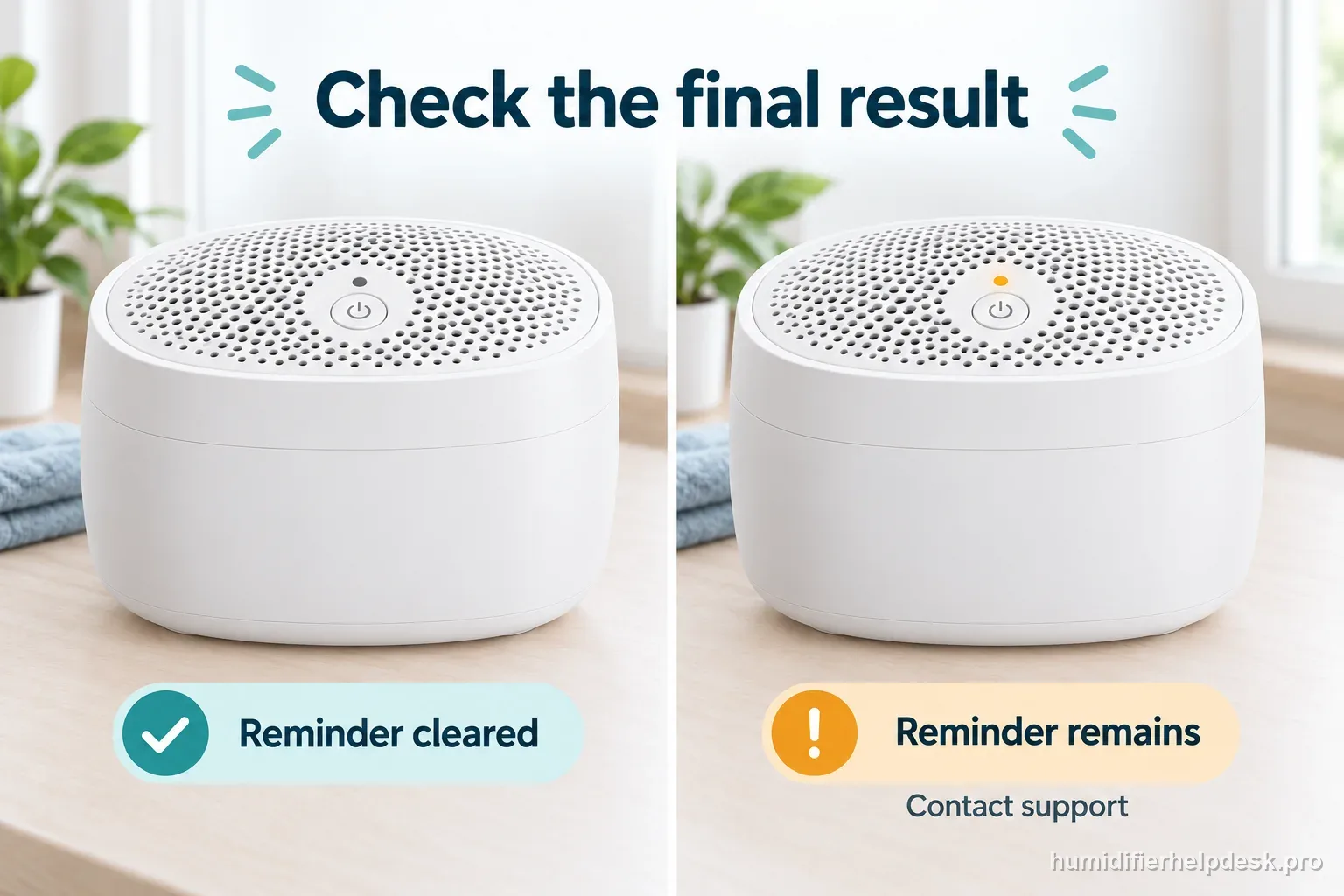
If: The Filter indicator goes dark
What it means: The reminder has cleared. That observation does not measure the condition of the wick.
Do next: Record the replacement date and keep checking physical filter condition during normal maintenance.
If: The same Filter indicator remains lit
What it means: The documented attempt did not clear the reminder. That alone does not identify a failed motor or sensor.
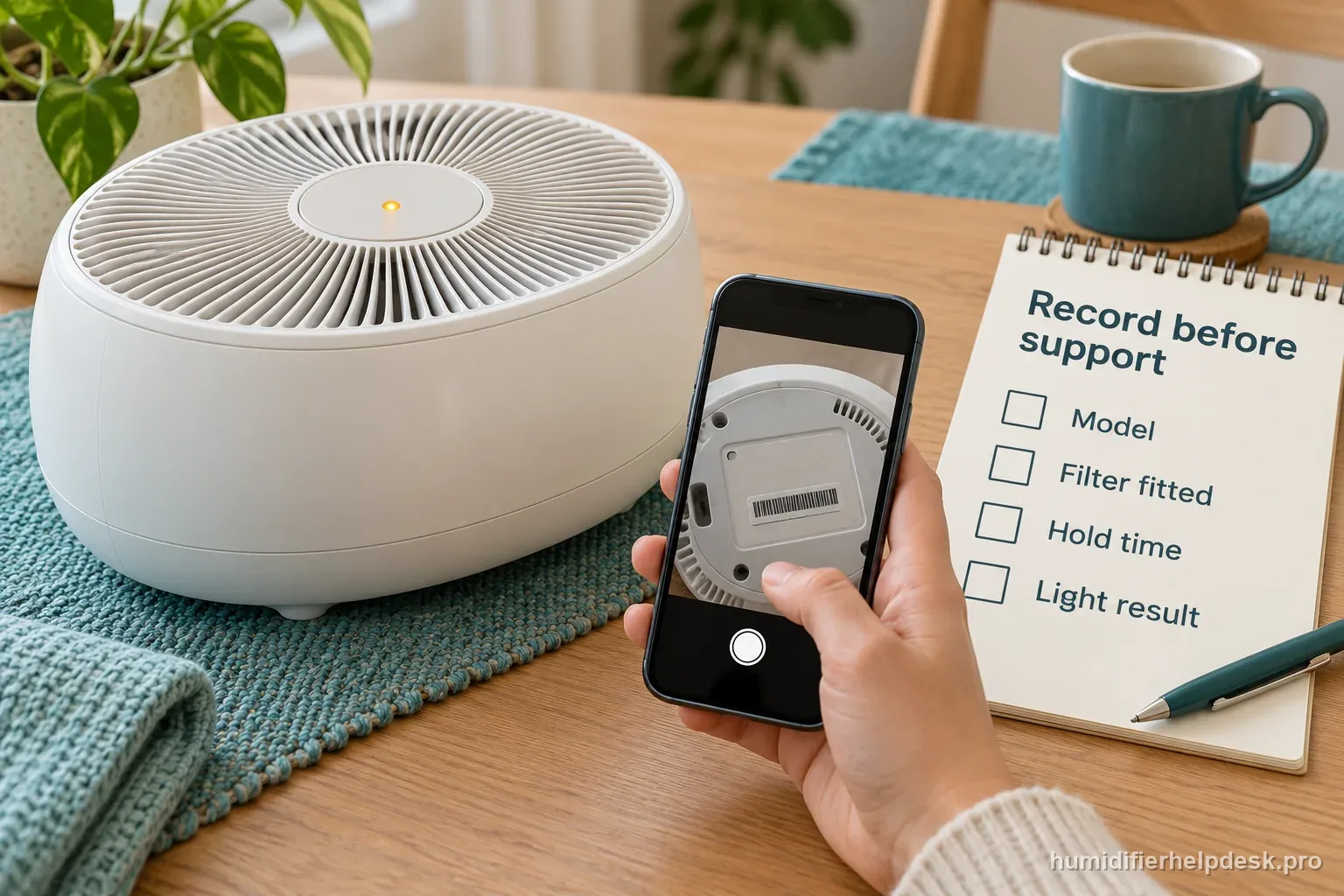
Do next: Record the exact model, replacement filter, hold duration, and result for Canopy support.
If: The fan stops after filter service
What it means: The filter may be touching the fan, or the removable grille may not satisfy its safety connection.
Do next: Unplug before checking seating and the magnet nearest the power button. Request a replacement for damage.
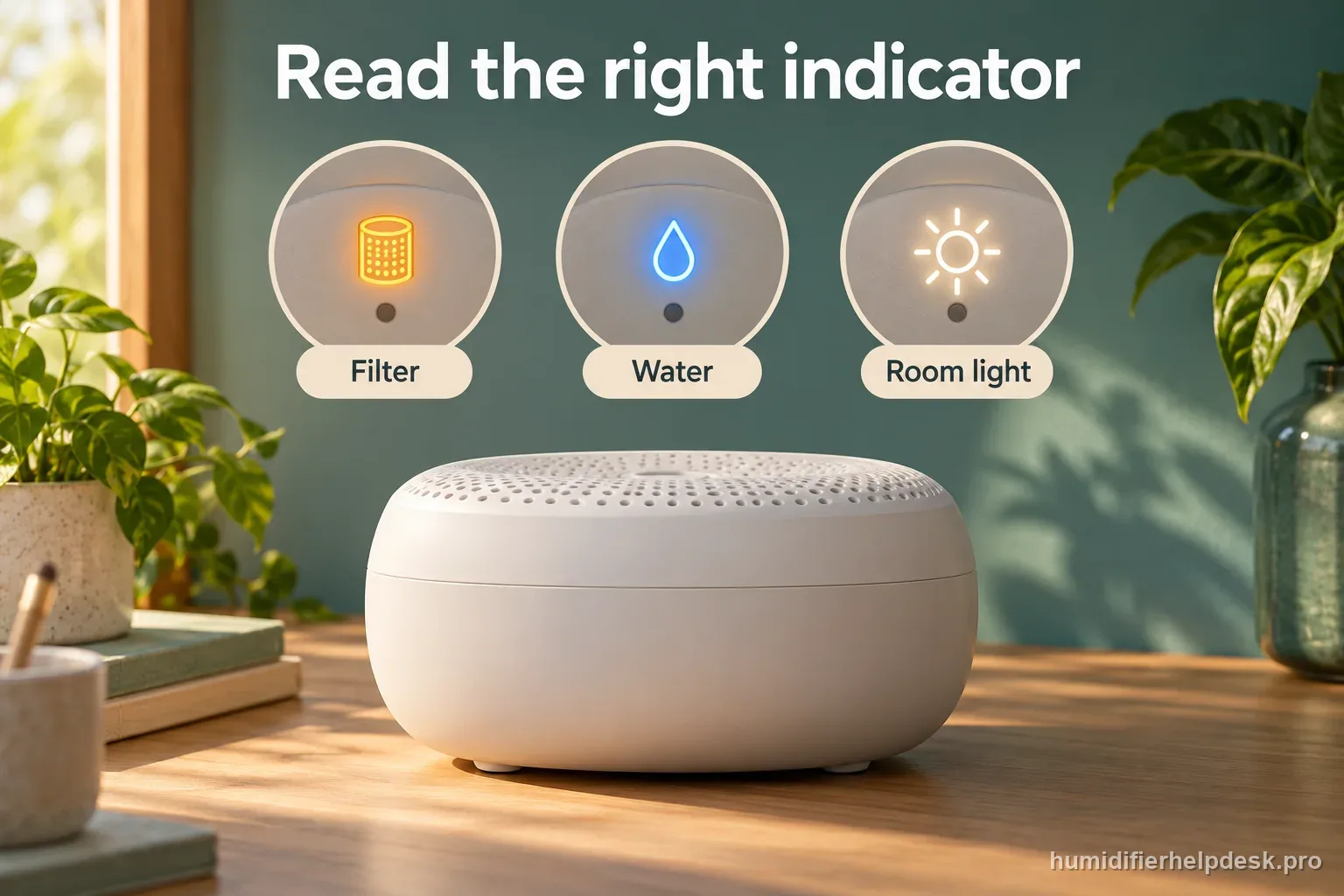
Confirm which light needs attention
A search for a Canopy filter reset can return instructions for its air purifier. That is a different appliance. The purifier has a separate Filter Reset control; the Large Room humidifier uses its On/Off button. Read the product label before following a video or a search snippet.
The humidifier also has separate water and filter indicators. A refill warning calls for a water check. Clearing the filter reminder will not repair a water-supply problem, restore a missing grille magnet, or make an evaporative unit produce visible fog.
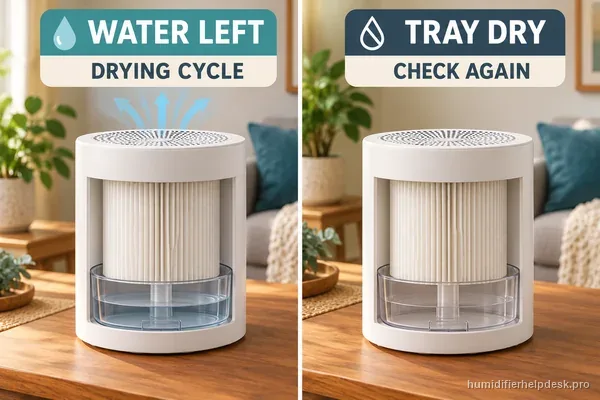
If the fan restarts after Off while the tray or wick is still wet, use the separate Canopy Large Room restart and drying guide. That behavior does not confirm whether the Filter light cleared.
| Complaint | Observation | Appropriate next step |
|---|---|---|
| Filter reminder | Filter label is lit | Inspect the wick, replace if spent, then reset |
| Water reminder | Water label is lit | Check the tank and water supply |
| Grille safety stop | Fan stops after grille removal | Unplug and check the Large Room magnet |
| Normal evaporation | Air moves without visible fog | Check water use and room humidity |
Why one search says 10 seconds and another says 30
Canopy's operating article explicitly includes the Large Room humidifier and specifies a 30-second On/Off hold after installing a replacement filter. Its general filter collection page gives a 10-second instruction. These public pages disagree. The operating article is the clearer match for this appliance, so use that sequence once after reassembly.
The replacement-filter product page linked in an earlier version of this guide no longer exposes the same reset instruction in its readable page text. That makes it a poor reason to keep trying different durations. If the reminder remains, ask Canopy to confirm the procedure for the unit shown on your product label.
| Source | Published instruction | How to use it |
|---|---|---|
| Operating article | Hold On/Off for 30 seconds after replacement | Primary reset path for the named Large Room model |
| General filter collection | Hold the button for 10 seconds | Conflicting general instruction; request exact-model confirmation if needed |
| Filter-care article | Unplug, replace, reconnect, hold until the light goes off | Confirms maintenance order, without a timed hold |
| Power troubleshooting | Check filter seating and the button-side grille magnet | Use for a stopped fan after filter service |
Sources: Canopy operating article, filter collection instructions, filter-care sequence, and fan and grille troubleshooting.
- Identify: Is the Filter indicator lit on a Large Room humidifier?
- Inspect: A spent wick needs replacement before a reset.
- Reassemble: Seat the correct wick and magnetic grille, then reconnect power.
- Reset: Use the operating article's 30-second On/Off hold.
- Verify: Light clears: record the service. Light remains: contact Canopy.
Keep fan behavior and light behavior as separate observations. A fan that starts after reseating the grille shows that the assembly check mattered. It does not establish that the reminder also reset. Look at the Filter indicator itself and write down both results.
Make the retest useful to support
A short video can show both the button hold and the indicator afterward. Keep the model label and filter packaging available too. A report that says only "I reset it many times" leaves support unable to distinguish a short tap, an interrupted hold, or a different product's procedure.
Do not take the fan sound as a substitute for checking the light. Record whether the fan runs, whether the Filter label remains illuminated, and whether the grille was removed during service. Those three observations separate a persistent reminder from an assembly complaint without opening the electrical housing.
Model-specific context that changes the diagnosis
Worked example 1: a new wick, then a cleared reminder
Illustrative case: at 9:00 a.m., an owner notices a hardened wick and disconnects power. At 9:03, the correct Large Room replacement is seated and the grille is back in place. With the outside dry and power reconnected, the owner holds On/Off for the documented 30 seconds. The Filter indicator then goes dark. The owner records both the replacement date and the successful light result. These clock times describe the example, not a required service interval. The useful evidence is the completed filter change followed by a visibly cleared reminder.
Worked example 2: two symptoms after reassembly
Illustrative case: an owner installs 1 replacement filter and reports 2 observations: the fan will not run and the Filter light remains on. With power disconnected, the owner finds the grille sitting unevenly and reseats it without altering its magnet. On the next test, the fan runs, but the reminder stays lit after the documented hold. One assembly symptom has changed; the reset problem has not. The owner sends Canopy a model-label photo and a record of the filter, grille check, hold time, and light result. No sensor bypass or internal repair is attempted.
Keep filter service separate from washing the electrical body
Canopy names the tank, cap, grille, and tray as dishwasher-safe parts in its Large Room cleaning guide. The body contains the fan and electrical components and must not go into the dishwasher. Its two small metal water probes are cleaned by hand after unplugging. If the filter reminder appeared during a cleaning session, reconstruct which parts were washed and whether the body stayed dry before reconnecting power. A new wick and a cleared light are not permission to energize an electrical body that got wet. Stop there and describe the cleaning sequence to Canopy instead of repeating the reset.
Common mistakes that make this harder to diagnose
- Clearing the reminder while leaving a spent wick installed hides the maintenance task instead of completing it.
- Following an air-purifier Filter Reset button sequence applies instructions from a different appliance.
- Pulling, taping, or bridging the grille magnet defeats a safety feature. A missing or damaged magnet needs manufacturer support.
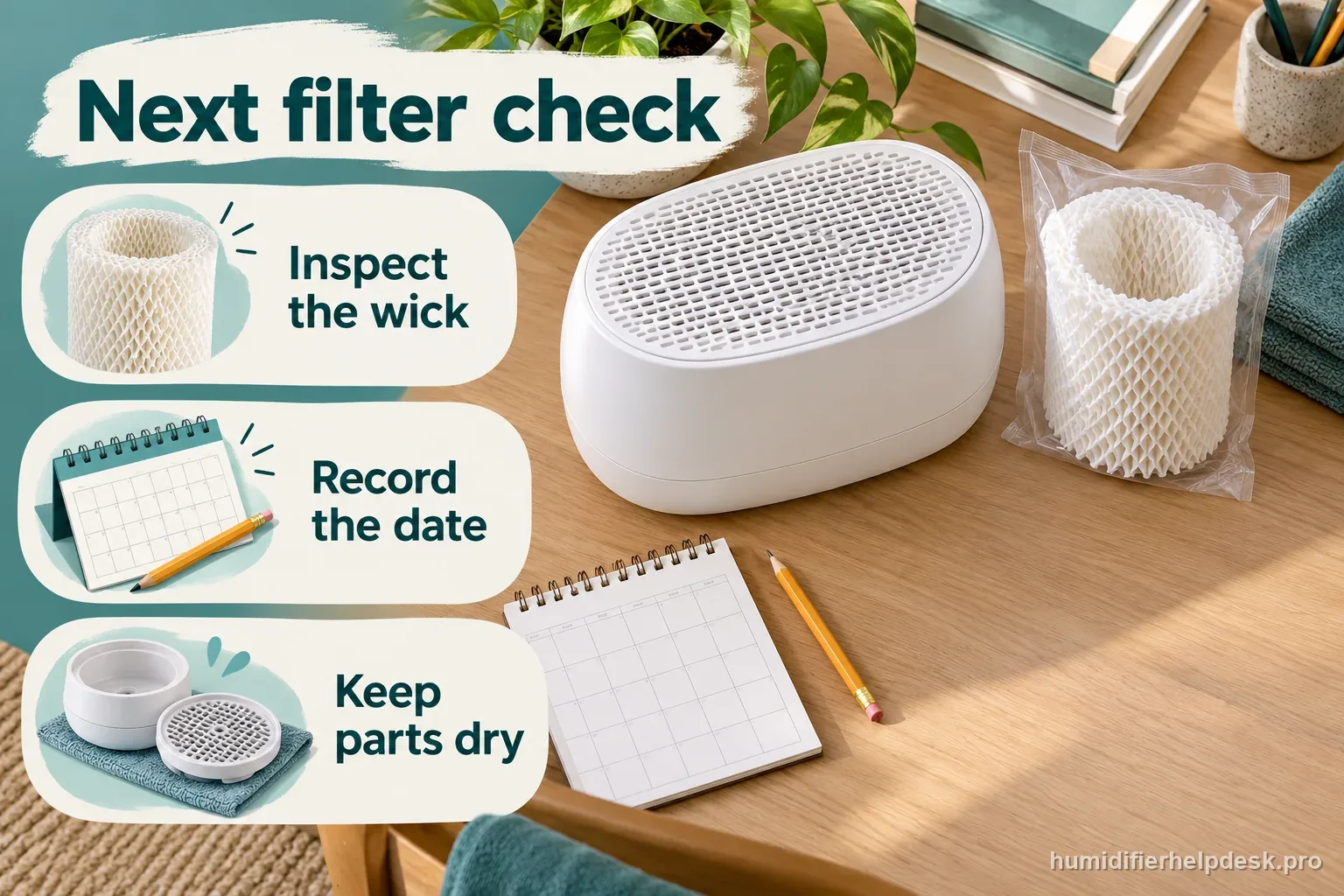
Illustrative maintenance reminder: keep a filter-service record and inspect the wick during routine care.
The correct filter is fitted, the grille is secure, and the Filter indicator clears after the documented reset. Keep a remaining light or fan fault open in your notes until Canopy confirms the next step.
Questions people ask about this exact symptom
Can cleaning the wick replace a filter change?
Do not assume rinsing restores a hardened or crusty paper wick. Canopy uses physical filter condition as a replacement cue. Follow its filter-care guidance and fit the correct replacement when the wick is spent. A reminder going dark does not prove that cleaning restored the paper. Inspect the filter itself before returning the unit to regular use.
Does no visible mist mean the reset failed?
The Large Room is evaporative, so a fog plume is not expected. Judge the reset by the Filter indicator. Use airflow, water use, and a separate humidity reading when investigating output. If the fan stopped immediately after filter service, check the user-removable assembly with power disconnected before investigating the room humidity or water-use rate.
What if the fan starts again after I switch it off?
Water left in the tray can cause Smart Persistent Airflow to reactivate the unit. That drying behavior is a separate observation from the filter reminder. The linked restart guide explains the wet-versus-dry check. Note whether water remains in the tray when it restarts. That detail helps support distinguish the designed drying cycle from a repeat restart after the parts are dry.
Why this path is model-specific
The current model-named operating article specifies a 30-second hold. The general filter collection gives a conflicting 10-second instruction; a persistent reminder needs exact-model confirmation.
For the Canopy Large Room Humidifier, the machine type matters: it is evaporative. Its moisture output is not supposed to look like ultrasonic fog, so “I cannot see mist” by itself is not evidence of a failure.
This symptom appears on other humidifiers too, but the meaning and reset path can change by technology, sensor logic, and control layout. Use the exact model source above before borrowing a fix from a neighboring model.
Compare this symptom across verified models
If you are still deciding whether this behavior is normal or model-specific, use the symptom hub to compare only manufacturer-linked guides. Keep the Canopy Large Room Humidifier instructions above as the controlling path for this machine.
If the problem is still there
If the checks above do not change the symptom, use the manufacturer support path for this exact model. We intentionally stop before undocumented resets, sensor bypasses, internal mains work, or parts replacement that the consumer manual does not authorize.
What we do not recommend
Do not defeat a float, water-level sensor, overheat protection, interlock, or other safety feature. Do not open mains-powered sections for live testing. If the unit smells burned, becomes abnormally hot, smokes, sparks, has water near electrical parts, or repeatedly trips a circuit, stop using it and keep clear. Unplug it only if the plug, outlet, and surrounding area are dry and safe to reach; otherwise do not touch wet equipment and contact manufacturer support for next steps.
Primary source for this diagnosis
Source checked during the October 22, 2026 editorial review. Manufacturer documents can change; a material re-review updates this guide’s reviewed date rather than stamping unrelated pages.
Same symptom, different models
Choose the next Large Room check
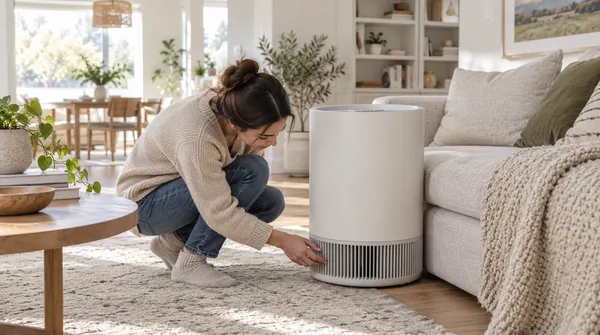
Canopy Large Room Humidifier Turns Back On After Power-Off
Turns back on after power-off
Canopy Large Room Humidifier Has No Visible Mist
No visible mist
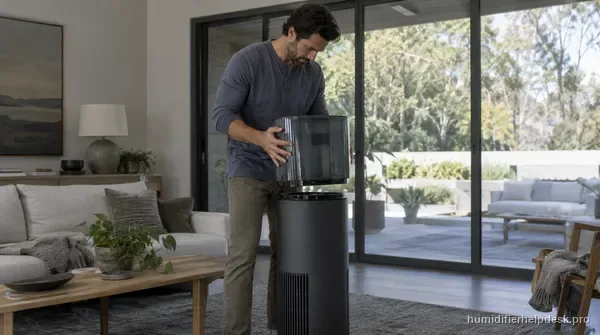
Canopy Large Room Humidifier Will Not Turn On or Stay On
Will not turn on / stay on
Canopy Large Room Fan Stops Because the Grate Magnet Is Missing
Fan stops / grate magnet