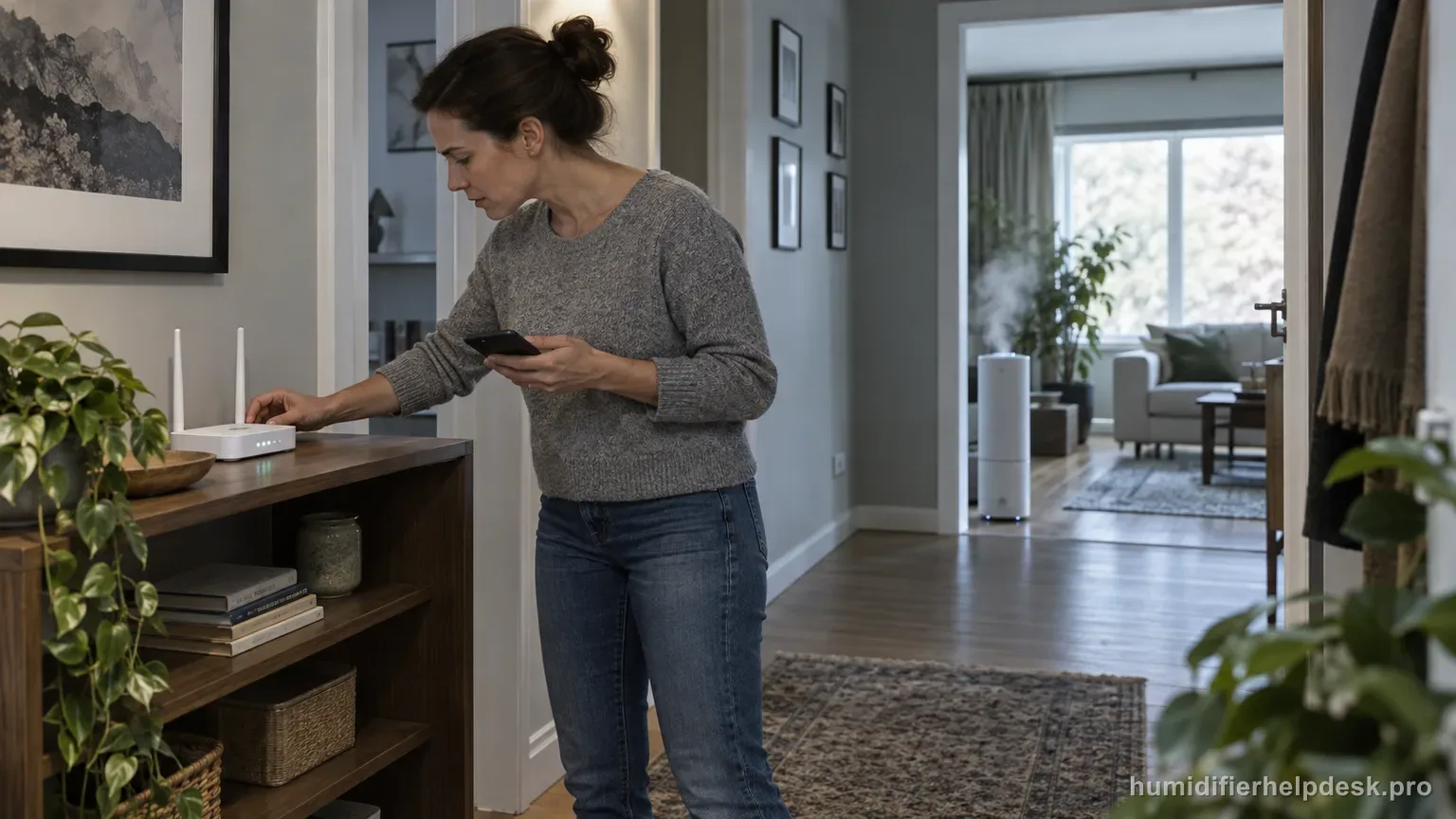
Confirm humidifier power and router internet first, then refresh VeSync. If Offline persists, remove and re-add the humidifier or hold power for 15 seconds to restore default settings and disconnect Wi-Fi, then configure VeSync again.
Does this match what you are seeing?
Owners describe this Levoit OasisMist 450S problem in a few different ways. If one of these sounds like yours, this guide covers it:
- Offline in VeSync
- VeSync says device is offline
- Disconnected from VeSync after setup
- Went offline after router change
Check these in order
- Confirm the humidifier is plugged into a powered outlet.
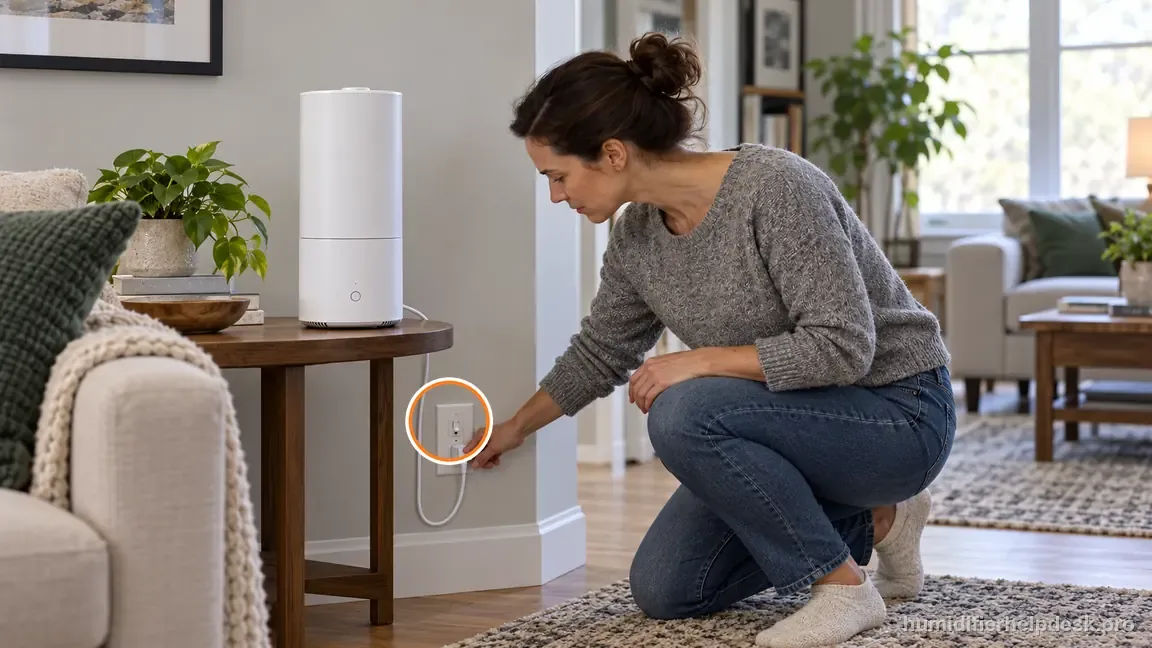
Confirm the 450S is plugged into a powered outlet before troubleshooting VeSync. - Verify the router has internet access.
- Refresh the device list in VeSync.
- If needed, remove the humidifier from VeSync and add it again. Or hold the power button for 15 seconds to reset default settings and Wi-Fi, then follow VeSync setup to reconnect.
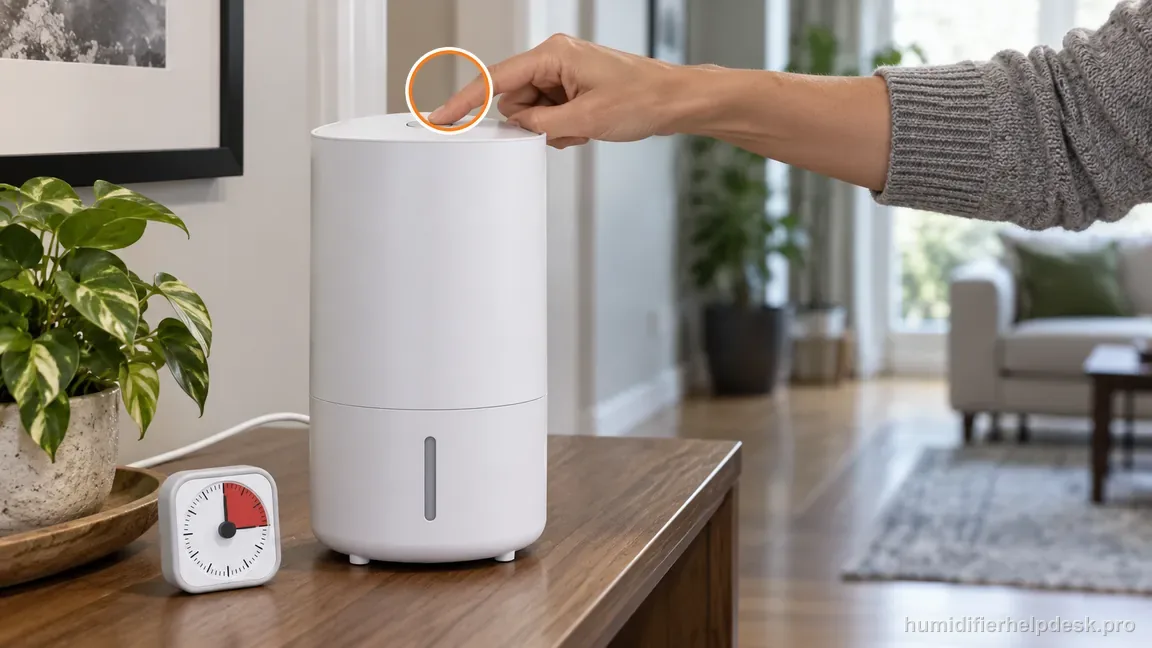
The 15-second reset restores default settings and disconnects Wi-Fi; follow VeSync setup to reconnect afterward.
Diagnostic decision path
Offline in VeSync is a post-pairing state, so the first checks on the OasisMist 450S are power and network continuity—not Bluetooth pairing from scratch. Levoit then recommends refreshing VeSync and, if necessary, deleting/reconfiguring the device or using the 15-second reset before re-adding it. For an OasisMist 450S that previously worked in VeSync, do not restart with warm-mist or Bluetooth setup checks. First decide whether the app has lost a powered device because of an outage, router change, or stale connection.
- Confirm the 450S had previously been added to VeSync successfully.
- Check that the humidifier is plugged into a powered outlet.
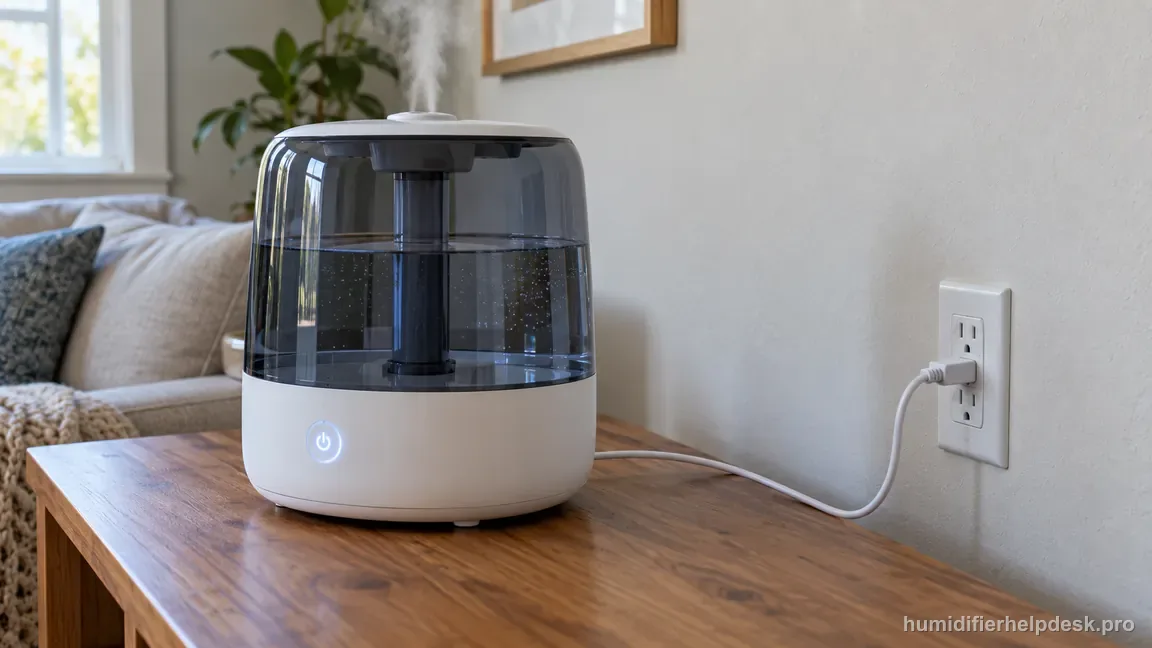
Confirm stable outlet power before troubleshooting the separate VeSync connection. - Verify router internet service and the phone's own network connection.
If: The humidifier has lost outlet power
What it means: VeSync may simply be reporting the unpowered device as Offline.
Do next: Restore power and refresh the app before touching Wi-Fi settings.
If: The router or phone network is down
What it means: The cloud/app path is unavailable even if the humidifier can operate locally.
Do next: Restore internet service, then swipe down to refresh the VeSync menu.
If: Power and internet are normal but Offline persists
What it means: The saved connection may need to be rebuilt.
Do next: Delete the humidifier from VeSync and reconfigure it, or hold the power button 15 seconds and then add it again.
If: The issue began after a power outage, internet outage, or router replacement
What it means: That event can invalidate the previous network state without implying a mist-system failure.
Do next: Reconfigure the network connection rather than troubleshooting the water/heater path.
If: The documented checks are complete, but the same symptom remains after a controlled retest
What it means: The owner-facing evidence on this page no longer explains the repeat symptom.
Do next: Keep the router-change timeline, local warm/cool-mist control result, and reconnect persistence notes before escalating OasisMist 450S Offline behavior.
How to interpret the retest
A 450S that shows Offline after it was already added to VeSync should be diagnosed from the outside in: humidifier power, router/internet, app refresh, then remove/re-add and reset if needed. This order avoids treating a home-network interruption as an appliance failure and avoids deleting a working device relationship before basic connectivity is checked.
Confirm the OasisMist itself still has local power and responds at the control panel. If it is dead locally, the Offline label is only a consequence of the power problem. If it works locally, keep the investigation focused on network/app state rather than water level, mist output, or unrelated humidifier maintenance.
Verify that the router has internet access for other devices, then refresh the VeSync device list. If the 450S returns after refresh, the saved pairing was still usable and no reset was necessary. This is why refresh belongs before remove/re-add: it is less disruptive and gives a clearer result.
If the network is stable and refresh fails, remove and add the humidifier again using the documented setup process. Make one connectivity change at a time. Simultaneously rebooting the router, reinstalling the app, resetting the humidifier, and changing phone settings may restore service but leaves no clear explanation if the problem returns.
Use the documented 15-second reset as the next escalation if reconfiguration is needed. After reset, complete setup and then watch whether the device remains Online through normal operation. A momentary appearance in VeSync immediately after setup is not enough to establish that the communication problem is resolved.
If the 450S repeatedly goes Offline on a stable network after refresh, a clean re-add, and the documented reset/reconfiguration, use Levoit/VeSync support. Do not open the humidifier or treat an app-state problem as evidence that a humidity sensor, pump, or mist component needs internal repair.
Test the 450S from its control panel and note whether mist selection still works. If it does, app reachability can be investigated separately from humidification. Refresh the VeSync list, confirm the router is online, and look for an event such as an ISP interruption or a changed Wi-Fi name/password.
If the network is stable and the device remains Offline, reconfiguration may be justified. Use either a clean delete/re-add or the documented 15-second reset, then watch whether the 450S remains connected. A brief return followed by another drop is more useful evidence than another reset and should be recorded for support.
Model-specific context that changes the diagnosis
Do not use mist temperature as an Offline test
The OasisMist 450S can keep making warm or cool mist locally even when VeSync cannot reach it. That means mist temperature cannot prove the Wi-Fi session is healthy. Use local operation only as a power clue, then keep the connection diagnosis on the router/app side until the device is stably reachable again.
A network change often explains a sudden Offline badge
If the 450S worked yesterday and failed right after a router replacement, SSID rename, password update, or outage, that timing matters. Restore stable internet and reconfigure the saved connection if necessary. Repeatedly changing humidity targets or water settings will not update old Wi-Fi credentials and can distract from the real trigger.
Escalate repeated drops, not a single transient outage
One temporary Offline state after an internet interruption can recover once service returns. A 450S that repeatedly disconnects while other devices remain stable deserves a clearer record: local control status, router model, network band, timing, and whether one clean re-add held. Give that history to VeSync/Levoit instead of stacking undocumented reset attempts.
Common mistakes that make this harder to diagnose
- Diagnosing an ultrasonic or heater fault because the app says Offline.
- Resetting the humidifier before confirming the router has internet.
- Assuming local button operation proves the cloud connection should also be online.
The issue is resolved when the existing or newly re-added 450S remains online and VeSync updates reliably. Continued Offline status after power/network checks and documented reconfiguration should be escalated.
Questions people ask about this exact symptom
Why is my Levoit OasisMist 450S Offline in VeSync after a power outage?
Levoit notes that power and internet outages can make smart humidifiers appear Offline. Confirm the 450S has power, restore router internet, refresh VeSync, and allow reconnection before deleting the device. If it stays Offline after the network is stable, perform a clean re-add or use the documented 15-second reset and configure it again.
Can my OasisMist 450S still make mist when it is Offline?
Yes. The app connection and the local mist system are separate. If the humidifier responds normally from its panel, that is evidence of appliance power, not proof of network health. Focus on router service, saved credentials, and VeSync state. If mist also fails, move to the no-mist or water-side troubleshooting path.
When should I re-add an OasisMist 450S instead of just refreshing VeSync?
Refresh first when the outage may be temporary. Re-add when the router name/password changed or when stable internet has returned but the already-added device will not recover. After reconfiguration, verify that the 450S stays reachable. Repeated immediate drops should be documented and escalated rather than followed by endless resets.
Why this path is model-specific
Levoit’s 450S VeSync troubleshooting gives separate offline checks for power/network, app refresh, removal/re-addition, and reset/reconfiguration.
For the Levoit OasisMist 450S, the machine type matters: it is hybrid. Visible mist is part of normal output when mist production is active, so a true no-mist complaint deserves model-specific troubleshooting.
This symptom appears on other humidifiers too, but the meaning and reset path can change by technology, sensor logic, and control layout. Use the exact model source above before borrowing a fix from a neighboring model.
Compare this symptom across verified models
If you are still deciding whether this behavior is normal or model-specific, use the symptom hub to compare only manufacturer-linked guides. Keep the Levoit OasisMist 450S instructions above as the controlling path for this machine.
If the problem is still there
If the checks above do not change the symptom, use the manufacturer support path for this exact model. We intentionally stop before undocumented resets, sensor bypasses, internal mains work, or parts replacement that the consumer manual does not authorize.
What we do not recommend
Do not defeat a float, water-level sensor, overheat protection, interlock, or other safety feature. Do not open mains-powered sections for live testing. If the unit smells burned, becomes abnormally hot, smokes, sparks, has water near electrical parts, or repeatedly trips a circuit, stop using it and keep clear. Unplug it only if the plug, outlet, and surrounding area are dry and safe to reach; otherwise do not touch wet equipment and contact manufacturer support for next steps.
Primary source for this diagnosis
Source checked during the September 4, 2026 editorial review. Manufacturer documents can change; a material re-review updates this guide’s reviewed date rather than stamping unrelated pages.