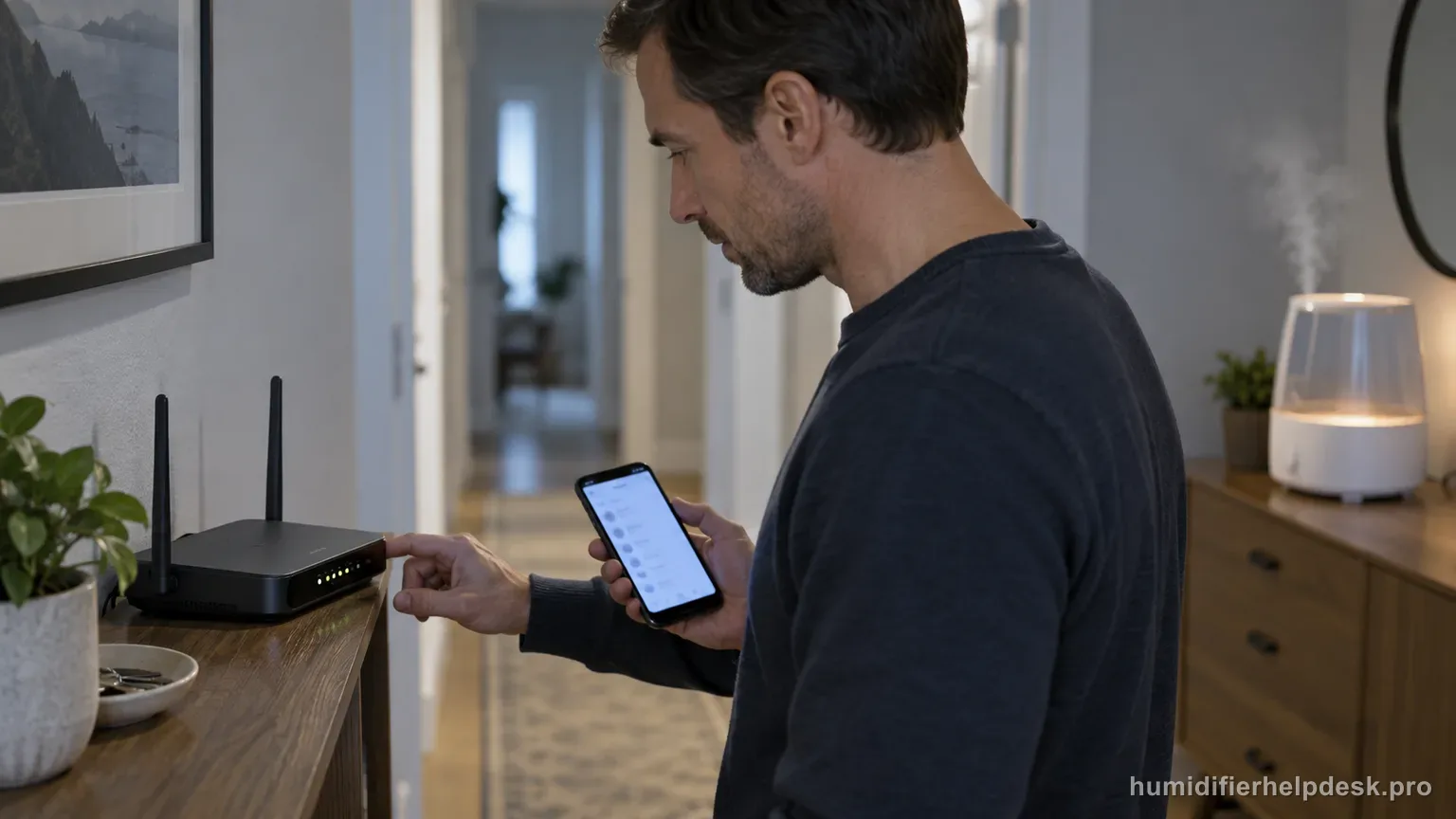
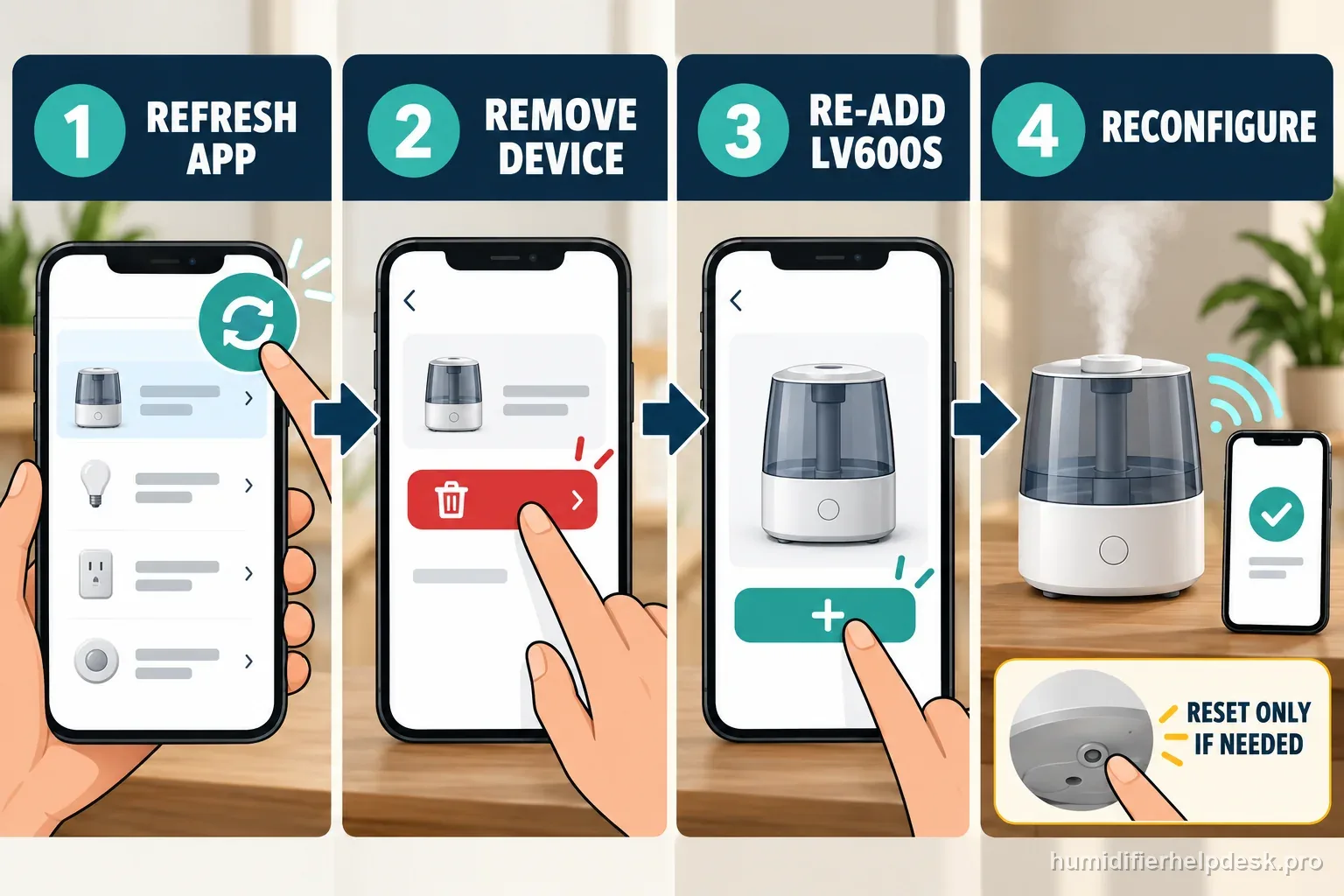
Check power and internet first. If those are fine, refresh VeSync, then remove/re-add the LV600S or use the documented 15-second reset and reconfigure it.
Does this match what you are seeing?
Owners describe this Levoit LV600S problem in a few different ways. If one of these sounds like yours, this guide covers it:
- Offline in VeSync
- VeSync says device is offline
- Disconnected from VeSync after setup
- Went offline after router change
Check these in order
- Confirm the LV600S is plugged into a working outlet.
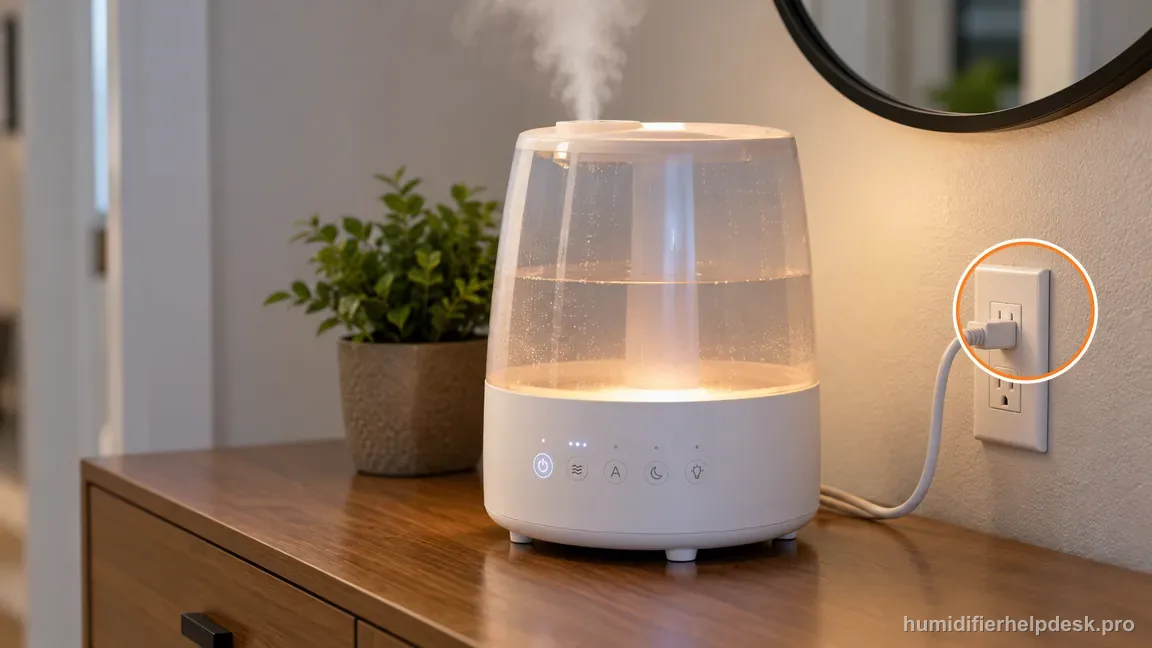
Confirm the LV600S has local power at a working outlet before troubleshooting its app connection. - Check the router’s internet connection and the phone network.
- Refresh the VeSync device list.
- Delete and re-add the humidifier, or hold the power button for 15 seconds and reconfigure it.
Diagnostic decision path
An LV600S that was previously paired but now shows Offline is a different problem from first-time setup. Levoit’s sequence is power and internet first, then app refresh, then remove/re-add or the same documented 15-second reset if the connection cannot be restored. An LV600S that suddenly reads Offline should be treated as an interruption of a previously working smart connection. The large-room hybrid mist system and aroma-box humidity sensor are not the first places to look unless the humidifier also loses local power.
- Confirm the LV600S still has normal local power/control response.
- Check whether other devices have internet through the same router.
- Refresh VeSync before deleting anything.
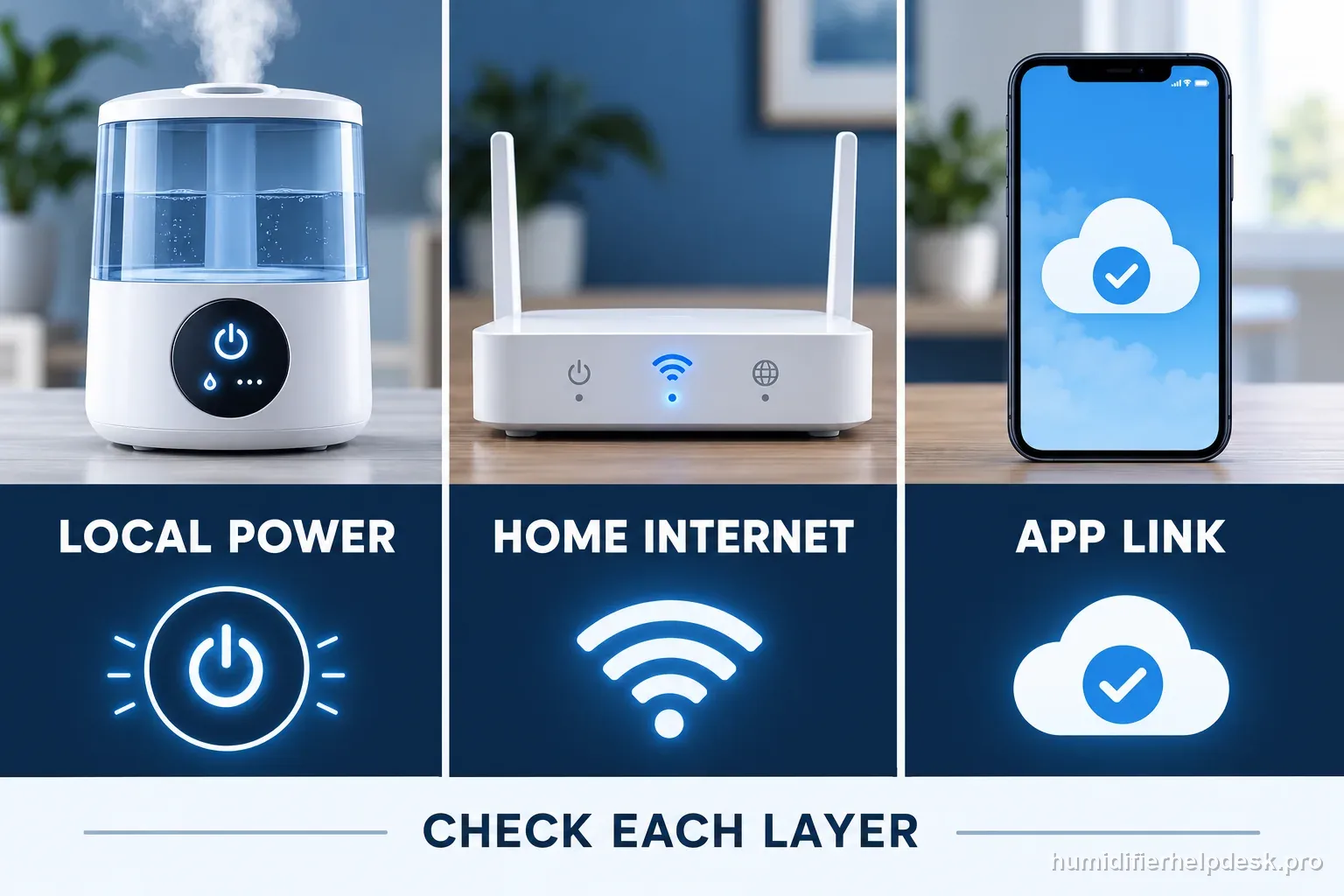
Separate the humidifier, router, and app
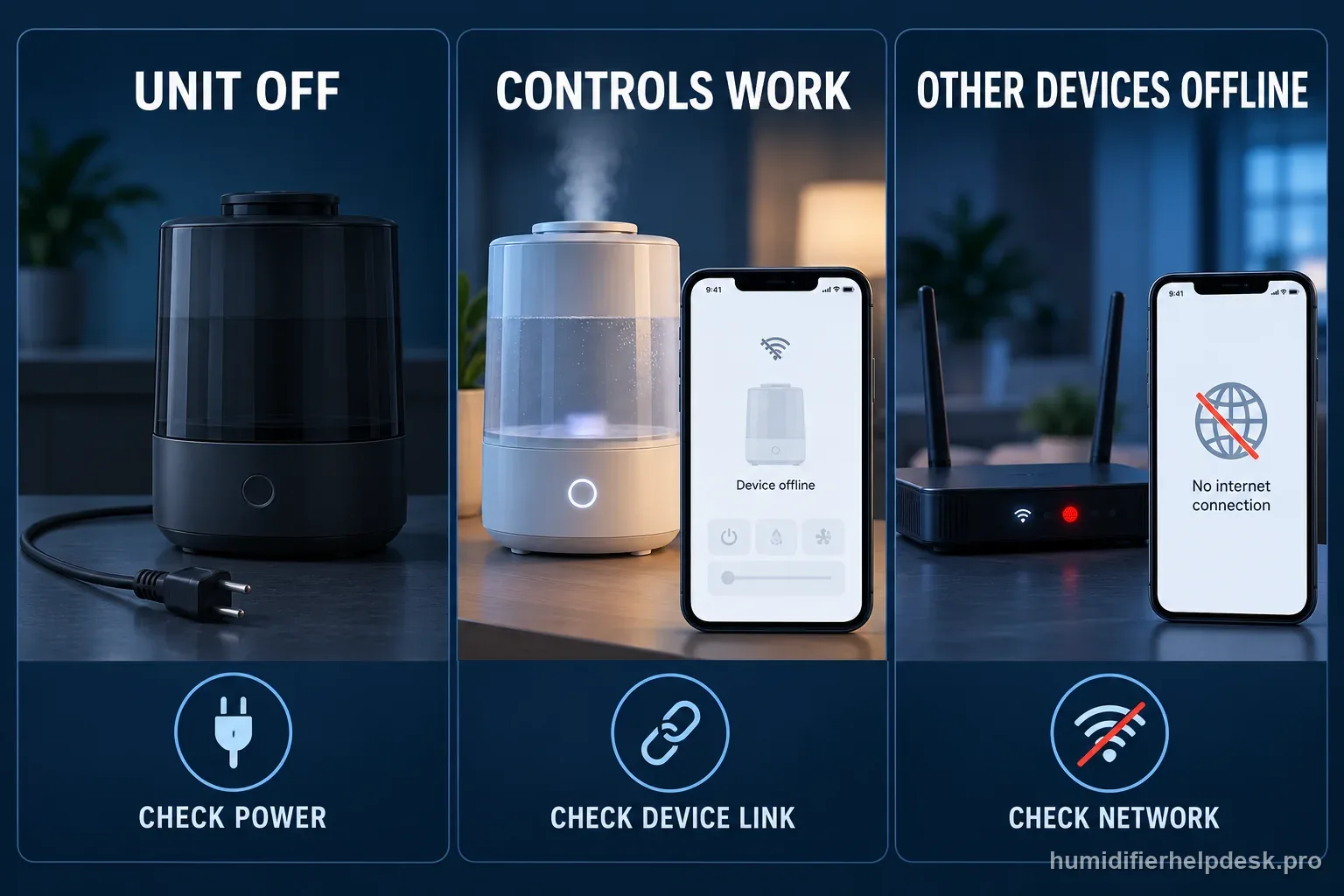
When VeSync says Offline, keep three observations separate: does the LV600S respond at its own controls, do other devices reach the internet, and can the phone load the VeSync device page? This split prevents a network outage from looking like an appliance failure. It also avoids erasing a saved device before you know which connection stopped working.
| Observed state | Record | Use next |
|---|---|---|
| LV600S controls do not respond | Outlet and device power state | Follow the exact model's power path |
| Local controls work; other devices are offline | Router and phone internet status | Restore the home connection, then refresh |
| Local controls work; other devices are online | VeSync status and recent network changes | Refresh once before reconfiguring |
| VeSync reconnects, then drops again | Time, local controls, and router event | Send the repeat pattern to support |
Read the reconnect result carefully
The LV600S manual lists removing and reconfiguring the humidifier or holding its power button for 15 seconds and reconfiguring it as recovery options. That reset restores default settings and disconnects the app link. It is not a test of whether the humidifier has power; use the local controls to record that separately.
| Result | What it establishes | Next action |
|---|---|---|
| Device stays available in VeSync | The documented app path restored access | Return to normal use and observe |
| Setup cannot find the LV600S | Pairing did not complete | Record app and network conditions |
| It returns, then becomes Offline again | The connection interruption repeated | Share the timeline with VeSync support |
| Local controls also stop responding | The complaint now includes local operation | Use the separate model power guide |
How to interpret the retest
Separate an app connection problem from a humidifier operating problem. Check whether the LV600S still responds at its physical controls and whether VeSync can see other devices. Confirm the phone is signed into the intended account, Bluetooth and local-network permissions are available to the app, and the router is using a supported network band from the LV600S manual. A status label by itself does not prove the humidifier has lost power or failed.
Before changing Wi-Fi settings, record the displayed device name, app status, router band, and whether the unit's controls still work. Keep the phone near the humidifier during a documented pairing attempt and follow the current VeSync flow for this model. Do not apply a reset combination copied from another Levoit device; that can erase a working setup without fixing the router issue. If the LV600S is offline in the app but operates locally, send Levoit the app version and model details.
The useful comparison is whether the same LV600S remains controllable at the unit while its app status is offline. If it does, leave cleaning, tank position, and mist settings alone; they cannot repair a Wi-Fi enrollment state. Make one app-side attempt using the current VeSync instructions, then note whether the device is discovered, reaches pairing, or fails after credentials are entered. Avoid posting a home Wi-Fi password in a support message. If the pairing flow still fails, share the model and app version through Levoit's official support channel without exposing the password.
Two example timelines
Example: the unit still runs
At 7:10, an owner sees Offline in VeSync while the LV600S still responds to its controls. At 7:12, the phone and another connected device both reach the internet. The owner refreshes VeSync, then follows the LV600S re-add steps when the status stays Offline. They record whether the device remains available afterward. These times are illustrative, not a Levoit test interval.
Example: the home connection changed
After a router replacement, the LV600S still runs locally but its app tile stays Offline. The owner confirms the new router is online, refreshes the device list, and then configures the LV600S for that network through VeSync. If it drops again, they note the router change and local-control state for support instead of resetting it repeatedly.
Model-specific context that changes the diagnosis
Do not mix the aroma-box sensor with Wi-Fi continuity
The LV600S humidity sensor has its own moisture, dust, wall, and corner placement issues. Those can make the RH number inaccurate, but they do not create the router credentials used by VeSync. If the entire device is Offline, restore reachability first. Diagnose a wrong humidity value only after the app/device connection is stable.
After reconfiguration, watch for a second drop
A one-time successful re-add is encouraging but not enough when the complaint is intermittent. Leave the LV600S on the intended network and verify that VeSync remains connected after normal app refreshes. If local controls remain reliable but the smart link repeatedly disappears, record the router and phone conditions and contact support instead of continually resetting the appliance.
Tell an outage recovery from a router change
If the LV600S went Offline during a brief internet or power interruption, first restore the existing router and refresh VeSync; the saved pairing may recover without setup changes. If the router or Wi-Fi name changed, the old network details may no longer apply, so use VeSync to configure the LV600S for the current network after confirming other devices are online. Record which event came first and whether local controls stayed responsive. That timeline makes an intermittent LV600S Offline report more useful to support and avoids repeating a reset that cannot restore an unavailable home connection.
Common mistakes that make this harder to diagnose
- Deleting the device before checking whether the home internet is down.
- Confusing an Offline status with a no-power hardware fault.
- Repeatedly resetting without first testing router connectivity.
The LV600S is resolved when it remains powered and reachable in VeSync after network recovery or a clean re-add. Repeated offline status on a stable network after the documented reset should be escalated.
Questions people ask about this exact symptom
Why is my Levoit LV600S Offline in VeSync even though the humidifier turns on?
That pattern points first to app/network continuity. Refresh VeSync, confirm the router has internet, and consider whether there was a power outage, ISP interruption, new router, or changed Wi-Fi password. If the connection does not recover under stable conditions, re-add the LV600S or use the documented 15-second reset once and configure it again.
Can a router replacement make my LV600S stay Offline?
Yes. An already-paired LV600S may still hold the old network credentials. After confirming the new router is working, configure the humidifier for the new network. Mist level, warm/cool mode, and humidity targets will not update Wi-Fi credentials, so leave those settings out of the connection test.
What if my LV600S comes online after reset and then goes Offline again?
Record the repeat failure instead of immediately resetting again. Check whether local controls continue working and whether other Wi-Fi devices remain stable at the same time. If the LV600S alone repeatedly drops after a clean reconfiguration, provide the timing, router details, and app behavior to Levoit/VeSync support.
Prepare a useful support report
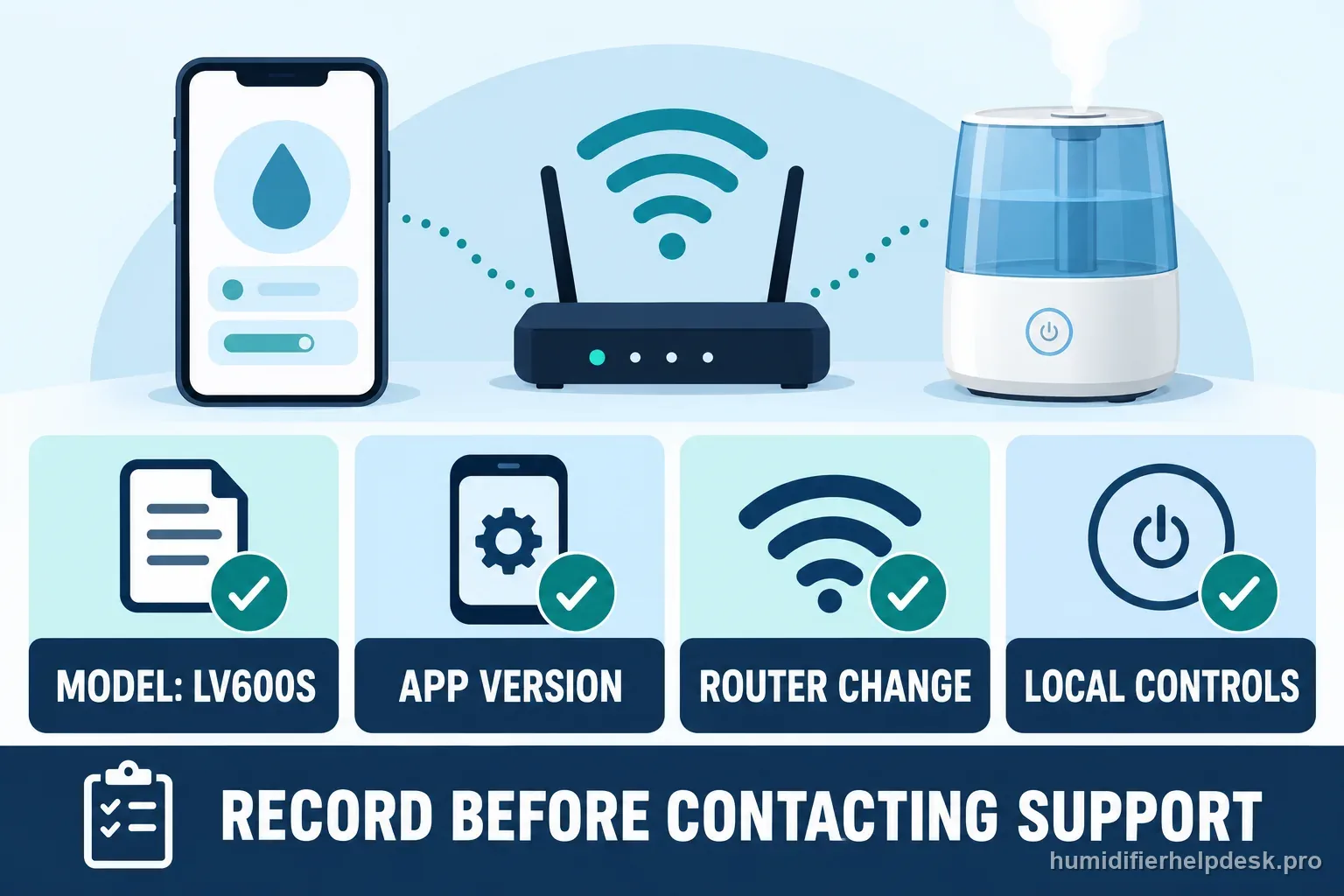
Include the model, app version, whether other devices had internet, whether the LV600S controls still worked, and whether the router or Wi-Fi name recently changed. Report what happened after refresh, re-add, or the manual's reset. Never send a Wi-Fi password. If the issue is only the app connection while local humidifier operation remains normal, keep mist, humidity, and aroma settings out of the network diagnosis.
Why this path is model-specific
Levoit’s LV600S app troubleshooting lists these steps for a humidifier showing offline.
For the Levoit LV600S, the machine type matters: it is hybrid. Visible mist is part of normal output when mist production is active, so a true no-mist complaint deserves model-specific troubleshooting.
This symptom appears on other humidifiers too, but the meaning and reset path can change by technology, sensor logic, and control layout. Use the exact model source above before borrowing a fix from a neighboring model.
Compare this symptom across verified models
If you are still deciding whether this behavior is normal or model-specific, use the symptom hub to compare only manufacturer-linked guides. Keep the Levoit LV600S instructions above as the controlling path for this machine.
If the problem is still there
If the checks above do not change the symptom, use the manufacturer support path for this exact model. We intentionally stop before undocumented resets, sensor bypasses, internal mains work, or parts replacement that the consumer manual does not authorize.
What we do not recommend
Do not defeat a float, water-level sensor, overheat protection, interlock, or other safety feature. Do not open mains-powered sections for live testing. If the unit smells burned, becomes abnormally hot, smokes, sparks, has water near electrical parts, or repeatedly trips a circuit, stop using it and keep clear. Unplug it only if the plug, outlet, and surrounding area are dry and safe to reach; otherwise do not touch wet equipment and contact manufacturer support for next steps.
Primary source for this diagnosis
Source checked during the September 4, 2026 editorial review. Manufacturer documents can change; a material re-review updates this guide’s reviewed date rather than stamping unrelated pages.