Dreo HM713S Is Not Misting
Check the air inlet, reservoir water level, and unusually high room ventilation.
Choose the observed symptom, light, code, app state, or output problem.
Check the air inlet, reservoir water level, and unusually high room ventilation.
The HM713S needs warm-mist mode selected and several minutes to heat; scale on the heating element can also reduce performance.
Start with water level, tank seating, and the water filter.
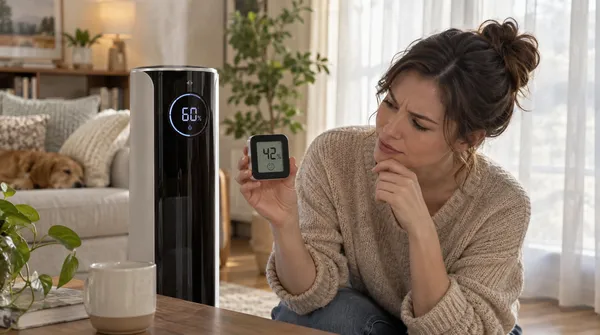
A small sensor difference can be normal; direct mist hitting the sensor can make the display look too high.
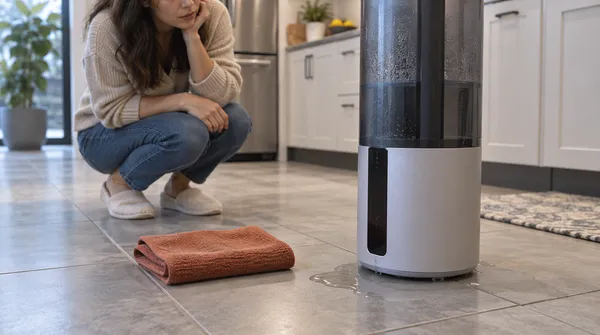
Inspect the tank outlet seal and base float, keep the unit level, and distinguish tank leakage from condensation caused by high humidity.
Start with the three checks in Dreo’s current US HM713S FAQ: power, low-water shutoff, and correct tank installation.
Dreo points first to water quality, stale water, cleaning/drying, and the aroma-pad tray—not an internal repair.
Cold/dry conditions and warm-mist operation can increase water use. Dreo suggests Auto Mode when you want output to track room humidity.
Use a higher output setting, allow more time, and make sure the room is not larger than the model’s effective range.
Lower output, keep the air inlet clear, and move the unit off carpet. Dreo says to stop use if the noise still suggests a malfunction.
Treat this first as too much room humidity, not a tank leak: reduce mist output, turn the unit off, or increase room ventilation.
| Fact | Detail |
|---|---|
| Humidifier type | hybrid |
| What you should see | Visible mist is expected while mist output is active. |
| Model / SKU identifiers | Not listed |
| Exact guides published | 11 |
| Latest linked-guide review | September 4, 2026 |
| Official sources | Dreo HM713S product page and FAQ; Dreo official product-support center |
Each row is one exact-model guide; the short answer is the same one shown on the guide.
| Symptom | Short answer | Guide |
|---|---|---|
| No mist | Check the air inlet, reservoir water level, and unusually high room ventilation. | Dreo HM713S Is Not Misting |
| Warm mist not warm | The HM713S needs warm-mist mode selected and several minutes to heat; scale on the heating element can also reduce performance. | Dreo HM713S Warm Mist Is Not Warm Enough |
| Red light | Start with water level, tank seating, and the water filter. | Dreo HM713S Red Light Is On |
| Humidity reading off | A small sensor difference can be normal; direct mist hitting the sensor can make the display look too high. | Dreo HM713S Humidity Reading Seems Wrong |
| Leaking | Inspect the tank outlet seal and base float, keep the unit level, and distinguish tank leakage from condensation caused by high humidity. | Dreo HM713S Is Leaking Water |
| Does not work | Start with the three checks in Dreo’s current US HM713S FAQ: power, low-water shutoff, and correct tank installation. | Dreo HM713S Does Not Work |
| Unpleasant smell | Dreo points first to water quality, stale water, cleaning/drying, and the aroma-pad tray—not an internal repair. | Dreo HM713S Mist Smells Unpleasant |
| Uses water too quickly | Cold/dry conditions and warm-mist operation can increase water use. Dreo suggests Auto Mode when you want output to track room humidity. | Dreo HM713S Uses Water Too Quickly |
| Room humidity unchanged | Use a higher output setting, allow more time, and make sure the room is not larger than the model’s effective range. | Dreo HM713S Room Humidity Is Not Increasing |
| Loud or unusual noise | Lower output, keep the air inlet clear, and move the unit off carpet. Dreo says to stop use if the noise still suggests a malfunction. | Dreo HM713S Makes a Loud or Unusual Noise |
| Condensation | Treat this first as too much room humidity, not a tank leak: reduce mist output, turn the unit off, or increase room ventilation. | Dreo HM713S Is Causing Condensation on Windows or Nearby Surfaces |