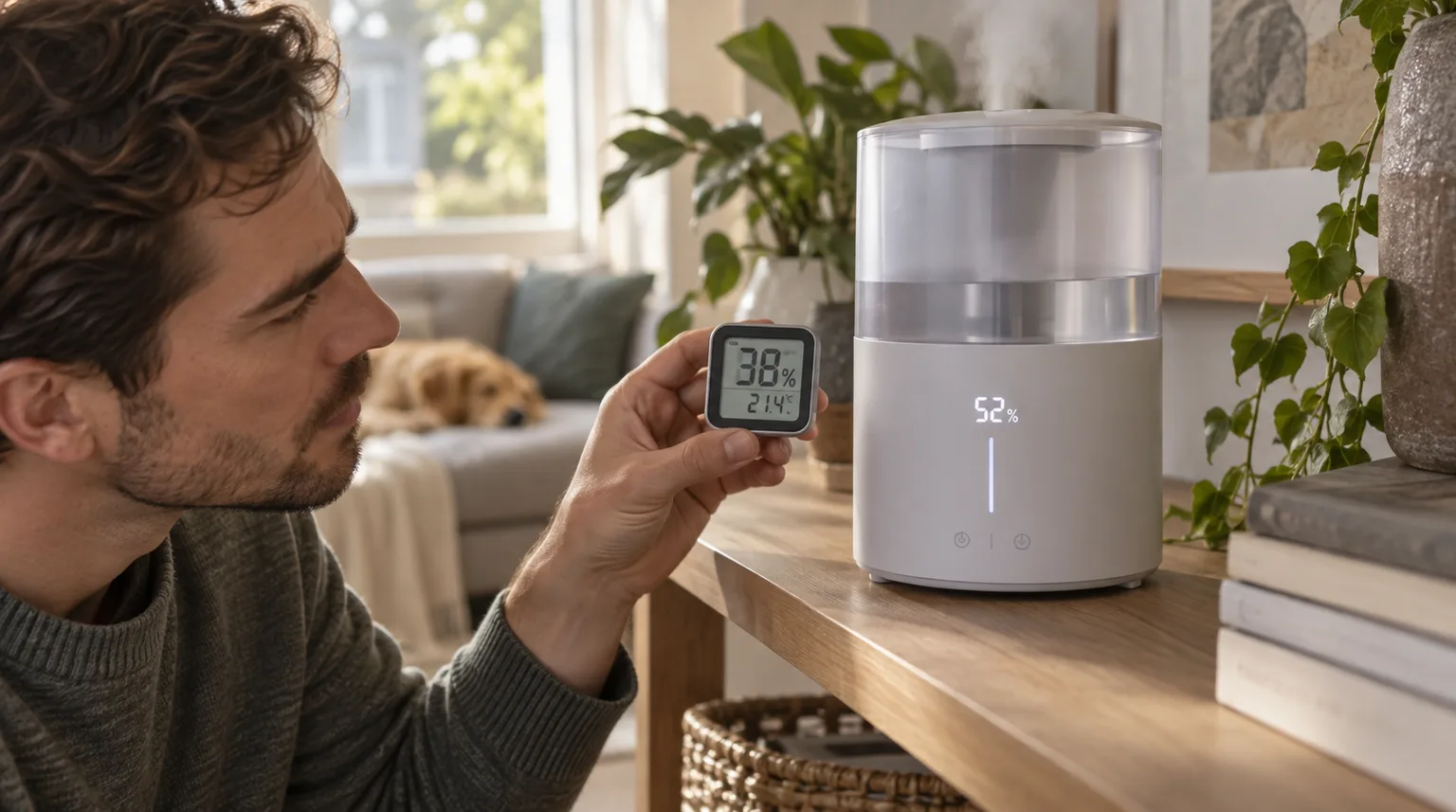
Small room-to-room differences are normal; mist direction and local airflow can also bias the sensor reading.
Does this match what you are seeing?
Owners describe this Dreo HM311S problem in a few different ways. If one of these sounds like yours, this guide covers it:
- Humidity reading wrong
- Humidity sensor inaccurate
- Humidity display too high
- Humidity display too low
Check these in order
- Allow for a small difference between sensors; Dreo says about ±5% can be normal.
- Aim the fog outlet away from the humidity sensor near the aroma tank.
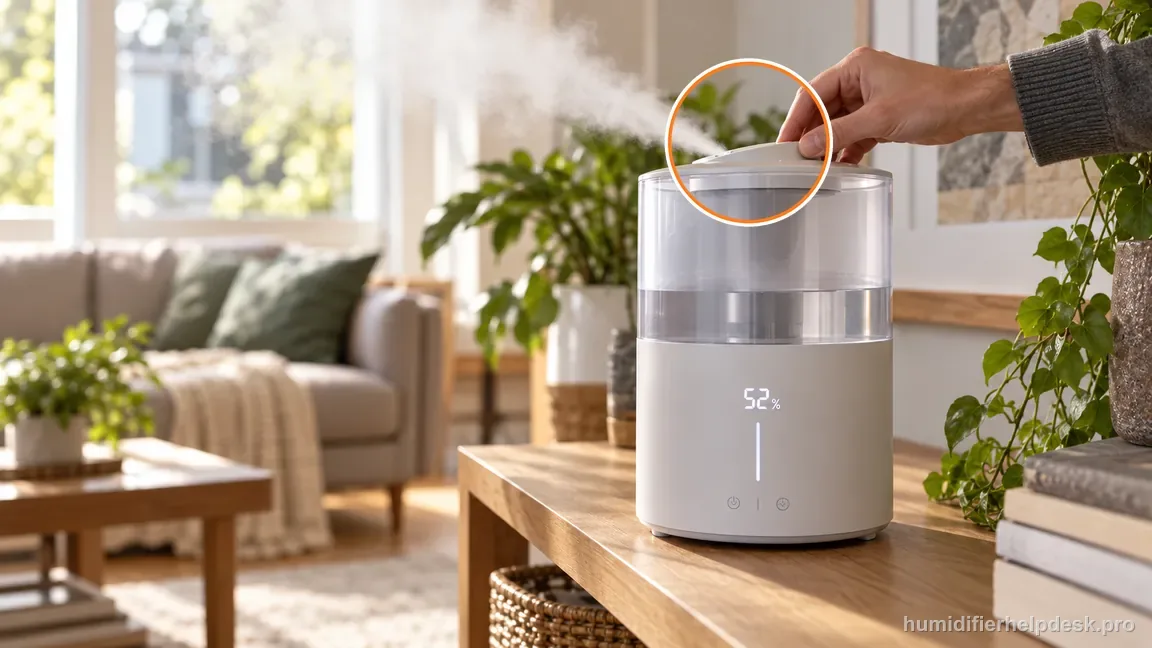
Aim the tilting fog outlet away from the sensor near the aroma-tank area; the displayed 52% is illustrative. - Improve room air mixing/ventilation so one damp pocket does not dominate the sensor.
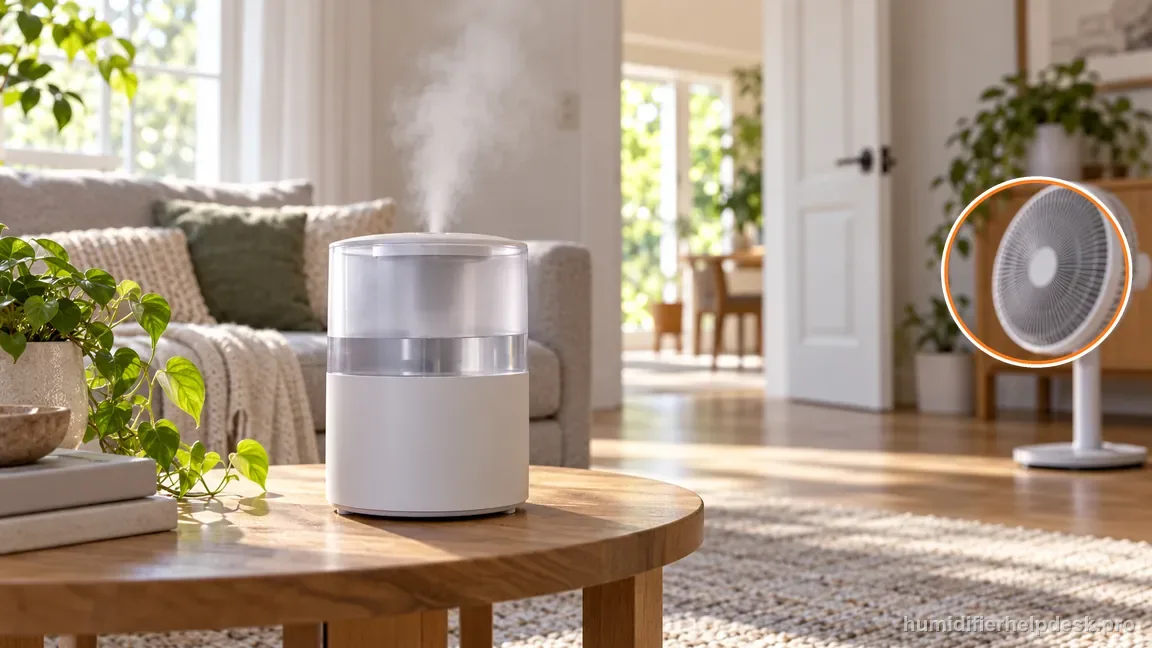
Improve room-air mixing with open space or gentle circulation, without aiming a fan directly at the humidifier.
Diagnostic decision path
The HM311S humidity reading should be judged as a room-air estimate, not as a laboratory reference. Dreo says a difference of about ±5% can be normal, and it specifically warns that mist directed toward the sensor can bias the reading. A controlled comparison is more useful than replacing parts.
- Place the comparison hygrometer near the humidifier but not directly in the mist plume.
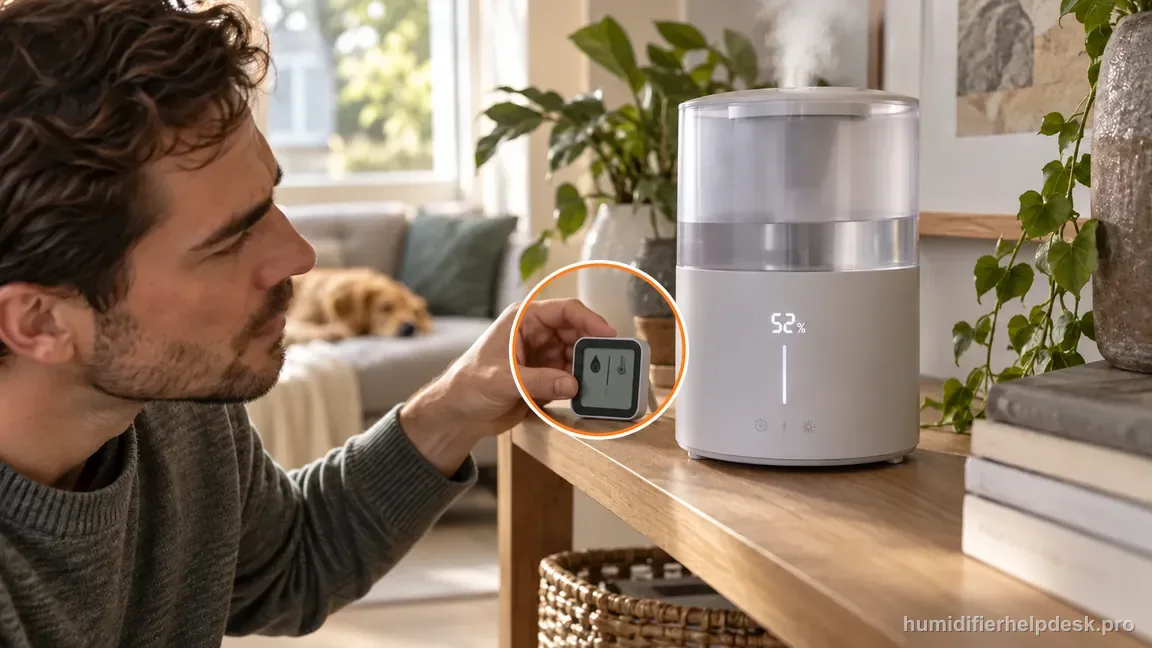
Place the comparison meter near the humidifier but outside direct mist; use actual readings, since 52% is illustrative. - Aim the fog outlet away from the humidity sensor near the aroma-tank area.
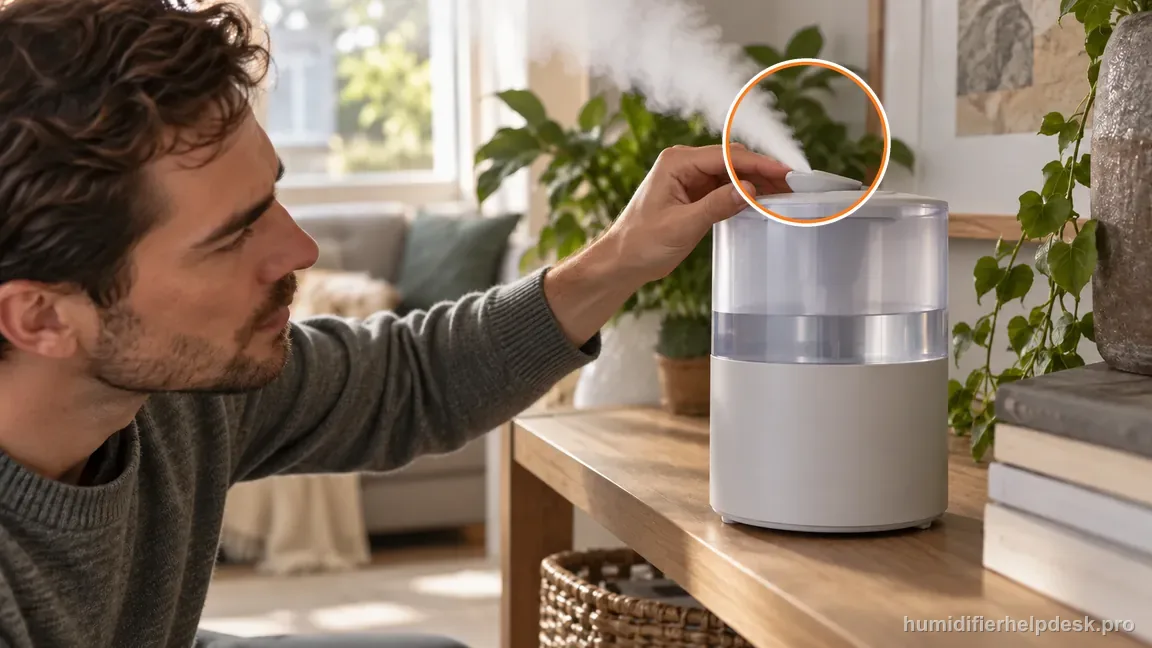
Before comparing, direct the fog outlet away from the humidity sensor near the aroma-tank area. - Allow room air to mix before comparing two sensors.
If: The HM311S and comparison meter differ by about 5 percentage points or less
What it means: The difference is within the tolerance Dreo describes as potentially normal.
Do next: Use the reading as a trend rather than trying to calibrate away a small gap.
If: The HM311S reading rises sharply when mist points toward the sensor
What it means: Local moisture is biasing the sensor.
Do next: Redirect mist away and recheck after the area dries and room air mixes.
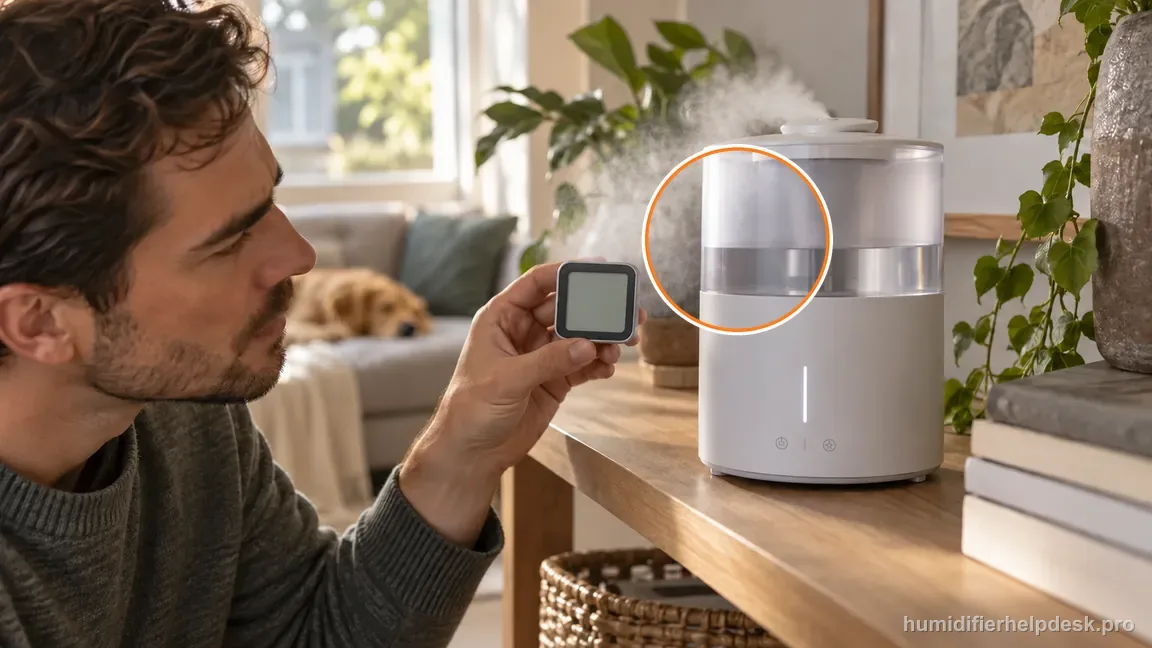
If: The reading differs more after the unit is tucked into a stagnant corner
What it means: Local airflow is likely making the sensor less representative of the room.
Do next: Move the humidifier into better room airflow and compare again.
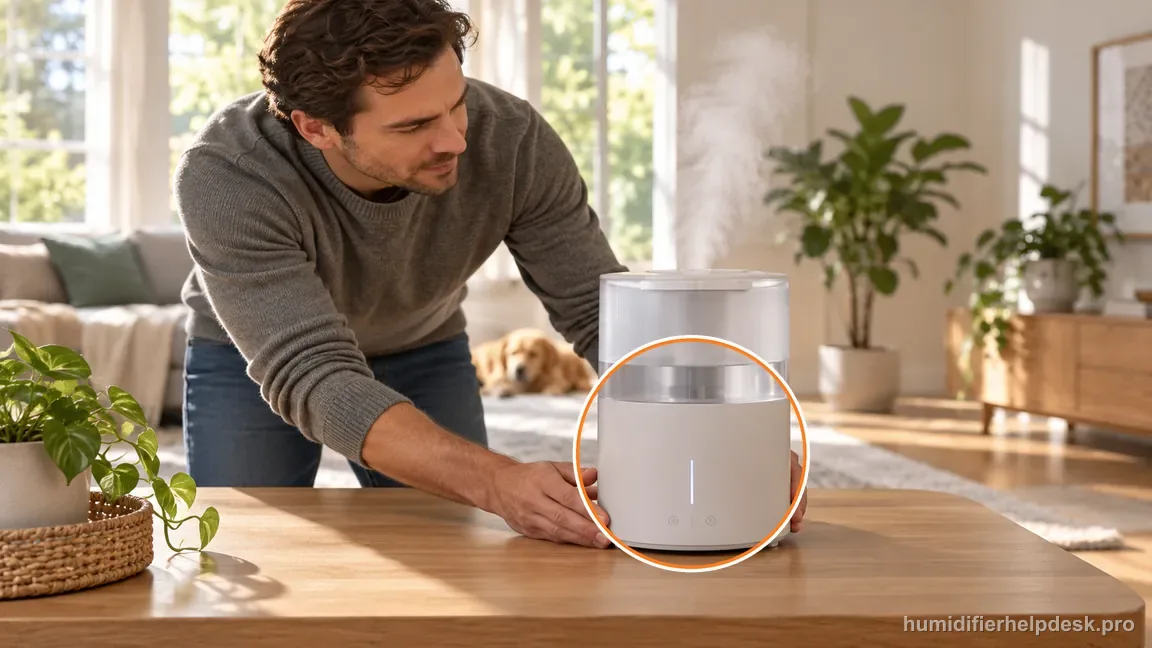
If: A large stable error remains after placement and mist-direction corrections
What it means: Normal sensor tolerance/local moisture no longer explain the gap.
Do next: Use Dreo support rather than opening or attempting to calibrate the internal sensor.
How to interpret the retest
Start from a concrete state. After “Allow for a small difference between sensors; Dreo says about ±5% can be normal”, does the Dreo HM311S show “The HM311S and comparison meter differ by about 5 percentage points or less”? A yes points to the documented interpretation “The difference is within the tolerance Dreo describes as potentially normal”, so the next move is “Use the reading as a trend rather than trying to calibrate away a small gap”. If the state is absent, do not use the action from that Dreo HM311S possibility; record that it did not match the humidity reading off complaint and test the next documented condition.
With the rest of the setup unchanged, see whether the unit shows “The HM311S reading rises sharply when mist points toward the sensor” rather than changing several settings at once. If the Dreo HM311S matches that observation, use the interpretation “Local moisture is biasing the sensor” and follow with “Redirect mist away and recheck after the area dries and room air mixes”. First, check “Aim the fog outlet away from the humidity sensor near the aroma tank”. If the state does not appear again, keep that result and continue with the next documented possibility for humidity reading off on the Dreo HM311S.
Use this explanation for the Dreo HM311S only when the unit actually shows “The reading differs more after the unit is tucked into a stagnant corner”. The Dreo HM311S source path describes that state as “Local airflow is likely making the sensor less representative of the room”. Check “Improve room air mixing/ventilation so one damp pocket does not dominate the sensor”, then reproduce the same complaint under otherwise similar conditions. A match points to “Move the humidifier into better room airflow and compare again”. If it does not match, this explanation does not fit the current Dreo HM311S humidity reading off test.
Model-specific context that changes the diagnosis
Two Dreo HM311S clues that point to different fixes
First decide which observation you can genuinely have. If the Dreo HM311S shows “The HM311S and comparison meter differ by about 5 percentage points or less”, the source-backed interpretation is “The difference is within the tolerance Dreo describes as potentially normal” and the next step is “Use the reading as a trend rather than trying to calibrate away a small gap”. If it instead shows “The HM311S reading rises sharply when mist points toward the sensor”, use the separate interpretation “Local moisture is biasing the sensor” and follow with “Redirect mist away and recheck after the area dries and room air mixes”. On the Dreo HM311S, do not combine both responses; retest the explanation that matches the current humidity reading off complaint first.
Retest humidity reading off after each correction
A controlled comparison is more useful here than several simultaneous changes. Try “Allow for a small difference between sensors; Dreo says about ±5% can be normal” on the Dreo HM311S and observe the same complaint. Only then move to “Aim the fog outlet away from the humidity sensor near the aroma tank” and, if necessary, “Improve room air mixing/ventilation so one damp pocket does not dominate the sensor”. With humidity reading off on the Dreo HM311S, keeping the other obvious variables steady makes it easier to tell whether a documented condition was actually responsible.
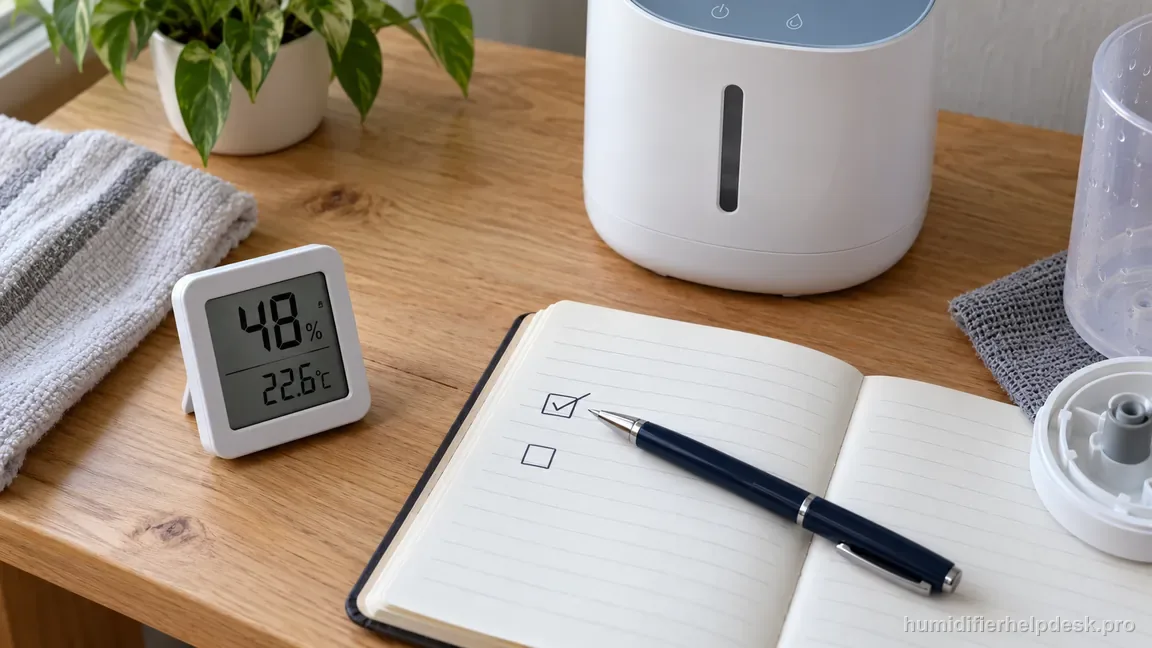
Common mistakes that make this harder to diagnose
- Comparing sensors that sit in different microclimates.
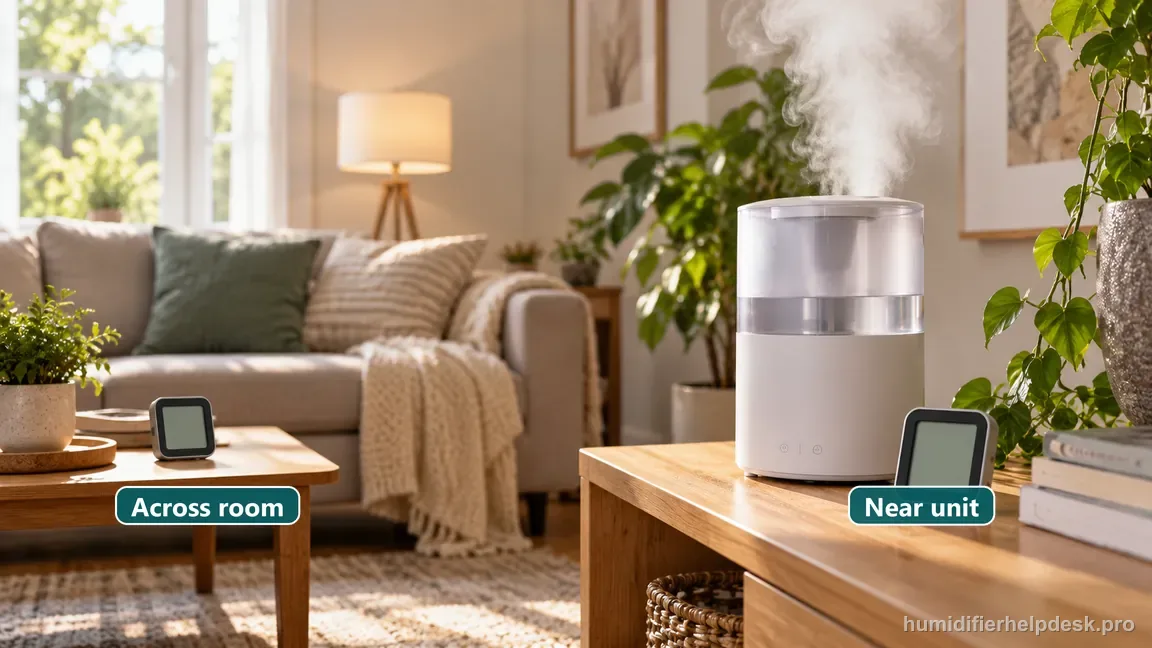
Do not compare a meter near the plume with one across the room; their local air conditions may differ. - Aiming the mist outlet toward the HM311S humidity sensor.
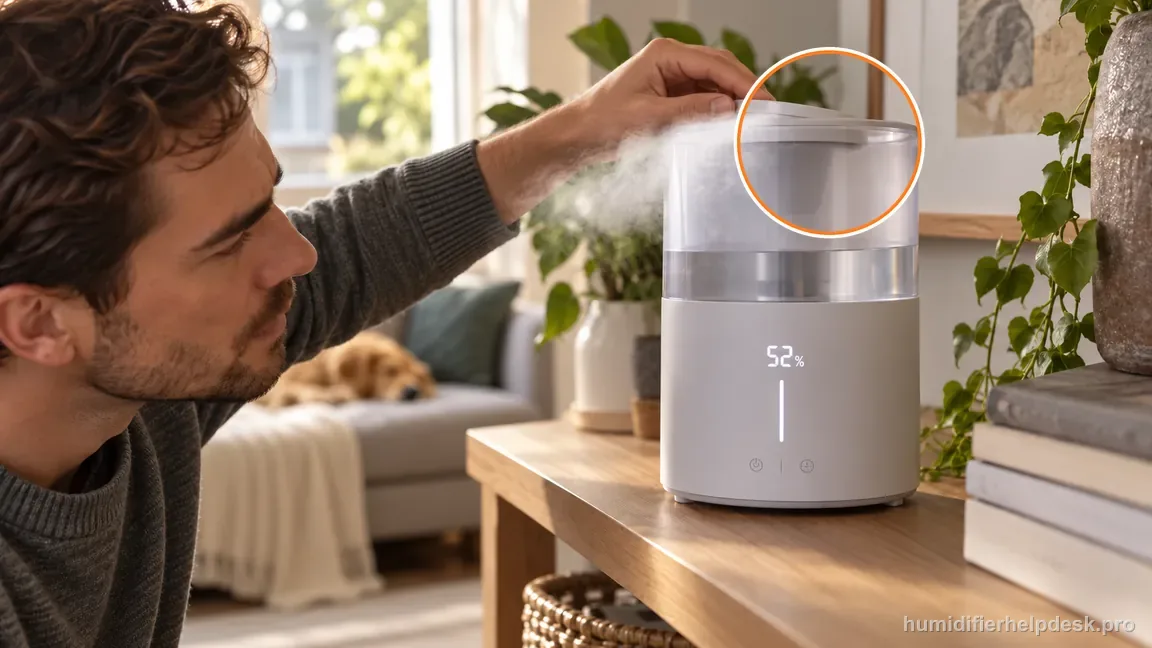
Avoid directing mist back toward the sensor side; the display value shown is an illustration, not a test result. - Treating every 2–5% difference as a defect.
The reading is acceptable when it tracks room changes and stays within a small expected difference after proper placement. A persistent large offset under the same air conditions is the escalation point.
Questions people ask about this exact symptom
Why does the humidity reading on my Dreo HM311S look wrong?
For the Dreo HM311S, small room-to-room differences are normal; mist direction and local airflow can also bias the sensor reading. For this humidity reading off check on the Dreo HM311S, start with “Allow for a small difference between sensors; Dreo says about ±5% can be normal” and check the result before making another change. If the behavior is unchanged, continue with “Aim the fog outlet away from the humidity sensor near the aroma tank”.
What should I check first if my Dreo HM311S shows a humidity reading that looks wrong?
Use the Dreo HM311S checklist as an ordered troubleshooting sequence, with one change at a time. Try “Allow for a small difference between sensors; Dreo says about ±5% can be normal”, retest, then move to “Aim the fog outlet away from the humidity sensor near the aroma tank” and “Improve room air mixing/ventilation so one damp pocket does not dominate the sensor” only as required.
When should I contact Dreo about this Dreo HM311S problem?
Escalate the Dreo HM311S to Dreo if the documented checks do not resolve humidity reading off. When you contact support about humidity reading off on the Dreo HM311S, report the last condition you tested, what changed, and what stayed the same; do not guess at an internal part. Do not open powered sections on the Dreo HM311S or assume an internal failed part unless Dreo documents that procedure for this humidity reading off case.
Why this path is model-specific
Dreo’s HM311S FAQ says a ±5% difference can be normal and advises not aiming mist at the humidity sensor.
For the Dreo HM311S, the machine type matters: it is ultrasonic. Visible mist is part of normal output when mist production is active, so a true no-mist complaint deserves model-specific troubleshooting.
This symptom appears on other humidifiers too, but the meaning and reset path can change by technology, sensor logic, and control layout. Use the exact model source above before borrowing a fix from a neighboring model.
Compare this symptom across verified models
If you are still deciding whether this behavior is normal or model-specific, use the symptom hub to compare only manufacturer-linked guides. Keep the Dreo HM311S instructions above as the controlling path for this machine.
If the problem is still there
If the checks above do not change the symptom, use the manufacturer support path for this exact model. We intentionally stop before undocumented resets, sensor bypasses, internal mains work, or parts replacement that the consumer manual does not authorize.
What we do not recommend
Do not defeat a float, water-level sensor, overheat protection, interlock, or other safety feature. Do not open mains-powered sections for live testing. If the unit smells burned, becomes abnormally hot, smokes, sparks, has water near electrical parts, or repeatedly trips a circuit, stop using it and keep clear. Unplug it only if the plug, outlet, and surrounding area are dry and safe to reach; otherwise do not touch wet equipment and contact manufacturer support for next steps.
Primary source for this diagnosis
Source checked during the September 4, 2026 editorial review. Manufacturer documents can change; a material re-review updates this guide’s reviewed date rather than stamping unrelated pages.