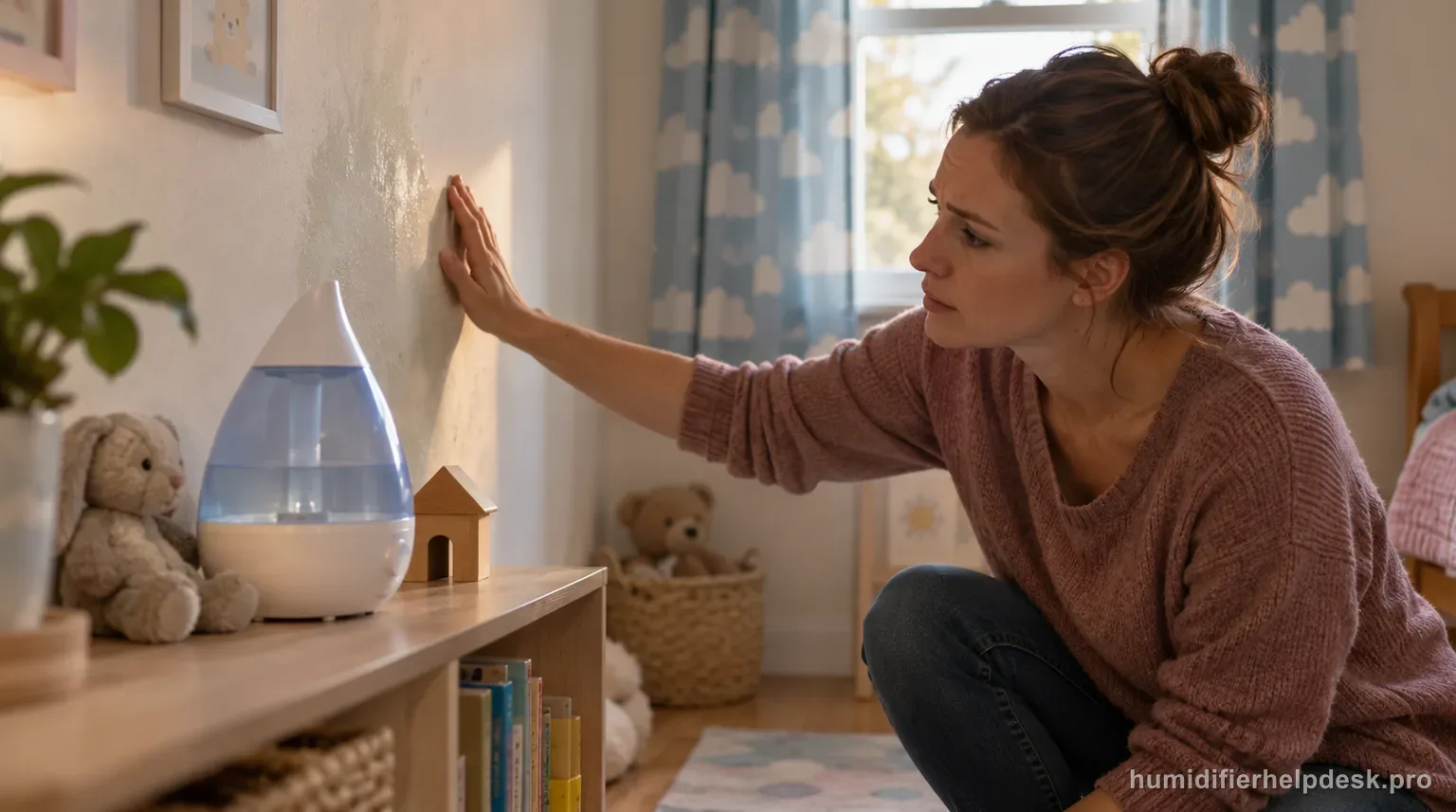
Condensation around an HUL430 usually means mist output is too high for the room conditions or the humidifier is too close to a wall or window, not that the tank is leaking.
Does this match what you are seeing?
Owners describe this Honeywell HUL430 Designer Series problem in a few different ways. If one of these sounds like yours, this guide covers it:
- Condensation around humidifier
- Making floor or furniture wet
- Mist collecting on surfaces
- Room too damp when running
Check these in order
- Lower the mist output and let room humidity fall if surfaces are already wet.
- Open the room door if humidity has built up in a closed space.
- Keep the humidifier at least 12 inches from walls and aim mist away from walls, windows, furniture, and bedding.
- Use a separate humidity monitor if you need to distinguish a saturated room from a leak.
Diagnostic decision path
A damp area around the HUL430 can be normal over-humidification rather than a leak. Honeywell directly ties condensation to mist intensity that is too high for the room or current humidity and to placement too close to a wall or window. The manual also gives two useful boundaries: 40–60% is the comfortable target range, and going above 60% can create condensation.
- Dry the surrounding area first so you can tell whether moisture returns as fine condensation or as a localized tank leak.
- If surfaces are already wet, lower or stop output while room humidity falls.
- Keep the unit on a firm, level, water-resistant surface and at least 12 inches from walls.
If: Windows or walls are fogging and room humidity is already near or above 60%
What it means: The manual says the room is over-humidified rather than under-served.
Do next: Turn the HUL430 off or lower output until humidity and condensation fall.
If: Condensation appears mainly in a closed room
What it means: Moisture can build faster than the room exchanges air.
Do next: Lower mist and open the room door as Honeywell recommends for a saturated space.
If: The dampness is concentrated on a nearby wall, window, or furniture in the plume direction
What it means: The unit is too close or the visible mist is striking a surface before dispersing.
Do next: Move the HUL430 farther from the surface and aim mist into unobstructed room air.
If: A humidity monitor stays in the 40–60% range but a localized puddle still reforms at the tank or base
What it means: That pattern no longer fits simple over-humidification well.
Do next: Dry the unit and use the HUL430 leak path to inspect the tank, cap, and gasket.
If: Moisture reaches the cord, plug, or control area
What it means: Electrical exposure changes this from a comfort-setting problem to a stop-use condition.
Do next: Unplug with dry hands if safe and keep the humidifier off until the water source is corrected.
How to interpret the retest
This interpretation applies to the Honeywell HUL430 Designer Series only when the unit actually shows “Windows or walls are fogging and room humidity is already near or above 60%”. The Honeywell HUL430 Designer Series source path describes that state as “The manual says the room is over-humidified rather than under-served”. Check “Lower the mist output and let room humidity fall if surfaces are already wet”, then reproduce the same complaint under otherwise similar conditions. If the result matches, the next step is “Turn the HUL430 off or lower output until humidity and condensation fall”. If it does not match, this explanation does not fit the current Honeywell HUL430 Designer Series condensation or damp area test.
On the Honeywell HUL430 Designer Series, use “Condensation appears mainly in a closed room” as the observation to check first. On the Honeywell HUL430 Designer Series, the source-backed interpretation is “Moisture can build faster than the room exchanges air”. Make “Open the room door if humidity has built up in a closed space” the only deliberate change, then repeat the same symptom test. If the observation matches, continue with “Lower mist and open the room door as Honeywell recommends for a saturated space”; if it does not, note that this Honeywell HUL430 Designer Series condensation or damp area path did not match and move on.
Model-specific context that changes the diagnosis
Let the Honeywell HUL430 Designer Series observation choose the next step
Start with what the unit actually does, not with an internal-part theory. On the Honeywell HUL430 Designer Series, “Windows or walls are fogging and room humidity is already near or above 60%” supports the interpretation “The manual says the room is over-humidified rather than under-served” and leads to “Turn the HUL430 off or lower output until humidity and condensation fall”. “Condensation appears mainly in a closed room” supports “Moisture can build faster than the room exchanges air” and leads to “Lower mist and open the room door as Honeywell recommends for a saturated space”. For the current Honeywell HUL430 Designer Series condensation or damp area complaint, choose the state you can actually reproduce and work from that result.
Retest the Honeywell HUL430 Designer Series without changing multiple variables
For the cleanest comparison, use “Lower the mist output and let room humidity fall if surfaces are already wet” as the first Honeywell HUL430 Designer Series check. Retest before going to “Open the room door if humidity has built up in a closed space”, and reach “Keep the humidifier at least 12 inches from walls and aim mist away from walls, windows, furniture, and bedding” only if the earlier result is unchanged. For the Honeywell HUL430 Designer Series, the goal is to learn which single documented condition affects the condensation or damp area complaint while unrelated settings stay steady long enough to judge the result.
Common mistakes that make this harder to diagnose
- Increasing mist because the air still feels dry while windows are already condensing.
- Placing the humidifier directly beside a wall or window even though Honeywell specifies clearance.
- Calling condensation a tank defect without checking room humidity and plume direction.
- Using the tank light or visible plume as a humidity measurement instead of an actual humidity monitor.
The condensation issue is resolved when nearby surfaces stay dry with room humidity in the intended range and the mist plume has room to disperse. A localized leak that persists despite normal humidity belongs on the tank, cap, and gasket path instead.
Questions people ask about this exact symptom
Why is my Honeywell HUL430 Designer Series causing condensation or dampness?
For the Honeywell HUL430 Designer Series, condensation around an HUL430 usually means mist output is too high for the room conditions or the humidifier is too close to a wall or window, not that the tank is leaking. For this condensation or damp area check on the Honeywell HUL430 Designer Series, start with “Lower the mist output and let room humidity fall if surfaces are already wet” and check the result before making another change.
What should I check first if my Honeywell HUL430 Designer Series causes condensation or dampness?
The useful order is “Lower the mist output and let room humidity fall if surfaces are already wet”, followed by “Open the room door if humidity has built up in a closed space” if needed, and then “Keep the humidifier at least 12 inches from walls and aim mist away from walls, windows, furniture, and bedding”. Check the Honeywell HUL430 Designer Series between steps.
When should I contact Honeywell about this Honeywell HUL430 Designer Series problem?
If the Honeywell HUL430 Designer Series still has the same problem after the manual-supported checks for condensation or damp area, contact Honeywell rather than disassembling the unit. Tell support what changed after the last condensation or damp area check on the Honeywell HUL430 Designer Series, and do not bypass any protection or interlock.
Why this path is model-specific
Honeywell says HUL430 condensation or dampness can result from excessive mist for the room or current humidity and from placement too close to a wall or window; the manual recommends 40–60% RH and warns that levels above 60% can create condensation.
For the Honeywell HUL430 Designer Series, the machine type matters: it is ultrasonic. Visible mist is part of normal output when mist production is active, so a true no-mist complaint deserves model-specific troubleshooting.
Compare this symptom across verified models
If you are still deciding whether this behavior is normal or model-specific, use the symptom hub to compare only manufacturer-linked guides. Keep the Honeywell HUL430 Designer Series instructions above as the controlling path for this machine.
If the problem is still there
If the checks above do not change the symptom, use the manufacturer support path for this exact model. We intentionally stop before undocumented resets, sensor bypasses, internal mains work, or parts replacement that the consumer manual does not authorize.
What we do not recommend
Do not defeat a float, water-level sensor, overheat protection, interlock, or other safety feature. Do not open mains-powered sections for live testing. If the unit smells burned, becomes abnormally hot, smokes, sparks, has water near electrical parts, or repeatedly trips a circuit, stop using it and keep clear. Unplug it only if the plug, outlet, and surrounding area are dry and safe to reach; otherwise do not touch wet equipment and contact manufacturer support for next steps.
Primary source for this diagnosis
Source checked during the September 3, 2026 editorial review. Manufacturer documents can change; a material re-review updates this guide’s reviewed date rather than stamping unrelated pages.