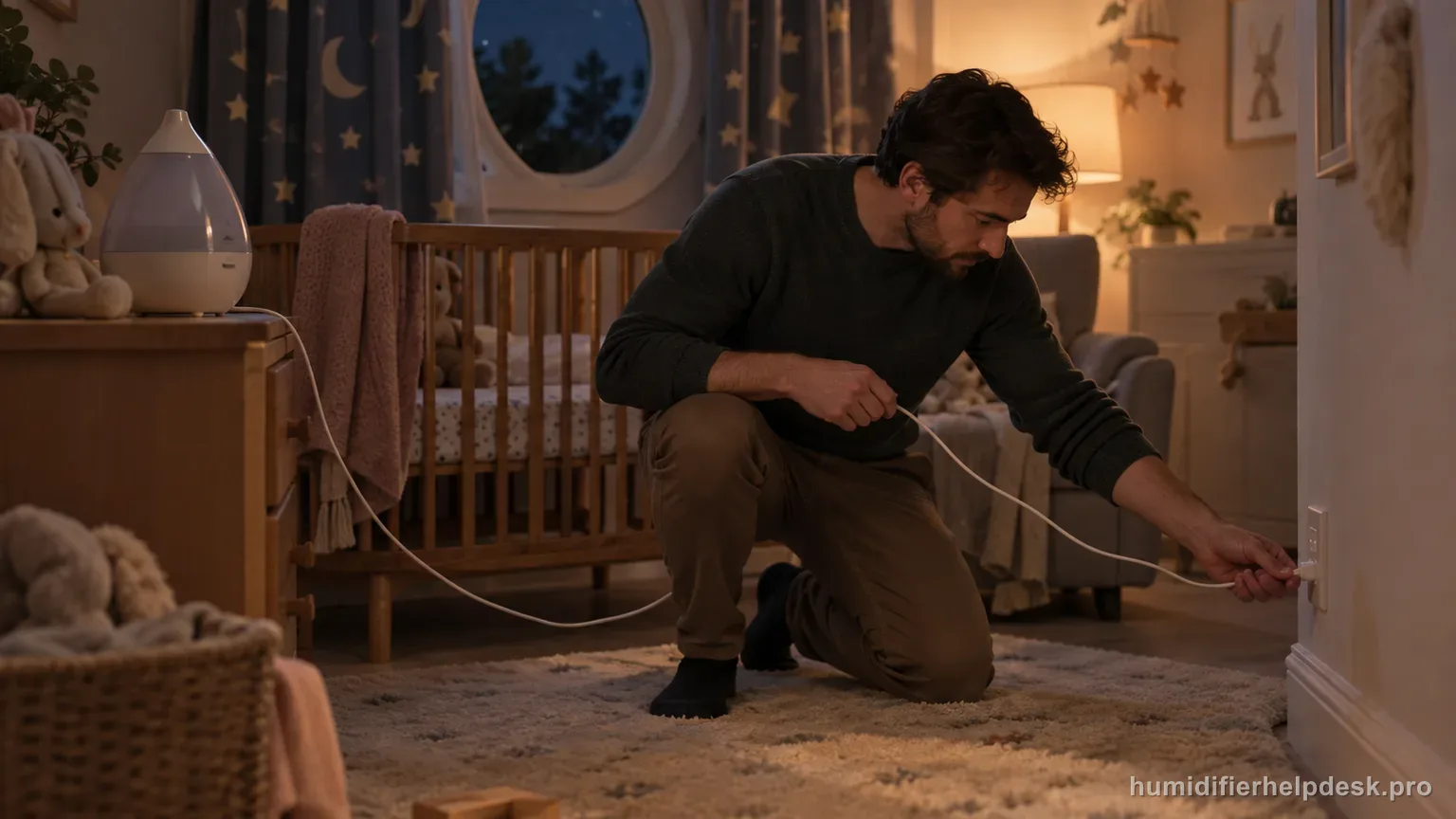
First separate a tank-light setting from a true no-power symptom. The HUL430 tank light can be set to Off independently; if the mist-level indicators are also dark, Honeywell says to verify the plug and turn the mist control wheel on.
Does this match what you are seeing?
Owners describe this Honeywell HUL430 Designer Series problem in a few different ways. If one of these sounds like yours, this guide covers it:
- Will not turn on
- Stopped working
- Keeps turning off
- No power or display
Check these in order
- Confirm the humidifier is plugged directly into a 120V wall outlet with dry hands.
- Turn the Mist Control Wheel up from OFF until it clicks on and mist-level indicators appear.
- If only the water-tank light is dark, press the Tank Light button because that light has Bright, Dim, and Off settings.
- Do not use the unit if the cord or plug is damaged.
Diagnostic decision path
On the HUL430, no lights needs one model-specific distinction before you assume a power failure: the decorative tank light can be set to Off independently of humidifier operation. A true no-power test looks at the mist-level indicators and control wheel, not the tank glow by itself.
- Use dry hands and confirm the cord and plug have no visible damage.
- Plug the HUL430 directly into a 120V wall outlet as the manual requires; do not add an extension cord or power strip for the test.
- Start with the Mist Control Wheel fully OFF so you can deliberately move it into an operating position.
If: Only the water-tank light is dark but the mist-level indicators work
What it means: The unit may be powered normally because the HUL430 tank light has separate Bright, Dim, and Off settings.
Do next: Press the Tank Light button through its settings before treating the dark tank as an electrical fault.
If: All indicators are dark and the Mist Control Wheel is still at OFF
What it means: The humidifier has not been commanded on yet.
Do next: Turn the Mist Control Wheel upward until it clicks on and check for the mist-level indicators.
If: The wheel is on but all indicators remain dark
What it means: This now matches the manual no-lights path more closely.
Do next: Confirm the plug is fully seated in the direct wall outlet. If the outlet is known to be dead, restore outlet or circuit service before retesting the humidifier.
If: The polarized plug will not fit the outlet correctly
What it means: The manual treats the polarized plug as a safety feature rather than something to defeat.
Do next: Reverse the plug once as designed; if it still will not fit, use a qualified electrician rather than modifying the plug.
If: The cord or plug is damaged, or the unit stays dead after the external checks
What it means: The remaining cause is outside the owner-level HUL430 troubleshooting table.
Do next: Keep the humidifier out of service and contact Honeywell Consumer Relations; do not open the motor housing.
How to interpret the retest
Use this explanation only when the unit really shows “Only the water-tank light is dark but the mist-level indicators work”. For the Honeywell HUL430 Designer Series, use “Confirm the humidifier is plugged directly into a 120V wall outlet with dry hands” as the controlled test. If the same observation appears, the source meaning is “The unit may be powered normally because the HUL430 tank light has separate Bright, Dim, and Off settings” and the next action is “Press the Tank Light button through its settings before treating the dark tank as an electrical fault”. If it does not appear, record the non-match and continue through the remaining Honeywell HUL430 Designer Series checks for no lights or will not turn on.
Use this as the first controlled change: “Turn the Mist Control Wheel up from OFF until it clicks on and mist-level indicators appear”. After that change, compare the Honeywell HUL430 Designer Series with “All indicators are dark and the Mist Control Wheel is still at OFF”. A match supports the documented reading “The humidifier has not been commanded on yet” and then “Turn the Mist Control Wheel upward until it clicks on and check for the mist-level indicators”. If they do not match, leave this Honeywell HUL430 Designer Series path and continue; that non-match helps rule out this explanation for the no lights or will not turn on complaint.
Model-specific context that changes the diagnosis
Separate the first two Honeywell HUL430 Designer Series causes
Before making another change, decide which of these two states you can actually reproduce. If you can reproduce “Only the water-tank light is dark but the mist-level indicators work” on the Honeywell HUL430 Designer Series, continue with “Press the Tank Light button through its settings before treating the dark tank as an electrical fault” because the documented meaning is “The unit may be powered normally because the HUL430 tank light has separate Bright, Dim, and Off settings”. If you reproduce “All indicators are dark and the Mist Control Wheel is still at OFF” instead, use “Turn the Mist Control Wheel upward until it clicks on and check for the mist-level indicators” because that state is interpreted as “The humidifier has not been commanded on yet”. Test those two possibilities separately.
Retest the Honeywell HUL430 Designer Series without changing multiple variables
Make one documented correction, retest, and only then continue. Test “Confirm the humidifier is plugged directly into a 120V wall outlet with dry hands” first, then inspect the Honeywell HUL430 Designer Series again. If the behavior persists, use “Turn the Mist Control Wheel up from OFF until it clicks on and mist-level indicators appear”; save “If only the water-tank light is dark, press the Tank Light button because that light has Bright, Dim, and Off settings” for the next step. That order gives the Honeywell HUL430 Designer Series no lights or will not turn on path a meaningful comparison instead of several changes with no clear cause.
Common mistakes that make this harder to diagnose
- Calling the tank light a power indicator even though it can be switched Off independently.
- Using a power strip or extension cord even though the manual specifies a direct 120V wall outlet.
- Trying to defeat the polarized plug orientation.
- Opening the powered housing to look for a fuse or wiring fault.
The power complaint is resolved when the mist-level indicators respond to the control wheel and the humidifier operates normally; the tank light may still be intentionally Off. A fully dark unit after the documented plug/control checks, or any damaged cord/plug, belongs with Honeywell support rather than internal DIY repair.
Questions people ask about this exact symptom
Why will my Honeywell HUL430 Designer Series not power on or operate normally?
For the Honeywell HUL430 Designer Series, first separate a tank-light setting from a true no-power symptom; the HUL430 tank light can be set to Off independently; if the mist-level indicators are also dark, Honeywell says to verify the plug and turn the mist control wheel on.
What should I check first if my Honeywell HUL430 Designer Series will not turn on or show normal power?
Confirm the HUL430 is plugged directly into a working 120V wall outlet, then turn the Mist Control Wheel up from Off until it clicks on. If the mist-level indicators work but only the tank light is dark, press the Tank Light button because that light has Bright, Dim, and Off settings. This separates a lighting setting from a true no-power problem.
When should I contact Honeywell about this Honeywell HUL430 Designer Series problem?
Contact Honeywell if the Honeywell HUL430 Designer Series still has the same problem after the documented checks for no lights or will not turn on. Give support the Honeywell HUL430 Designer Series's current mode and the before-and-after result from the documented no lights or will not turn on checks. This safety boundary applies immediately at any point: “Do not open the motor housing or bypass the polarized plug.”
Why this path is model-specific
The HUL430 manual lists unit not plugged in and unit not turned on for no lights; it separately documents an independent three-setting tank light and prohibits owner repair of electrical or mechanical functions.
For the Honeywell HUL430 Designer Series, the machine type matters: it is ultrasonic. Visible mist is part of normal output when mist production is active, so a true no-mist complaint deserves model-specific troubleshooting.
Compare this symptom across verified models
If you are still deciding whether this behavior is normal or model-specific, use the symptom hub to compare only manufacturer-linked guides. Keep the Honeywell HUL430 Designer Series instructions above as the controlling path for this machine.
If the problem is still there
If the checks above do not change the symptom, use the manufacturer support path for this exact model. We intentionally stop before undocumented resets, sensor bypasses, internal mains work, or parts replacement that the consumer manual does not authorize.
What we do not recommend
Do not defeat a float, water-level sensor, overheat protection, interlock, or other safety feature. Do not open mains-powered sections for live testing. If the unit smells burned, becomes abnormally hot, smokes, sparks, has water near electrical parts, or repeatedly trips a circuit, stop using it and keep clear. Unplug it only if the plug, outlet, and surrounding area are dry and safe to reach; otherwise do not touch wet equipment and contact manufacturer support for next steps.
Primary source for this diagnosis
Source checked during the September 3, 2026 editorial review. Manufacturer documents can change; a material re-review updates this guide’s reviewed date rather than stamping unrelated pages.