Brands / Dreo / Dreo HM306S Smart Humidifier
VERIFIED MODEL HUB · 3 EXACT GUIDES

Dreo HM306S Smart Humidifier troubleshooting

3 L smart ultrasonic humidifier with touch/app control, Auto Mode, top fill, exact Dreo troubleshooting for no mist, startup leaks, and hard-water white dust.

Humidifier type
ultrasonic
Model / SKU identifiers
HM306S · DR-HHM006S · Smart Humidifier 306S 3L
What should you see?
Visible mist is expected while mist output is active.

Exact issue guides

Choose the observed symptom, light, code, app state, or output problem.

3 verified
No mist / low mist

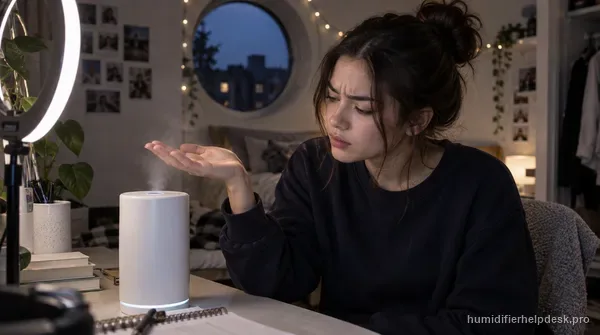
Dreo HM306S Has Power but No Mist

Dreo’s HM306S no-mist path stays external: raise mist output, remove excess base water, clear the air inlet and nozzle, keep the unit level, let very cold water warm under high mist, and rinse away detergent residue. Auto Mode can also stop output when the room is already at the humidity target.
Leak / water around base

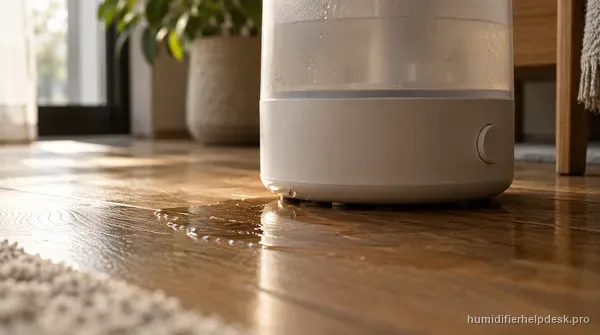
Dreo HM306S Is Leaking Water

A new HM306S leak has a more specific startup path than a generic puddle diagnosis. Dreo says to remove the shipping wrap, secure the float bracket, clear particles or hair from the water valve, inspect the tank/base for visible cracks, and retest on a flat surface.

White dust / mineral film

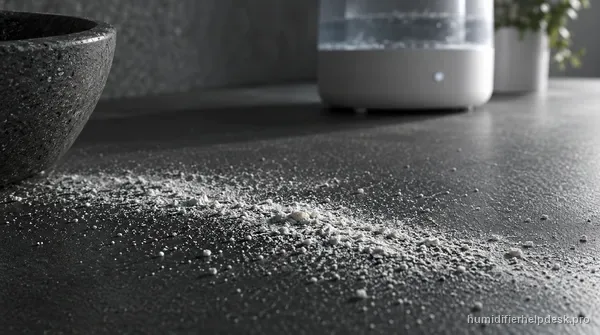
Dreo HM306S Is Leaving White Dust or White Film

On the HM306S, white dust or film is a hard-water mineral clue. Dreo explains that calcium and magnesium in hard water can ride with the ultrasonic spray and settle near the humidifier, so the practical fix is regular descaling plus lower-mineral water rather than replacing a working atomizer.