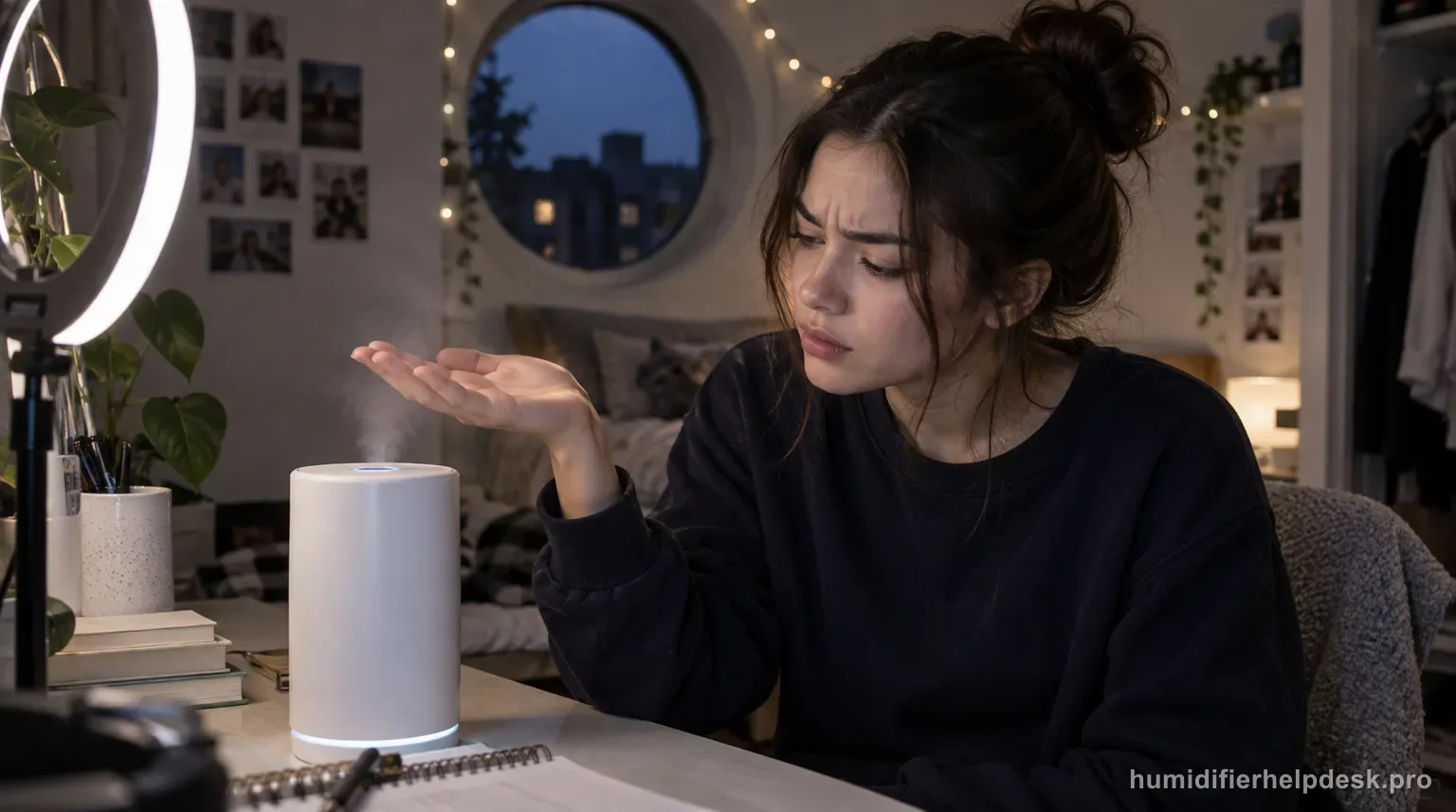
Dreo’s HM306S no-mist path stays external: raise mist output, remove excess base water, clear the air inlet and nozzle, keep the unit level, let very cold water warm under high mist, and rinse away detergent residue. Auto Mode can also stop output when the room is already at the humidity target.
Does this match what you are seeing?
Owners describe this Dreo HM306S Smart Humidifier problem in a few different ways. If one of these sounds like yours, this guide covers it:
- Not misting
- Not producing mist
- Stopped making mist
- Has power but no mist
Check these in order
- Set mist output clearly above minimum and, if Auto Mode is active, compare the target with the current room humidity.
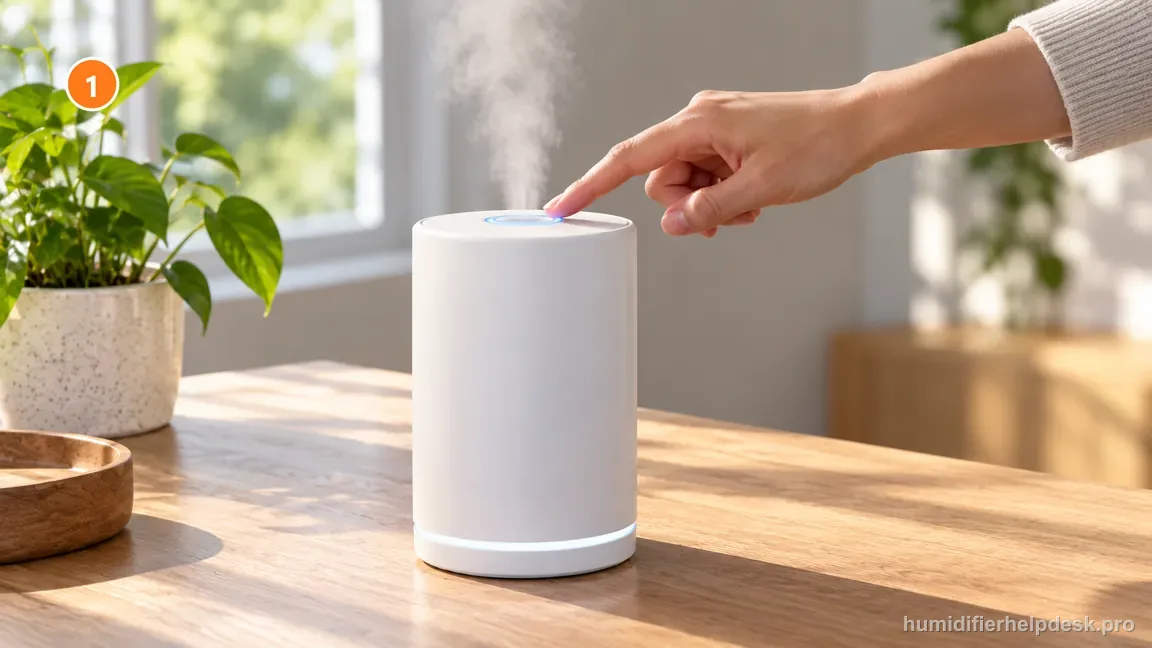
Raise the output setting and confirm visible mist before checking deeper causes. - Unplug before handling water; if the base chamber is overfilled, empty the base and refill only the tank.
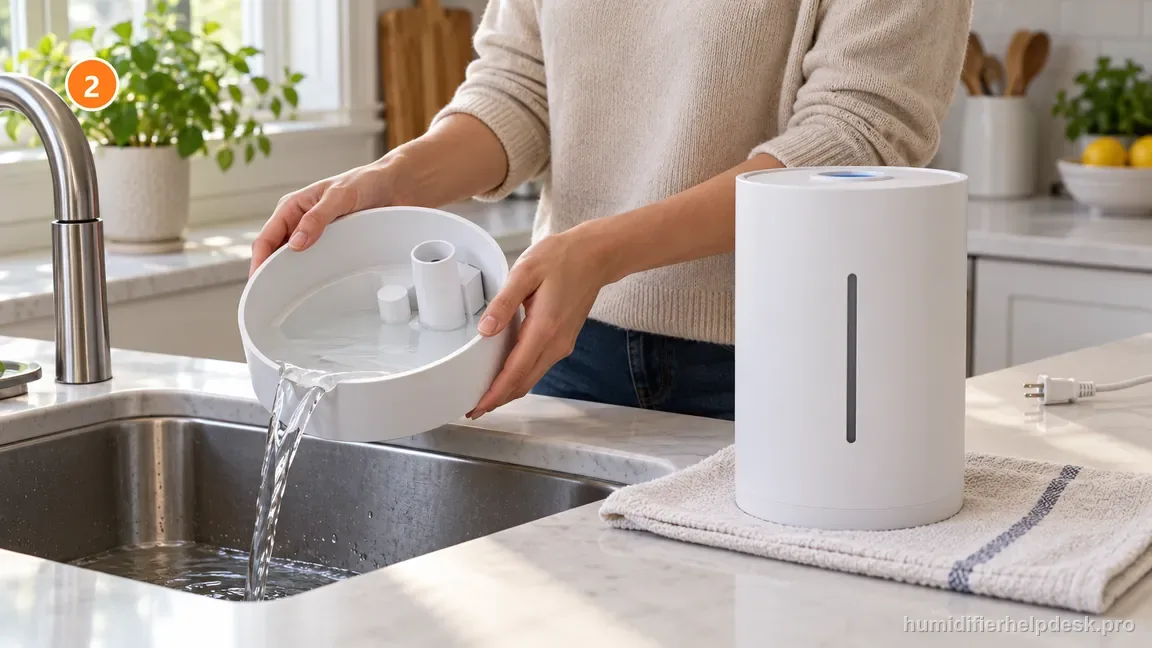
If the base holds excess water, empty it while unplugged and refill only the water tank. - Check that the lower air inlet and top nozzle are open and not blocked by fabric, dust, a wall, or a misplaced part.
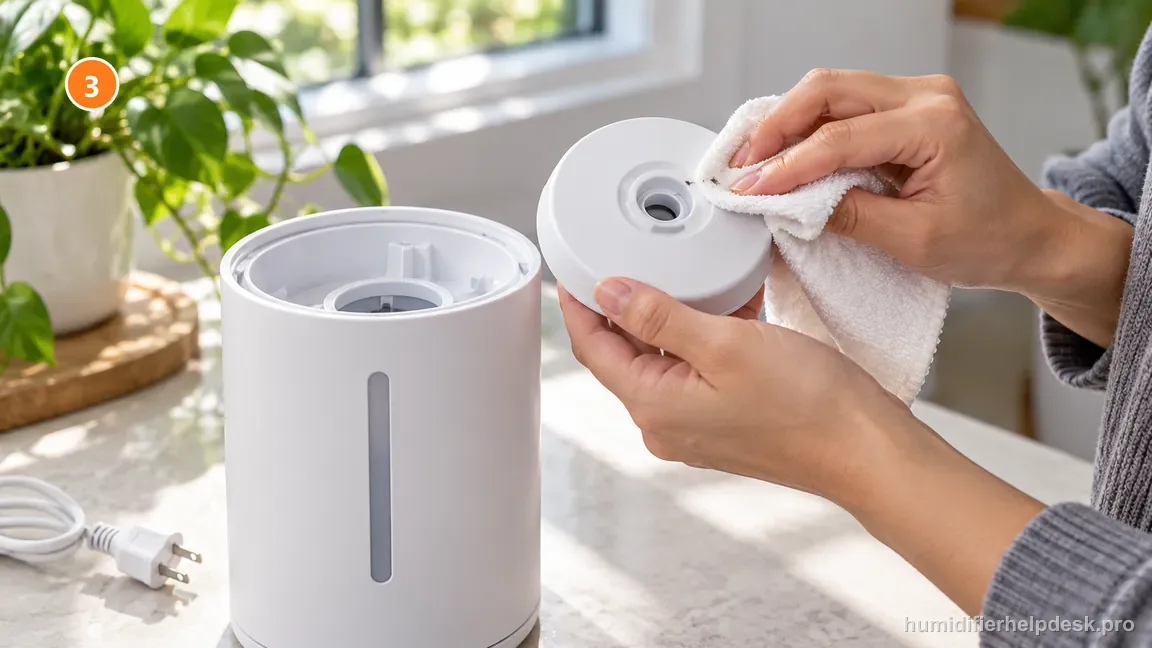
Clear accessible nozzle or inlet obstructions; keep hands and cloth out of powered openings. - Place the HM306S on a firm, flat, level surface.
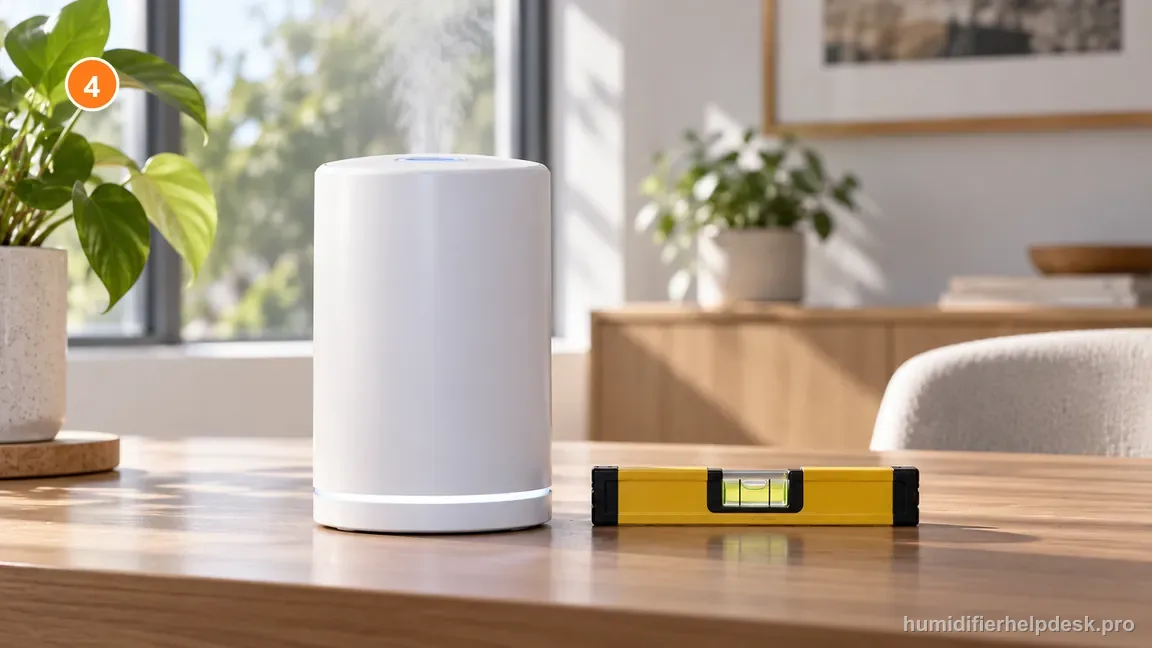
Move the HM306S to a firm flat surface and confirm the base sits level before retesting. - If the fill water is very cold, run at the highest mist setting for a short warm-up period, then return to the desired level.
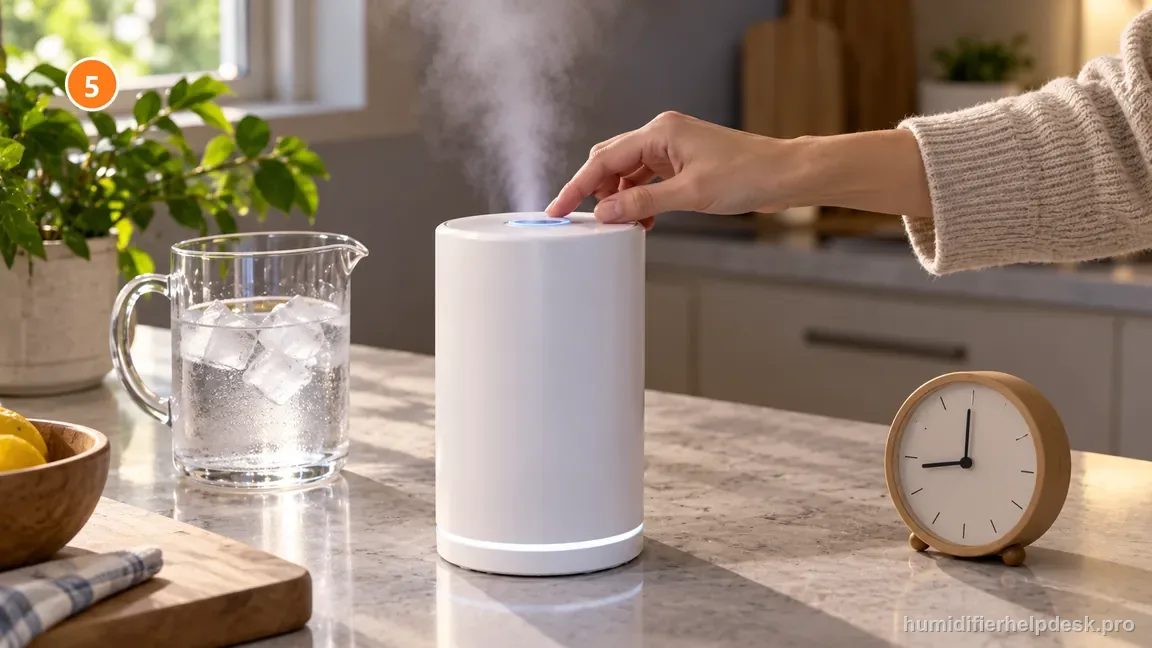
If the fill water is very cold, run briefly on high and lower the setting after output steadies. - If detergent was used on the tank or base, rinse repeatedly with clean water until no foam or cleaner odor remains.
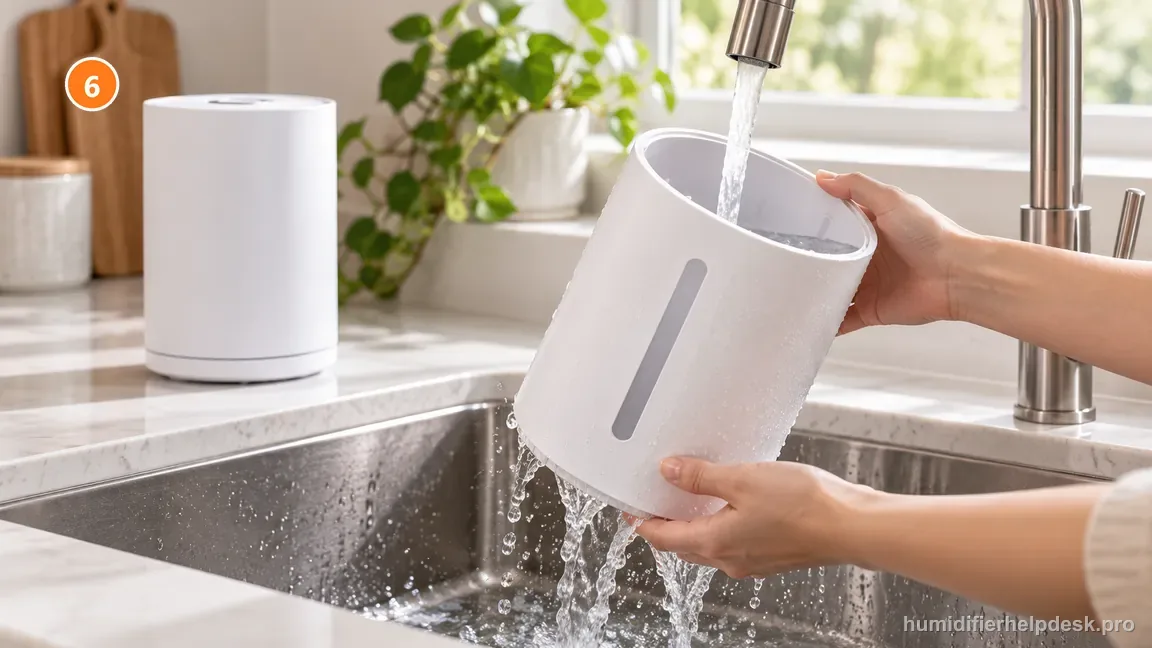
Rinse the tank repeatedly with clean water until detergent foam and cleaner odor are gone.
Diagnostic decision path
A Dreo HM306S that powers on but produces little or no mist should be diagnosed from the water and airflow path outward, not by jumping immediately to the atomizer. Dreo’s live HM306 Series FAQ gives a short set of external causes: mist output may be too low, the base can contain too much water, the air inlet or nozzle can be blocked, the unit may not be level, very cold water can delay strong output, and detergent residue can suppress mist. The smart version adds one more interpretation problem: Auto Mode can deliberately pause mist when the measured room humidity is already at or above the target.
- Use plain cool water and keep the HM306S on a firm, level, water-resistant surface. Move fabric, curtains, bedding, and other objects away from the lower air inlet and the mist nozzle before comparing output.
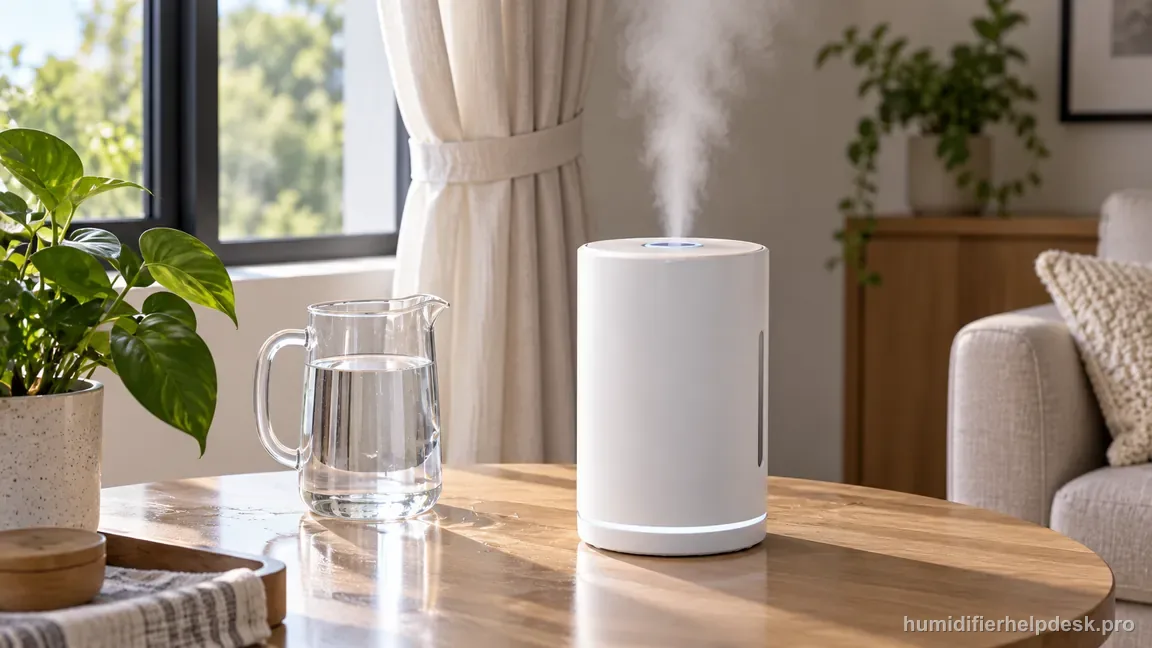
Before testing, use plain cool water and clear fabric and objects from the inlet and nozzle. - If Auto Mode is enabled, note both the room-humidity reading and the selected target. A powered unit that has already reached its target is not the same state as a manual-mode unit that cannot generate mist.
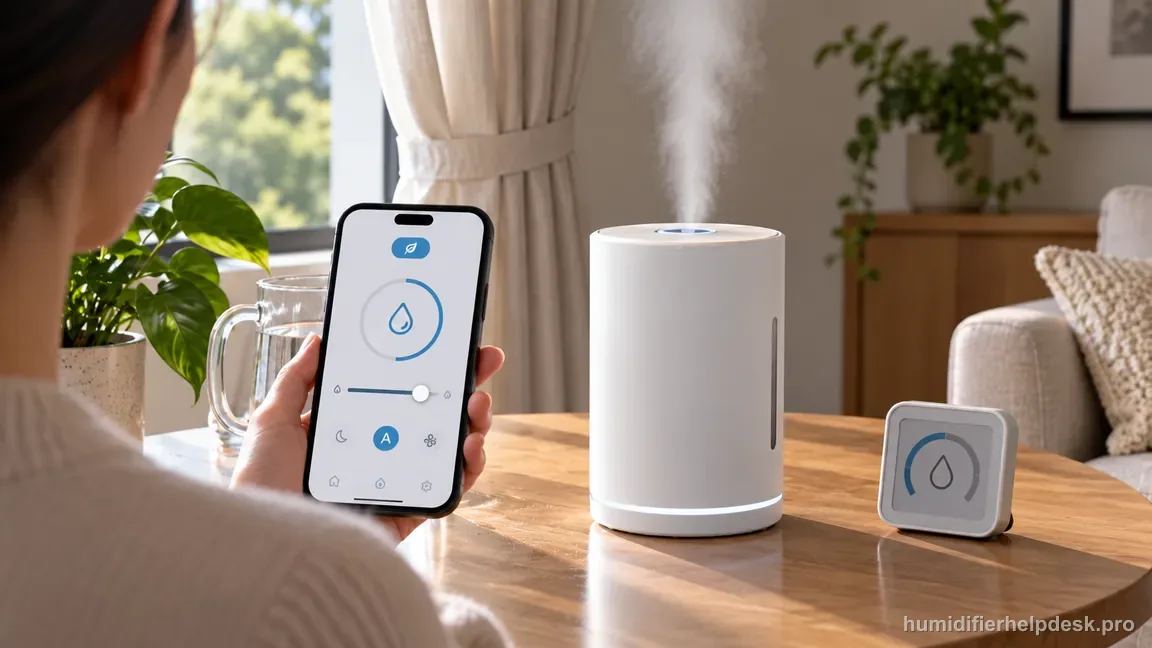
Record the current room humidity and Auto target before treating paused output as a hardware fault. - Unplug before emptying the base, clearing the nozzle, or inspecting wet parts. Do not continue a powered test if water has spilled into the electrical housing.
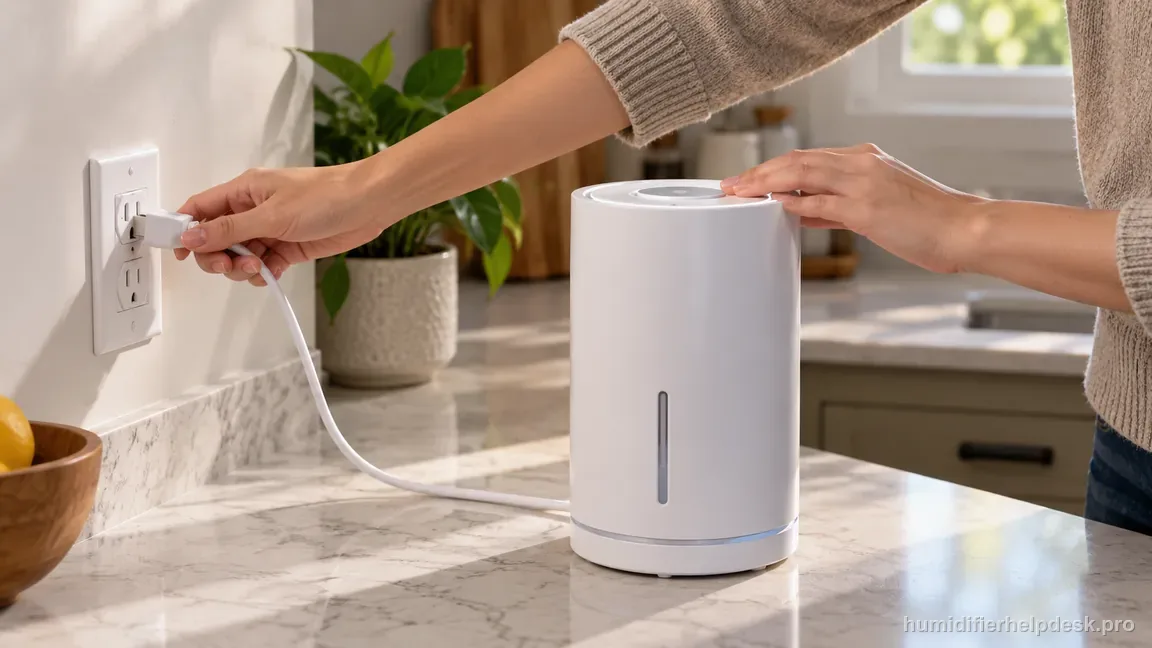
Unplug the HM306S before emptying the base, clearing the nozzle, or touching wet parts.
If: Mist appears after raising the mist level or temporarily leaving Auto Mode
What it means: The ultrasonic system can generate mist, so the original symptom was a control/output state rather than a total mist-generation failure.
Do next: Return to the desired setting and, if using Auto Mode, choose a humidity target that makes sense for the current room reading instead of repeatedly power-cycling the unit.
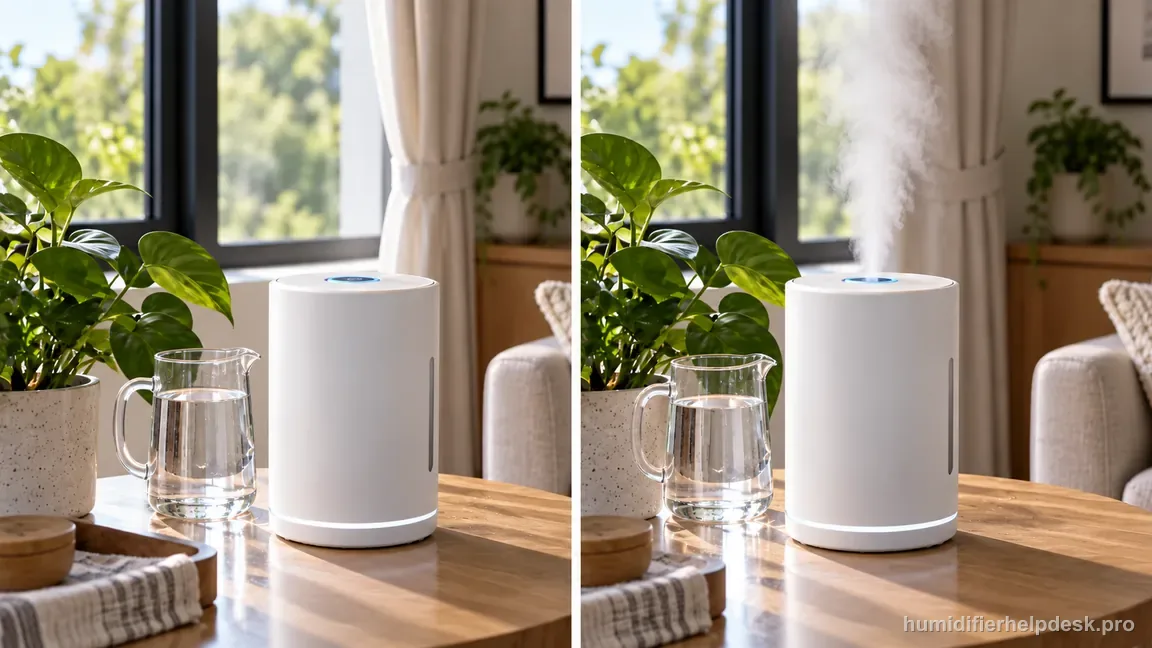
If: The base chamber is visibly overfilled
What it means: Dreo specifically lists too much water in the base as a no-mist cause. Excess water changes the operating depth around the ultrasonic area.
Do next: Unplug, empty the base as directed, refill the water tank rather than pouring water directly into the base, reseat the tank, and retest on a level surface.
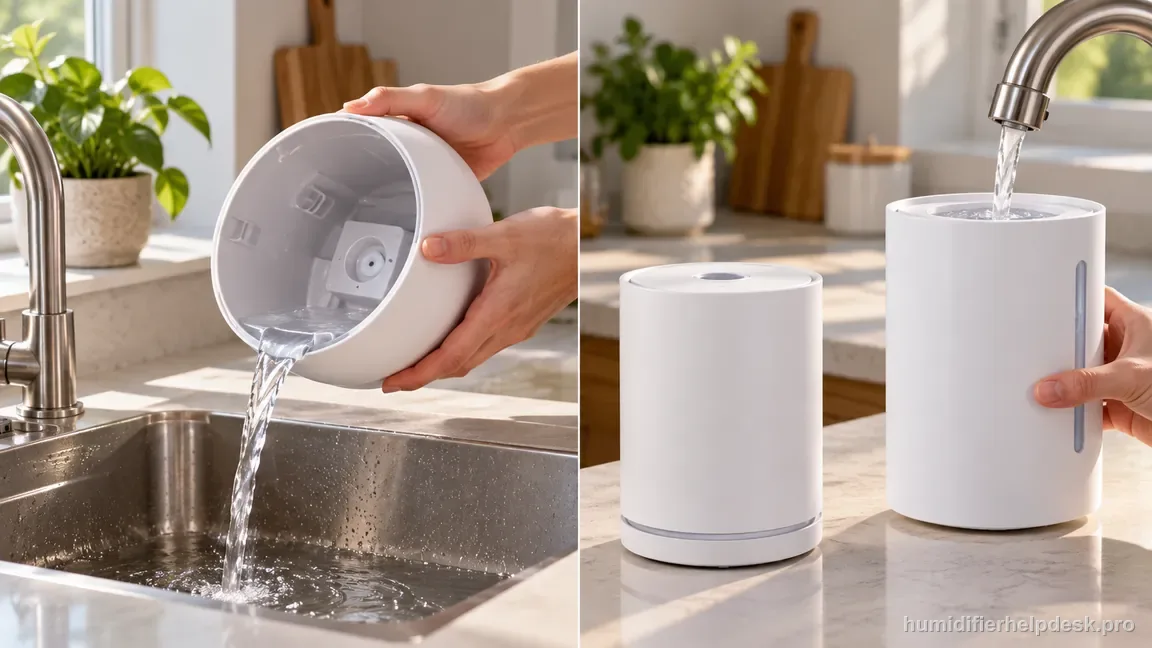
If: The air inlet or nozzle is partially blocked
What it means: The machine may be generating mist but unable to move it normally into the room.
Do next: Clear only user-accessible obstructions, restore open clearance around the inlet/nozzle, and compare the plume again without inserting tools into powered openings.
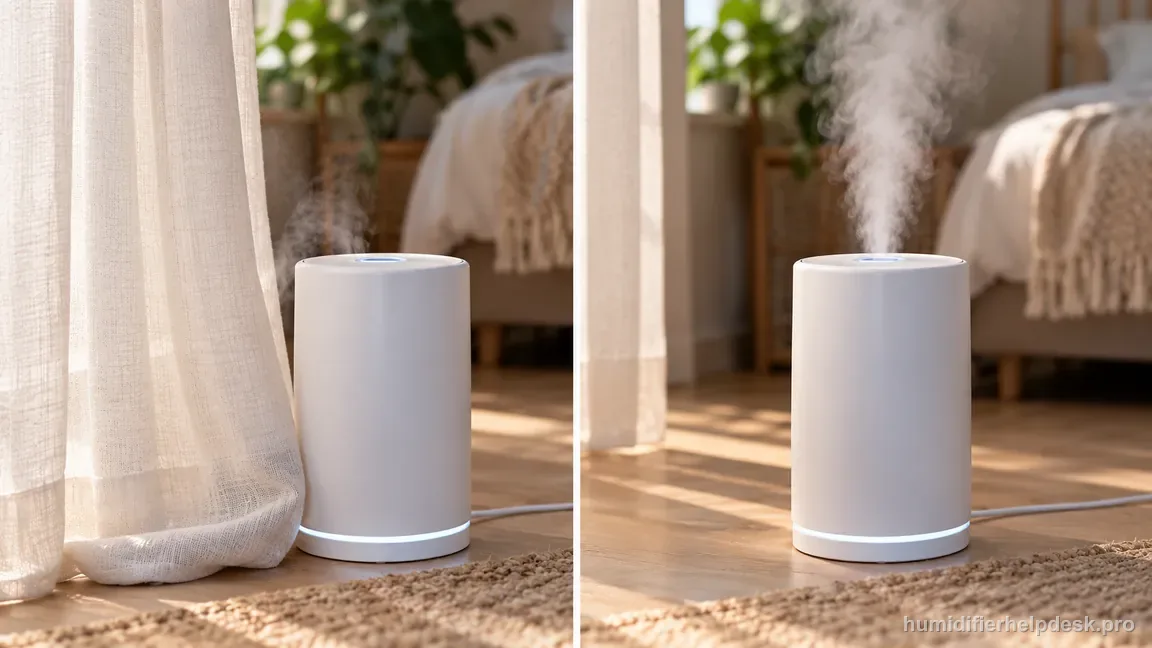
If: The unit is tilted or sitting on a soft surface
What it means: Water depth and airflow can change enough to reproduce the documented no-mist condition.
Do next: Move the HM306S to a firm, flat, level tabletop or floor area and repeat the test without changing several other variables at once.
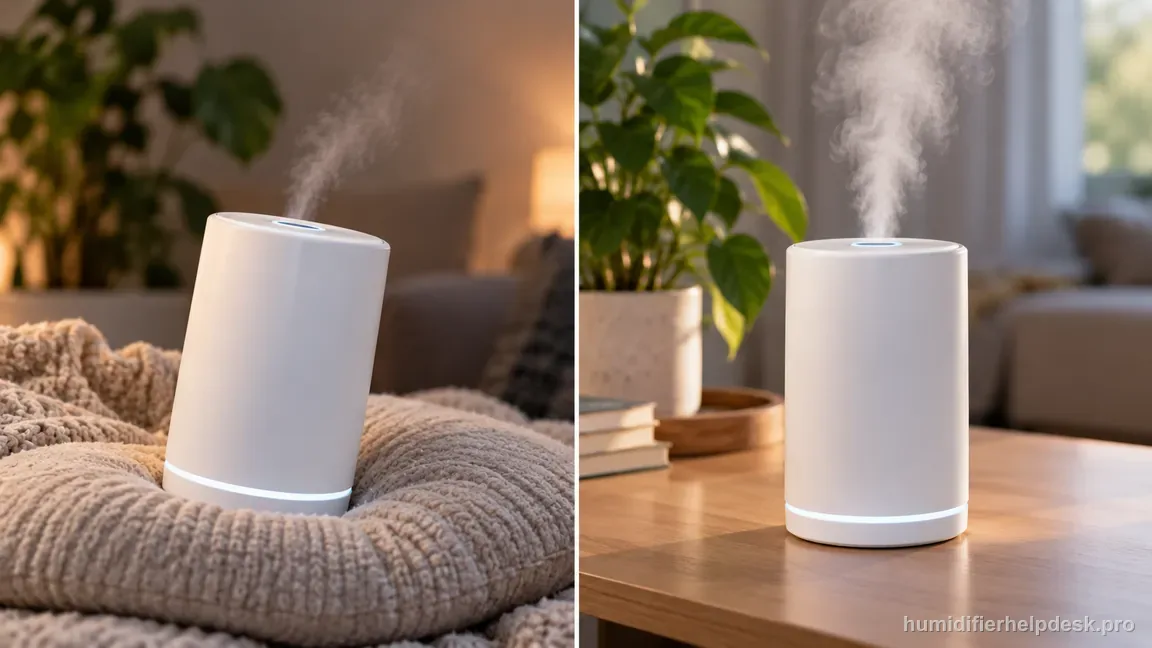
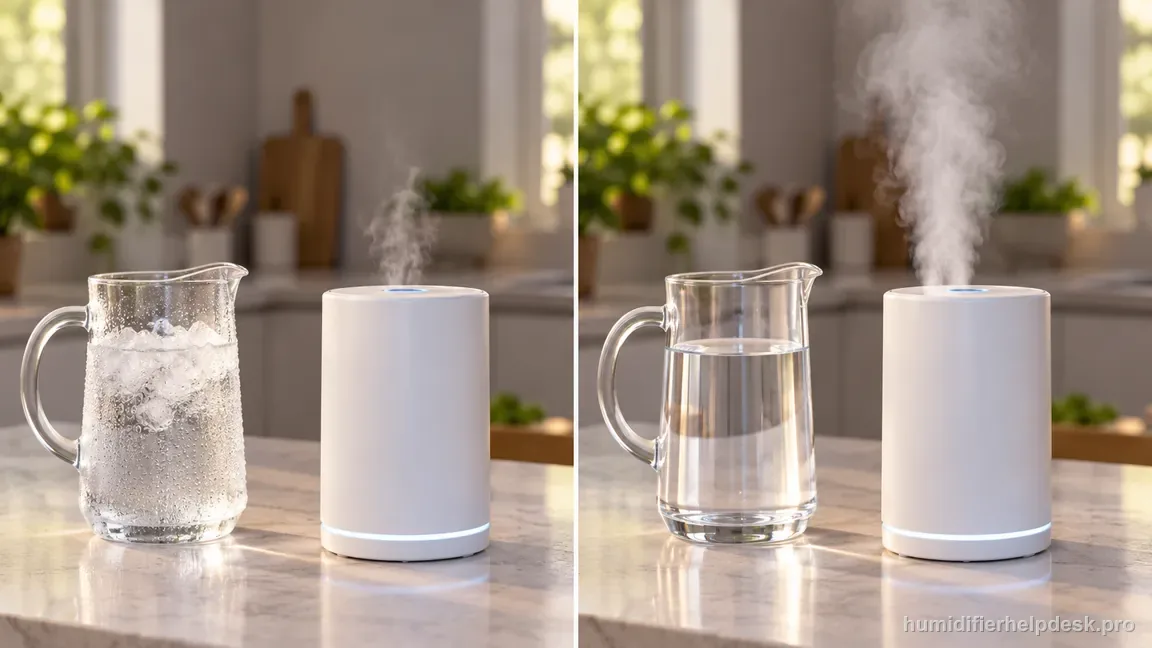
If: Mist strengthens after very cold water has run briefly on high output
What it means: That matches Dreo’s cold-water troubleshooting note rather than a failed atomizer.
Do next: Once output stabilizes, turn the setting back down to the desired level and judge normal operation from that state.
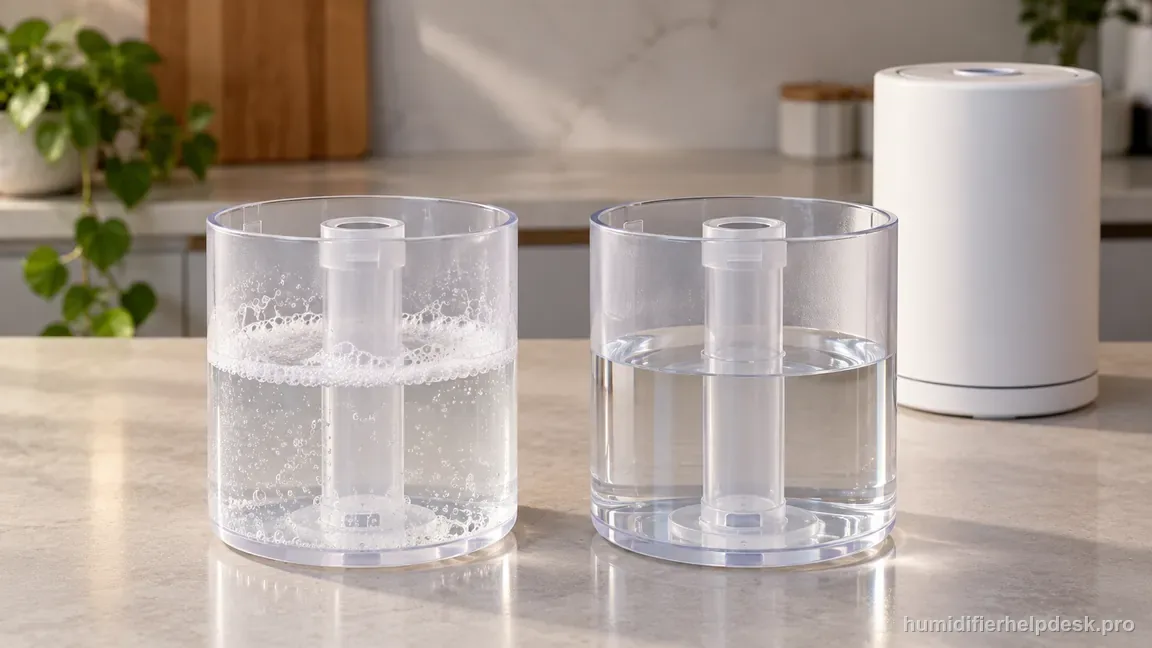
If: Foam or cleaner odor remains after washing
What it means: Detergent residue is still in the water path and is one of Dreo’s listed no-mist causes.
Do next: Unplug and rinse the tank/base repeatedly with clean water until the residue and odor are gone, then refill with plain water and retest.
HM306S no-mist branches at a glance
Each row restates a branch of the decision path above, based on Dreo’s HM306 Series FAQ causes.
| What you see | What it means | Next step |
|---|---|---|
| Mist appears after you raise the mist level or leave Auto Mode | A control or output state, not a total mist-generation failure | Return to the setting you want; in Auto Mode, choose a humidity target that makes sense for the current room reading instead of power-cycling the unit |
| The base chamber is visibly overfilled | Dreo lists too much water in the base as a no-mist cause | Unplug, empty the base as directed, refill the water tank instead of pouring into the base, reseat the tank, and retest on a level surface |
| The air inlet or nozzle is partly blocked | The unit may be making mist but cannot move it into the room | Clear only user-accessible obstructions and restore clearance, without inserting tools into powered openings |
| The unit is tilted or sits on a soft surface | Water depth and airflow change enough to reproduce the documented no-mist condition | Move it to a firm, flat, level surface and change only one variable per retest |
| Mist strengthens after very cold water has run briefly on high output | This matches Dreo’s cold-water note, not a failed atomizer | Once output stabilizes, turn the setting back down and judge normal operation from that state |
| Foam or a cleaner odor remains after washing | Detergent residue in the water path, which Dreo lists as a no-mist cause | Unplug and rinse the tank and base repeatedly until the residue and odor are gone, then refill with plain water and retest |
HM306S mistakes that waste the retest
| Mistake | Do this instead |
|---|---|
| Pouring water directly into the base after finding the base water level is wrong | Empty the base as directed, refill the water tank, and reseat it |
| Calling Auto Mode broken before comparing the target with the room humidity | Note both the room-humidity reading and the selected target; a unit that has reached its target is not the same as a fault |
| Running it on carpet, bedding, or another surface that can block the inlet or leave it unlevel | Use a firm, level, water-resistant surface and keep fabric, curtains, and bedding away from the lower air inlet |
| Using hot water to fix the cold-water note | Let the filled unit warm normally |
| Assuming one rinse removed detergent while foam or a cleaner odor remains | Keep rinsing until the residue and odor are gone, then refill with plain water |
How to interpret the retest
The HM306S needs a water supply, a correctly seated tank, and a clear mist outlet before an output complaint points to an internal fault. Confirm that the tank contains water and sits normally on the base. Then check the manual-supported cleaning points and remove visible residue from accessible surfaces with the unit unplugged. Keep the tank and base aligned as designed; do not press on the float or reach into an energized unit.
Retest with the same mode and a stable room setup after each check. A weak-looking plume can be affected by room airflow and viewing angle, so use the water-level trend and the unit's indicator as additional observations. If the HM306S has power but still produces no output after the documented tank and cleaning checks, contact Dreo with the indicator state and steps completed. Stop if water reaches the electrical base, the cord is damaged, or the unit overheats.
Model-specific context that changes the diagnosis
Test one variable at a time
Start with control state, then water depth, then airflow, then level placement, then cold-water behavior, then detergent residue. Changing everything simultaneously can restore mist without revealing the actual cause, which makes the next recurrence harder to diagnose.
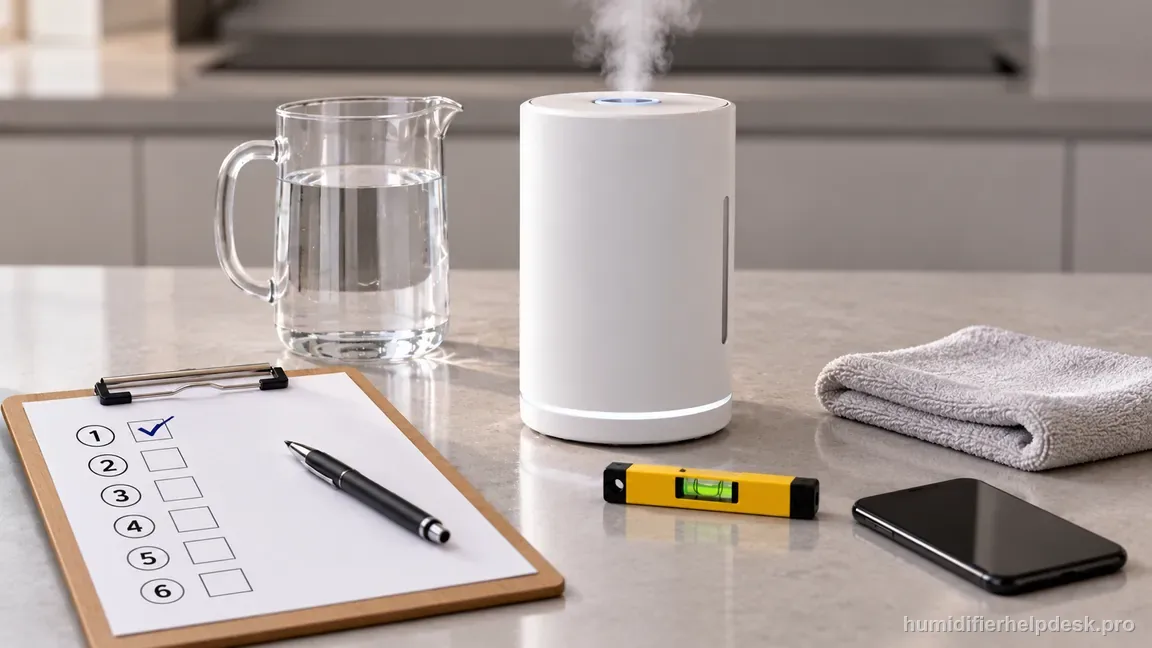
Auto target is a state, not a hardware repair
If mist returns immediately after leaving Auto Mode or raising the target, do not keep cleaning the atomizer in search of a mechanical fault. The correct interpretation is that the humidifier was responding to its control logic.
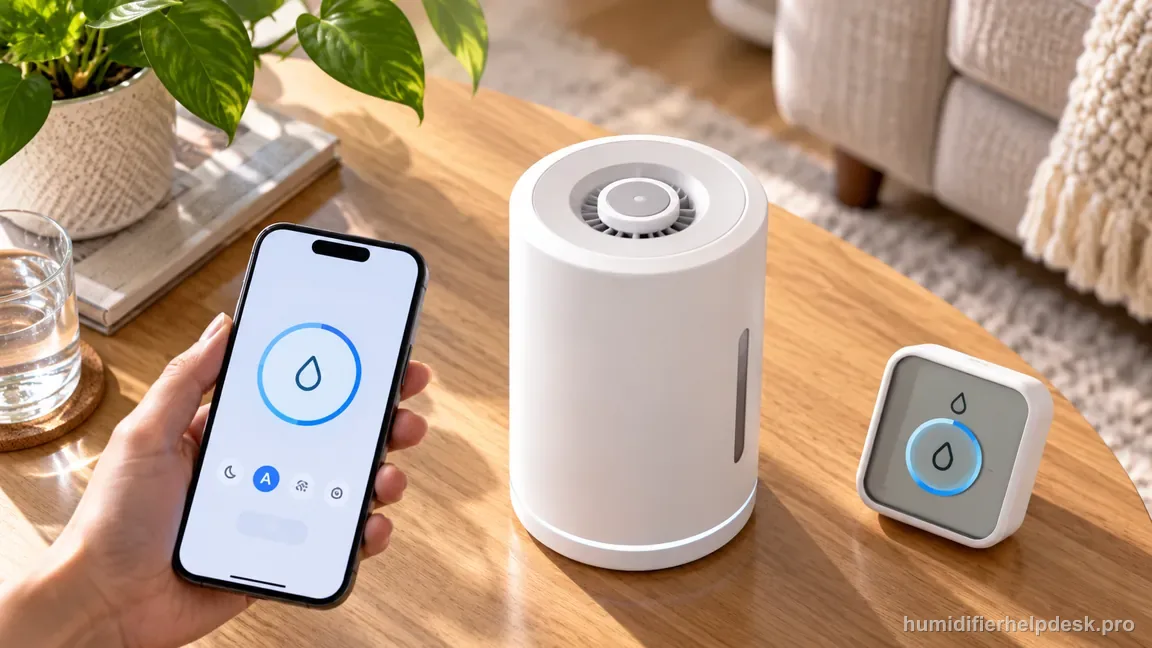
Keep the base dry before escalation
If a wet incident has occurred, dry the exterior and keep power off rather than using repeated startup attempts as a diagnostic tool. Electrical symptoms after water intrusion belong with Dreo support, not with the ordinary no-mist checklist.
Common mistakes that make this harder to diagnose
- Pouring water directly into the base after discovering the base water level is wrong.
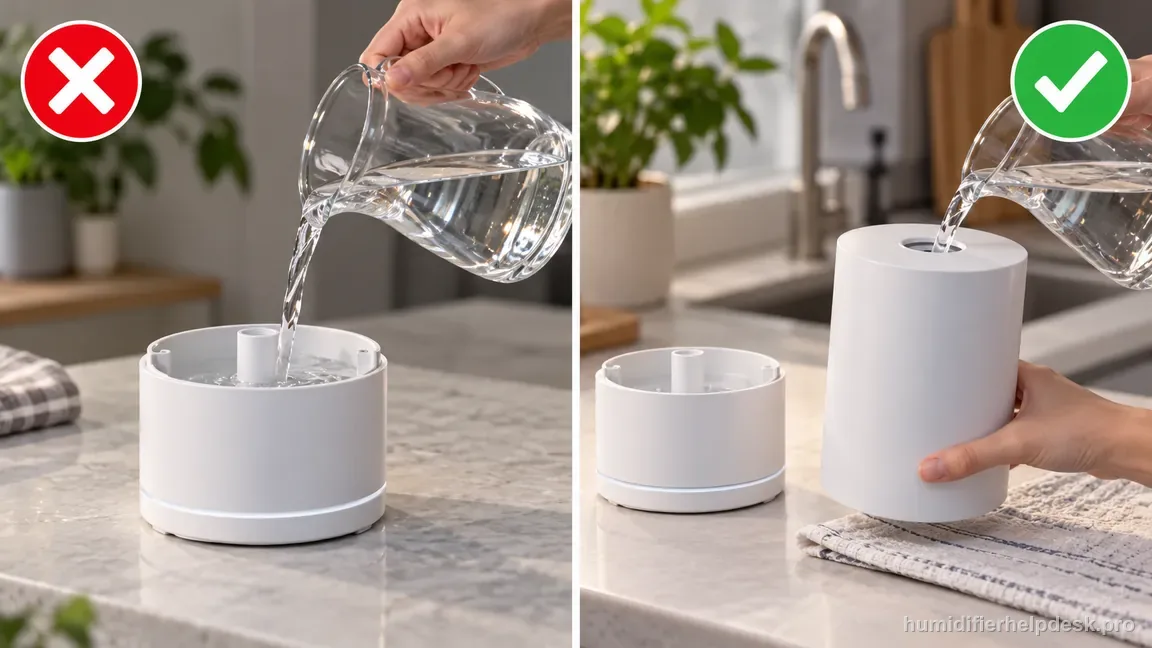
Do not pour water directly into the base; refill the water tank instead. - Calling Auto Mode “broken” before comparing the target with the current room humidity.
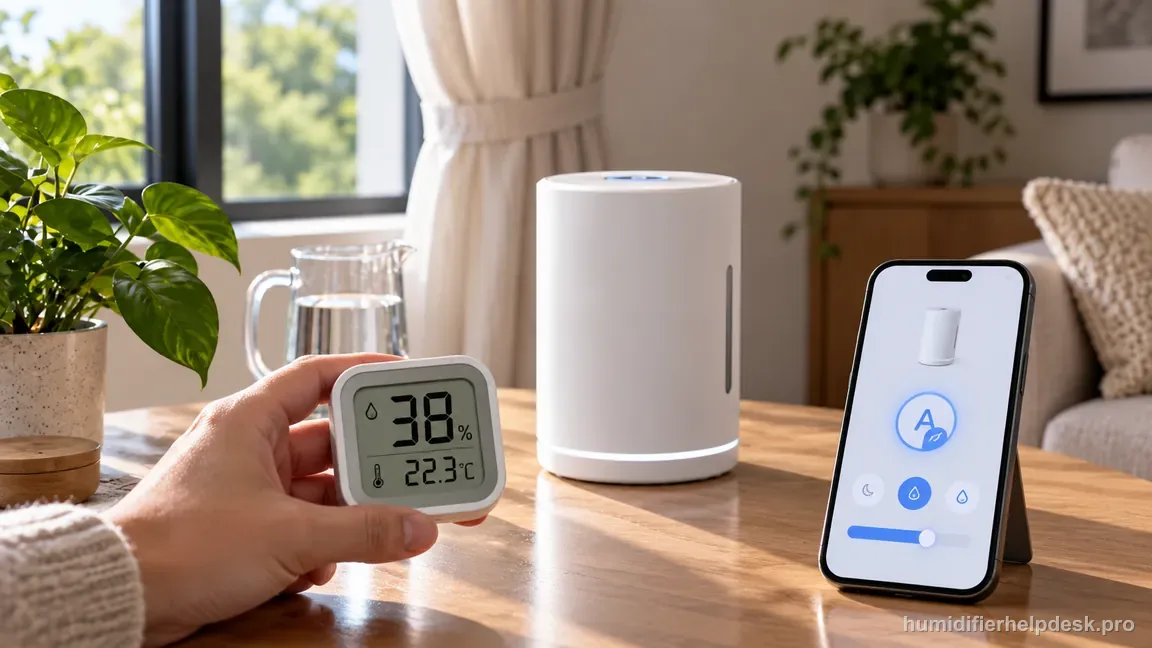
Compare the current room humidity with Auto target before calling the mode broken. - Running the HM306S on carpet, bedding, or another surface that can obstruct its inlet or leave it unlevel.
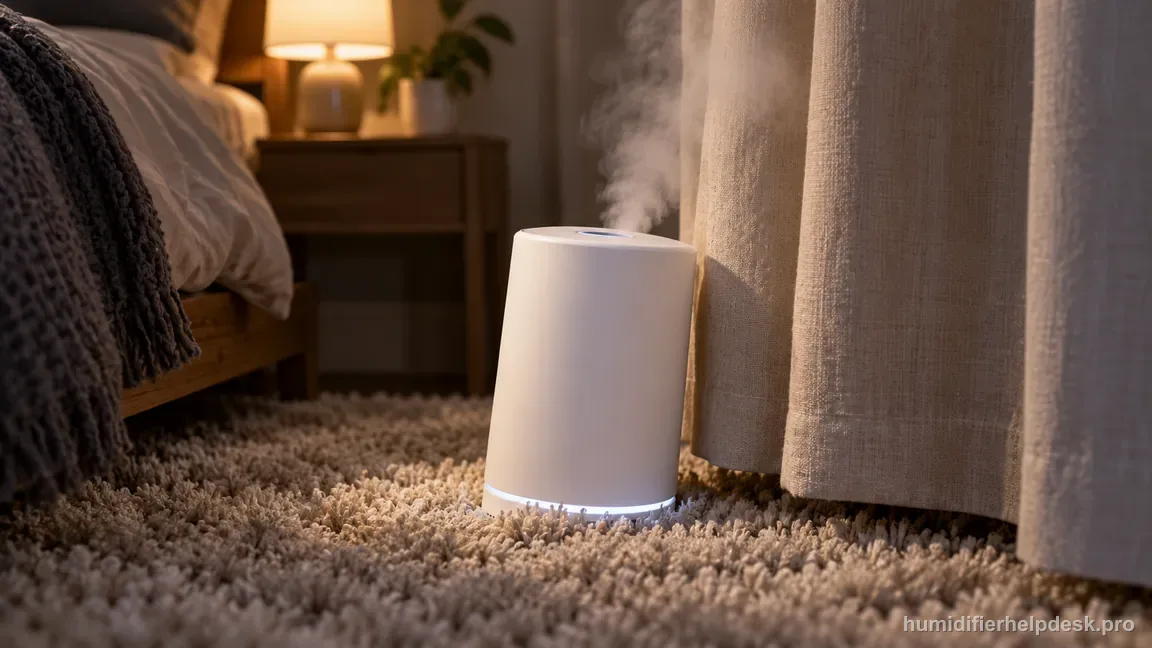
Keep the HM306S on a firm level surface with its lower inlet and nozzle unobstructed. - Using hot water to “fix” the cold-water note instead of letting the filled unit warm normally.
- Assuming one rinse removed detergent when foam or cleaner odor is still present.
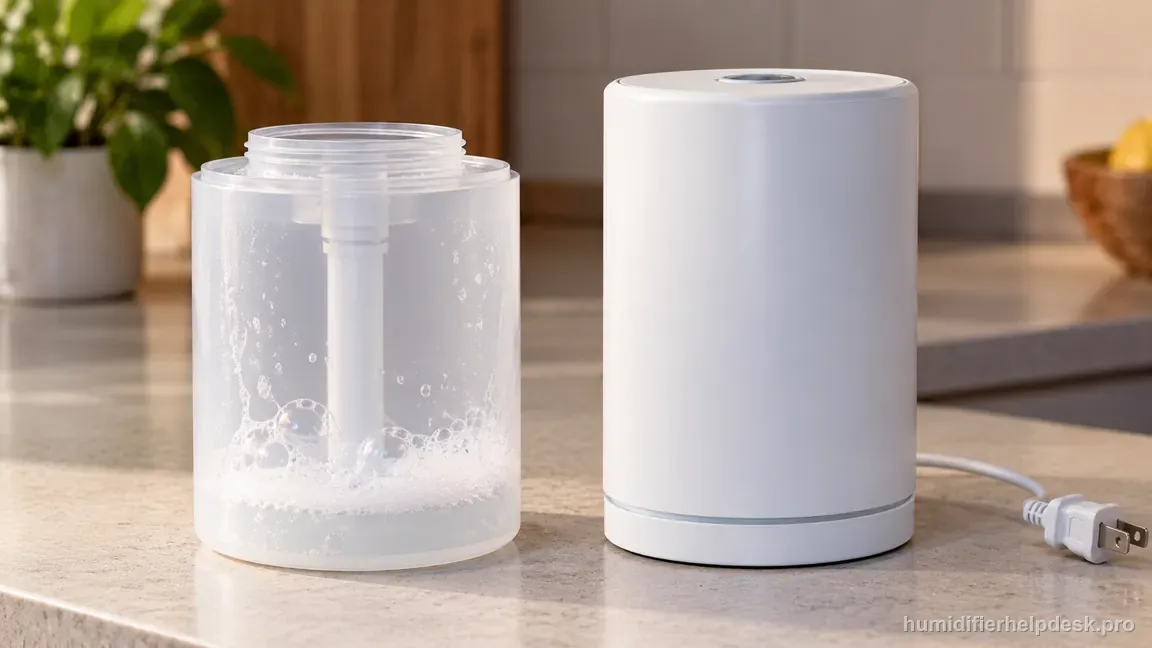
One rinse is not enough if foam or cleaner odor remains in the water path.
The HM306S no-mist complaint is resolved when a repeatable external cause is corrected and the unit produces a stable visible plume at a manual mist setting on a level surface with normal water depth and clear airflow. If the unit remains unable to generate mist after the documented checks—or if water, heat, odor, or electrical behavior makes continued testing unsafe—stop at the owner-service boundary and contact Dreo.
Questions people ask about this exact symptom
Why does my Dreo HM306S have power but no mist?
Dreo lists several external causes: the mist setting may be too low, the base can hold too much water, the air inlet or nozzle may be blocked, the humidifier may be unlevel, very cold water can delay stronger output, or detergent residue may remain after cleaning. Auto Mode can also pause mist when the measured humidity is already at the selected target.
Can Auto Mode make the HM306S look like it stopped misting?
Yes. Dreo says the humidifier can stop adding moisture in Auto Mode after the room reaches the humidity target. Compare the displayed room humidity with the selected target, then briefly use a manual mist level. If mist returns, that points to control logic rather than a failed atomizer. Return to Auto Mode afterward with an appropriate target instead of repeatedly resetting the machine.
What should I do if the HM306S base has too much water?
Unplug the humidifier, empty the excess water from the base, and refill the water tank rather than pouring water into the base chamber. Reseat the tank and retest on a firm, level surface. Dreo specifically lists excess base water as a no-mist cause. If water has entered the powered housing or the problem persists after the external checks, stop and contact support.
Why this path is model-specific
Dreo’s current HM306/306S product FAQ lists mist level, excess water in the base, blocked air inlet/nozzle, level placement, cold water, and detergent residue for no-mist complaints; the same page explains that Auto Mode can pause mist when the room reaches its humidity target.
For the Dreo HM306S Smart Humidifier, the machine type matters: it is ultrasonic. Visible mist is part of normal output when mist production is active, so a true no-mist complaint deserves model-specific troubleshooting.
This symptom appears on other humidifiers too, but the meaning and reset path can change by technology, sensor logic, and control layout. Use the exact model source above before borrowing a fix from a neighboring model.
Compare this symptom across verified models
If you are still deciding whether this behavior is normal or model-specific, use the symptom hub to compare only manufacturer-linked guides. Keep the Dreo HM306S Smart Humidifier instructions above as the controlling path for this machine.
If the problem is still there
If the checks above do not change the symptom, use the manufacturer support path for this exact model. We intentionally stop before undocumented resets, sensor bypasses, internal mains work, or parts replacement that the consumer manual does not authorize.
What we do not recommend
Do not defeat a float, water-level sensor, overheat protection, interlock, or other safety feature. Do not open mains-powered sections for live testing. If the unit smells burned, becomes abnormally hot, smokes, sparks, has water near electrical parts, or repeatedly trips a circuit, stop using it and keep clear. Unplug it only if the plug, outlet, and surrounding area are dry and safe to reach; otherwise do not touch wet equipment and contact manufacturer support for next steps.
Primary source for this diagnosis
Source checked during the September 4, 2026 editorial review. Manufacturer documents can change; a material re-review updates this guide’s reviewed date rather than stamping unrelated pages.